




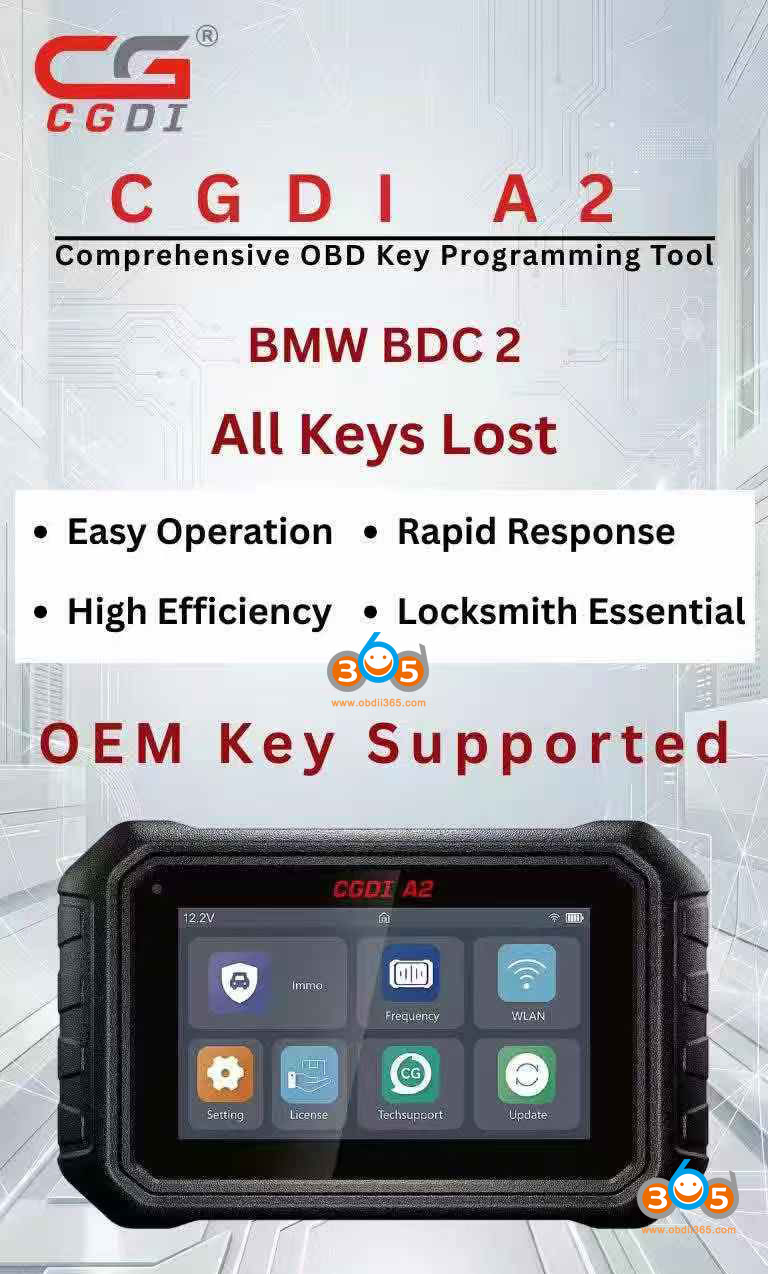
CGDI A2 key programmer released a new BMW immobilizer software update- adds BMW G series BDC02 all keys lost programming function for free.
Tools used:
Original G key to be programmed
CG FC200 or other ECU programmers to read engine ECU data
CGDI BMW BDC2 adapter
Network connection
Preparation:
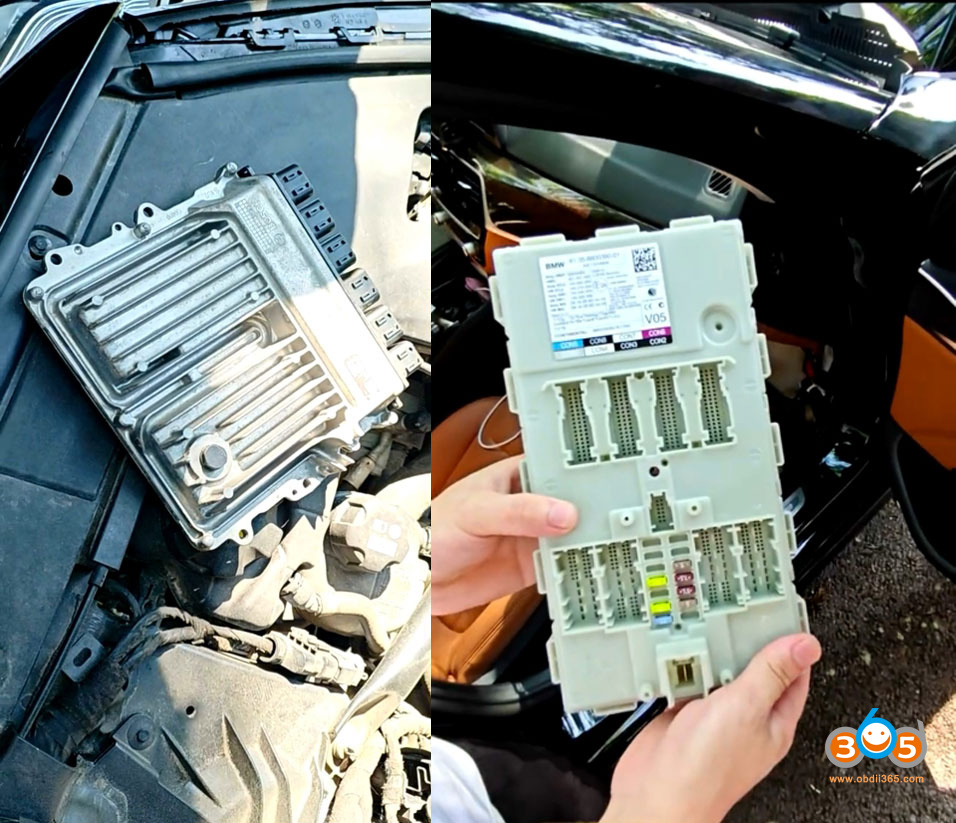
Disassemble engine ECU module.
Disassemble BMW BDC02 module from the car.
Procedure:
Main steps:
1. Read vehicle information
2. Verified if the vehicle is supported or not.
Only when it shows support can you proceed to the next step.
3. Read engine ECU data with CG FC200 programmer.
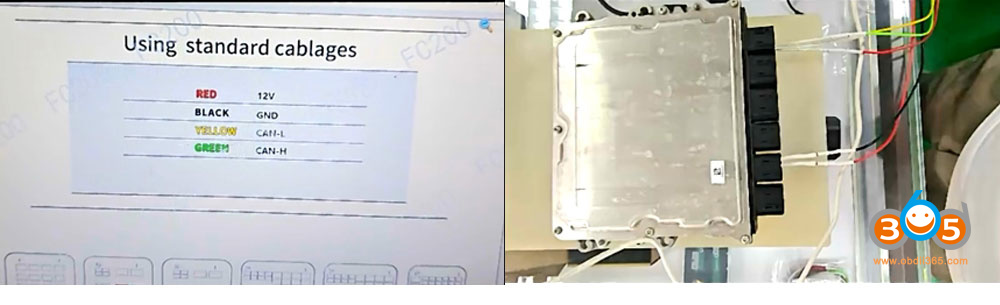
4. Load engine ECU to CGDI A2.
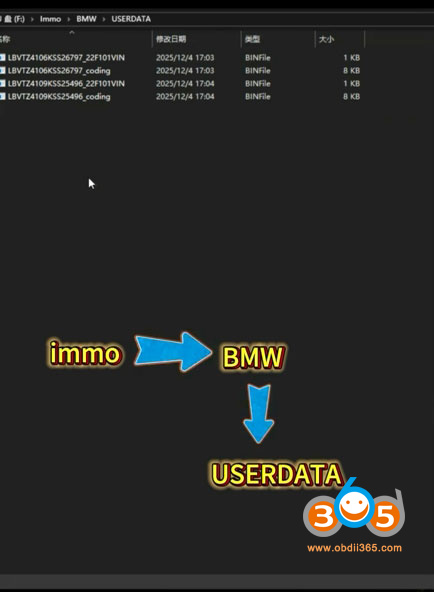
Connect CGDI A2 with PC via USB cable.
Copy and paste engine ECU data saved on desktop to CGDI A2 programmer folder (path: Immo- BMW- USERDATA)
Install BMW BDC02 adapter with BDC2 module and CGDI A2 key programmer.
5. Back up coding data
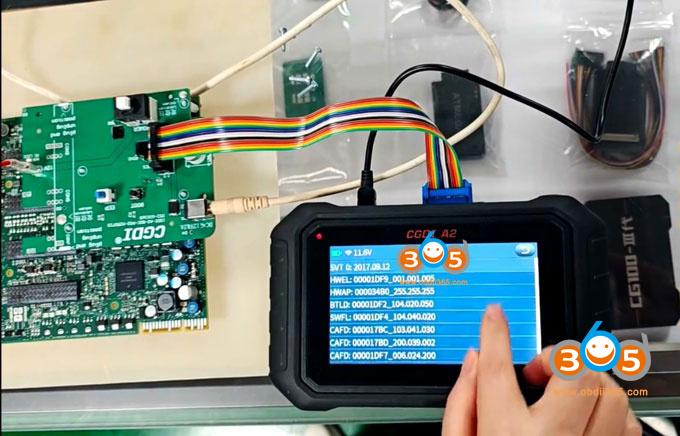
6. Pre-processing ECU
7. Back up FAFP coding
8. Write immo data
9. Generate dealer key
10. Learn key. Install engine ECU and BDC2 module back to vehicle and learn key in car.
11. Write DME ISN
12. Erase EGS EWS.
Keep updating…
Video guide:
Read also:















