


Lonsdor K518 Pro FCV successfully added a spare 8A BA proximity smart key to 2025+ Toyota Tacoma.
Add key only, cannot do all keys lost on 2025+ Tacoma.
Reading immo data lets you emulate a key.
Example: Add key 2025 Toyota Tacoma 8A BA
Tools used:
Original key
New key to be programmed (LT20) or EoneBoss TLK1
NOTE: This function requires 2025+ Toyota 8A/4A license activation.
Procedure:
Step 1: Back up immo data
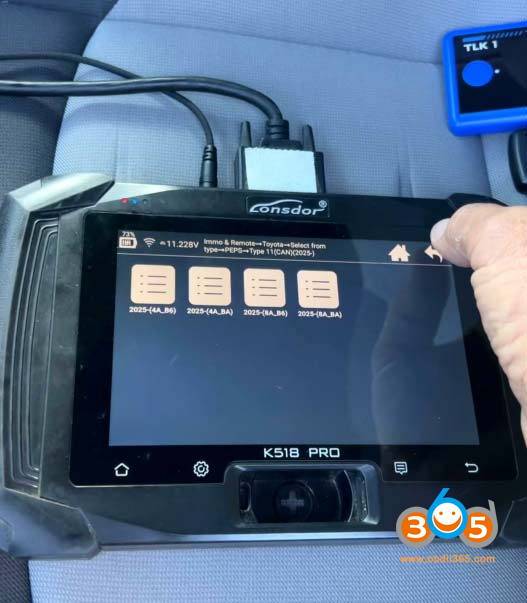
Menu path: IMMO & Remote- Toyota- Select from type- PEPS- Type 11 (CAN 2025-)- 2025- (8A BA).
Select Back up immo data.
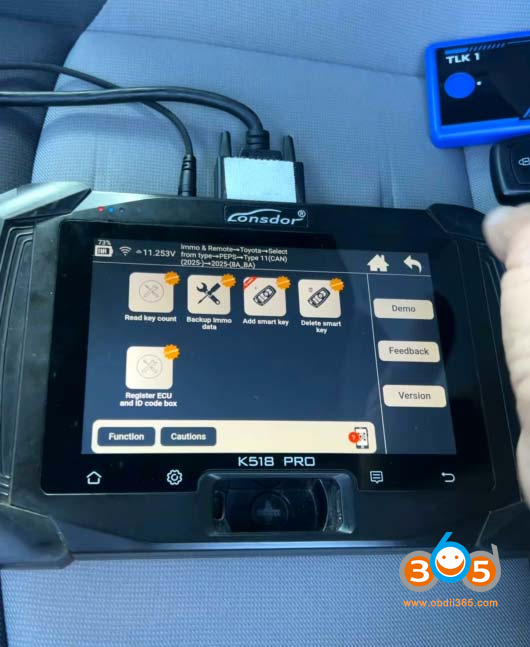
Connect a FP30 30 pin cable to the smart box.
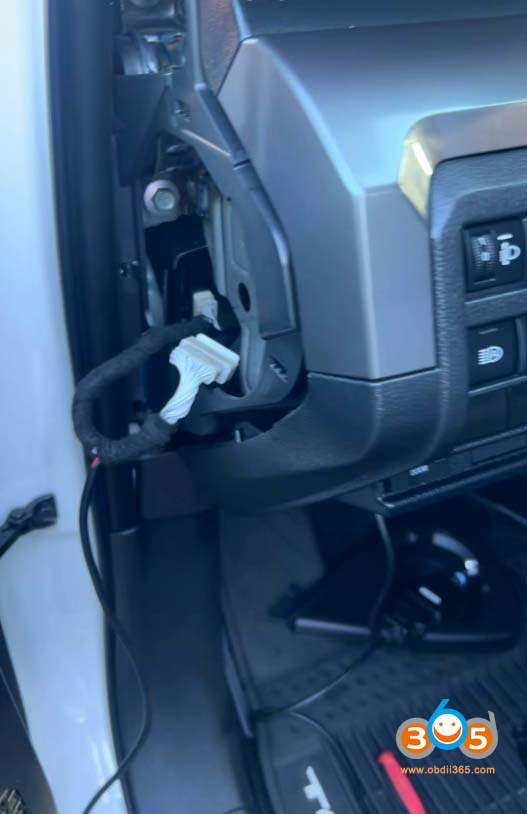
Then read and save immo data.
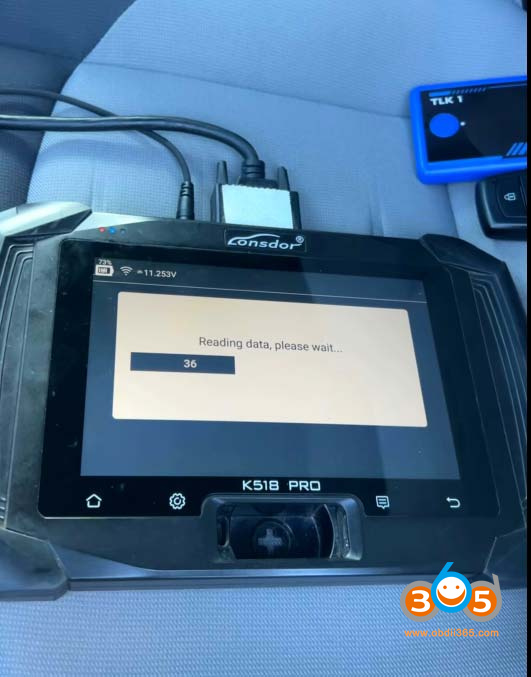
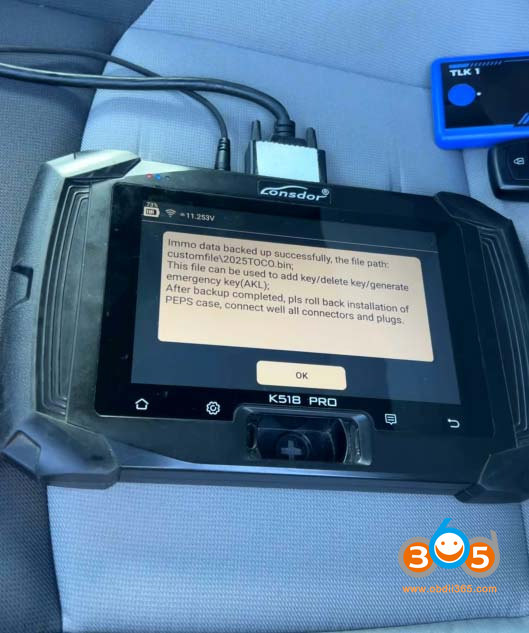
Step 2: Generate emulator key
Add smart key requires credits. Lonsdor dropped to 24 credits. A customer found a new way to add key to this model without credits.
Go back to Toyota- Select from type- PEPS (Add key & AKL)- Type 3(2022-)- 8A- Generate emergency key (Pro Antenna).
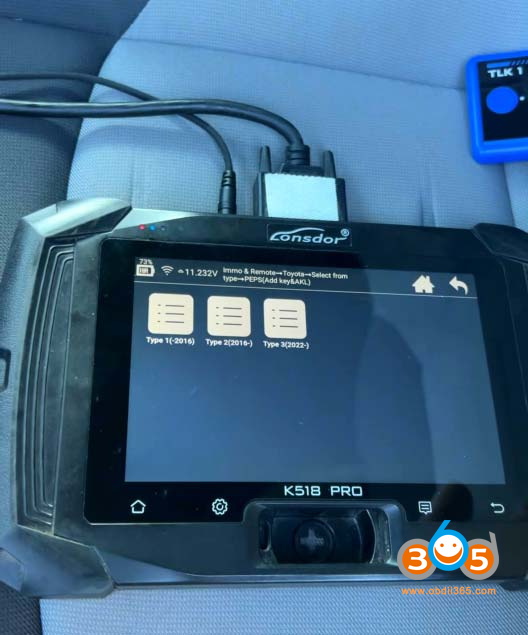
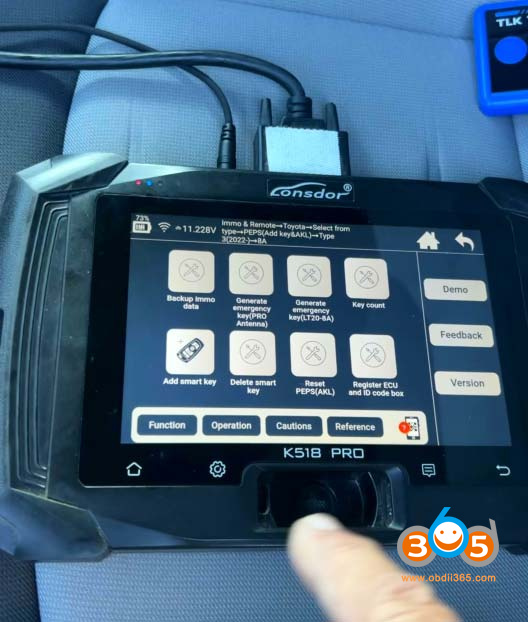
Load backed up immo data to generate an emergency key.
The function requires a network connection.
Connect the simu-antenna and place the antenna’s top in the card slot.
Generate emulator key successfully.
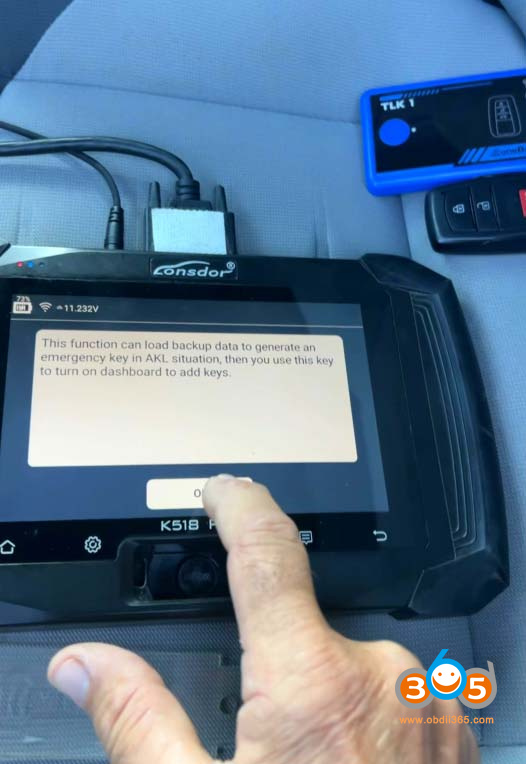
Step 3: Add Smart Key
Connect Add Smart Key Function.
Switch ignition on
Load the read D-flash data of PEPS to get 12-digit pin code.
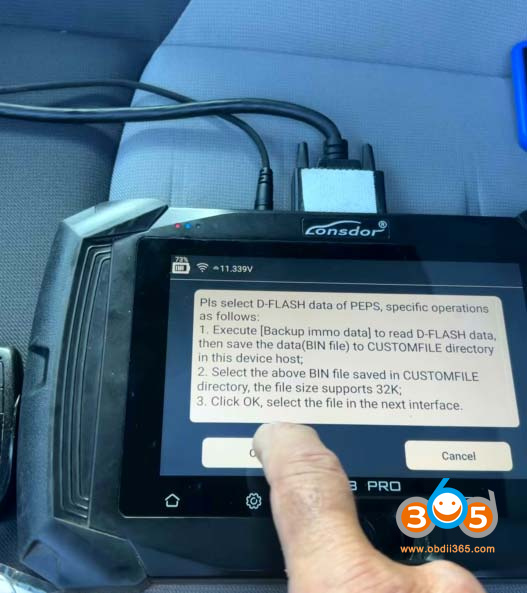
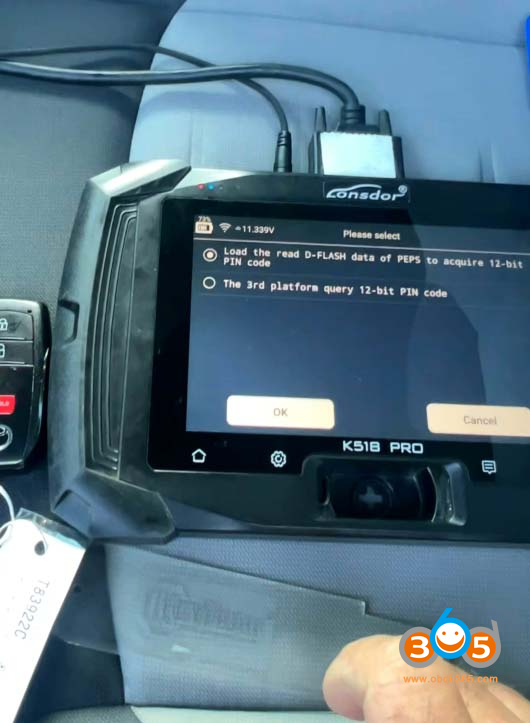
The device shows the number of registered keys.
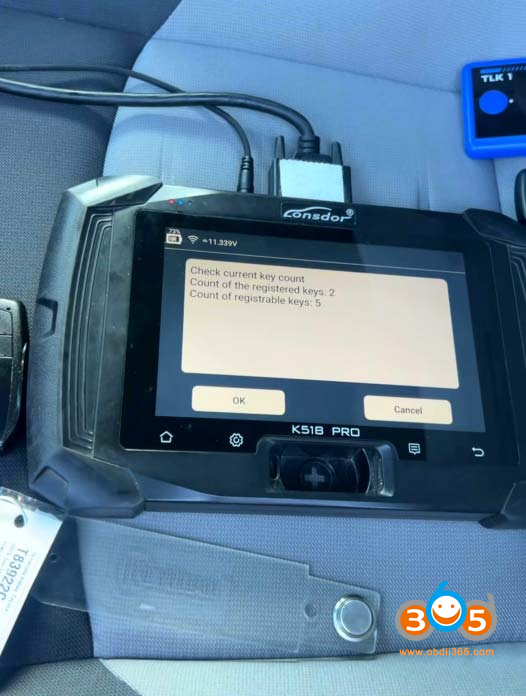
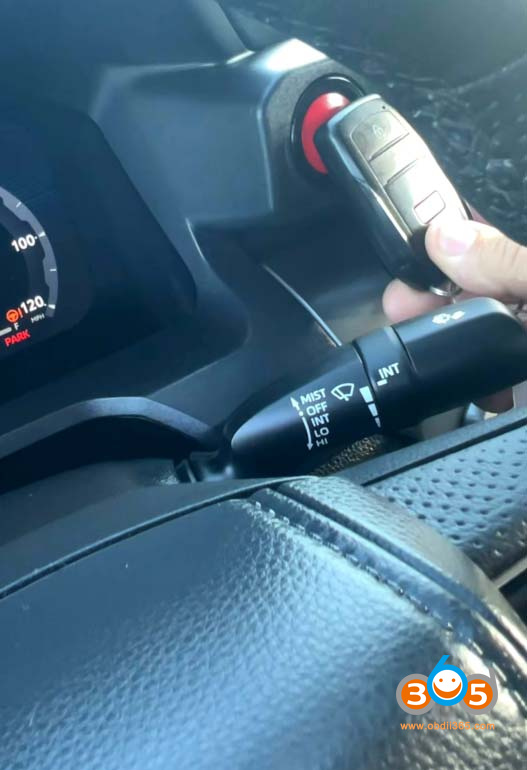
Put the original key close to the start button.
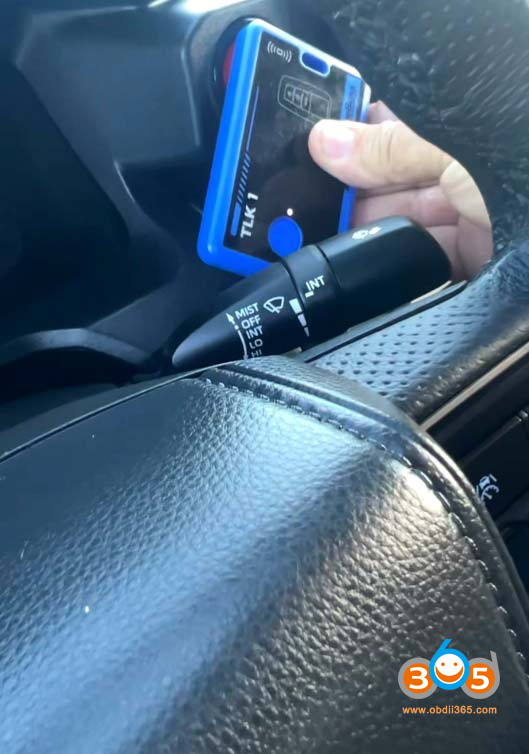
Put the new key or the Eoneboss TLK01 key to the start button.
Registered /Program a new key successfully.
Eoneboss TLK-1 collects the data after it is programmed to the car, then transfers the data it collected and write it the unlock smart.















