

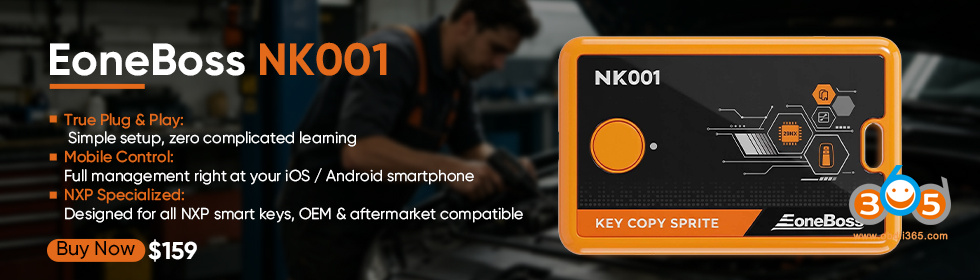
EoneBoss TLK3 Toyota smart key unlock & generation device released a major update in May 2026- All keys lost smart key generation.
Supports Toyota and Lexus smart key models.
Without the original car key. It can identify car key, type, frequency and frequency sequence of the smart key used in the car based on the signal from the ignition switch inside the car. It can directly generate an ET sub-unit based on the identified content or serve as a reference when using other devices.
Suppor type:
4D (94, D4, 98, 9F, 78, F1)
8A (39, 8, A9, A8, AA, B8,BA, F3, F4)
It will make a 4A chip type in the feature.
Here we will show how to perform all keys lost smart key generation using TLK3.

Model example: 2025 Lexus ES200
Chip type: 8A B8
Charge the TLK3 device for 1 hour.
Download or update EoneBoss App to the latest version.
Run EoneBoss App.
Choose TLK3 device.

Start scanning the TLK device.
Press the blue round button on the TLK3 unit for 3 seconds to connect the TLK3 via Bluetooth.

Choose All Keys Lost Generation function.

TLK3 will collect the data from the vehicle from the ignition switch.
You need to press the Start-Stop button when you collect the data.
Once you get the key information, you can generate Eoneboss ET smart key or generae other brand keys.
No daily use limitation for EonBoss ET smart key.
Do not have any smart of other cars inside the car and support types.

Click Confirm.
Put your TLK3 near the start button.
Press the start nutton every 5 seconds until the information is obtained.

Select Toyota or Lexus brand.

This time you need to place the TLK3 near the gear lever and pres the start button every 5 seconds unilt the message is obtained.
The PKE antenna location may be different on different models. Change the TLK3 at differnce place.
You need to put the TLK near the PKE antenna.

It will show chip type, frequency and the correct frequency sequence.
Once you get the key information, you can generate ET smart key or you can generate other brand key.

NOTE: Program smart key with other OBD programers in car after generating smart key.















