



If your Xtool tablet devices (Xtool X100 PAD, X100 PAD2, X100 PAD3, IP900, IP900S , D8S, D8W, D9S etc.) have following problems:
1). cannot recognize or connect to Wi-Fi
2).it stopped booting and didn’t start after update device.
3). App crashes.
follow this method to resolve the issue.
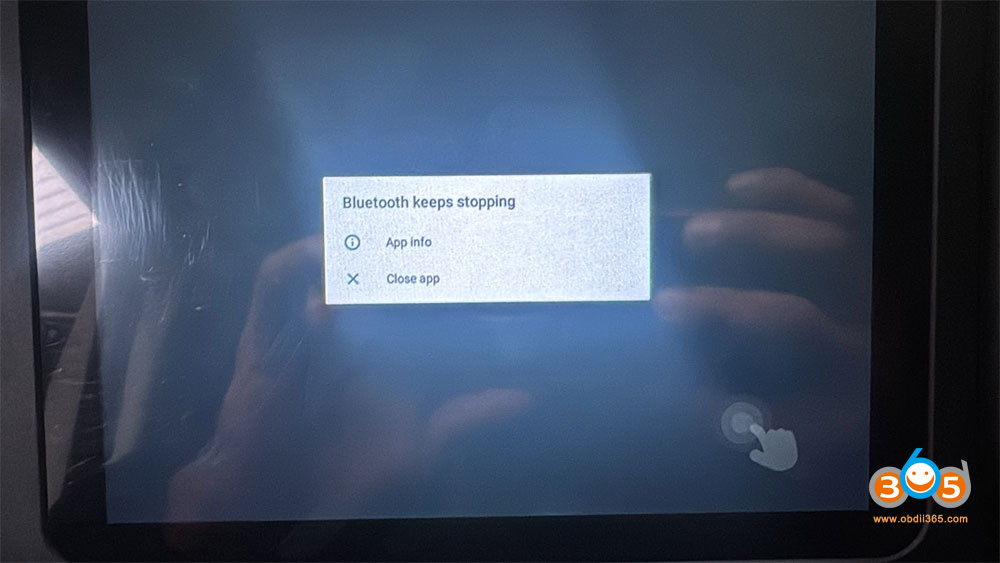
Solution:
1. Turn off the Xtool device for 2 minutes and then turn it on again (click Power Off directly, not restart button) to see if it can solve the problem of wifi turning off when you click on it.
2. If that doesn’t work, you need to reflash the xtool tablet firmware.
Prepare:
1. Windows computer
2. Original data cable (to connect the device and computer; it must be original!!!)
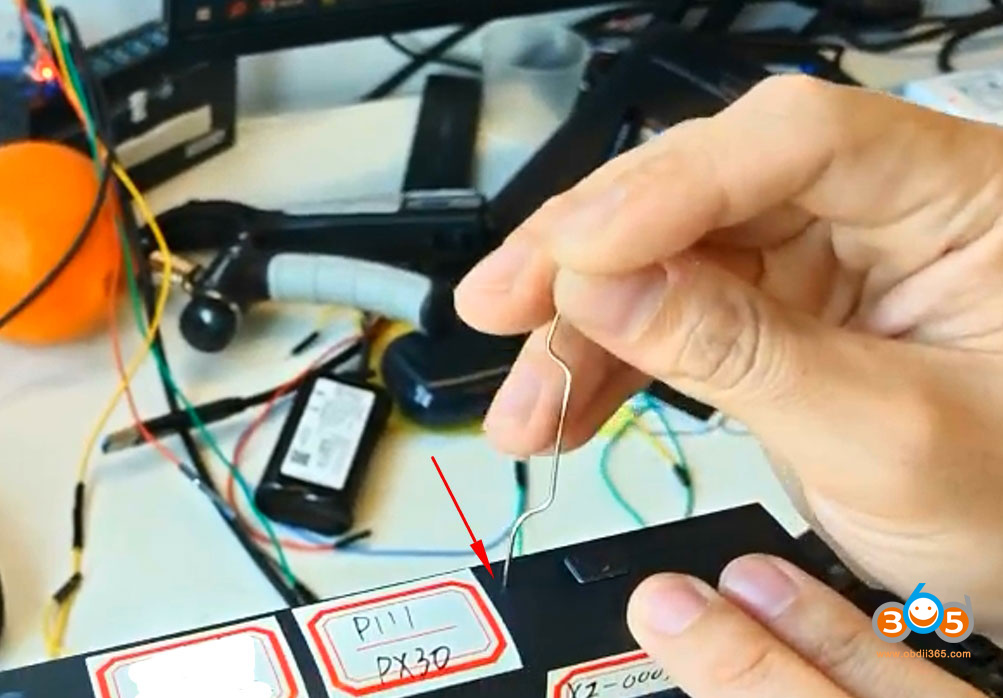
3. Card removal pin
4. Download Team Viewer on the computer in advance (quick support).
Reflash Xtool Firmware:
Contact your dealer to download firmware reflash file.
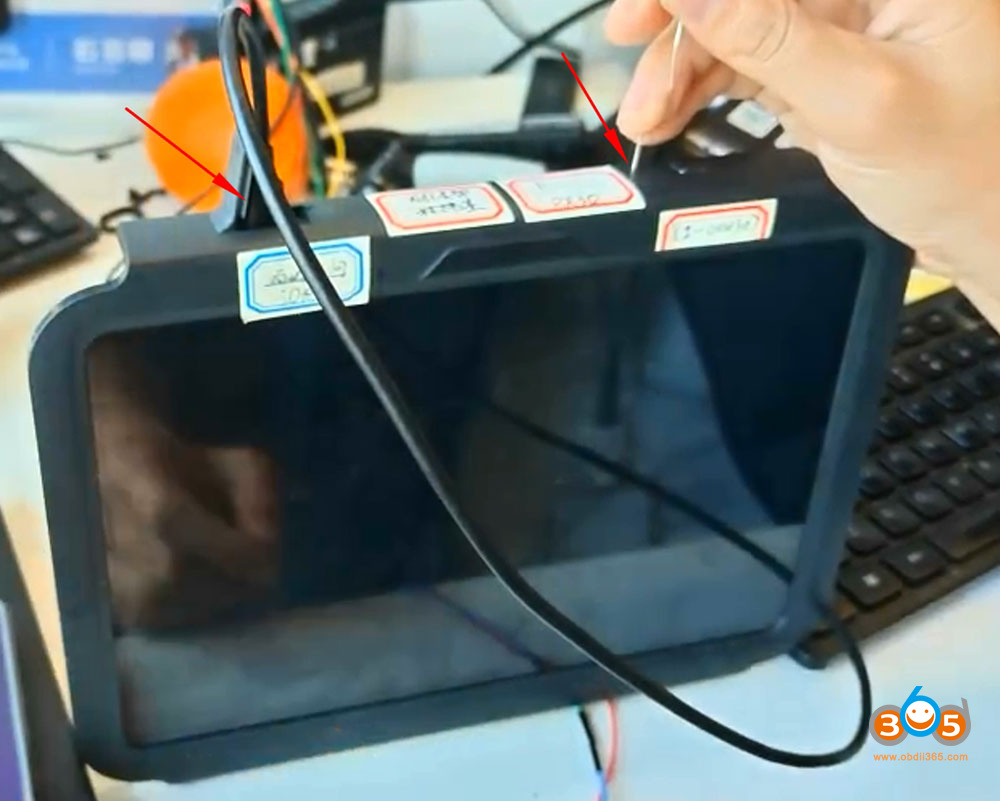
Connect xtool USB cable with tablet and PC.
Insert a card removal pin to the pin hole on the top of the xtool tablet.
Run Xtool firmware reflash program.
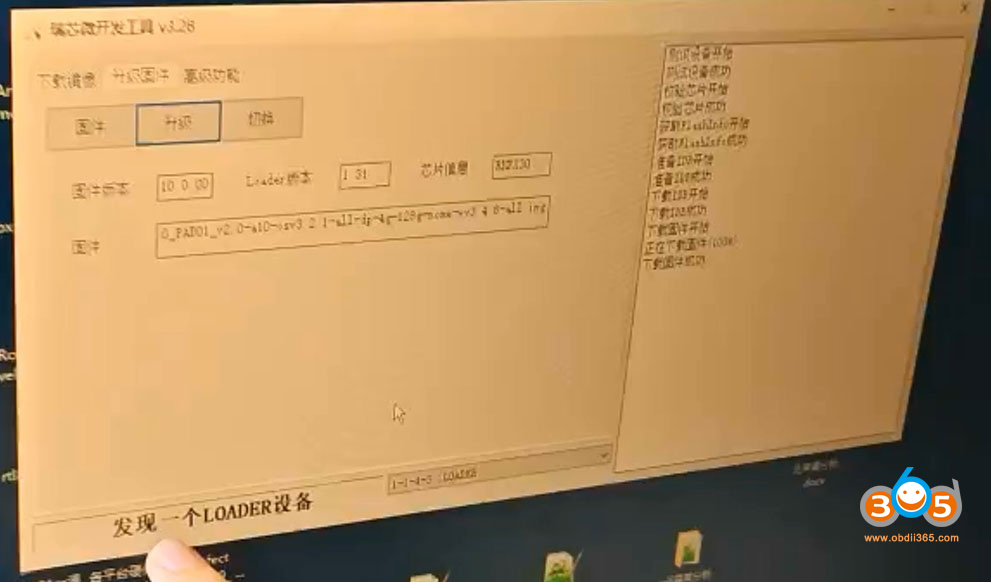
Once you see a LOADER device.
Contact Xtool engineer to help reflash firmware via TeamViewer.















