




Problem:
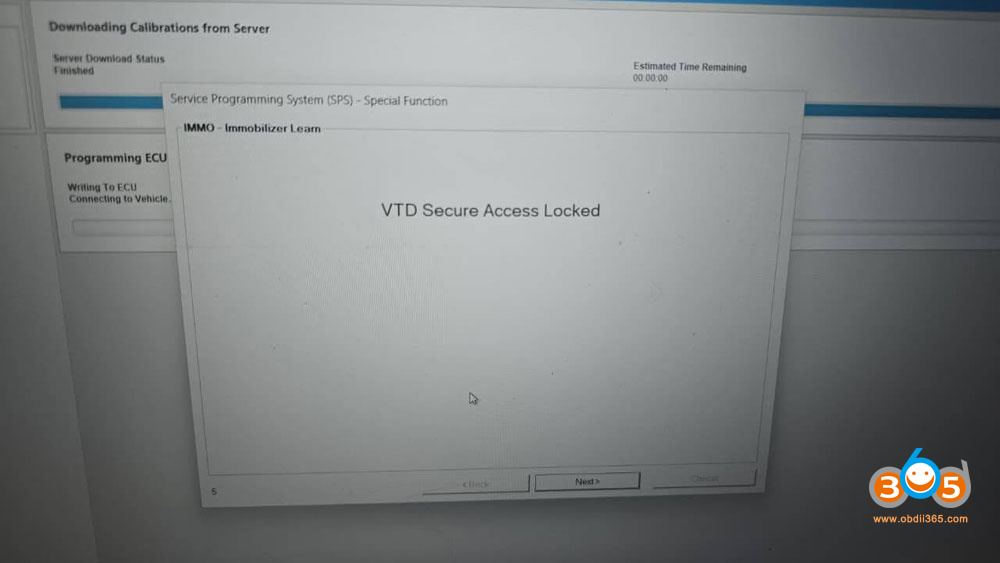
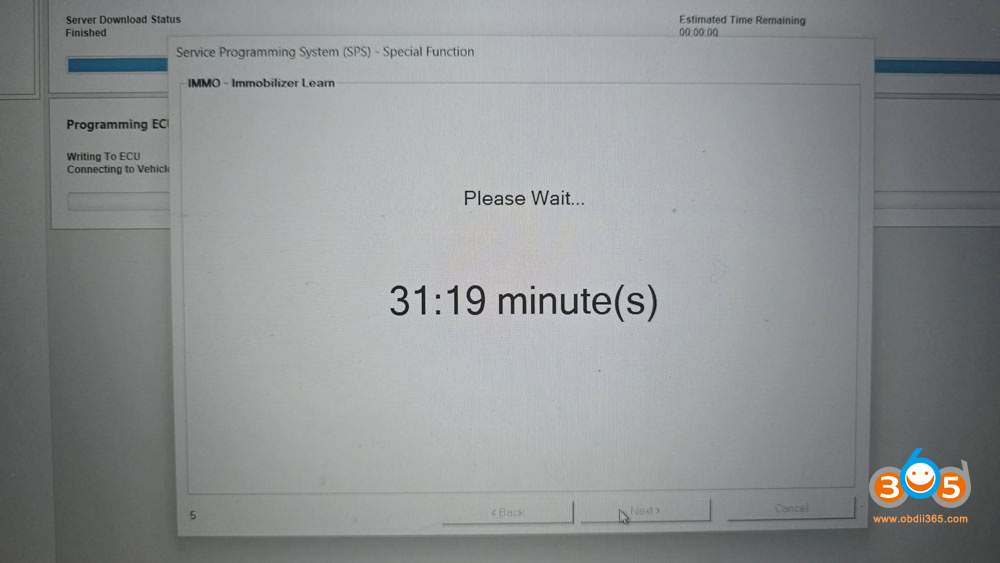
Tried to program a Honda Prologue 2025 (it is the same as GM Blazer EV) all keys lost using Autel V200 and Techline Connect SPS2. Got 30 mins countdown and finally gets ‘VTD secure access locked ‘ message. Tired Autel JVCI+ and VCI200, all the same.
Solution:
The “VTD Secure Access Locked” error during a GM SPS2 / Techline Connect session usually indicates a security lockout, programming timeout, or a communication failure with GM’s servers. The vehicle’s computer has temporarily frozen the theft-deterrent handshake.
How to resolve the error?
1. Isolate the Fobs
Try again, making sure the programmed key is outside the car. Make sure any existing, programmed key fobs are entirely outside the vehicle during the setup to avoid communication interference.
2. Perform a Hard System Reboot
If the software stalls, you must fully reset the network.
Unplug the vehicle’s battery for at least 10–15 minutes.
Completely shut down and restart your laptop.
Unplug and reconnect your Pass-Thru device (e.g., Autel V200).
3. Follow the “Door Dance” Carefully
When the software asks to initiate the 10-minute (or 10:30) VTD relearn timer, exact sequence matters:
With all doors closed and the laptop set up so you can see it from outside the vehicle, prepare to click next.
Roll the driver’s window down so you can operate the computer while standing outside.
Wait for the countdown. If you see the lock error at the end of the timer, disconnect your VCI, start the steps over, and retry.
Some other solutions:
1). Unplug the VCI and plug it back in. Reconnect and it works. Close out of everything, dump your cache data, reboot your pc and try again!
2). Change network connection. Sometimes the internet is too slow and will also have this problem.
2). Unplug the VCI and update the BCM. Disconnect and reconnect everything, then choose BCM from the module list and your gonna update, there isn’t an “update” labeled area to click on so you would be programming the module and that will “update” it and it should remove the vtd secure access and lower the timer to 10mins, remember when you update the BCM you have to disconnect and relogin to sps2 and rerun it freshly with the updated BCM in order for it to work correctly.















