


Problem:
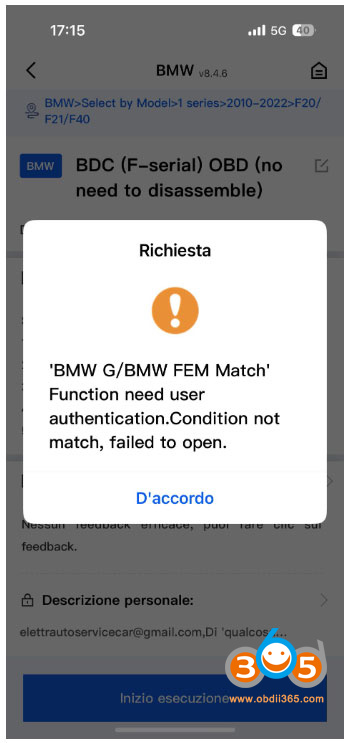
Got the Keydiy KD-X4 with BMW BDC2 adapter. Tried to add a spare BMW G series BDC2 key, KD App says “BMW G/BMW FEM match” function need user authentication.”
Solution:
First of all, need to activate BMW G/FEM function license in App. It takes 5000KD coins or 100USD to activate G license.
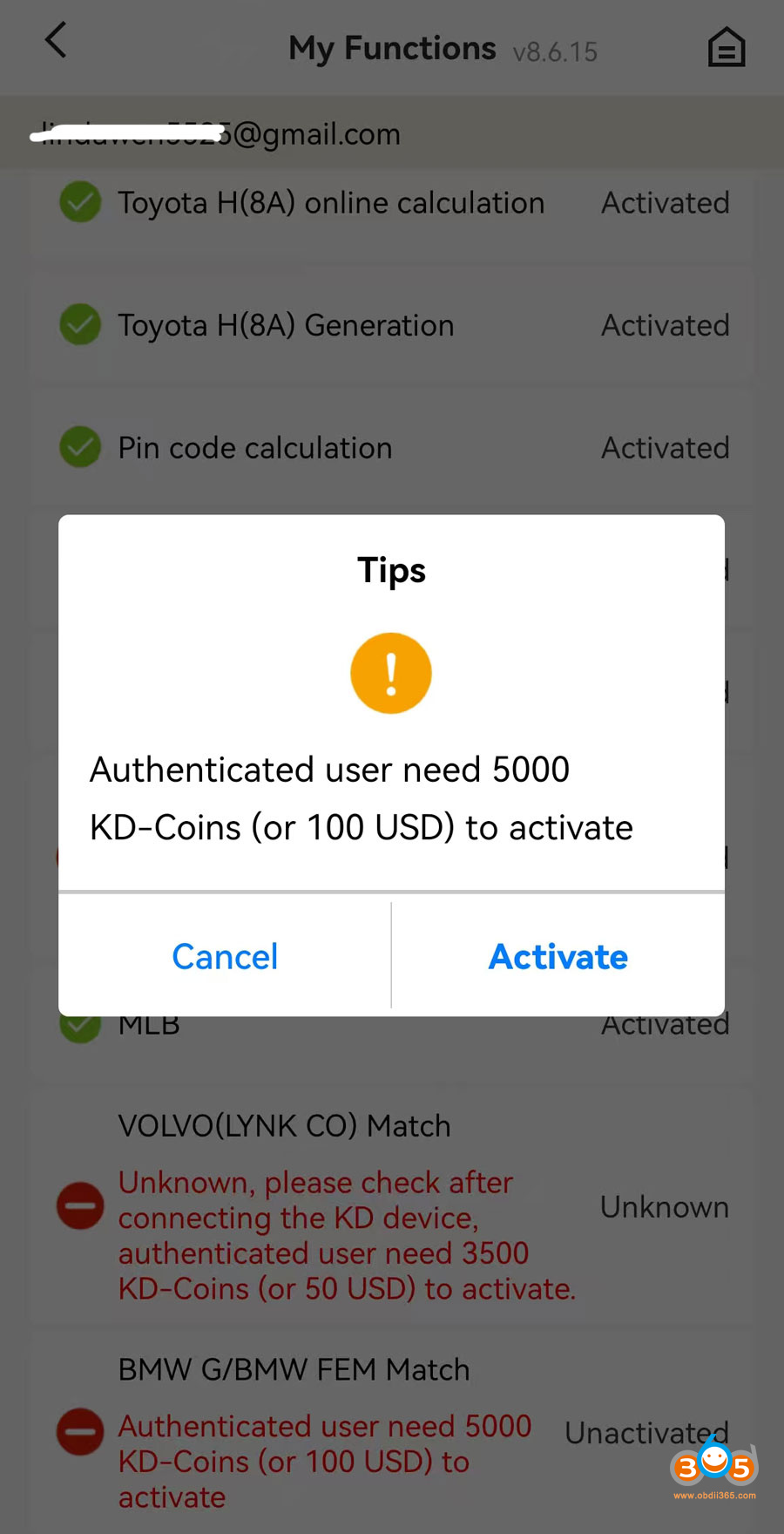
Then do real-name verification if need to program BMW FEM/BDC/BDC2/BDC3 keys.
To proceed with your activation, we require the phone number associated with your KEYDIY APP account. Please provide this information at your earliest convenience.
Additionally, please ensure that you have completed the Real-name authentication process within the app.
In App main page, go to Me- Verification.
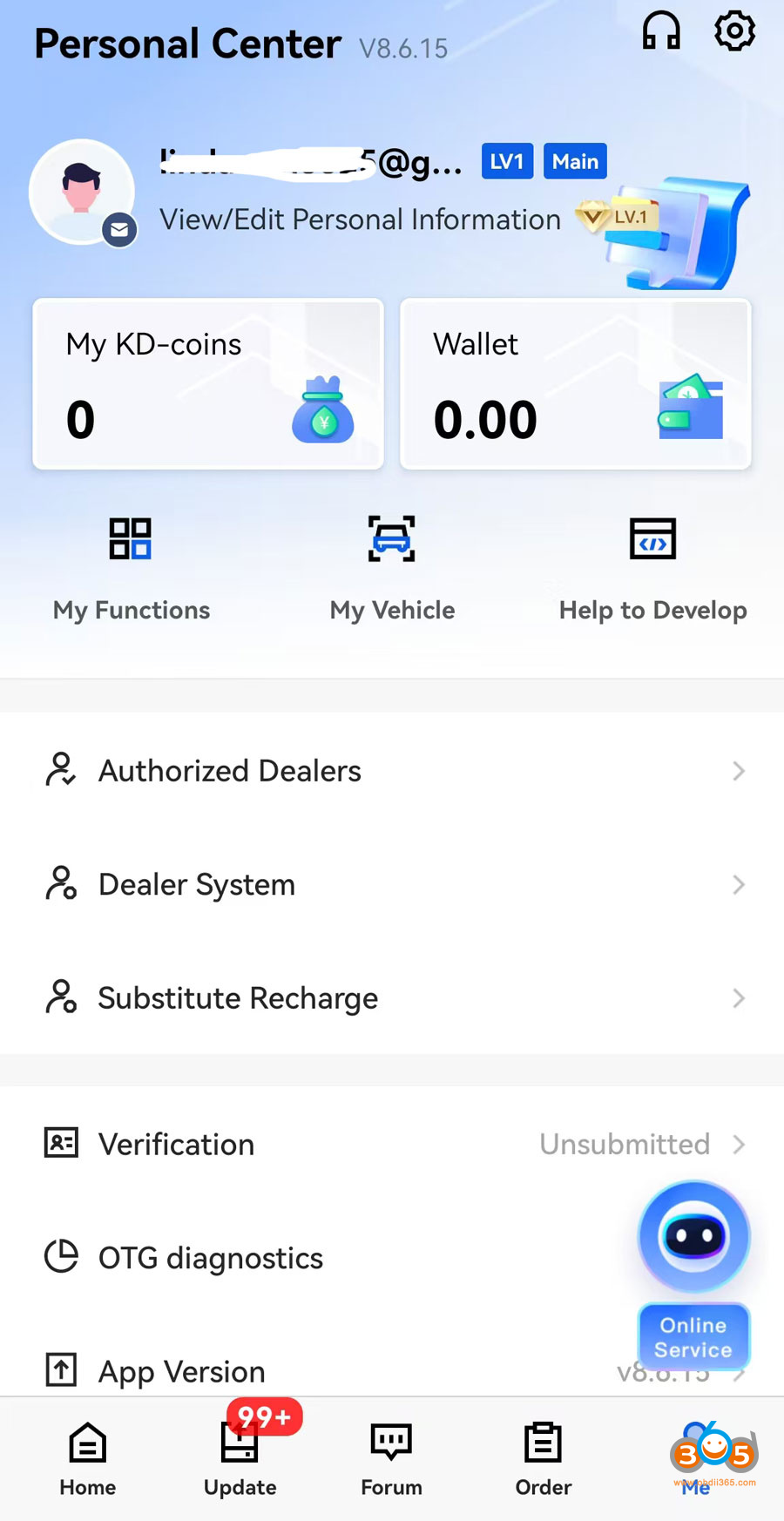
Fill in persional information, shop name, address, phone number, ID card, business license etc.
Then submit information to verify.
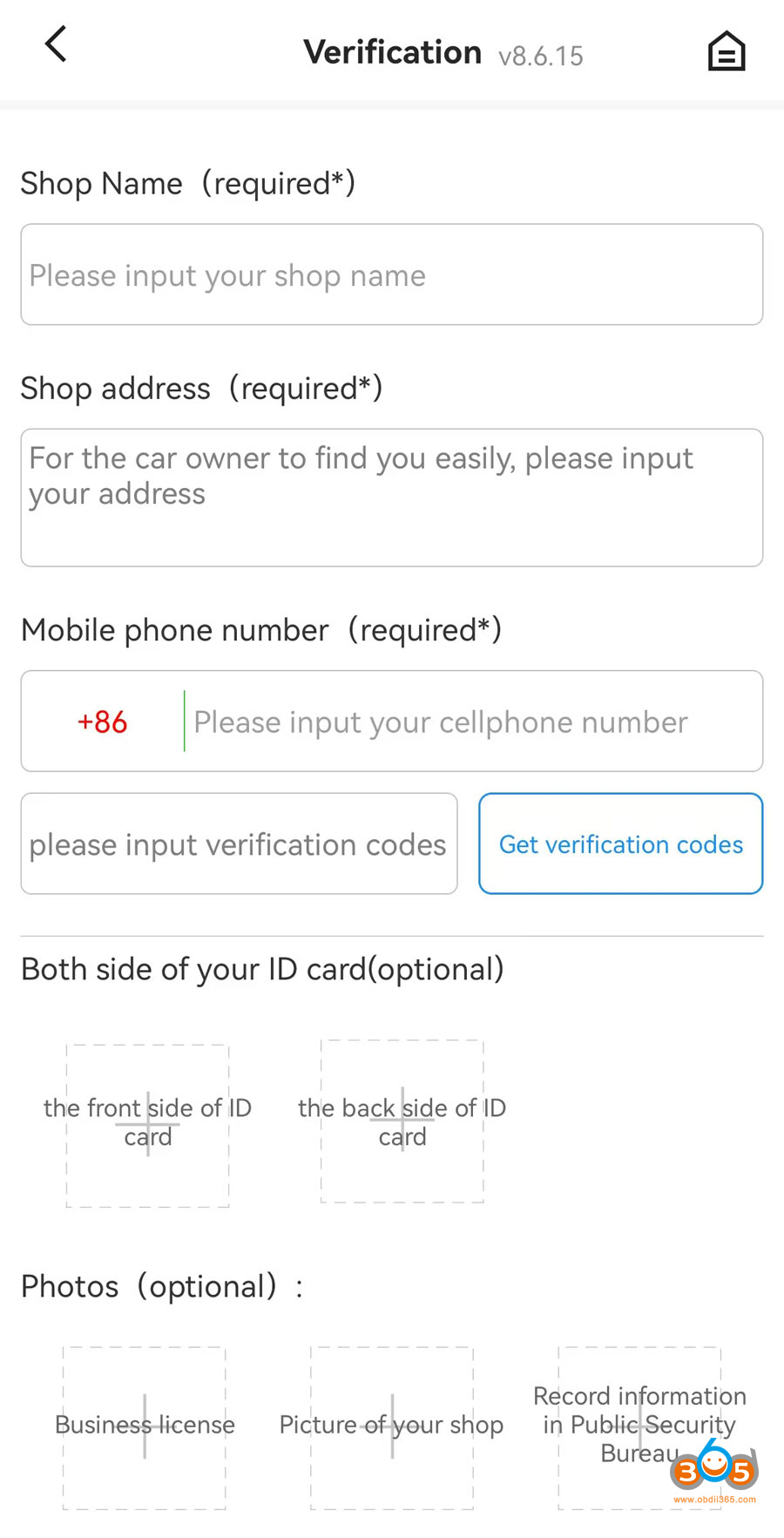
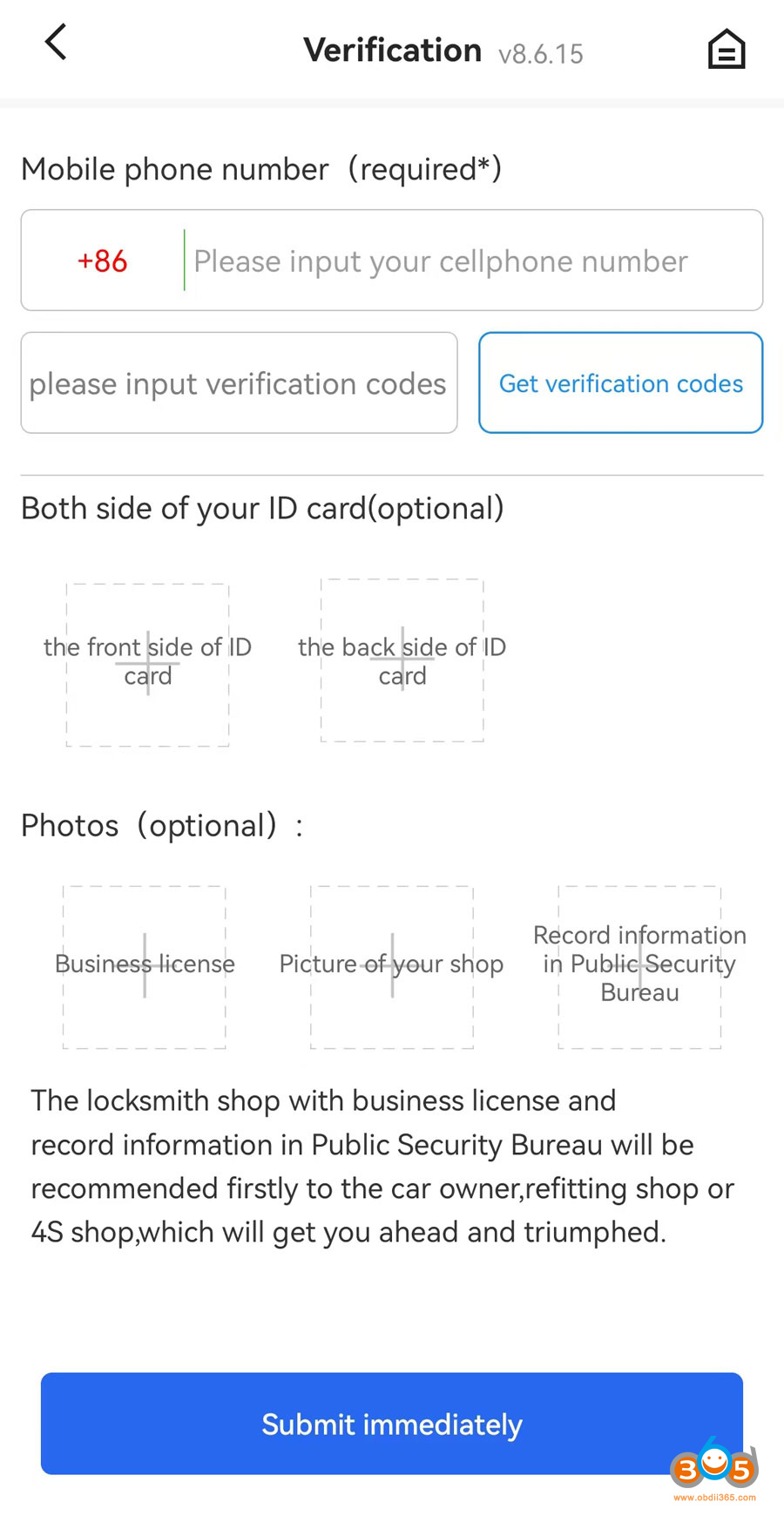
Keydiy team will verify your information.
If your review is passed. Now you can program BMW FEM/BDC keys.
Read also:
How to Add BMW G Series BDC3 Key with Keydiy KD-X4 using KD FGB Remote















