

How to read and write Hyundai Delphi DCM7.1AP ECU with CG FC200 programmer in boot mode?
Tools required:
new DAP adapter
12V power supply
Procedure:
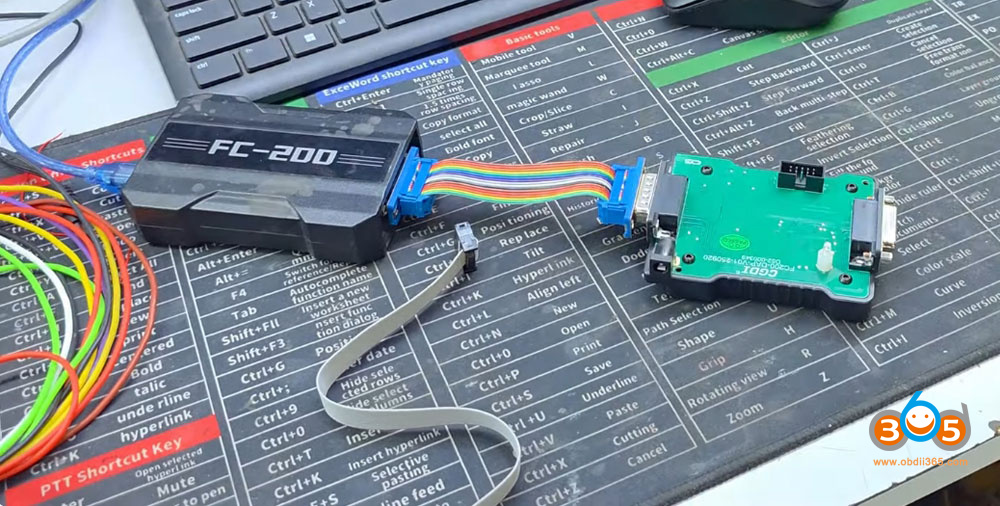
The FC200 DAP Adapter is used for Toyota’s first-generation DENSO series, Delphi’s DCM7.1AP & DCM7.24 Chips, PCR2.1 Immobilizer data parsing cloning. There are two ways to connect the DAP adapter.
Way 1: using this female connector, and the male part can be plugged into the FC200. This gives you some distance.
Way 2: You can connect it like this.
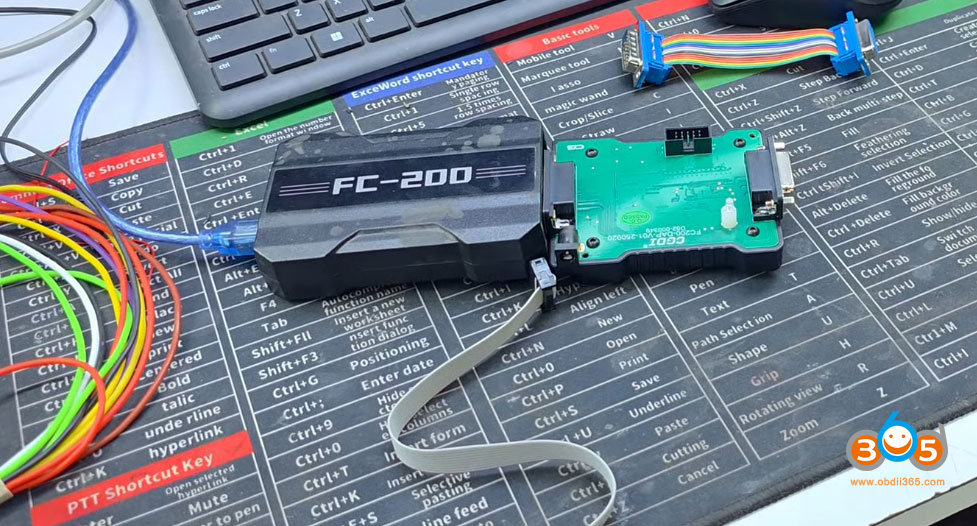
You can use it both ways.
Here we connect DAP adapter with FC200 directly.
Open FC200 software, go to Hyundai-Delphi DCM7.1AP Hyundai TC2771.
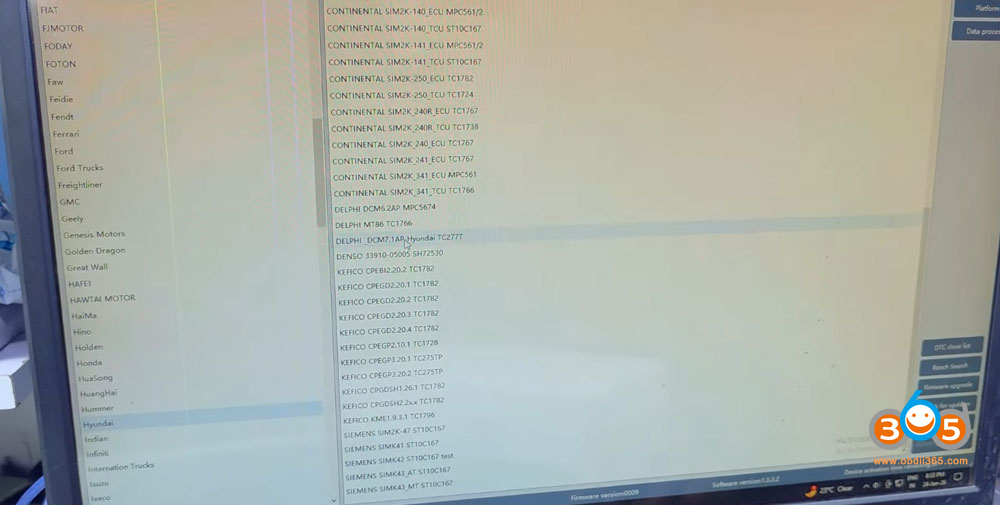
Choose boot mode and check wiring diagram.
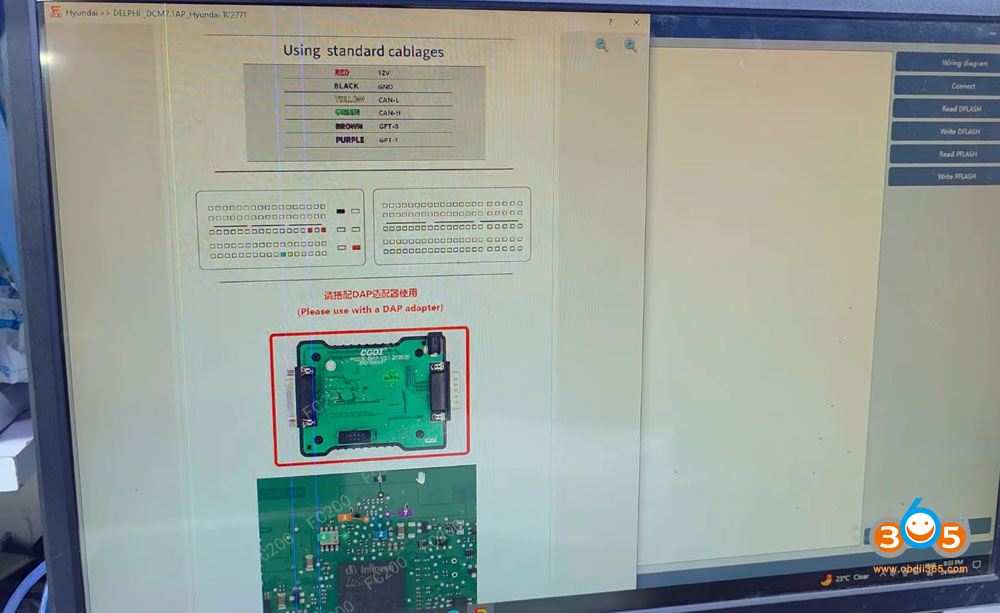
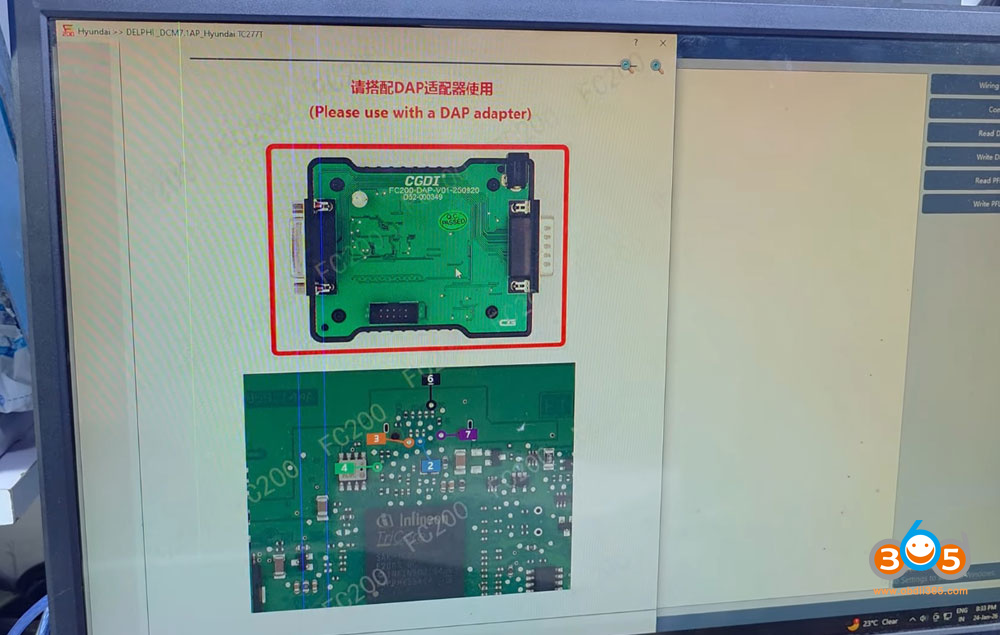
Connect the ECU with FC200 and DAP adapter. We have given it a 12-volt supply.
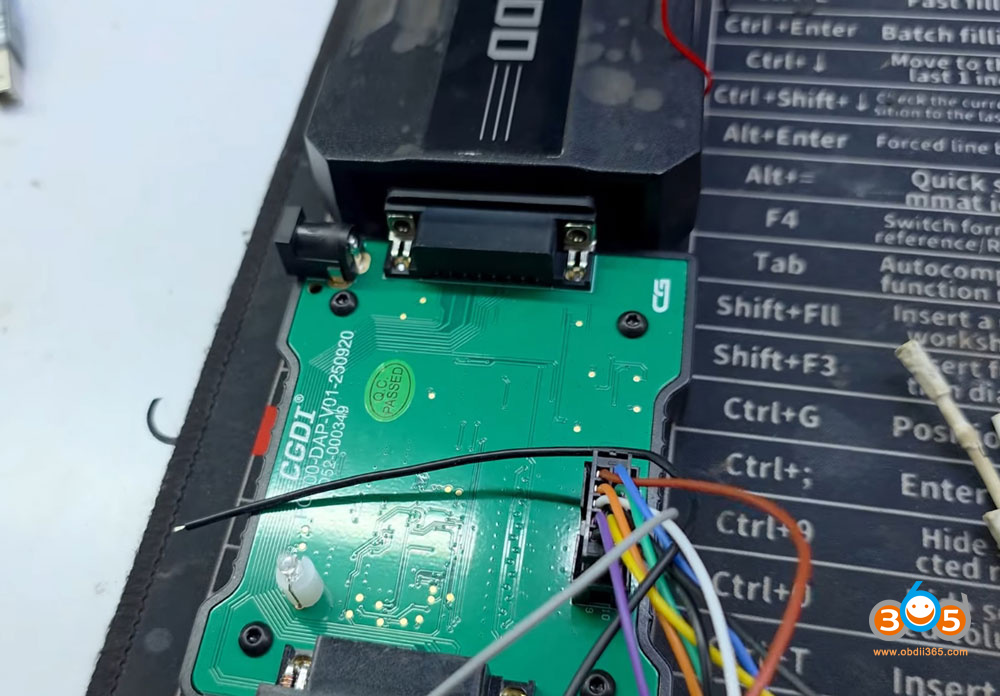
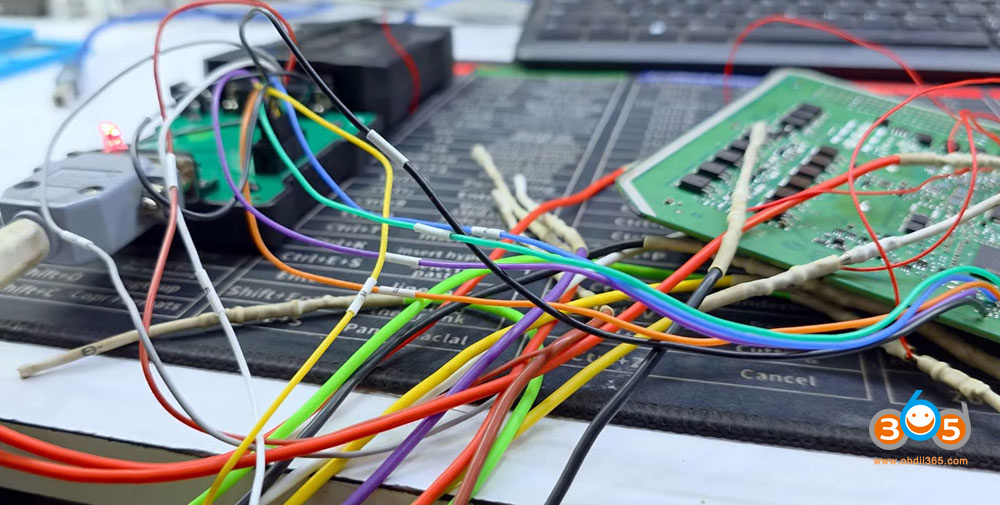
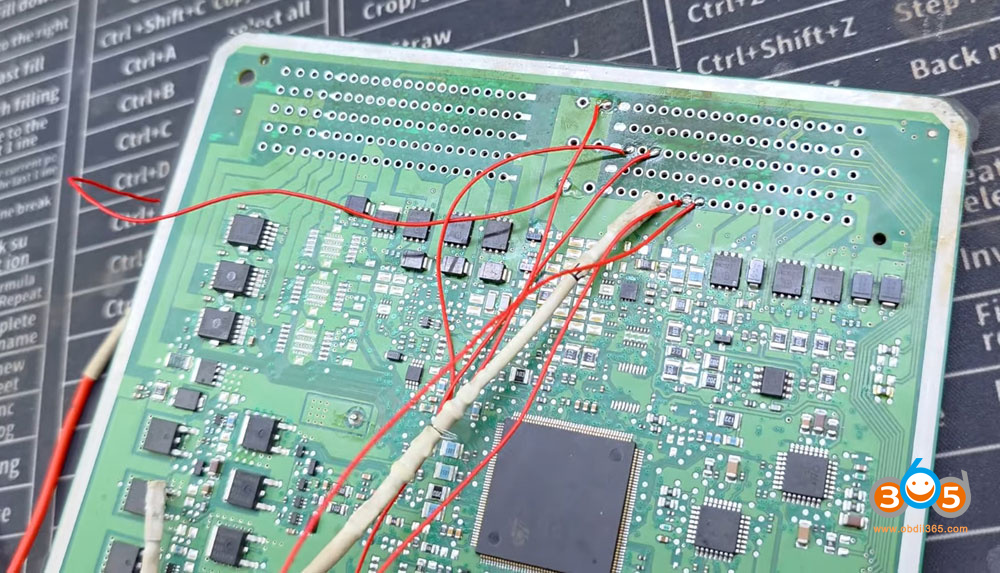
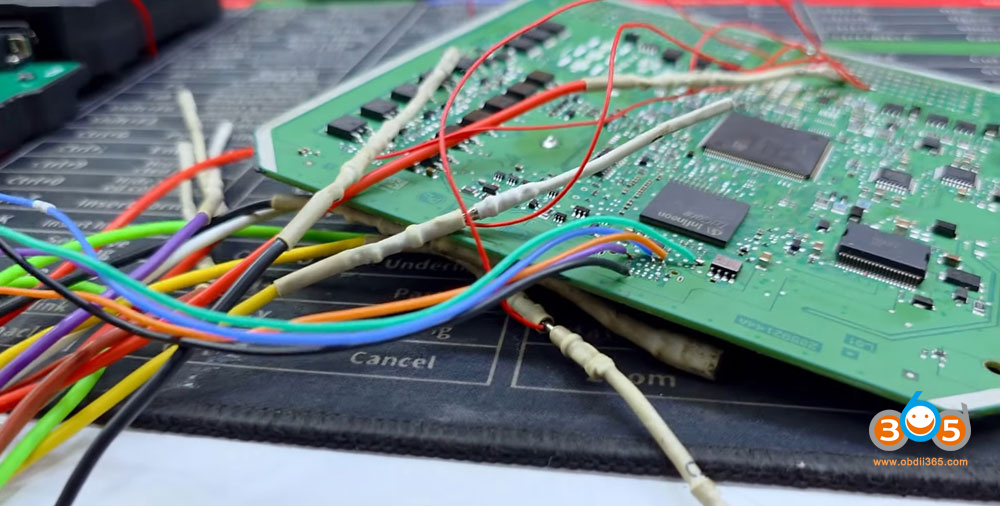
Now, we will set it to Boot Mode, and after that, we will connect.
It has successfully connected.
Now, we will do the EEPROM read—meaning Dflash, which refers to EEPROM. So now, we will do the EEPROM read. You can see how fast it is reading the EEPROM. So, we will save this in the Hyundai folder.
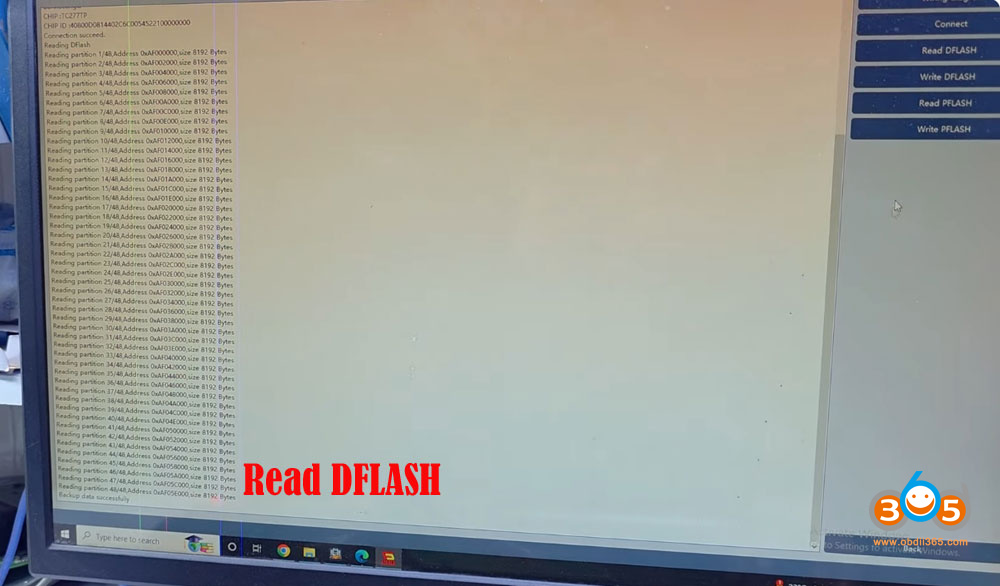
Next we will read the P-Flash.
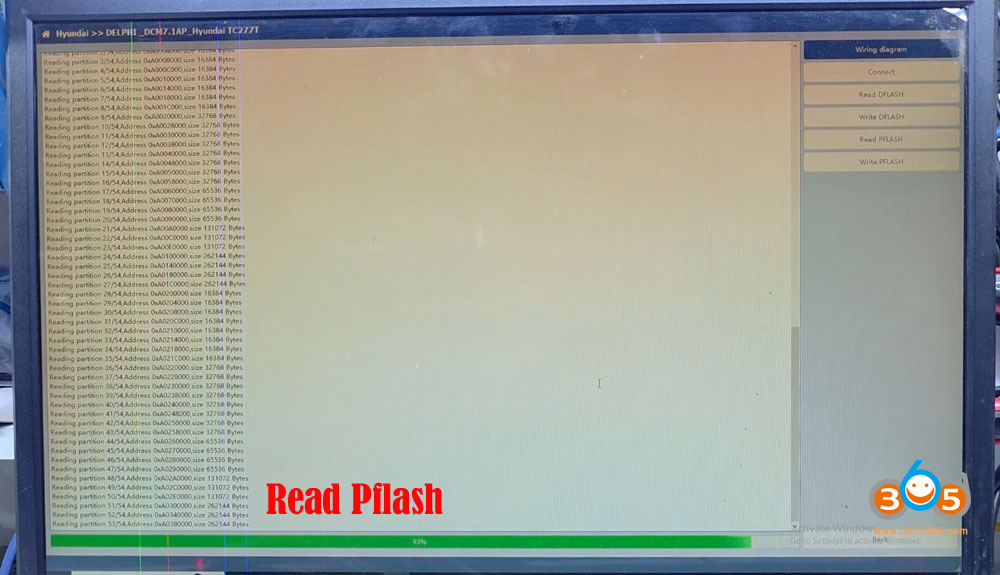
Now, you can see here that the P-Flash reading has started. Look at the speed of the FC200. It is a successful tool, as you know, it works very well in Hyundai, in the VW group, and in all others. And for reading both EEPROM and Flash, the same connection that is attached here will be used.
The reading is complete. Save Pflash data.
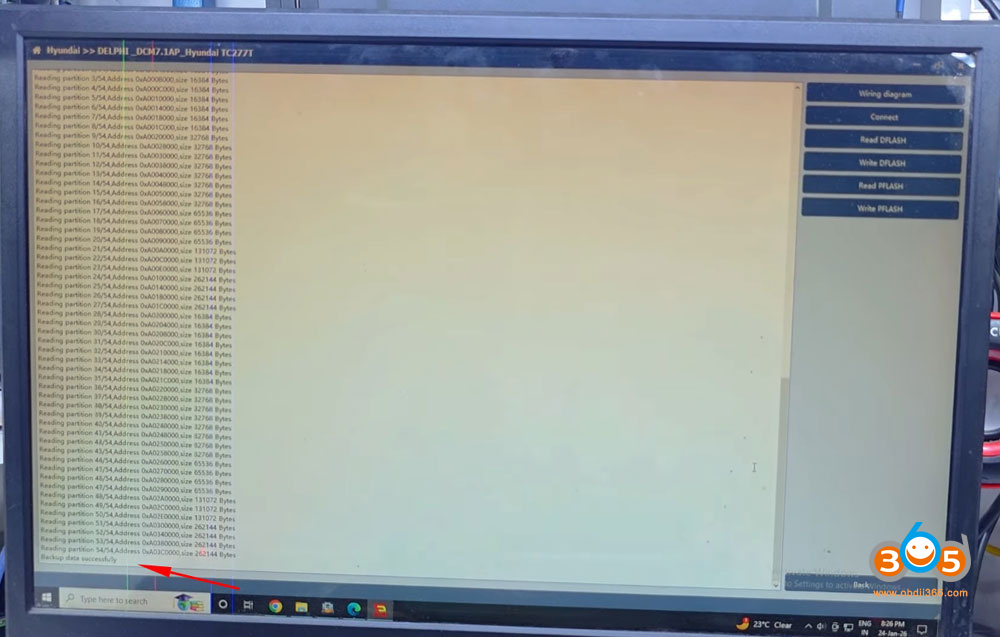
Done.















