


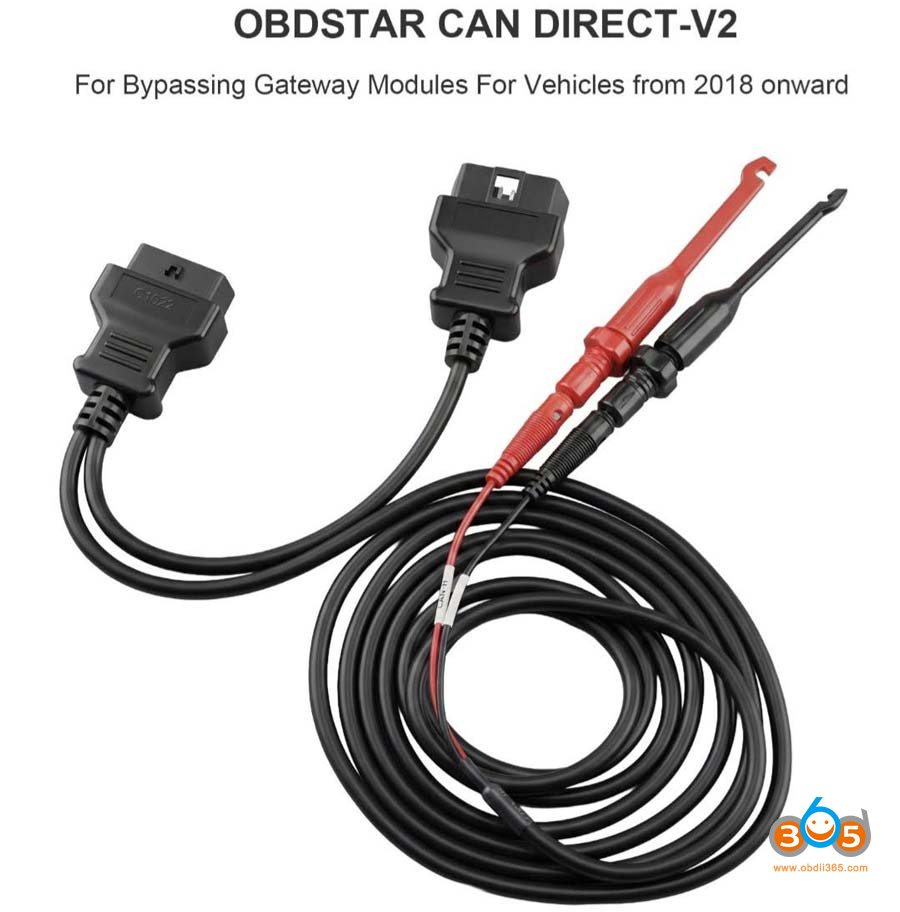
Question: How to use/connect the OBDSTAR CAN Direct V2 cable on Renault cars?
The aim is to access to the c can after gateway, skipping it.
Is there any scheme or picture available on the G3 during the prompt?
Here is the clue.
OBDSTAR G3 will show the scheme and pictures. You can view it in the immo menu without connection to the vehicle.
The piercing clamps should be connected on two wires of the BCM.
Then connect OBD cable with vehicle and device. One end need to be connected to OBD2 port.
The CAN Direct V2 cable is used on following Renault models for spare key programming, not All keys lost.
2020- RENAULT Clio 5
2020- RENAULT Captur
2020- RENAULT Arkana
2020- RENAULT Kangoo
2020 RENAULT Espace
2021- RENAULT Scenic
2020- RENAULT Zoe
2022- RENAULT Traffic
2021- RENAULT MEGANE 4 PH2
Take an example:
Add a 2022 Renault Clio 5 blade key using the OBDSTAR X300 Classic G3.
During the procedure, data was retrieved from the CAN bus using the CAN DIRECT V2 adapter; the Flash memory was read, the PIN code was obtained, a precoded key was generated, and the keys were programmed.
Tools used:
OBDSTAR CAN Direct V2 cable or 16+32 cable
Good charger
Working key
A new key to be programmed
Procedure:
NOTE: It is important to use battery support unit or at least good charger.
Step 1: Read Dflash
Select Renault- Clio 5- 2020 to 2024- Blade
Read Dflash- via OBD.
This function requires a harness connection to the gateway.
There are two connections available.
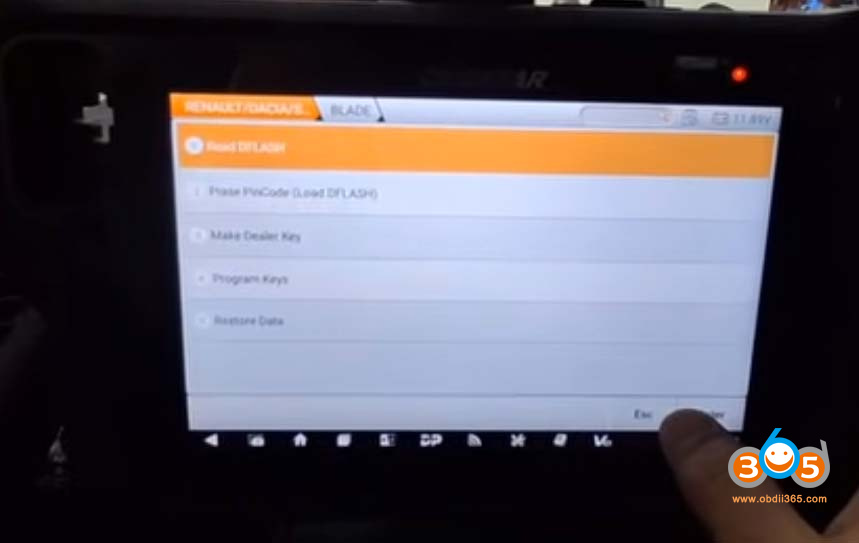
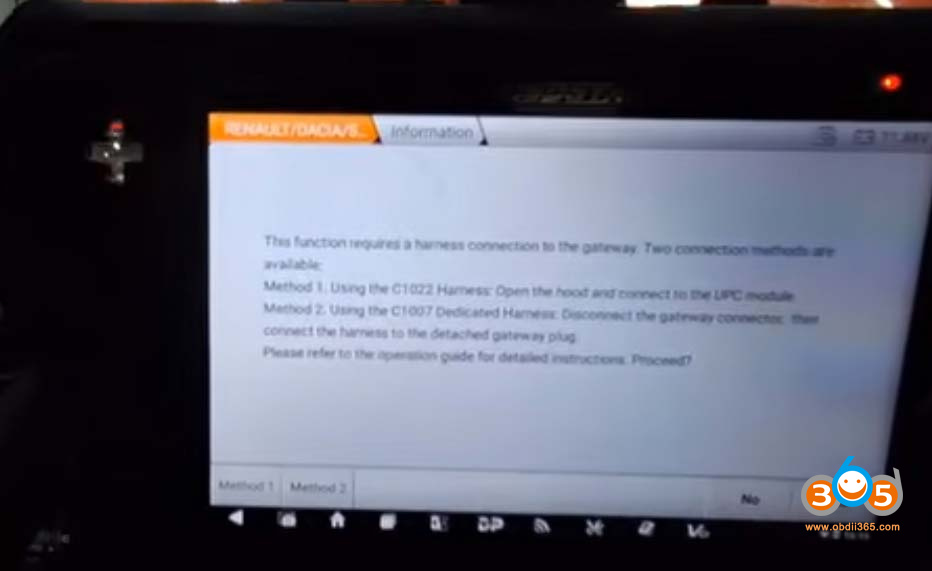
Use C1022 CAN Direct V2 or C1007 Renault 16+32 harness cable.
Here we use the CAN Direct V2 adapter to connect the gateway.
G3 will show you the connection diagrams.
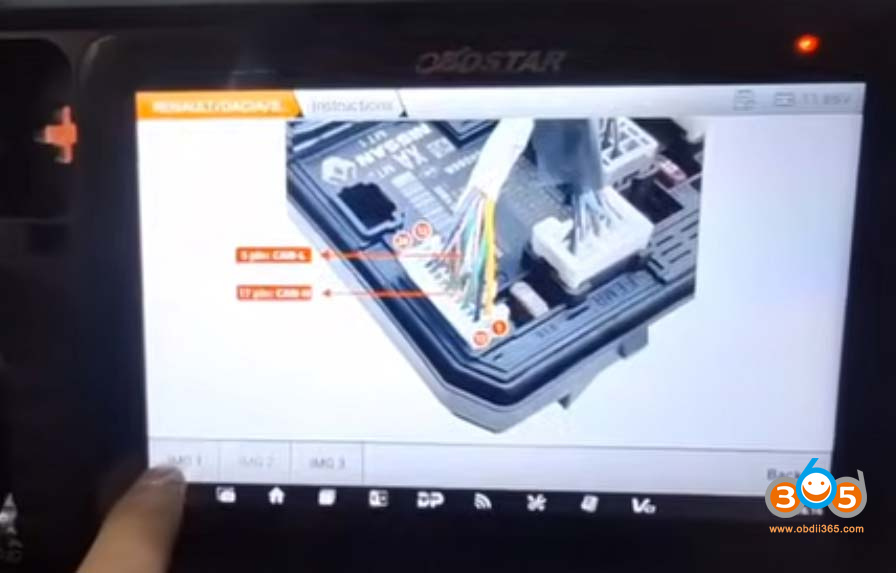
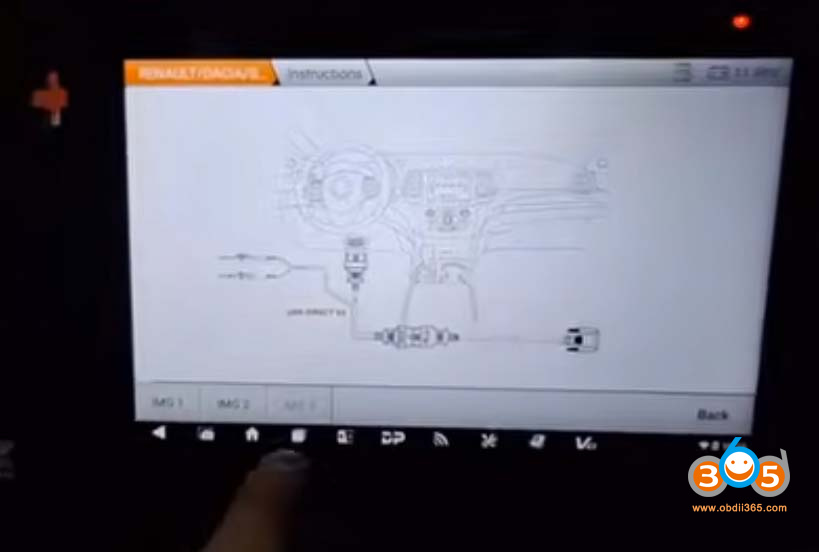
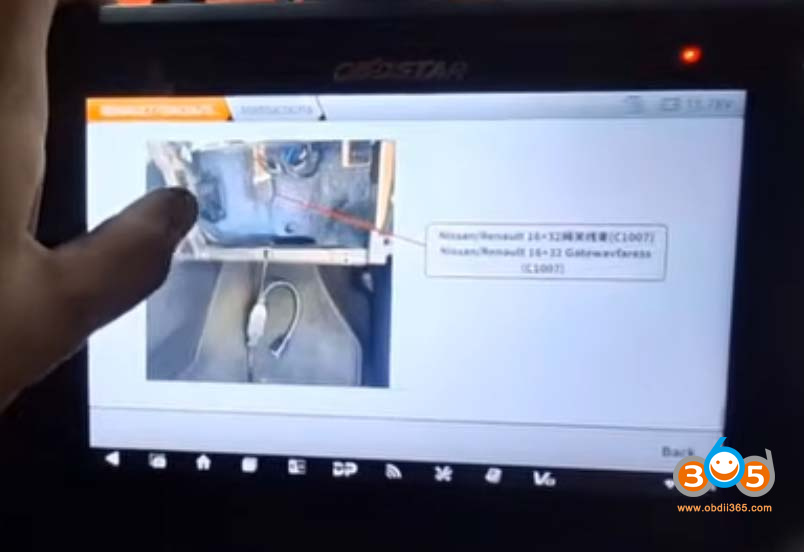
Connect CAN Direct cable with BCM.
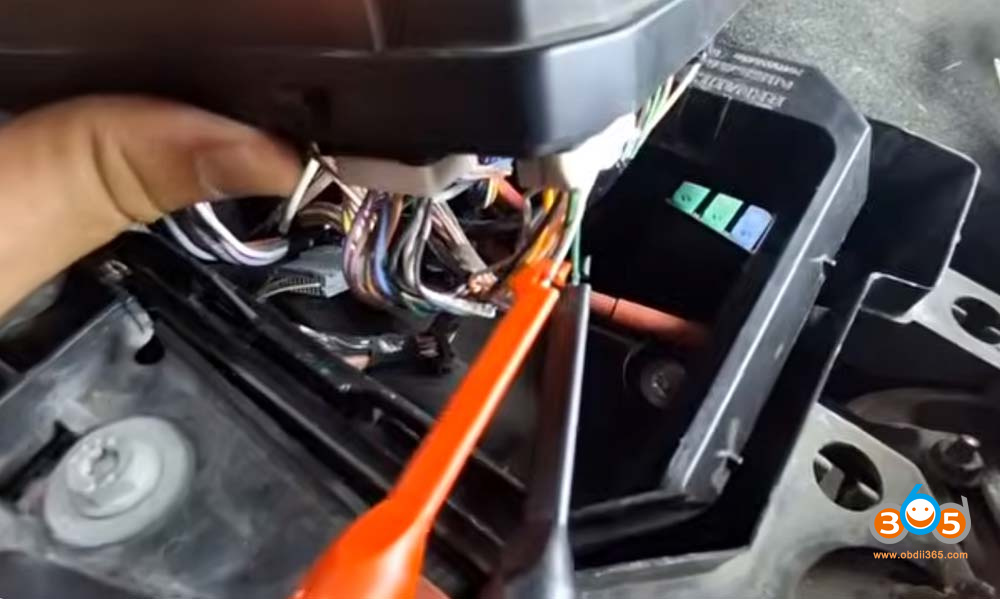
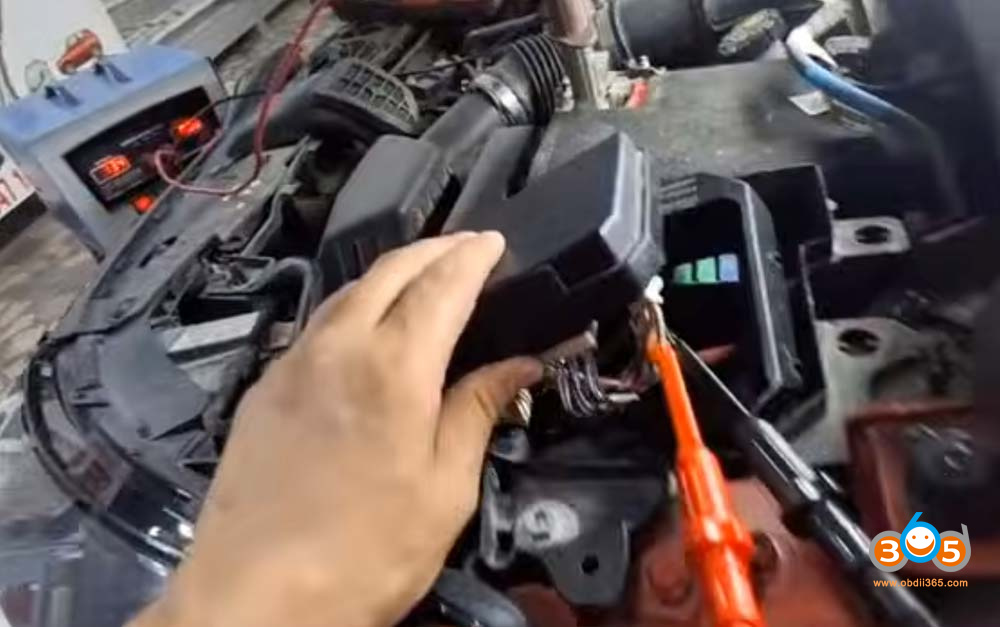
Read and save D-flash data.
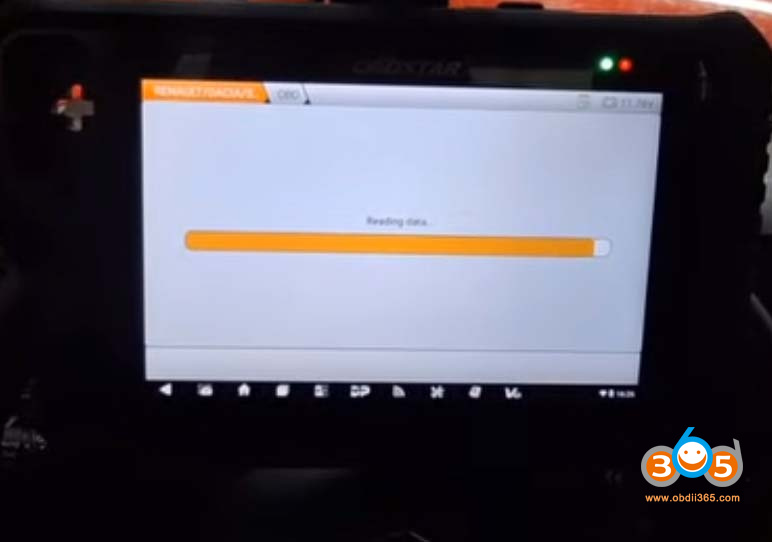
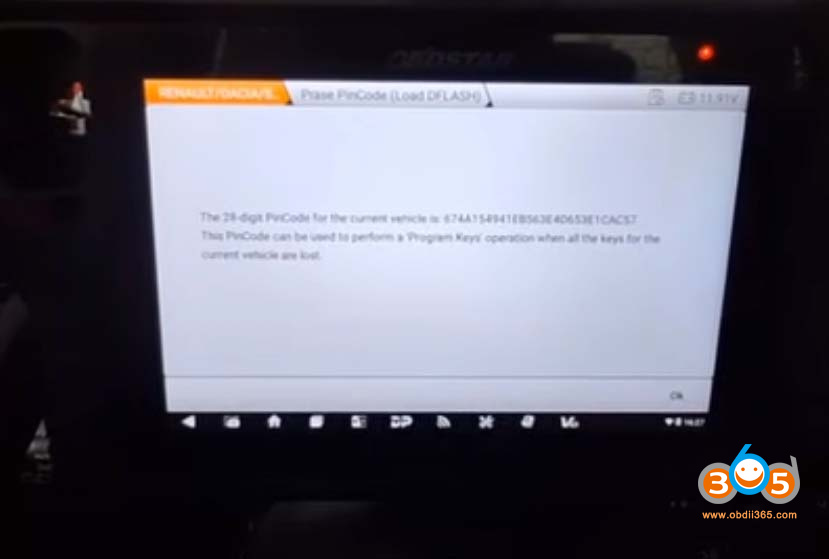
Step 2: Read PIN Code
Load D-flash data to retrieve PIN code.
Step 3: Make dealer key
Choose Load D-flash or manually enter the 28-digit PIN code to make dealer key.
Make dealer key successfully.
Step 4: Program keys
Select Program keys.
Turn the ignition ON with a working key.
Load Dflash to program keys.
Enter the number of keys to be programmed.All keys will be deleted.
Insert the keys to be programmed and turn the ignition on.
Learn 1st ok
Insert next key to be programmed and turn the ignition on.
Learn 2nd key ok.
Test both keys.















