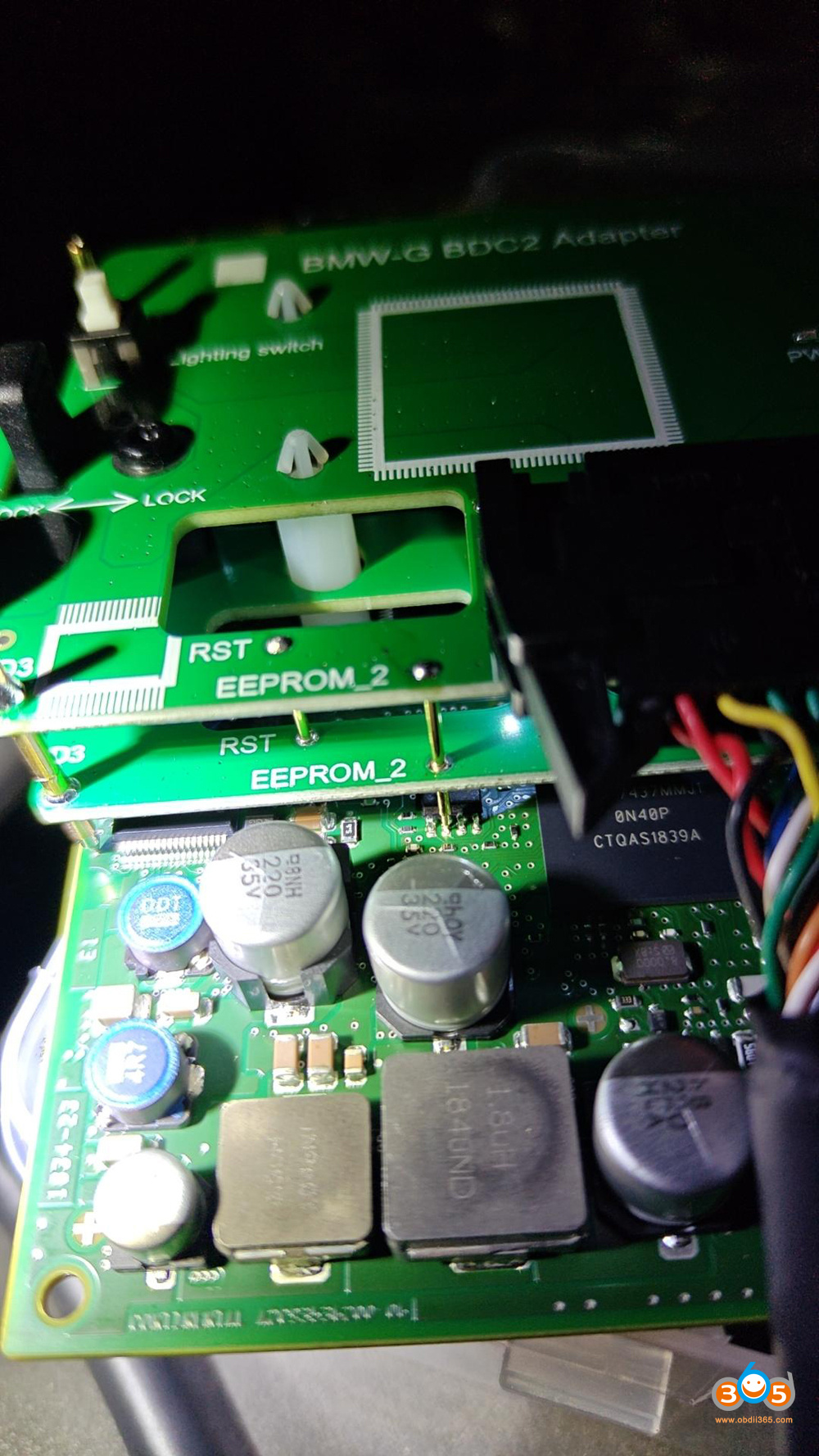
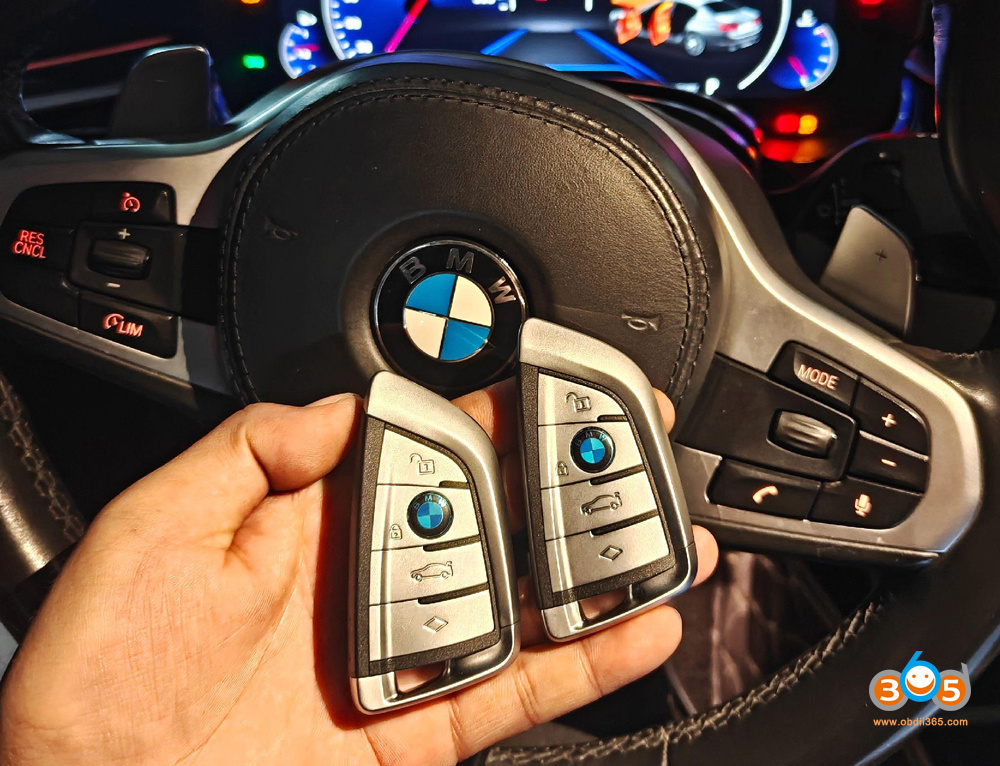
Can i do BMW G series BDC2 all keys lost with the Xhorse BDC2 adapter? This is a frequently asked question.
Xhorse officially released BDC2 all-key-lost function on May 28th, 2026.
On the surface, this is a big step forward, and it’s already generating interest. But before jumping in, there are some important realities every locksmith and technician needs to be aware of.
Key considerations:
▪️ Not supported on Hybrid models.
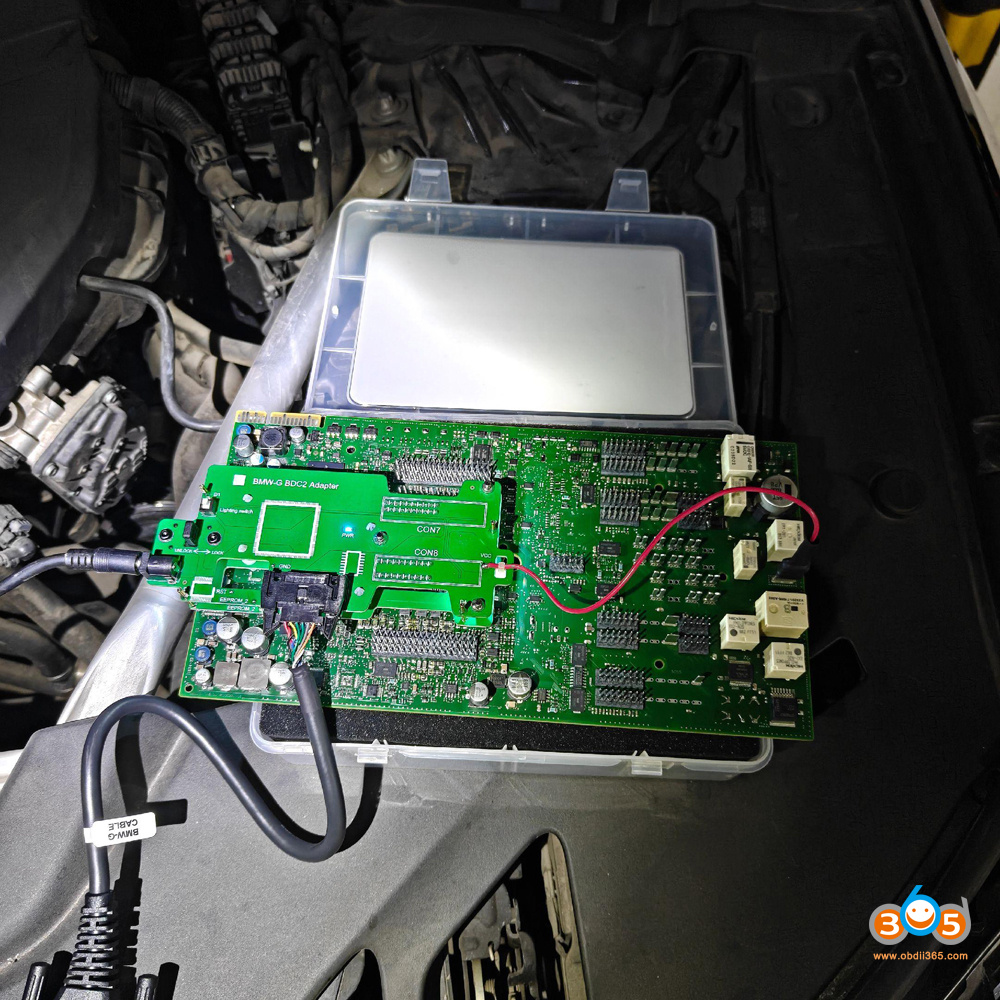
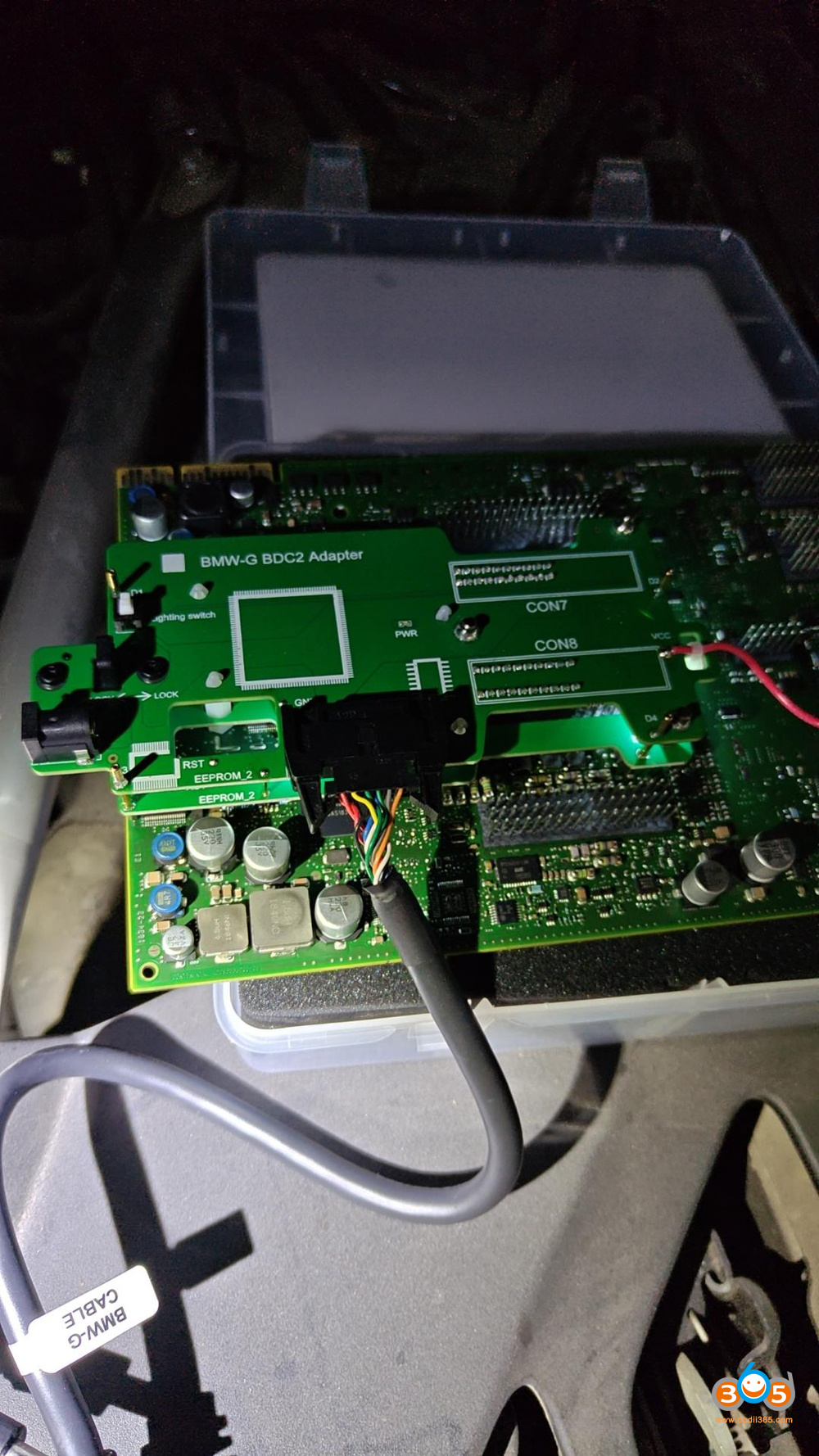
▪️ Requires BDC2 adapter + BMW Bosch adapter.
▪️ This process does NOT change the VIN in any module but will change the IMMO data in the BDC2.
▪️ It will invalidate any existing dealer keys going forward.
Compatible devices:
Xhorse VVDI Key Tool Plus
Xhorse Multi Prog+ VVDI2/Key Tool MIDI
Requirement:
Need BMW G BDC2 function activation.
Requires BMW BDC2 adapter
Use Original or Xhorse BMW dedicated XM38 key
Xhorse BMW BDC2 All Keys Lost Programming Procedure
Menu path:
IMMO Programming- BMW- Select from system- G chassis BDC02 IMMO system- Key Function.
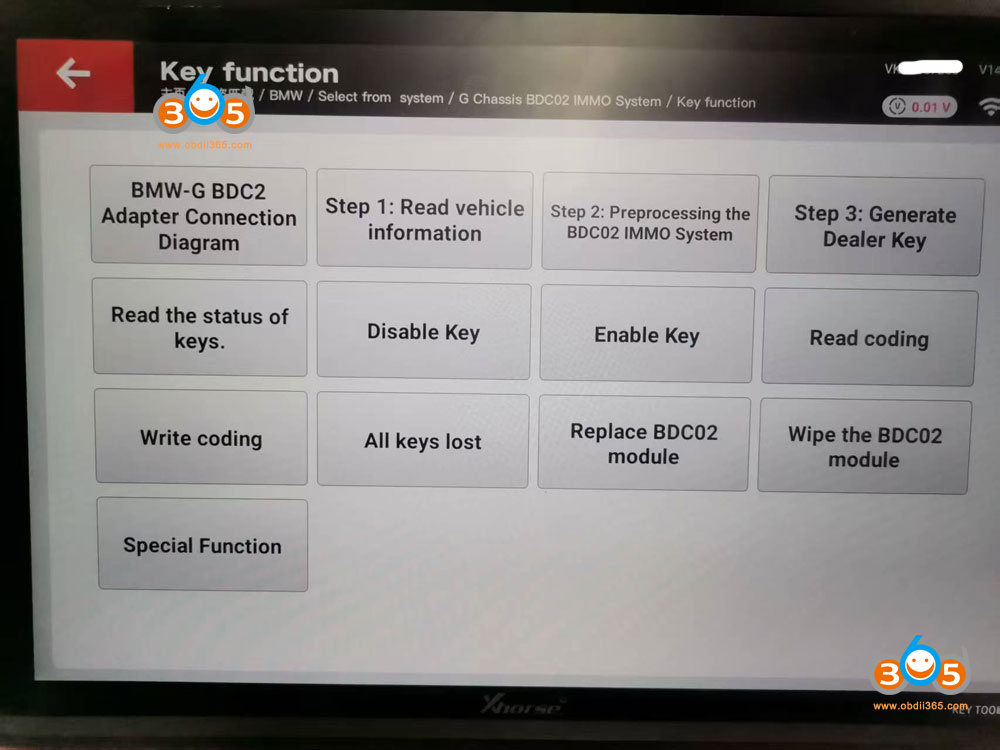
1. Pre-processing the BDC02 IMMO System.
2. Select All keys lost menu
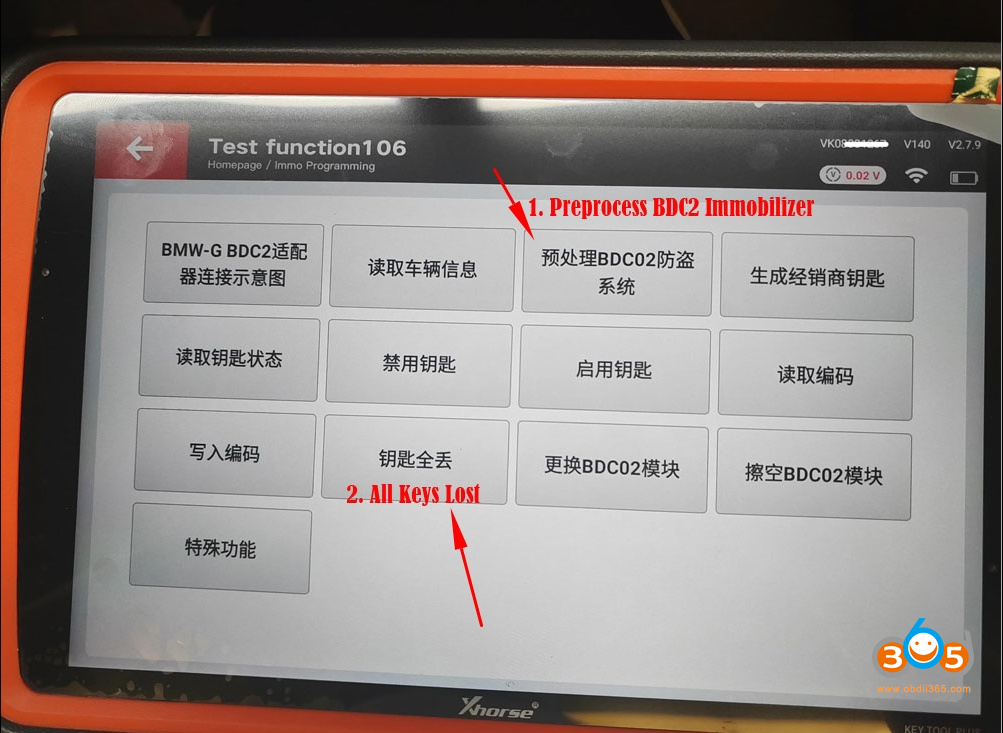
3. Erase/virgin BDC2 module
4. Write BDC2 immo data (upload engine ECU eeprom)
5. Learn original blank key in car
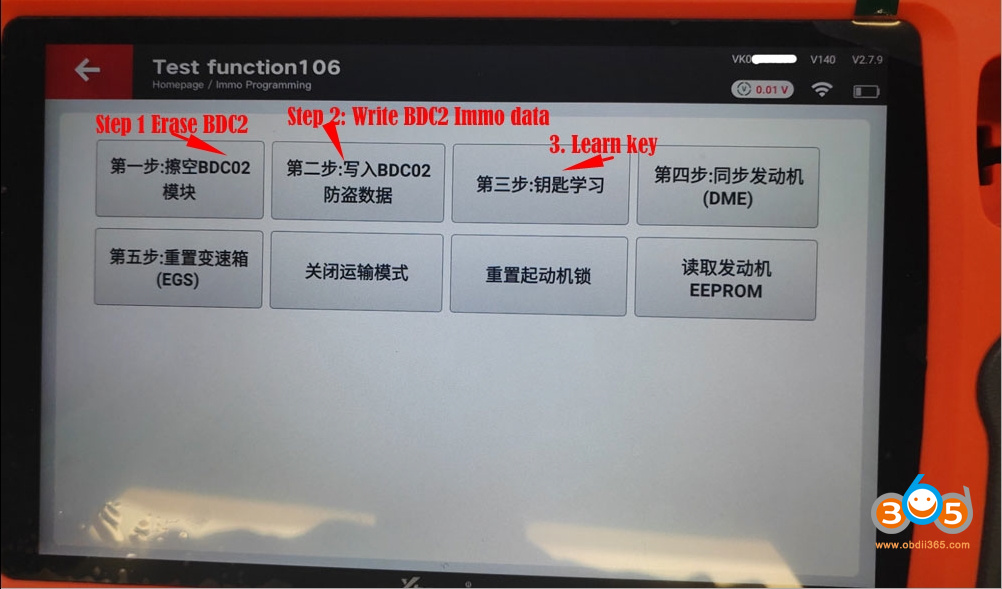
Example:
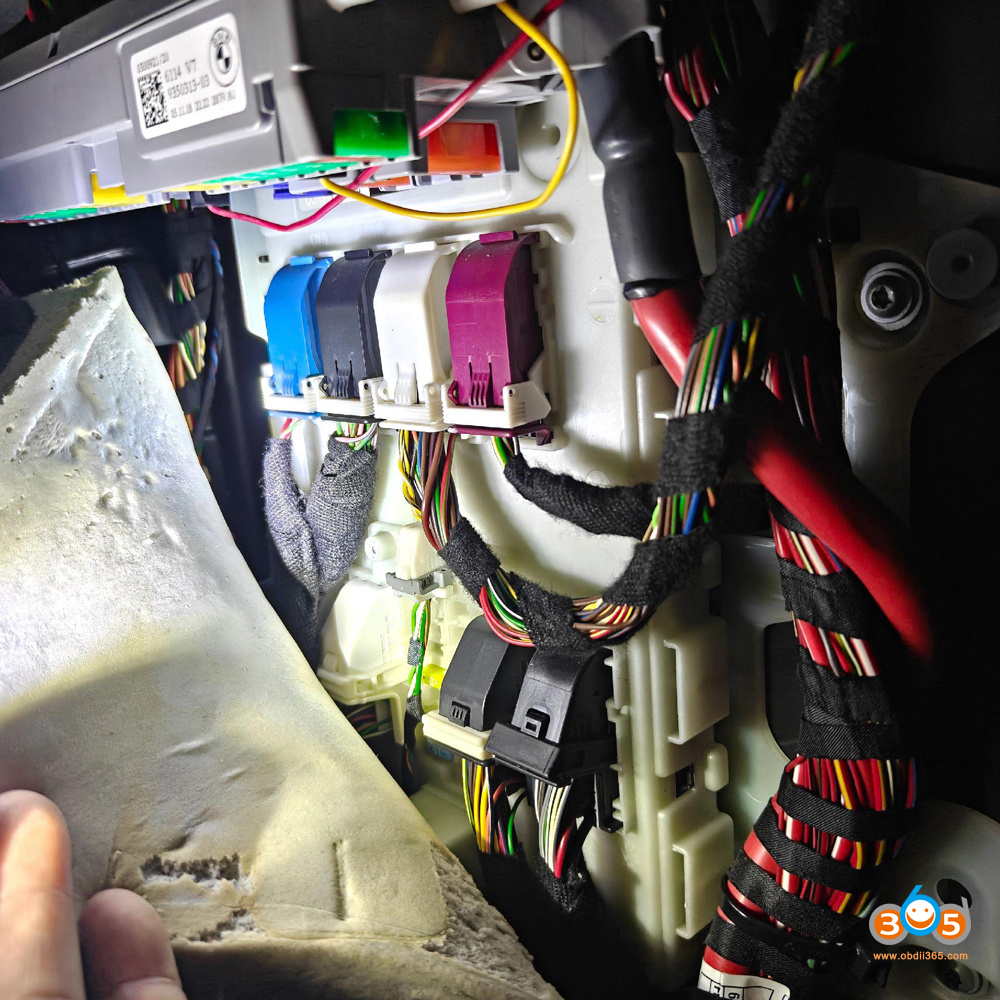
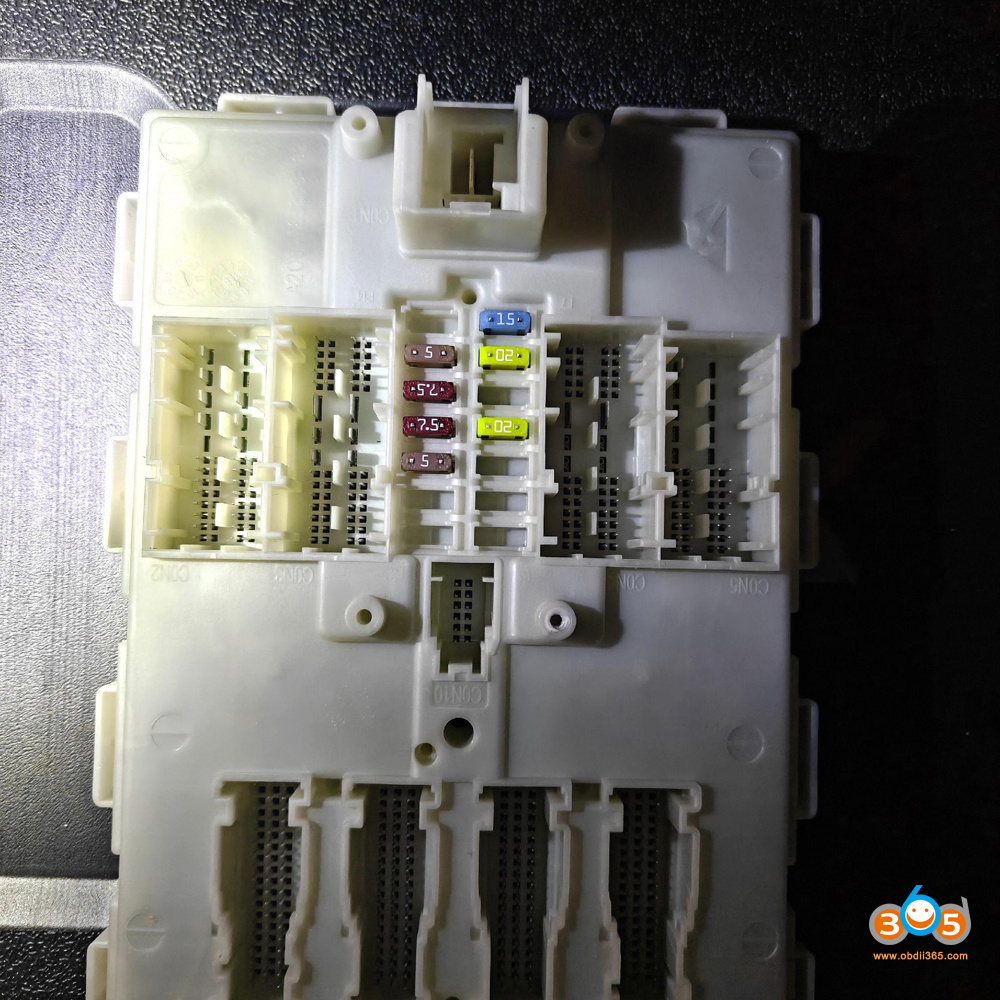
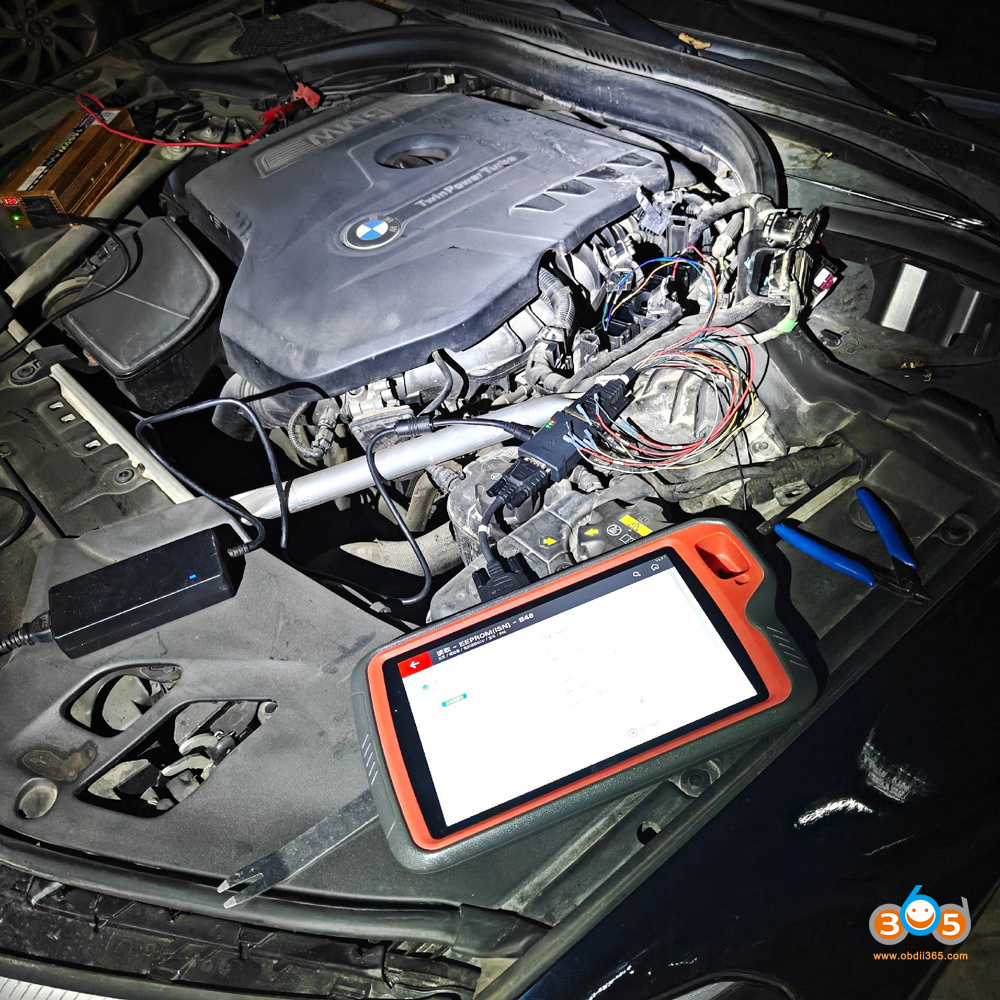
2019 BMW G series BDC2 all keys lost
Read engine EEPROM data (B48/B58) with Key Tool Plus and Bosch ECU adapter.
 1.
1.