


How to add 2018-2020 Renault Duster 4A blade key with Xhorse + Autel key tools via OBD?
Tools used:
Procedure:
Step 1: Generate Remote
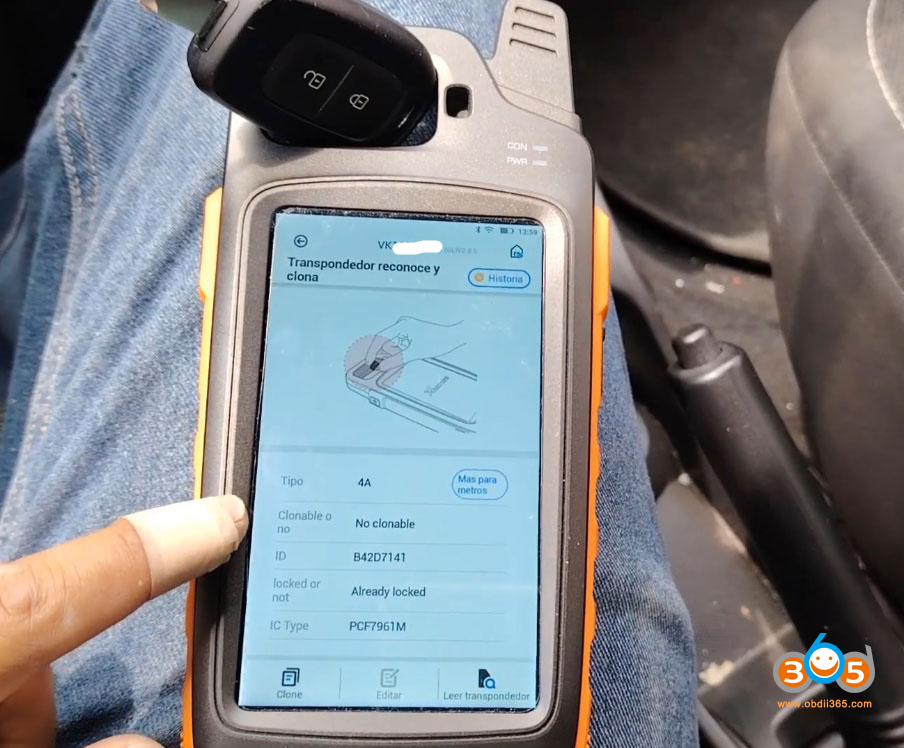
Read the working key information with Key Tool Max Pro.
This is a blade key with 4A chip, 433Mhz, not clonable, PCF7961M.
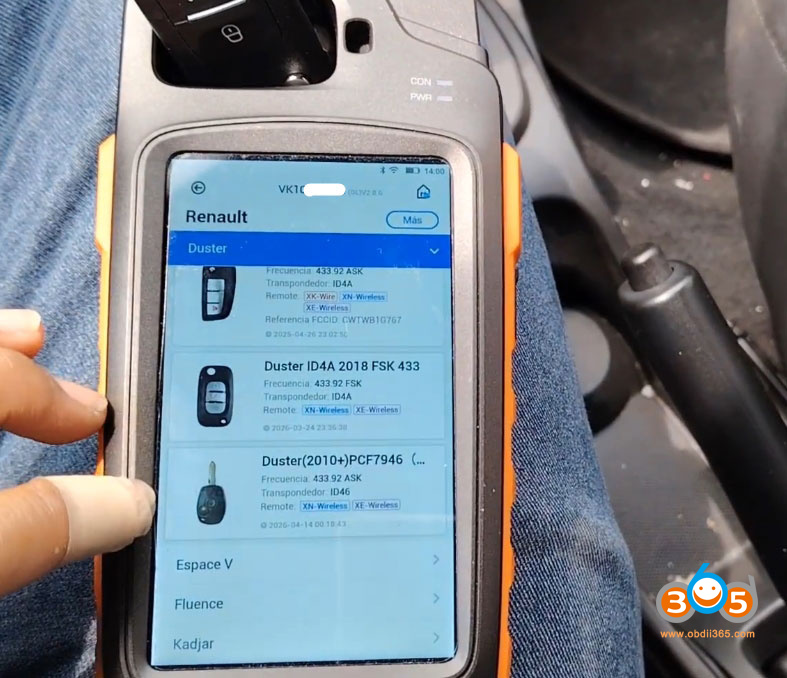
Go to Program Remote- Renault- Duster.
There’s an option here that says 2018 4A 433Mhz.
Input Xhorse B5 super remote into key tool max pro coil.
Then generate remote.
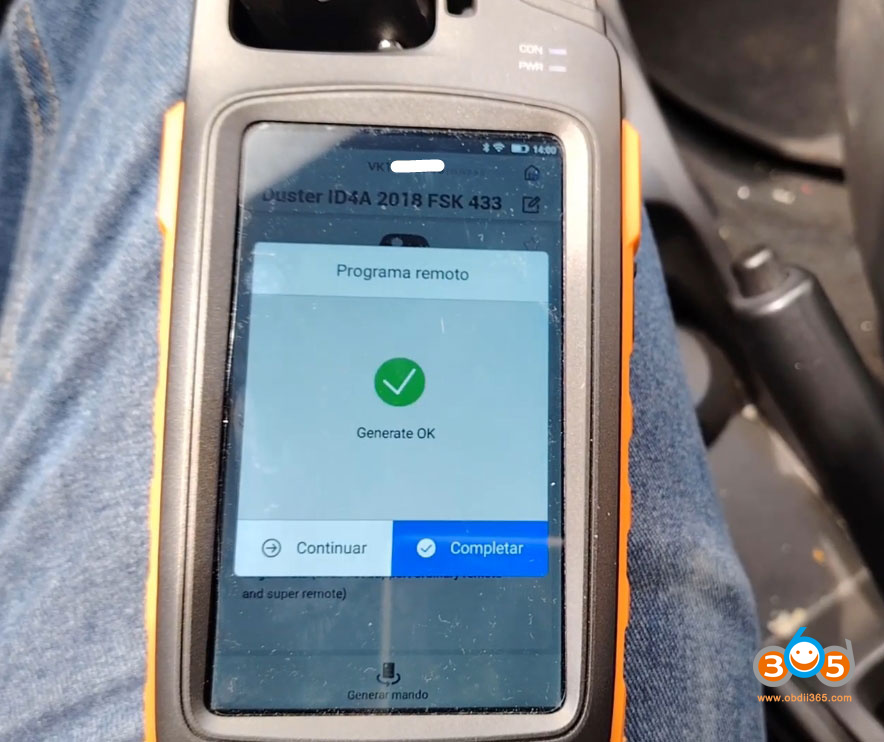
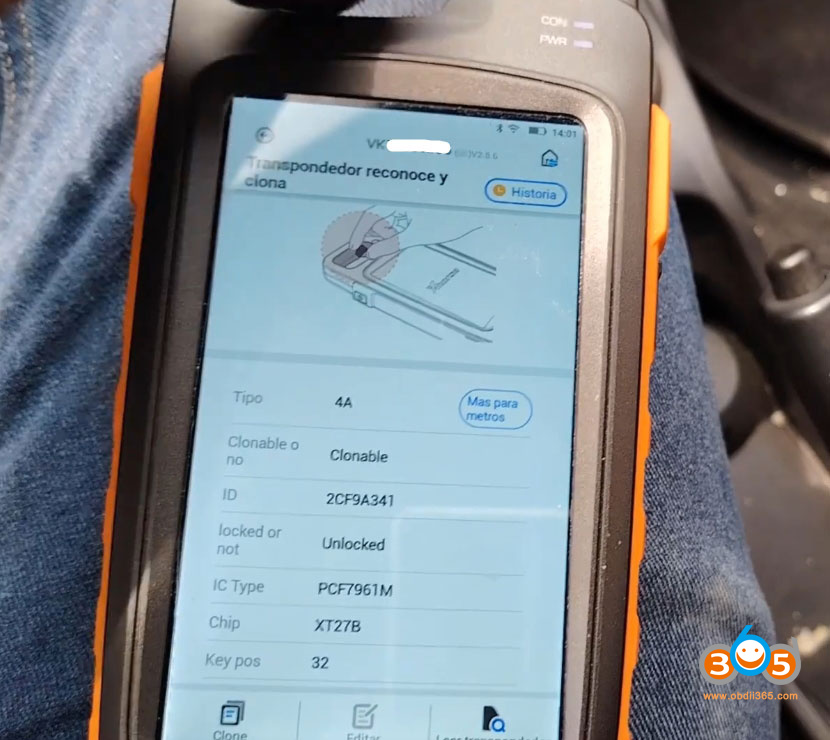
Read the generated B5 remote information.
It gives us the information: clonable, PCF 7961M, unlocked, chip XT27B—very good.
Step 2: Add Key with Autel KM100
Connect KM100 with vehicle.
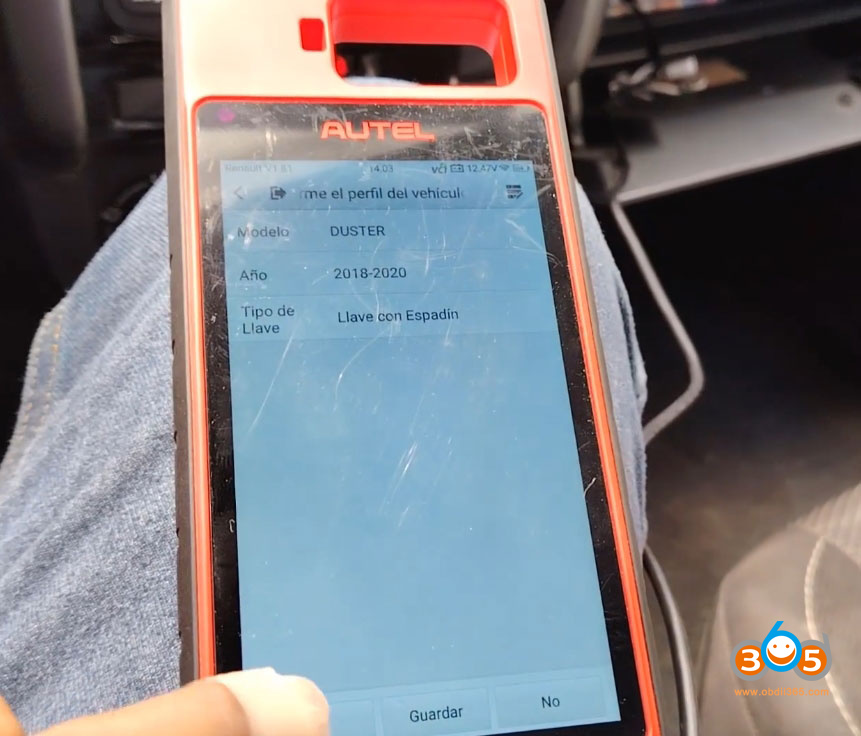
Go to Immobilizer- Renault- Manual selection- Duster- 2018 to 2020- Blade key.
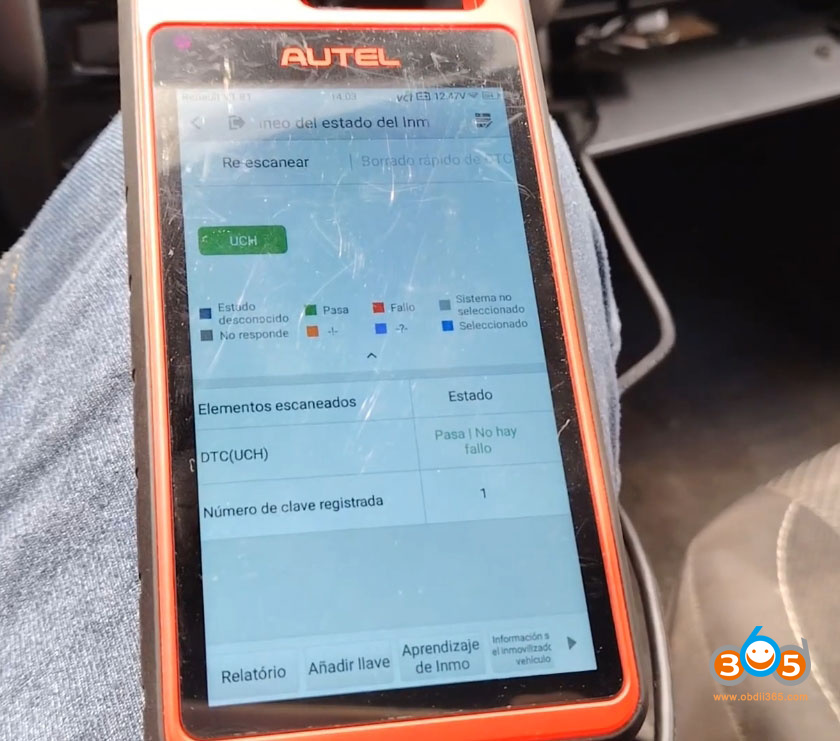
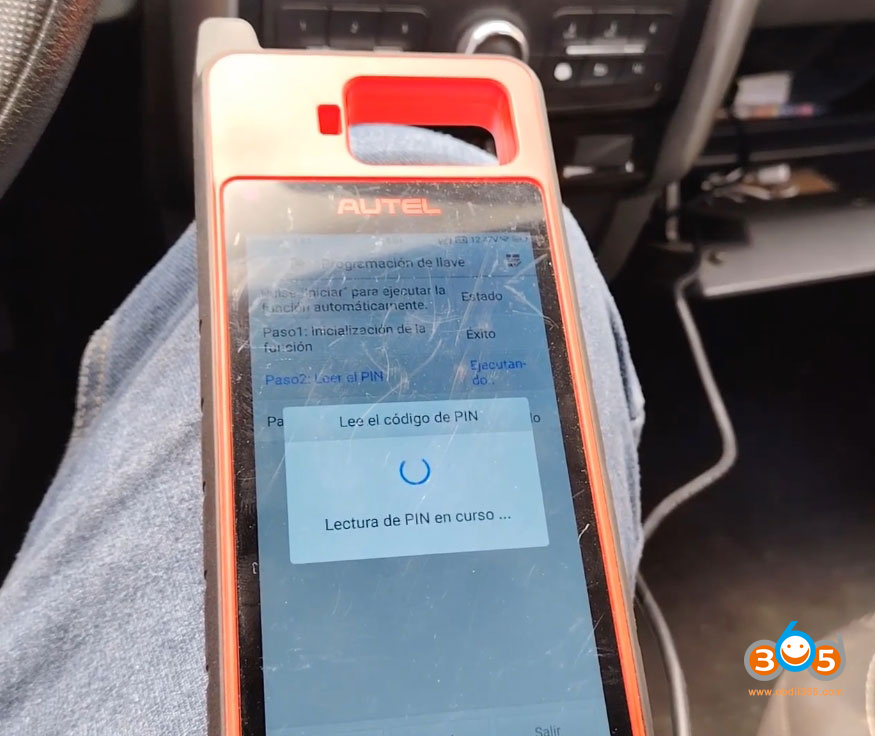
Scan immobilizer status. We only have one key, which is the one currently there. So let’s go to Add key. Let’s start. It says turn on the hazard lights and turn off the switch. Done. It’s going to read the PIN.
Insert key, turn on the ignition; maximum four keys allowed.
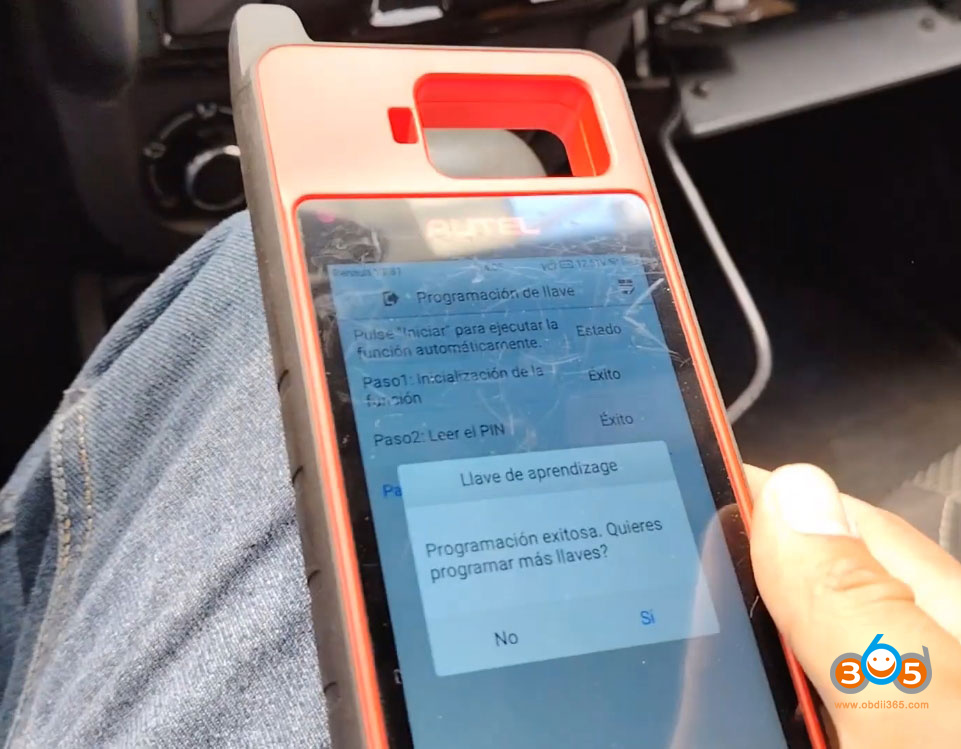
Do you want to program another key? Yes, because that one was the original.
Here it says remove the key, insert the next key while turning on the ignition.
Programming successful.