




OBDSTAR X300 Classic G3 now supports BMW G series BDC3 and U chassis BCP key cloning function. Here we will show how to copy a BMW BDC3 key using OBDSTAR G3.
Tools used:
OBDSTAR C4-11 adapter (with W017 cable)
Original BDC3 key
New OEM BDC3 key to be copied
*Without godiag BDC3 adapter, you need to solder C4-11 W017 adapter wires to the original key circuit board.
Procedure:
Remove the original key shell.
Connect BDC3 clip adapter to the original key PCB
Connect C4-11 adapter with godiag converter via W017 adapter. OBDSTAR will show the key wiring pinout.
Connect C4-11 adapter with MP001 programmer.
Connect MP001 witg G3 via the main cable and also connect a 12V power supply to the MP001.
Set up the connection as in the images below:
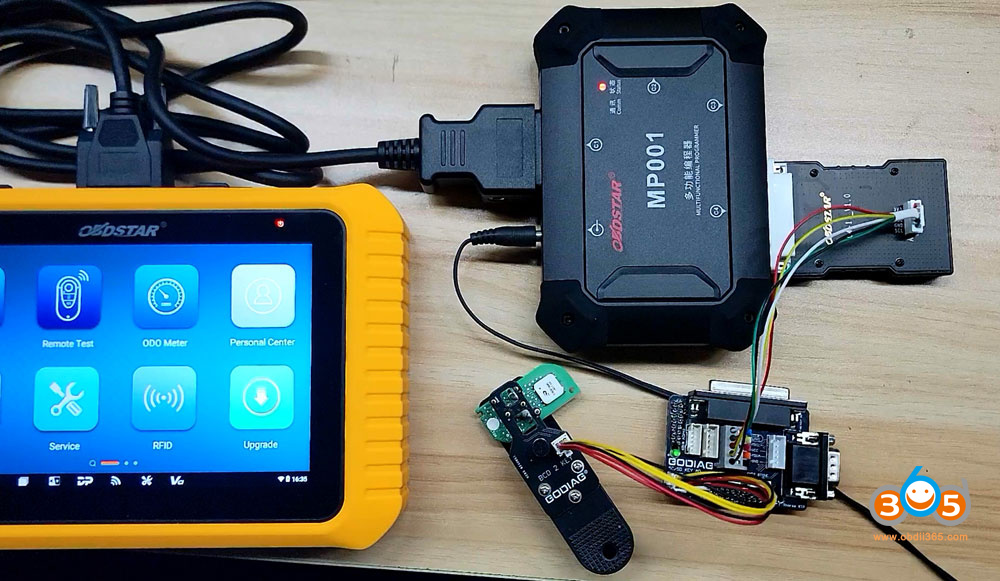
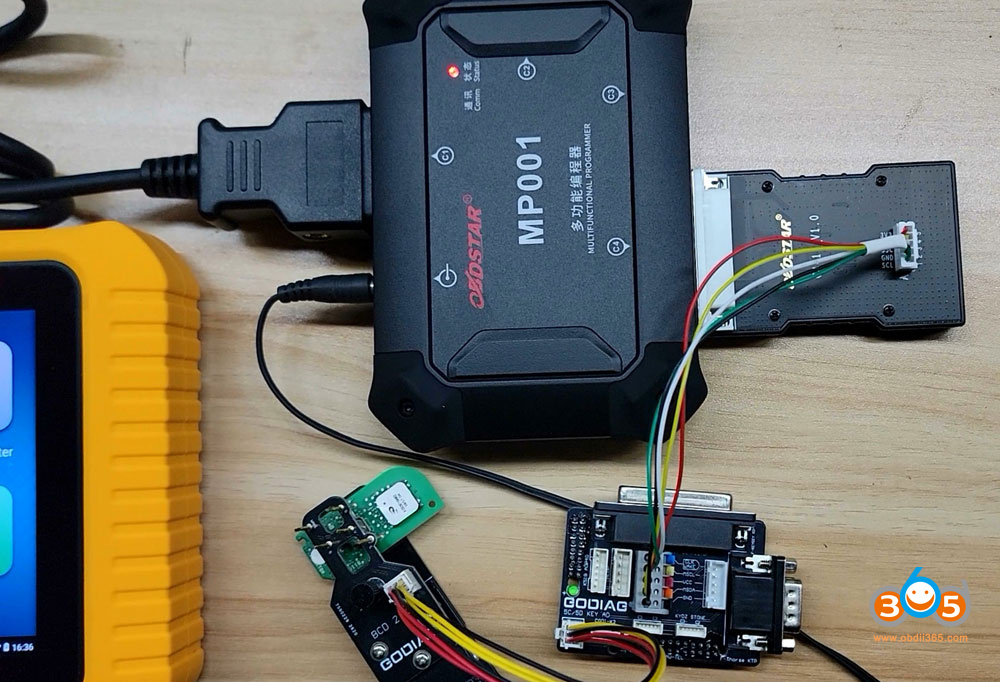
Update OBDSTAR BMW IMMO software to the latest version.
In OBDSTAR G3, go to IMMO function- BMW/Mini- Manual Select Model- BMW- 4 series- 2020 to 2024- G22/G23/G26/G82/G83- Add Keys
Select Read working key info (C4-11).
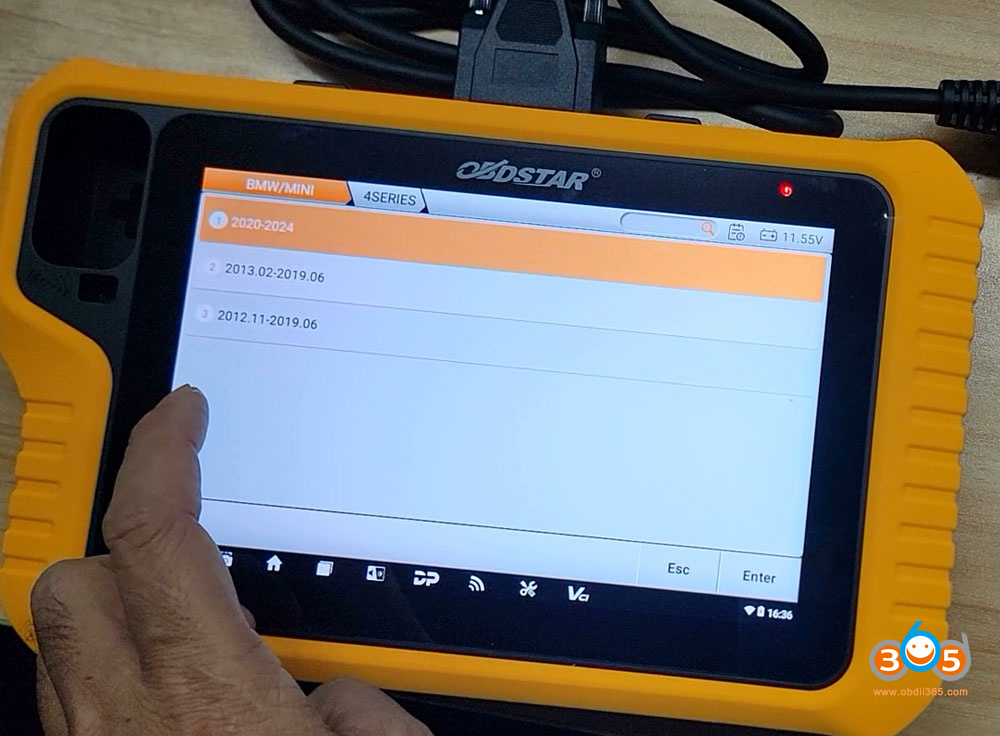
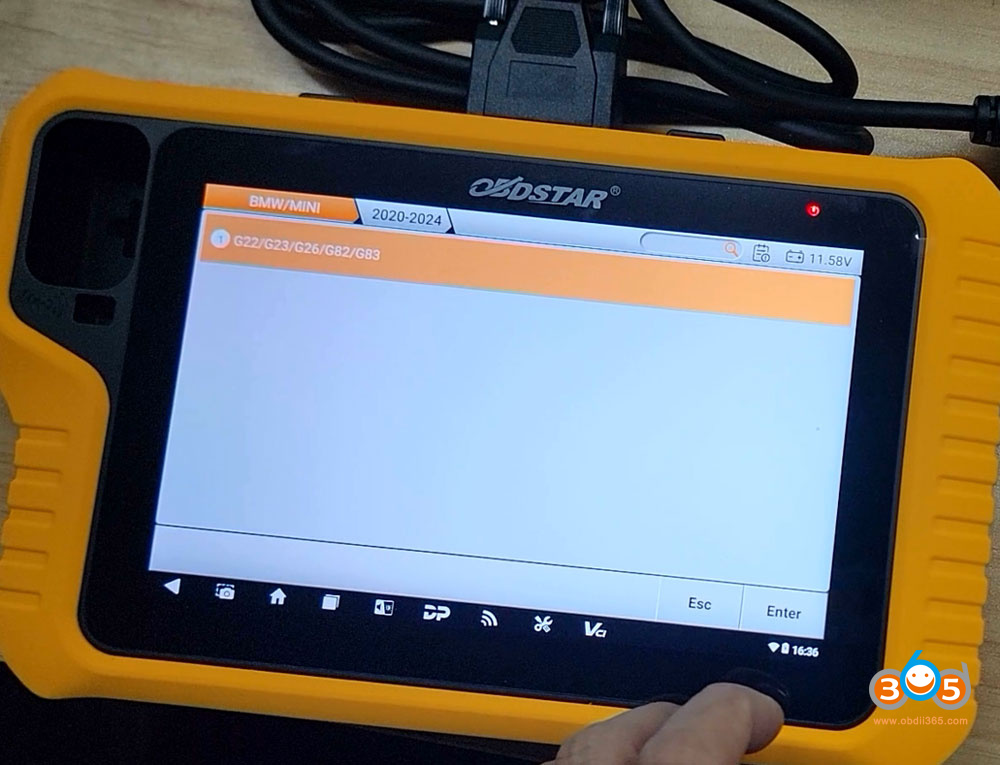
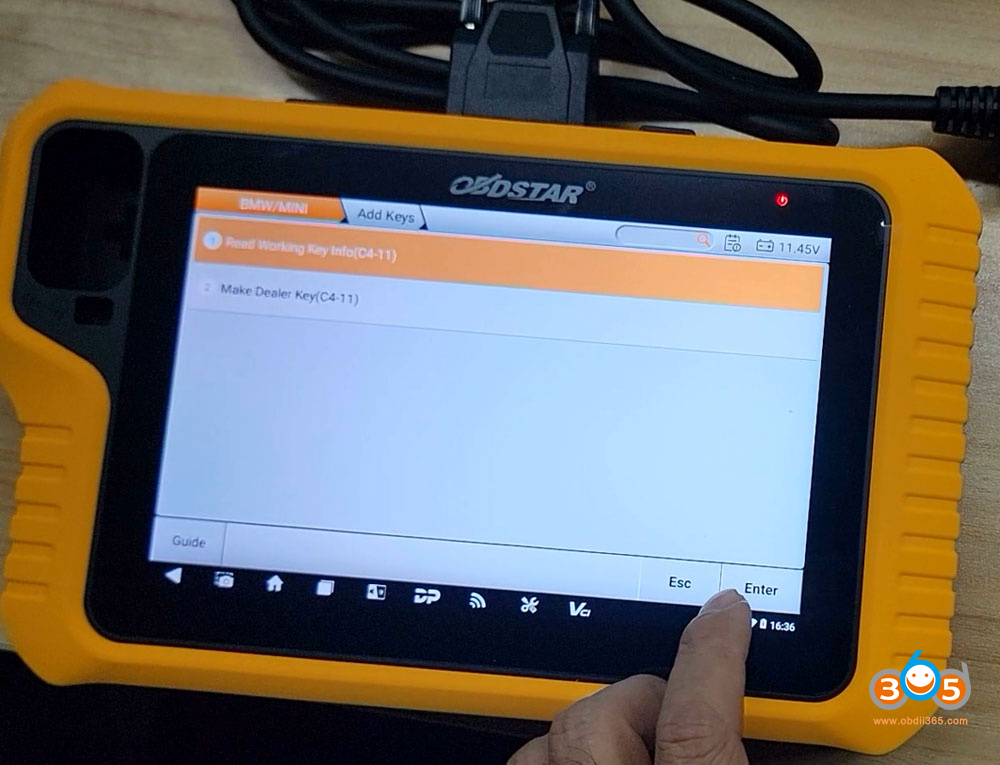
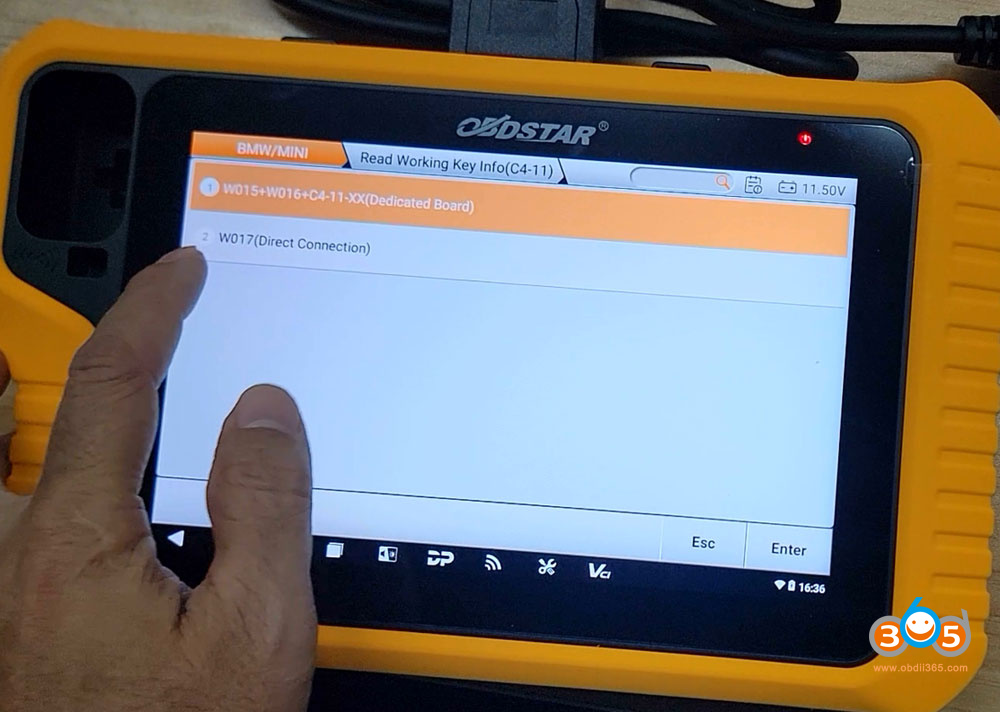
2 options to read working key data:
With OBDSTARC4-11 dedicated board or W017 direct connection.
Here we choose W017 direct connection.
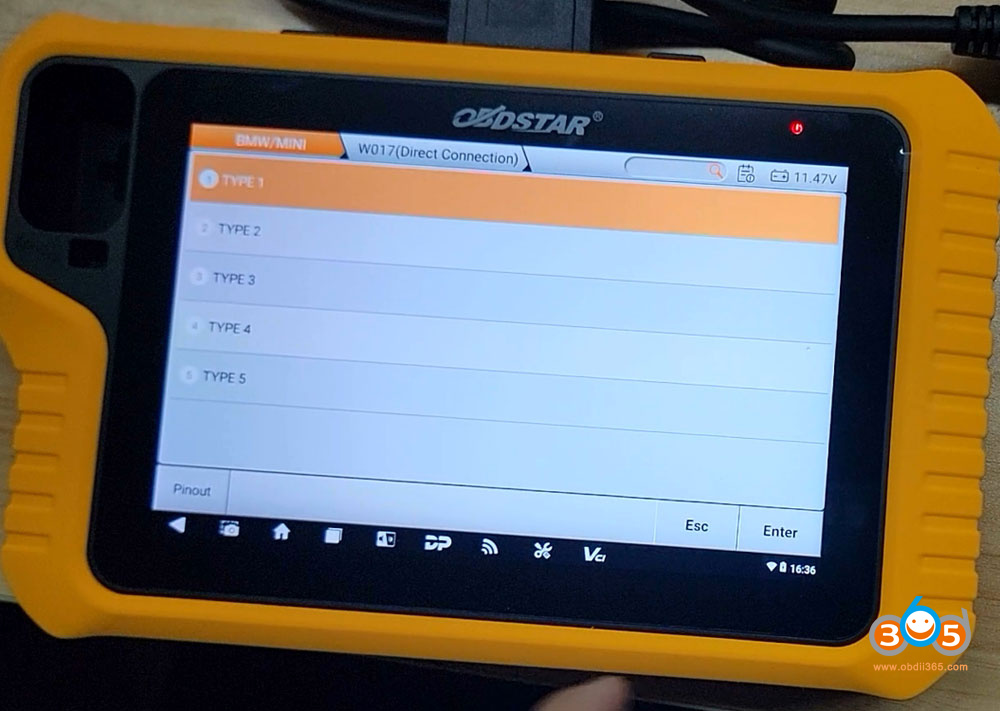
Select key Type 1 to 5. Check the key PCB that matches your key.
OBDSTAR will show the key board type and wiring pinout.
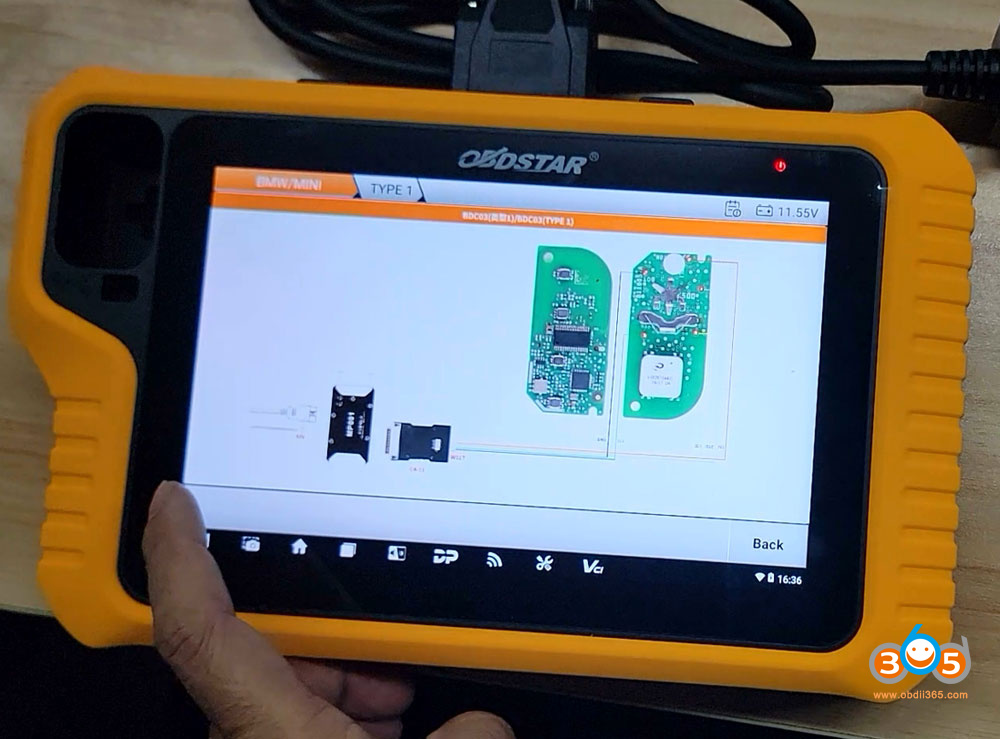
We already connected the key circuit board.
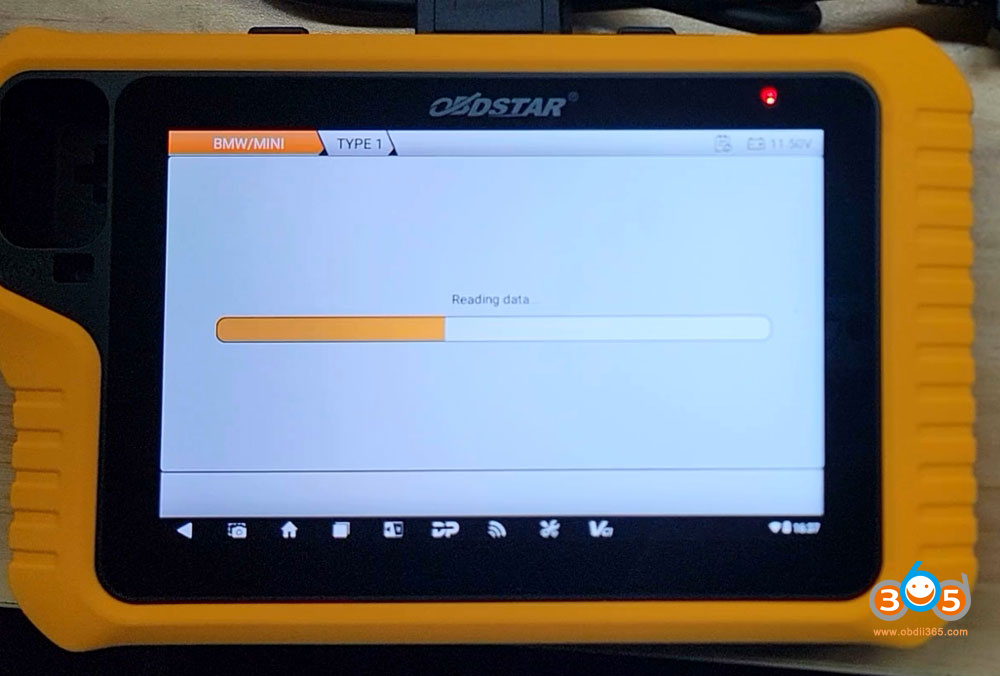
Read the original key data.
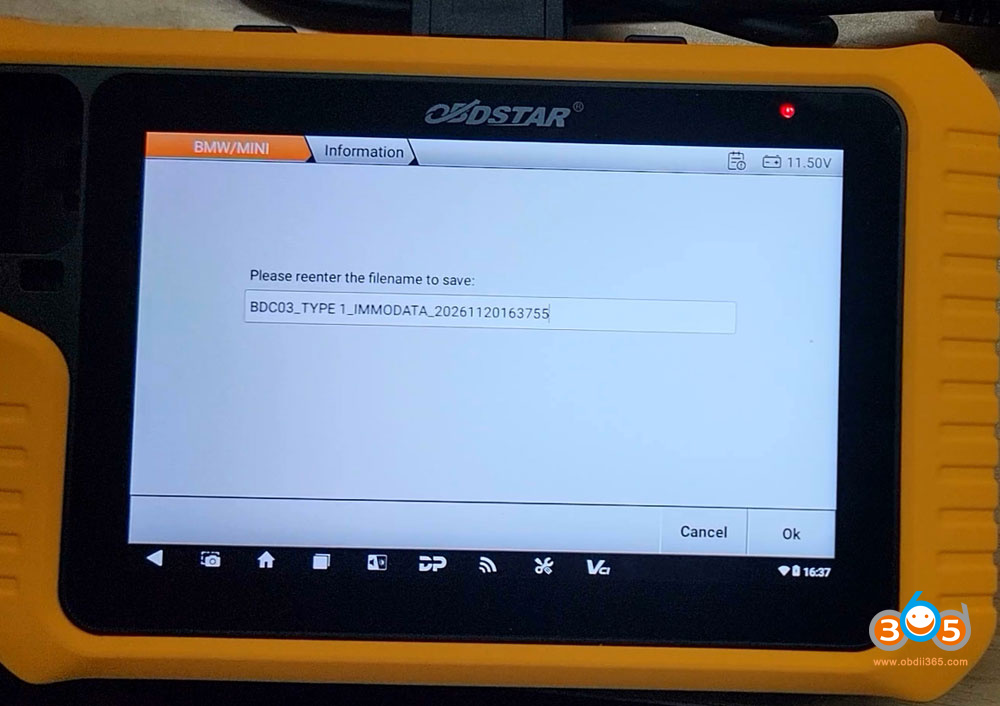
Save data.
Disconnect the original key from the Godiag adapter.
Connect a new key to be copied.
Then write the original key data to the new key to copy a new key.