


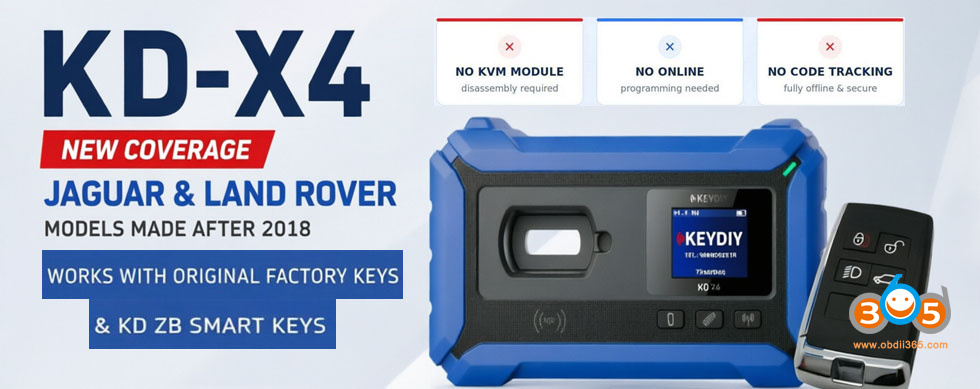
Recently, customers have had many questions regarding the 2018+ Jaguar & Land Rover smart key copying function of Keydiy KD-X4 & ZB24-5 JLR remote. Here, we would like to address some of the most frequently asked questions for our customers.
Question 1: Will the new key stop working after 256 clicks like the others?
Answer:
There will be no sync issue. you copy to ZB key all of the orginial key data, but you change ID of ZB key to original lost key’s ID. So, after programming, there will be no crossover of keys, cause there will be 2 different keys (original and ZB key) with 2 different key ID’s.
The key will work no matter you click hundreds of times.
Question 2: Does this clone peps “UWB” and PS fob types? What about PEPS, does it work? Is it necessary to disable the USB (UWB) function before copying?
Answer:
It depends on the key.
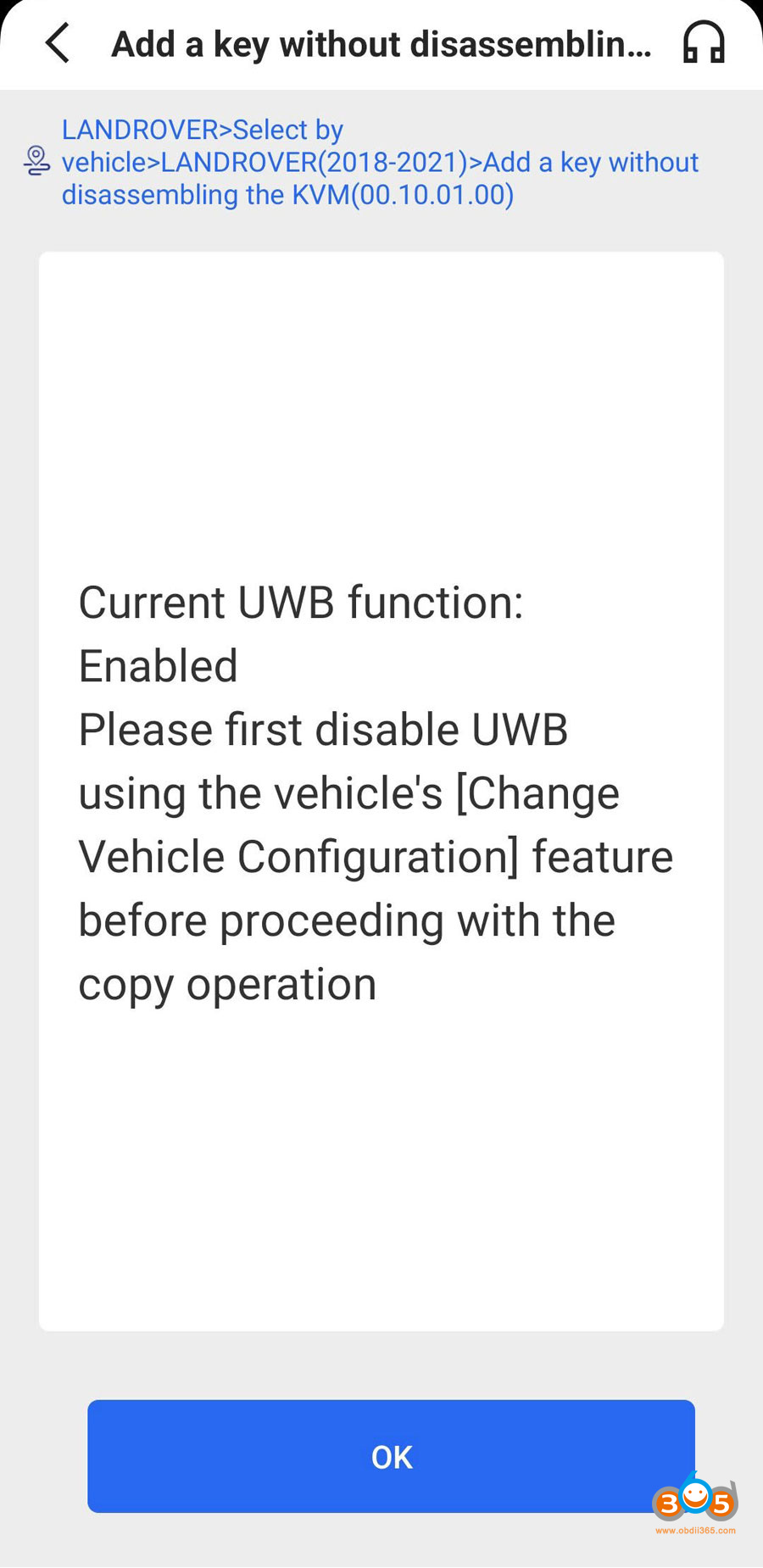
If you are using a ZB smart remote, an aftermarket key, or a original factory key without UWB, you must disable the UWB function.
If you are using an original factory high-config key, then you do not need to disable UWB.
Important note: Even if you use an original factory high-config key and complete the matching process, it only means the original factory UWB function remains unaffected. The new key’s UWB will still not function directly. Therefore, if the vehicle owner requires the new key to have full UWB functionality, you will still need to replace the KVM chip and perform regular key programming.
Question 3: If I overwrite the original key ID position, will the original key remote control still work?
Answer:
No. If you overwrite the original key ID position, once the new key’s remote is used, the original key’s remote function will be lost.
Important note:
When using the NXP29 cloning function only, the newly cloned key will work, but the original key’s remote function can still be restored within a short period of time.
However, if you use the OBD copy (programming) method, the original key’s function will be permanently lost.
Question 4: Why did you connect device to car?
Answer: After connecting KD-X4 to car, the device will detect if the car has UWB function and disable it. If the UWB is enabled unless you disabled it before you can copy.
Question 5: How about 3rd key? Can I copy one more smart key like this?
Answer: No, you can only copy 1 spare key using the feature. If need to add 3rd smart key, still need to replace KVM chip to add key.
First, verify how many working keys the owner currently has. If there are already two functional keys and the owner wants to add an additional one, you will most likely need to replace the KVM chip and proceed with the normal smart key programming steps.
Question 6: If I use the Land Rover 2018+ key copying function and occupy a lost key position, what is the procedure to restore the lost key’s function if it is later found?
Answer:
First option: Perform the copy process again — read the data from the new key and write it back into the recovered (previously lost) key.
If UWB does not work after writing back, you will need to replace the KVM (Keyless Vehicle Module) chip, then use the “Add” option to re-match the key. This will restore the original lost key’s remote functionality.
Note: For UWB-equipped high-trim models, on some vehicles, you will also need to go into the vehicle’s infotainment/system settings and reconfigure the UWB settings after programming.
Question 7: What about writing to an original key with UWB?
Answer: If you need to add an original key with UWB, replace KVM chip to add a spare key instead of copying key.
Question 8: Key slot will work?
Answer:Yes.
Question 9: Proximity function works?
Answer: Yes, no problem.
Keep updating…
For 2018+ JLR smart key cloning procedure, check here:















