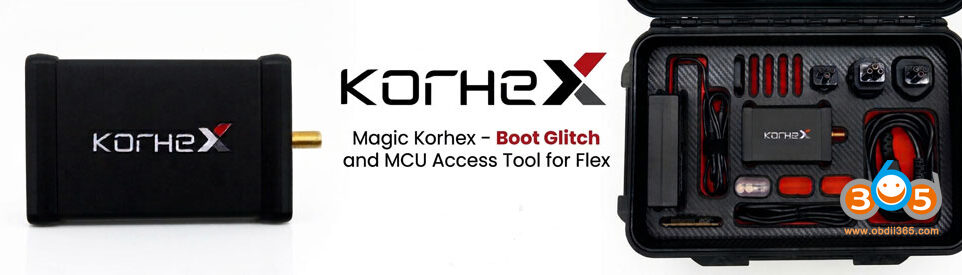



Recently, many customers have been testing the Magic Motorsport Flex Bosch MDG1 ECU Boot glitch unlocking function. Some have succeeded, while others have failed because the device has not connection with the ECU.
To increase the success rate, the following points should be checked and noted:
1). First of all use ONLY FLEX power supply.
Voltage supply
Glitching method uses voltage spikes provided to MCU at precise timing and length, this method is known for unlocking many microcontrollers.
Providing stable voltage supply is crucial and from my experience it is better to connect the supply directly to Flexbox, instead of Flex tool.
Less voltage drop, higher chance for quick unlock.
2). If cannot glitch, test your Flex by cleaning the I/O connection (connection between Flex and Flexbox) and glitching worked. Keep the PCB clean, check connections twice before starting to unlock, and practice, practice, practice. If nothing is working, check your Flex!
3) Use as short cables as possible. Too long boot wires will fail the procedure. You need to make shorter cables it’s always was like that in any boot or jtag connection – to long cables interrupt to glitching process.
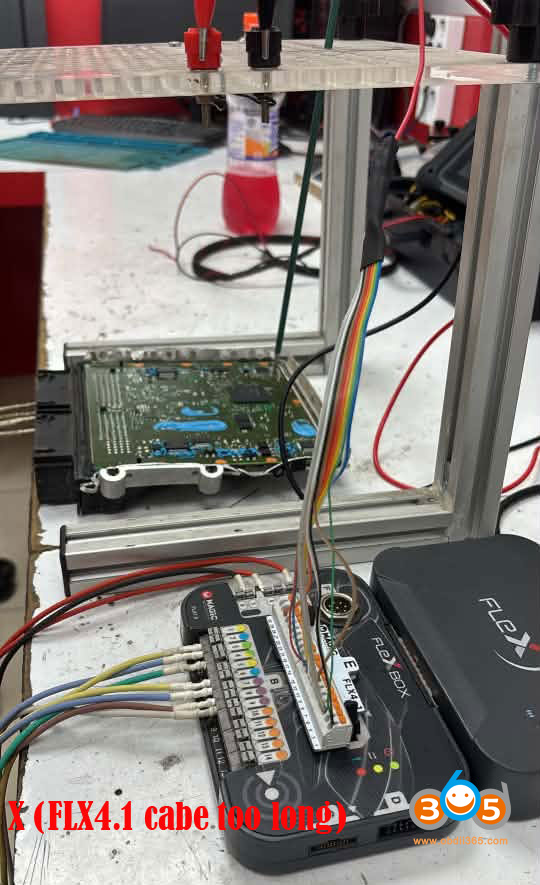
4). If fails many times with the Flex FLX4.1 cable, solder directly with short wires.
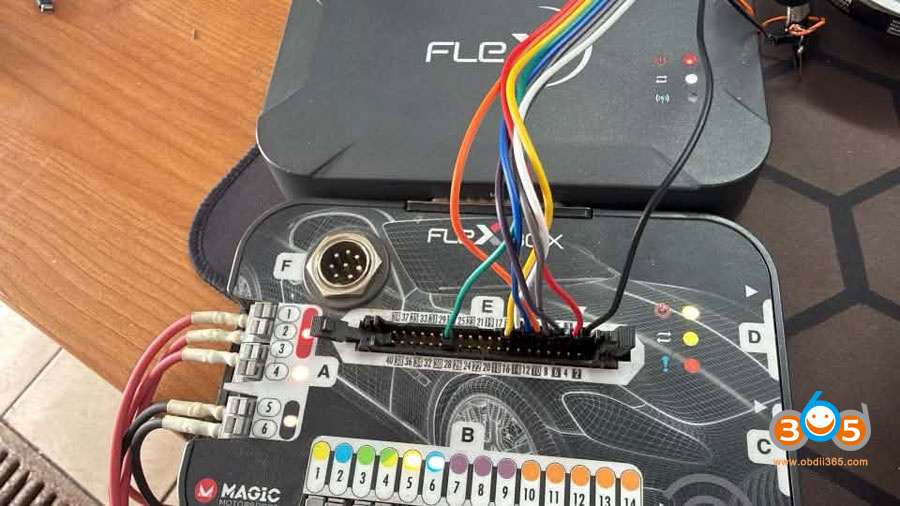
Try without FLX4.1 and connect directly to the E port.
Take your time and make proper E port adapter, you can use copper single core wire, they are relatively short, crimped and soldered at the end, also the diameter of the wire is matched to fit into flex adapter to ensure proper connection.
Check and change wiring for E port. Check the resistance of your wiring. The boot pin also looks very thick! It may not be making good contact, or the boot pad could already be completely gone.
5). Bridge resistor gap with solder and remove the resistor (0.1 ohm).
Some users struggle with removing the resistor sometimes resulting in losing it or damaging the PCB.
Put little flux on the resistor, get some bigger soldering iron tip and tin it with solder, try to heat both ends at the same time and grab the resistor with ESD safe tweezers, it should took less than 2-3 seconds without doing any damage to PCB.
After soldering it back, check continuity with multimeter.
6). Reinstall flex software and use a different WiFi (One of Flex users had issues with flex. It’s killing the internet; use different WiFi it works).
Also swap out to different power and ground leads, these are known to break near the ends, this protocol draws a lot of current so a weak cable could cause issues.
7). Call MMS support.
Keep updating…















