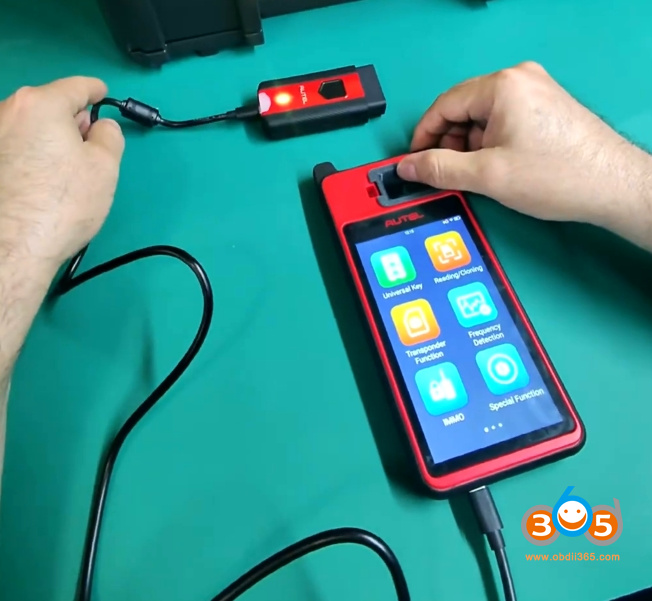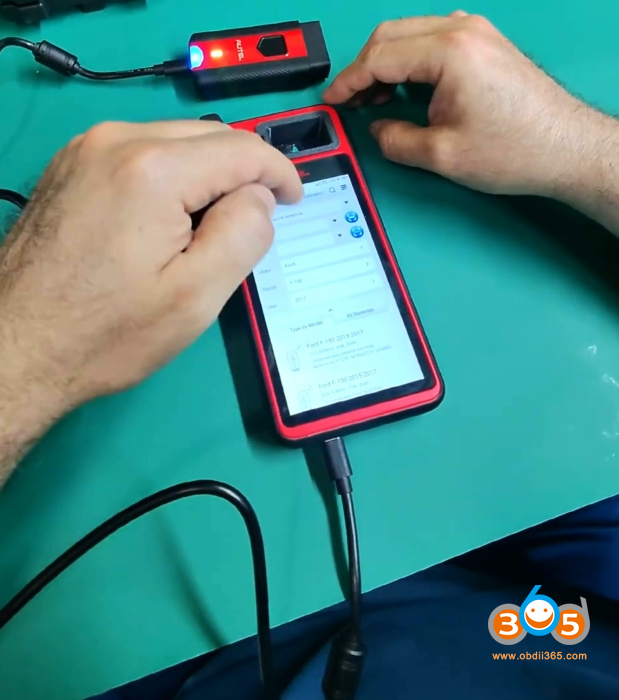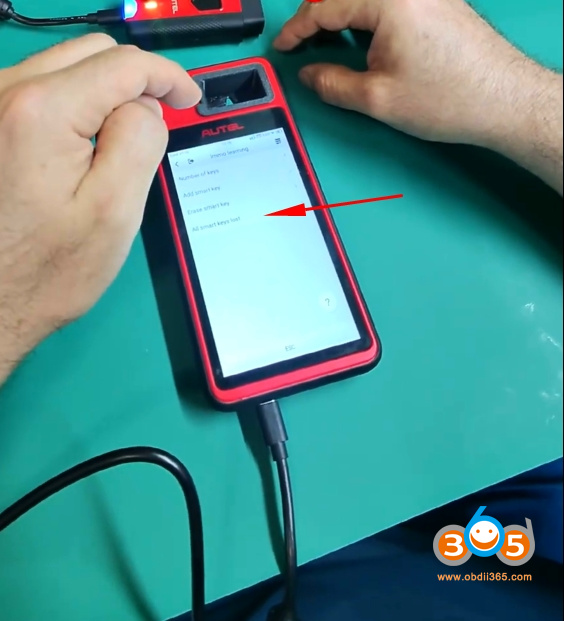


As we all know, the Autel MaxiIM KM100 has removed the AKL (All Keys Lost) functions for Ford, GM, and Toyota in America. There are some flashing methods available to bypass the latest updates and revert to older software versions in order to retain AKL functionality. Today, we’re sharing a simple trick to find the hidden AKL function without the need for flashing.
If you go the normal route the AKL function has been moved.
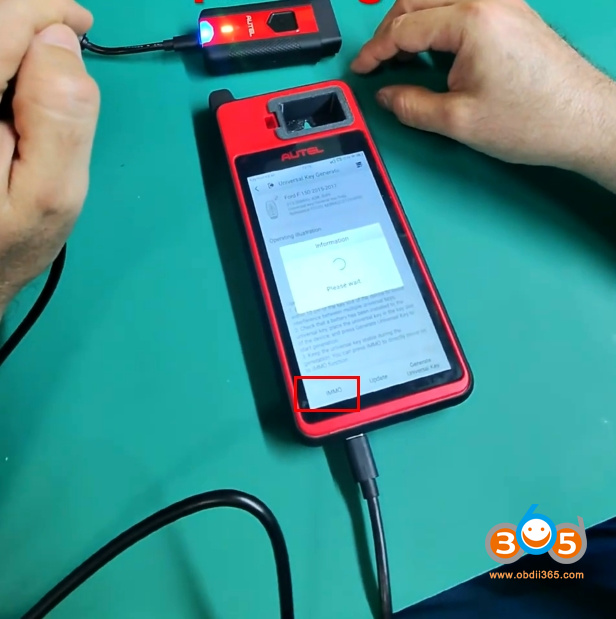
You need to go via the Universal Key and the IMMO route.
Connect KM100 via VCI200 dongle.
Select the Universal Key function
Select the corresponding remote option.
You will see IMMO function.
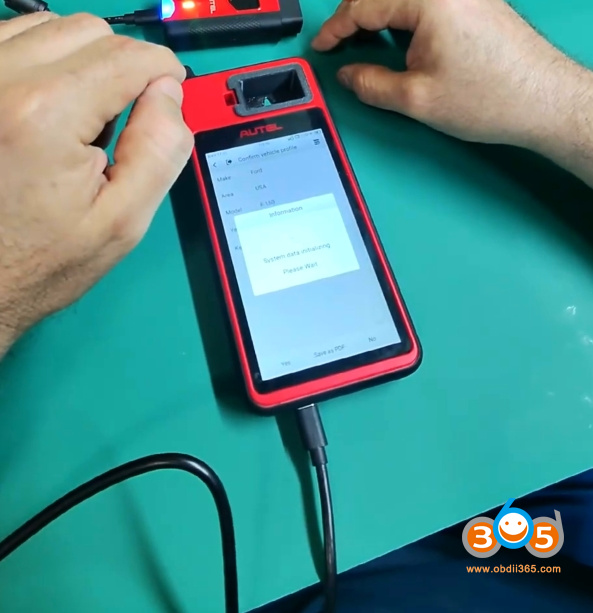
Select USA- Control Unit- Keyless System (CAN).
Then you will see “All smart keys lost” menu.
Same process for Ford, GM and Toyota if you’ve lost those functions due to updating.