

OBDSTAR BMW G series BDC2 add key function is ready. Update your BMW immobilizer software to the latest version to enable this feature. It may not be the best solution, it provides people with an alternative option.
Tools required:
Original working key
Original key to be programmed
4 Steps to add BMW BDC2 key:
- Backup coding (OBD)
- Preprocessing (Bench)
- Repair ECU (Bench)
- Learn key (OBD)
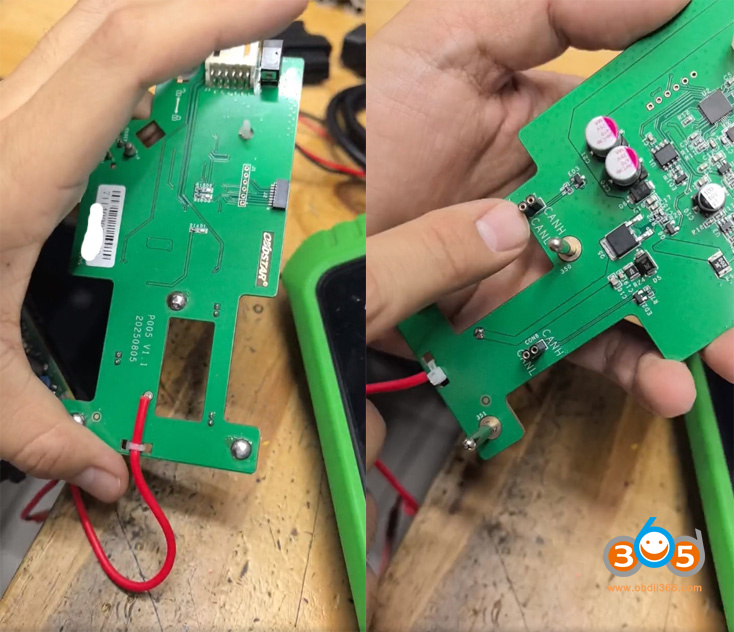
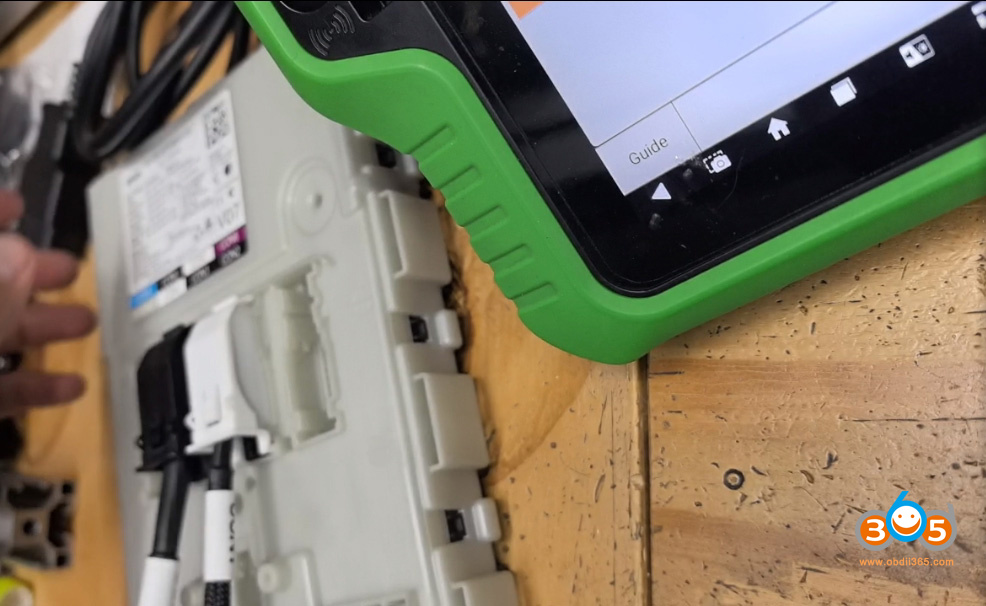
Step 2 requires disassembling BDC2 immo box and connecting using OBDSTAR P005 adapter on bench mode.
Set up P005 adapter connection as following.
Also need to connect a 12V power supply to the adapter.
If the adapter connects well, the communication indicator will turn on.
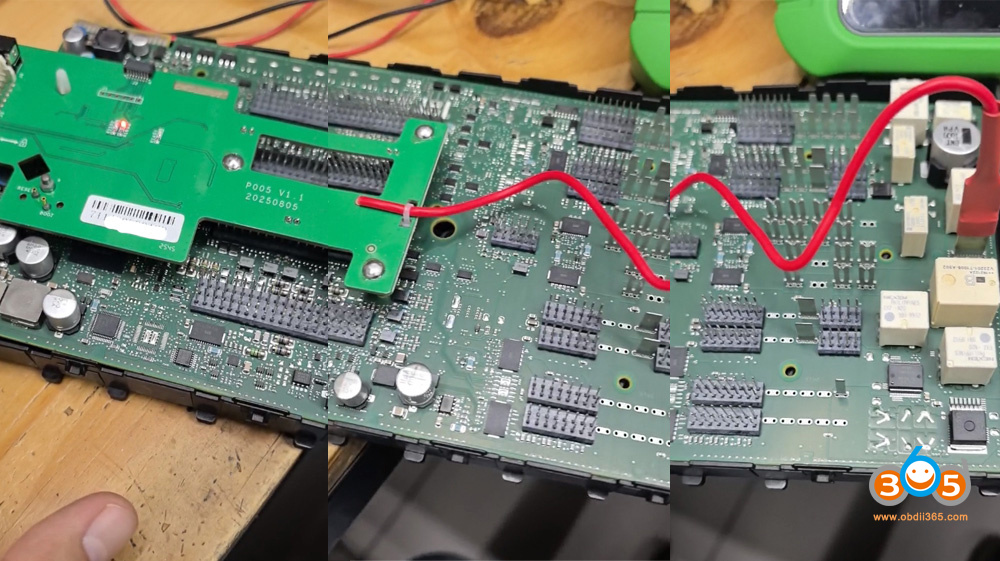
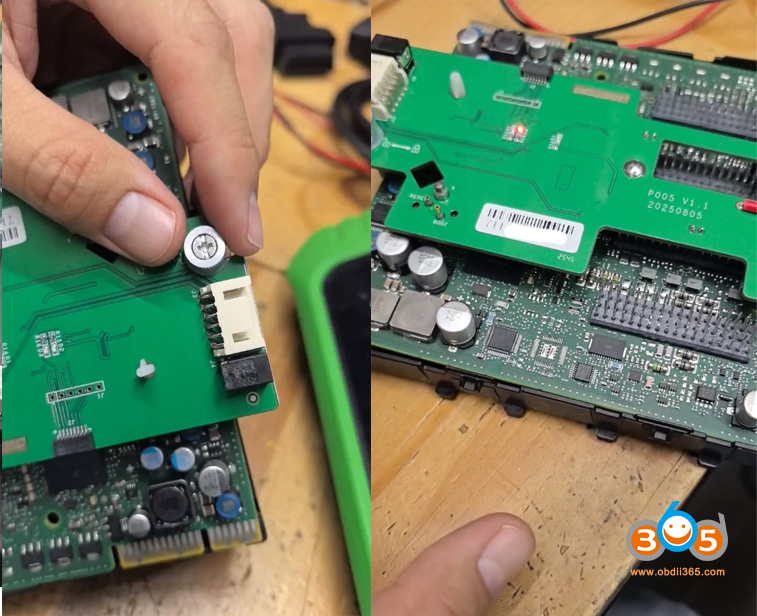
Then do preprocessing procedure.
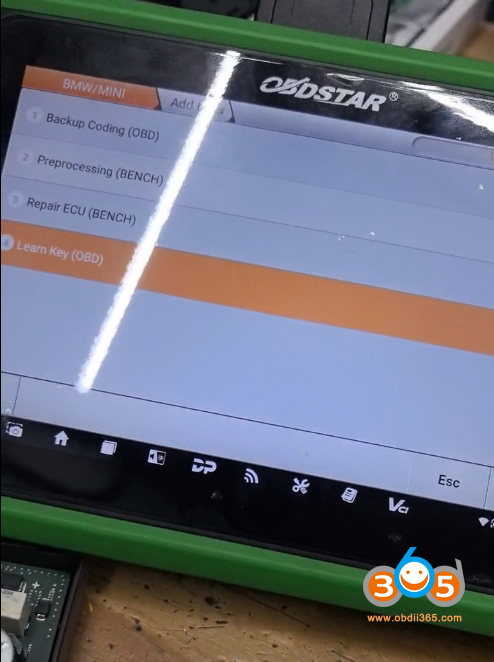
After that, we start to learn key.
Connect BDC2 module with BDC2 test platform and learn key via OBD on bench or reinstall the BDC2 module back to vehicle and learn key via OBD.
Select Learn key function.
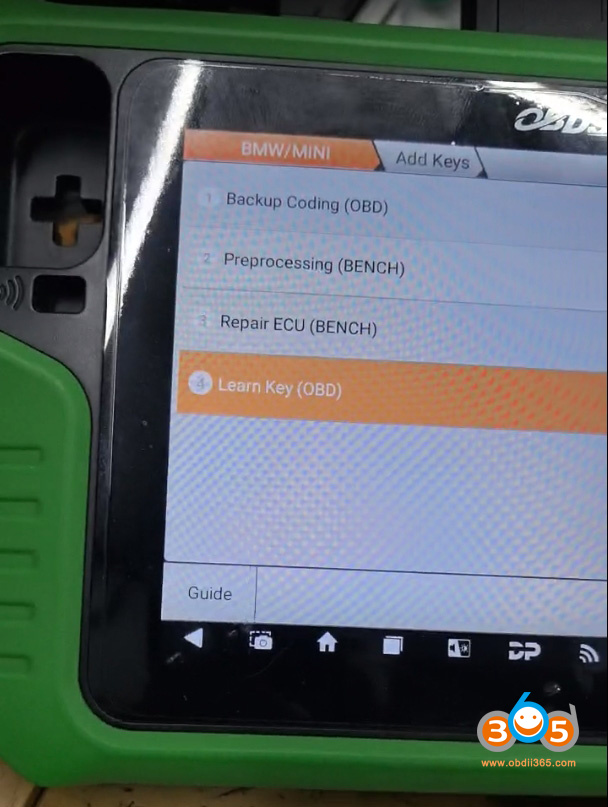
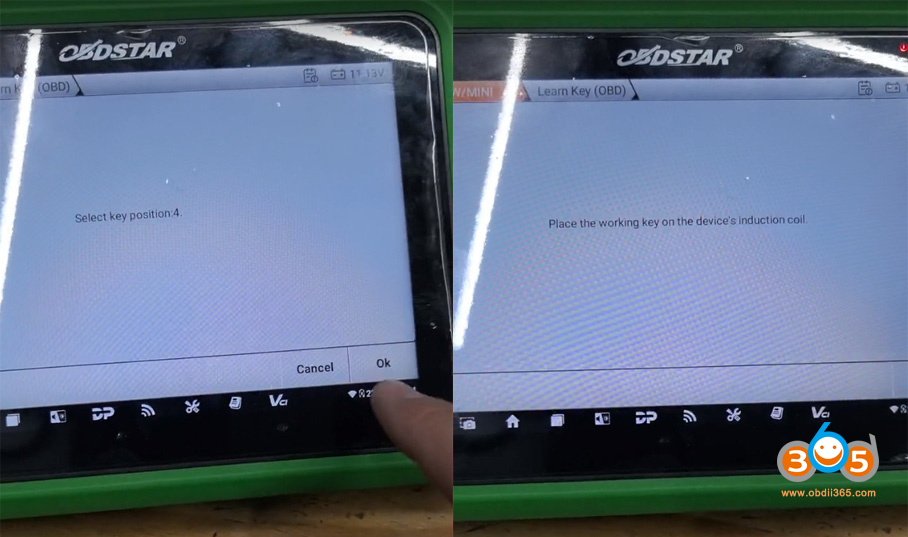
Select an unused key position.
Place the working key on the G3’s induction coil.
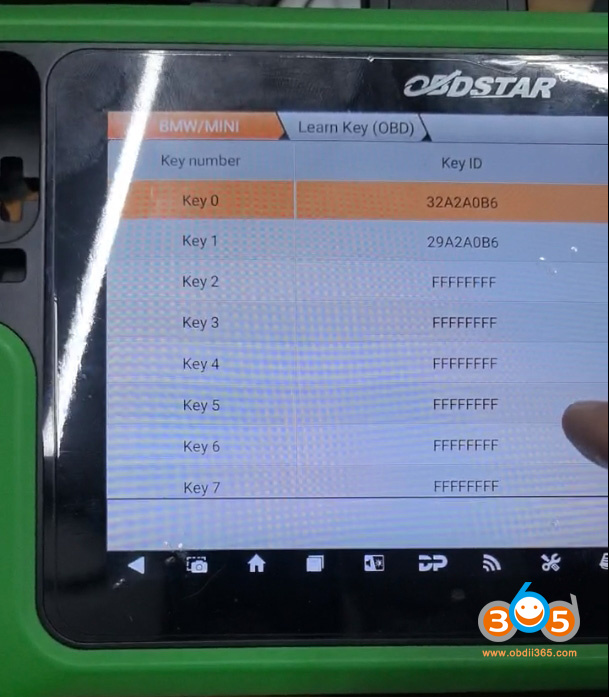
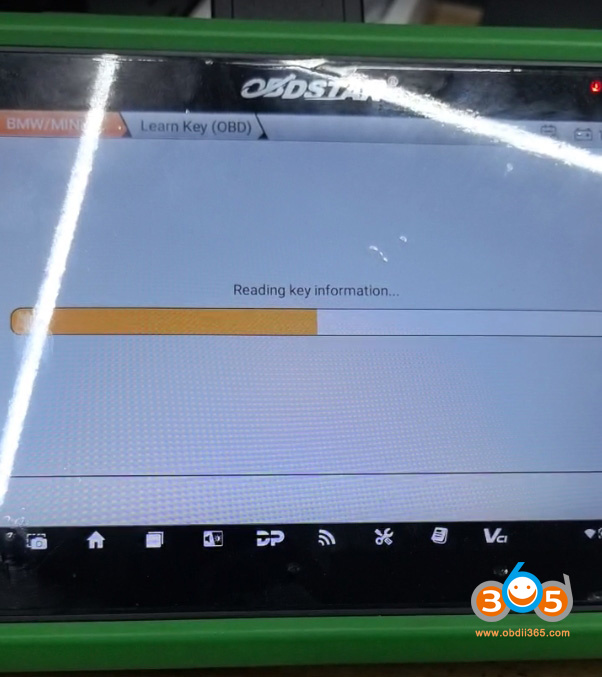
Read key information.
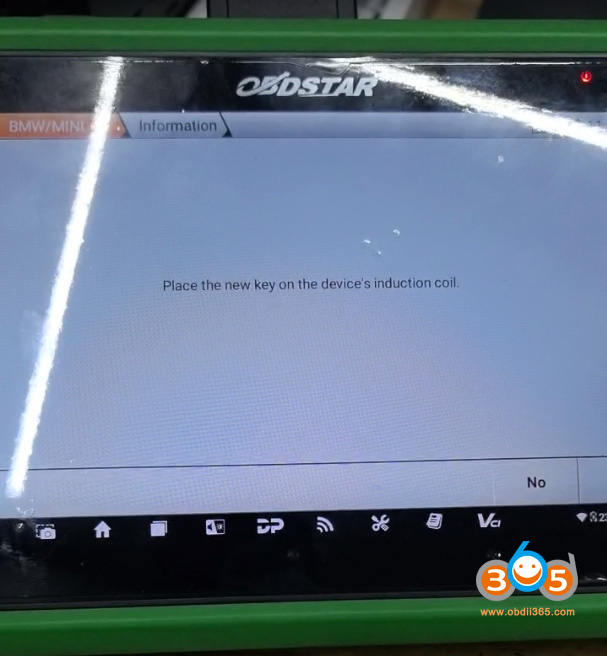
Then place the new key on the G3’s induction coil.
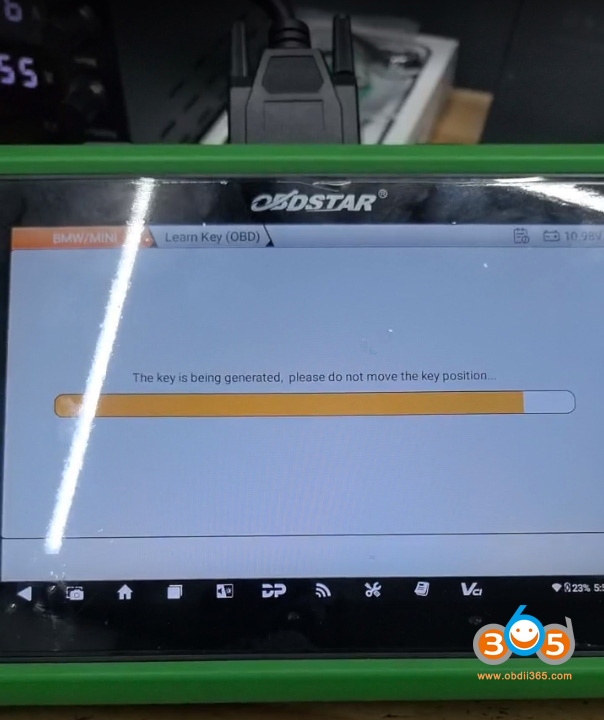
Generate key successfully.
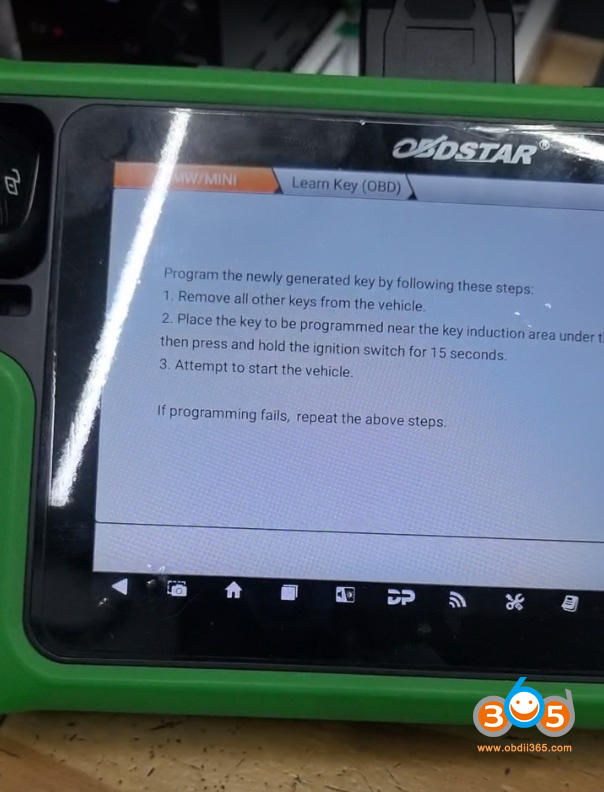
Follow steps below to learn key.
Program the newly generated key by following steps:
1). Remove all other keys from the vehicle.
2). Place the key to be programmed near the key induction area under the steering cloumn. Then press and hold the ignition switch for 15 seconds.
3). Start the vehicle.