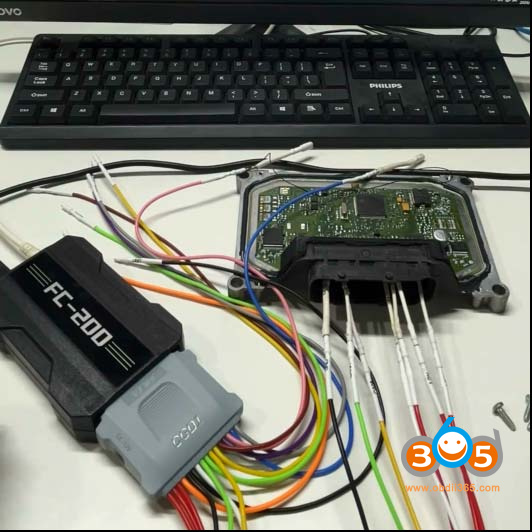



Some customers have reported that when using the CG FC200 programmer to read Chery, Great Wall, Baic, Geely, Change etc ME7.8.8 / ME7.9.7 / M7.8 ECUs, the reading fails. It prompts an “E121 version not supported” error and suggests using BOOT mode. This is a tip for solving this issue.
To solve this problem, follow the steps/tips below to read/write this ECU (with the new DB15 cable):
Unplug and replug 12V power supply quickly (This is the key to solving the problem).
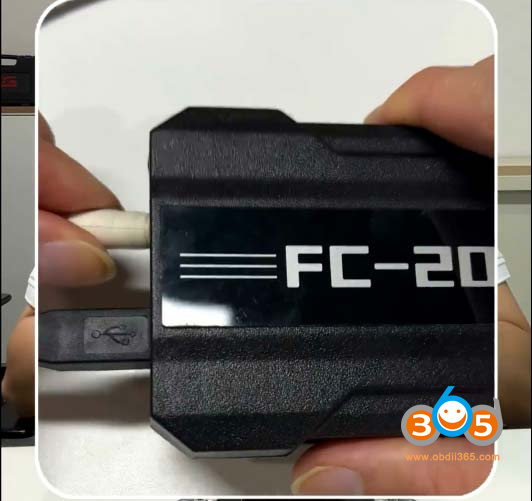
ME7.8.8/ME7.8 now supports Gen 2 CAN Unlock (bench mode).
Connect the CAN wires as shown in the wiring diagram.
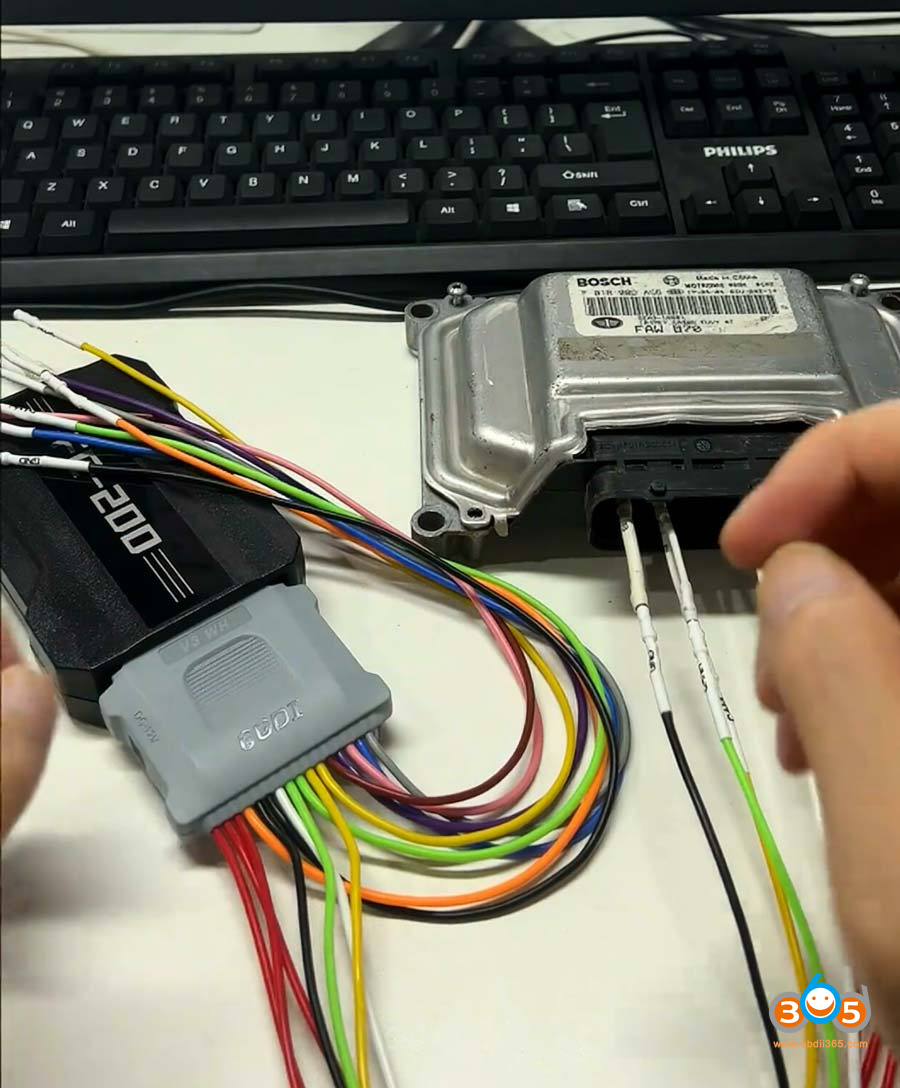
Then hit CAN Unlock button.
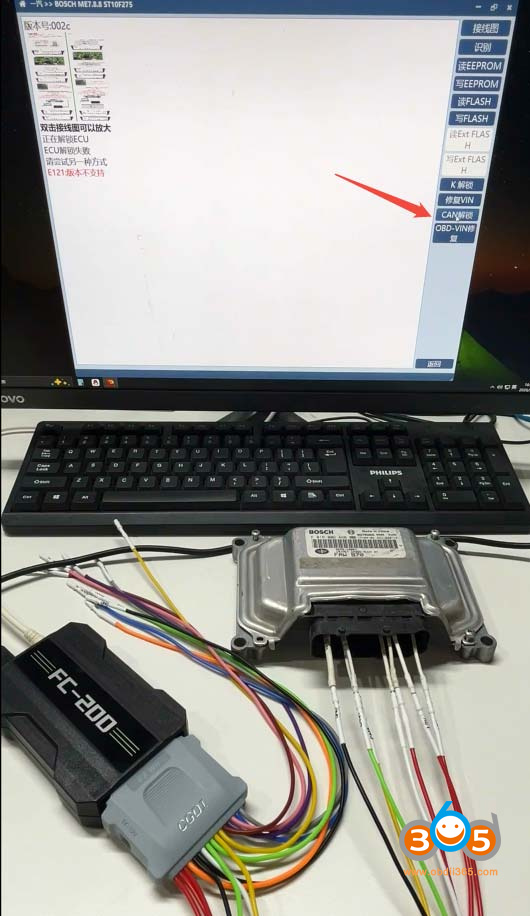
Note: The ME7.8.8 ECU must be unlocked before read/write operations.
Unlock ECU successfully.
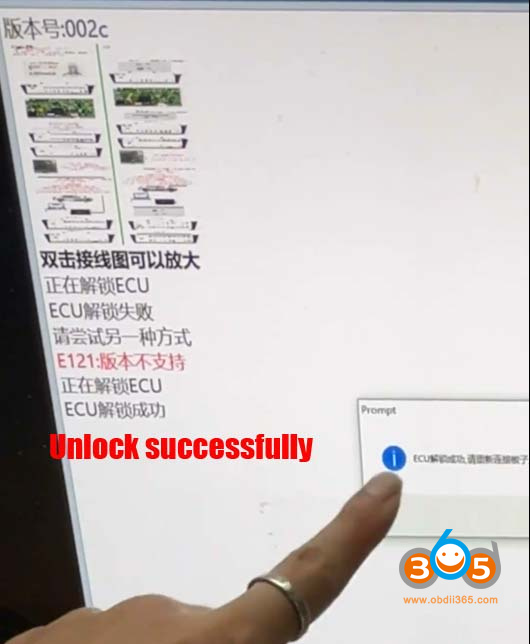
CG FC200 also supports boot mode reading these ECUs.
NOTE: If use the new DB15 cable, it has a built-in resistor, don’t need to connect a resistor.