
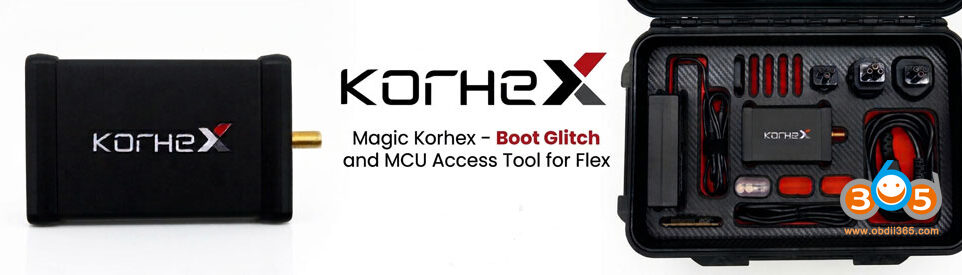



This article provides a detailed guide on using the OBDSTAR ECU Master tool with C4-01 adapter to read the Audi SIMOS 18.1 ECM (Engine Control Module) in boot mode.
The demonstration focuses on reading an Audi container ECM, specifically the SIMOS 18.1 variant, which is commonly found in:
- Audi vehicles
- Skoda vehicles
- Various other European cars

Laptop-Based Operation
- The tool operates entirely through a laptop, offering several advantages:
- Convenient data saving and transfer
- Easy file sharing for remote collaboration
- Simplified workflow compared to desktop-based systems
Connection Quality
The connections are described as:
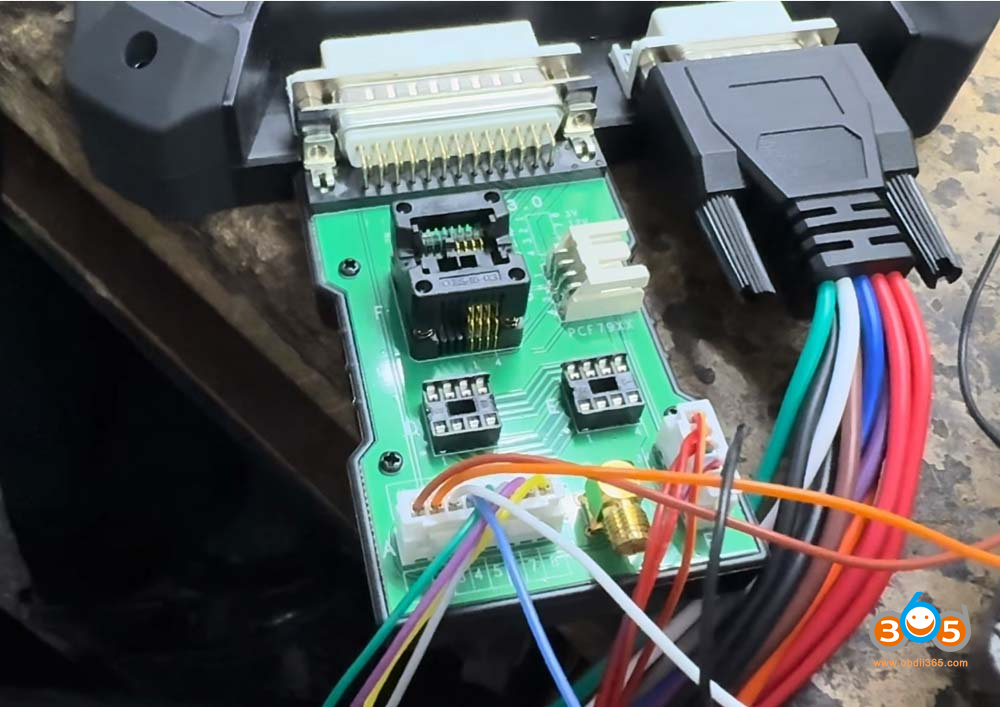
- Clean and well-organized
- Color-coded for easy identification
- Simple to implement whether using pin-out or soldering methods
The C4 Adapter Connection
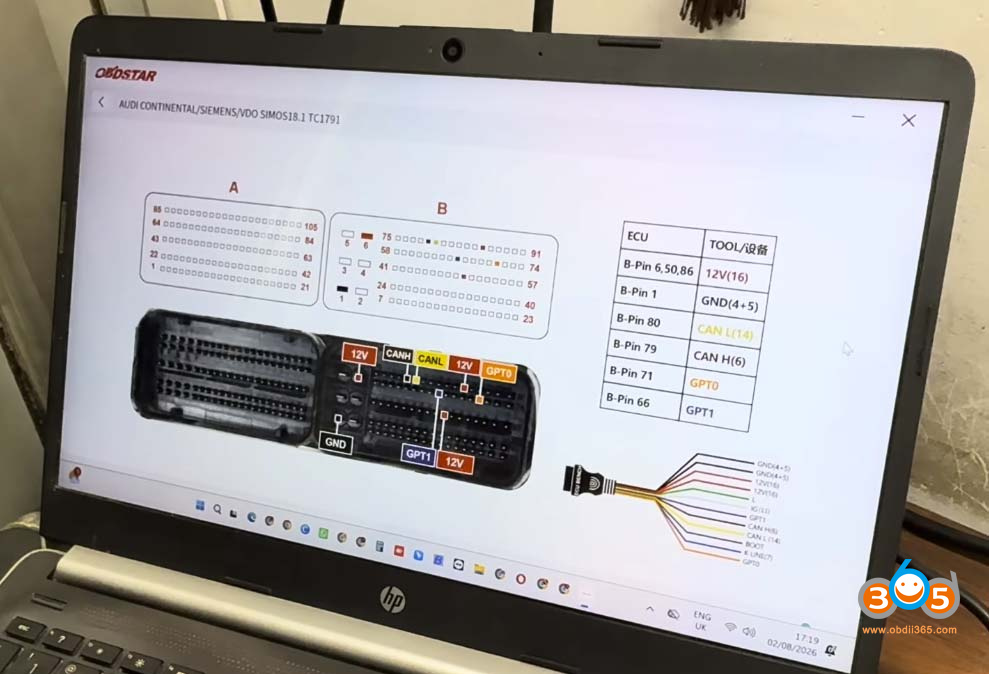
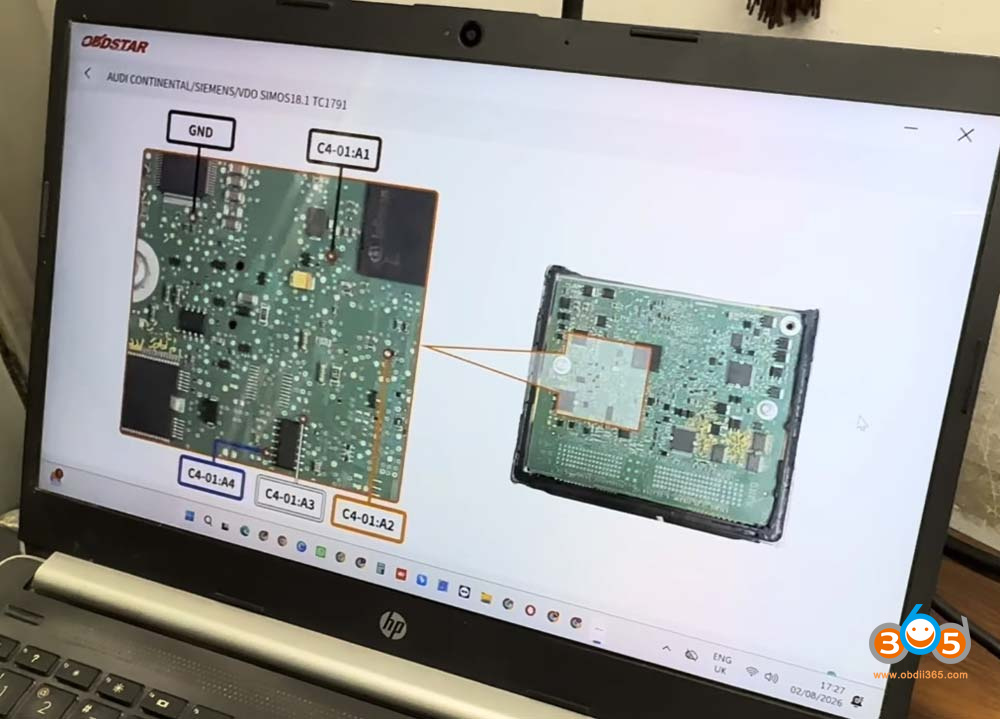
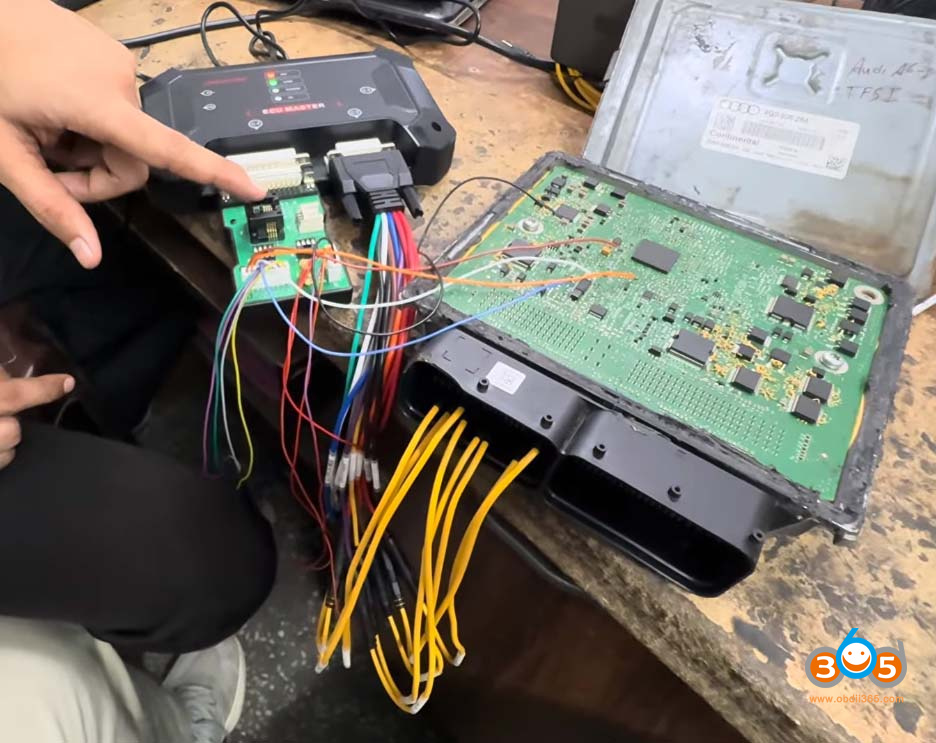
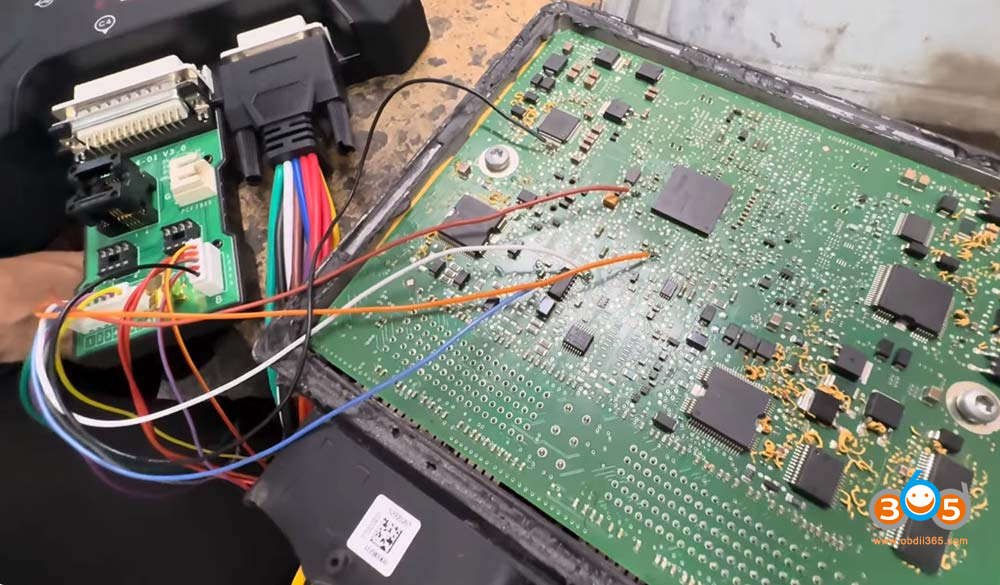
The C4 adapter plays a crucial role in this process. Unlike previous guides where direct connections were used, this demonstration utilizes the EPROM-based system approach. The connection setup involves:
- First Connection: Pin-to-pin connection (direct bench wiring)
- Second Connection: PCB (Printed Circuit Board) pin-out connection that requires soldering
Both connections work together with the C4-01 adapter to enable proper communication with the ECU.
Reading Process
The reading process involves the following steps:
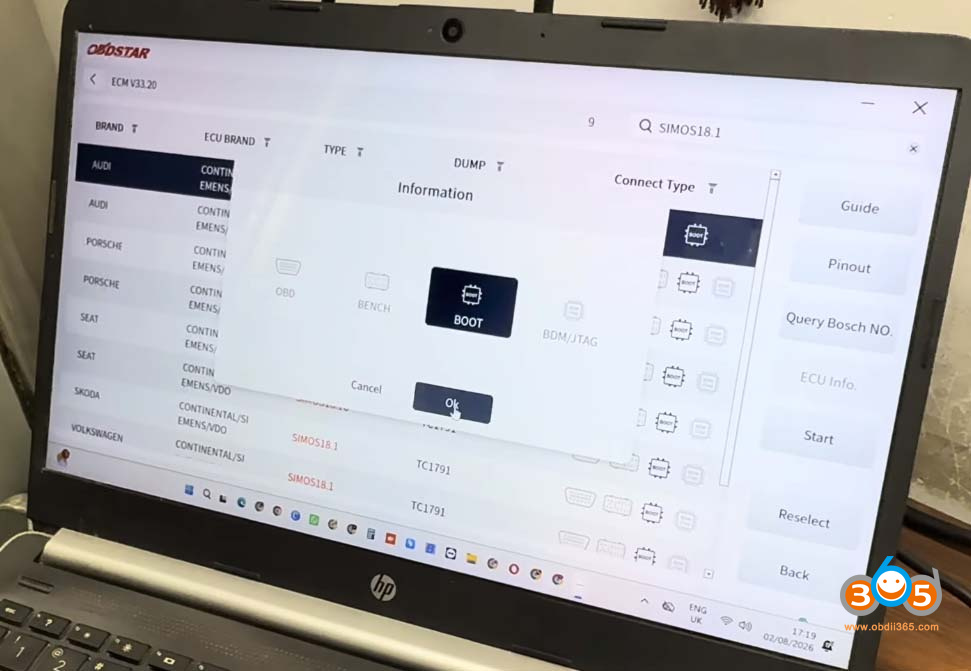
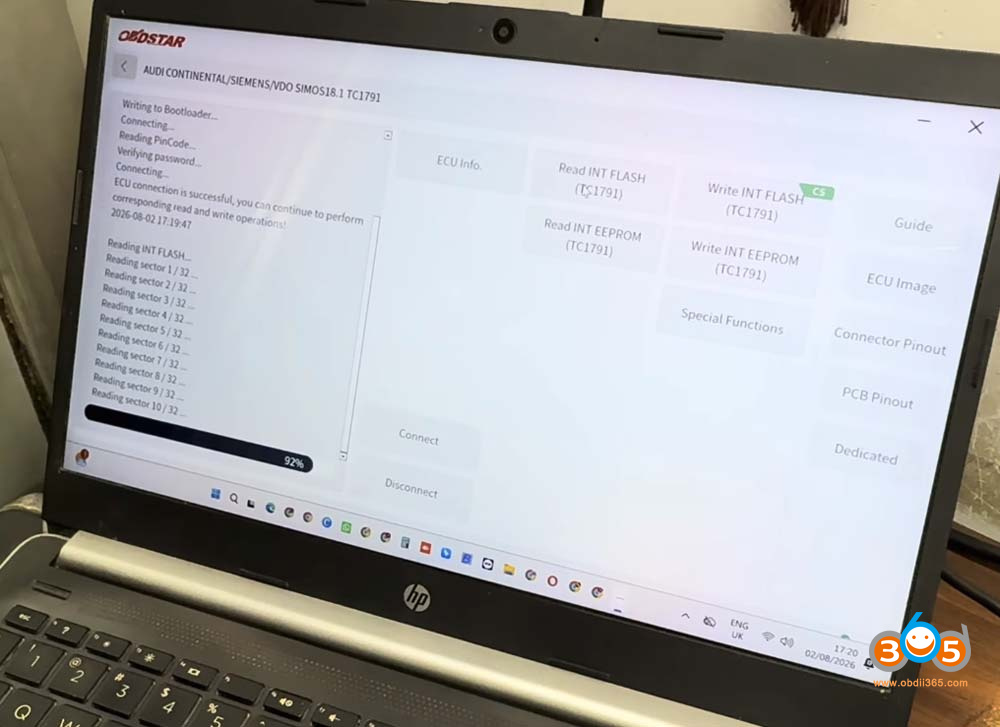
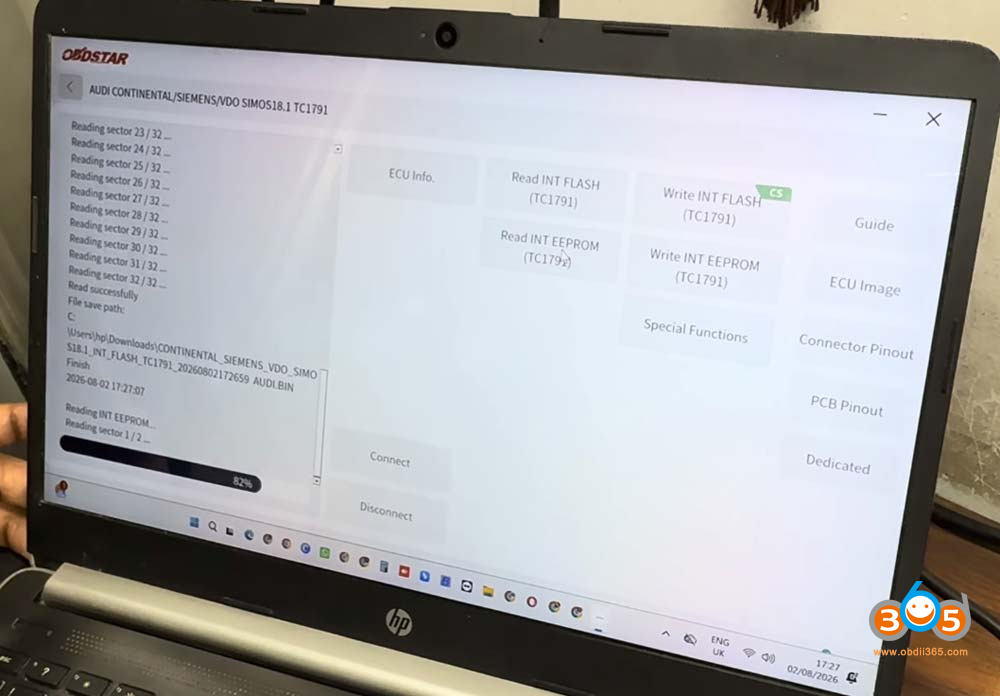
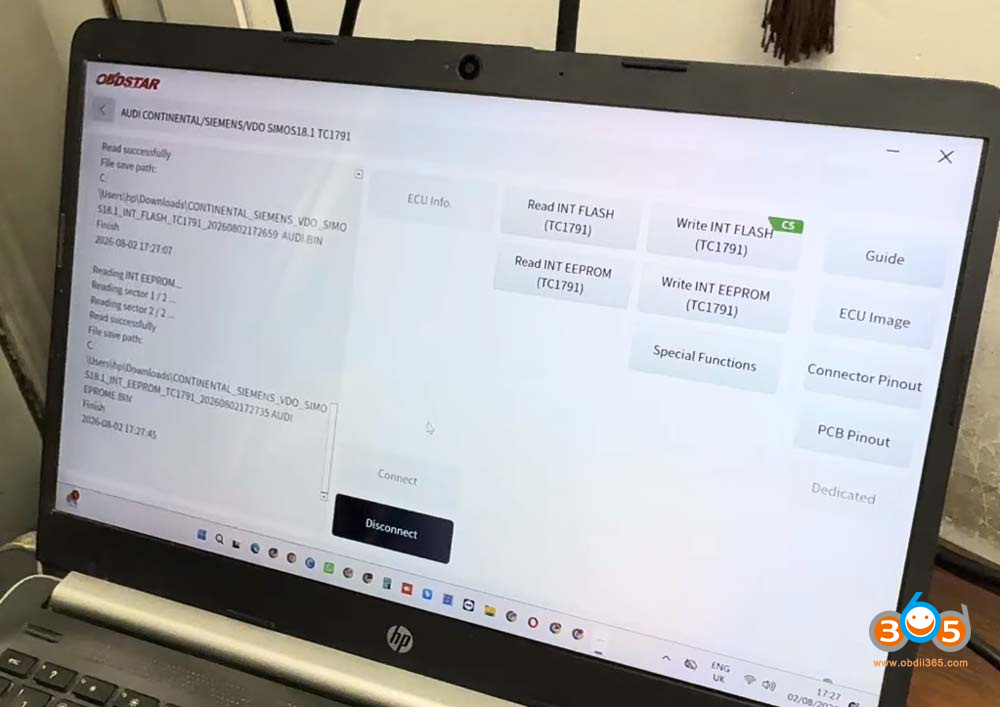
- Tool Setup: Searching for “SMOS 18” or “SMOS 18.1” in the software
- Identification: The system recognizes the Audi ECU with the TC1791 chip
- Boot Mode: The tool operates through boot mode, which is essential for accessing the ECU
- Reading Process: The tool begins reading the flash data from the ECU
Performance and Speed
One of the standout features demonstrated is the impressive reading speed. The tool reads the ECU data quickly, making it practical for professional use without requiring excessively long wait times.















