




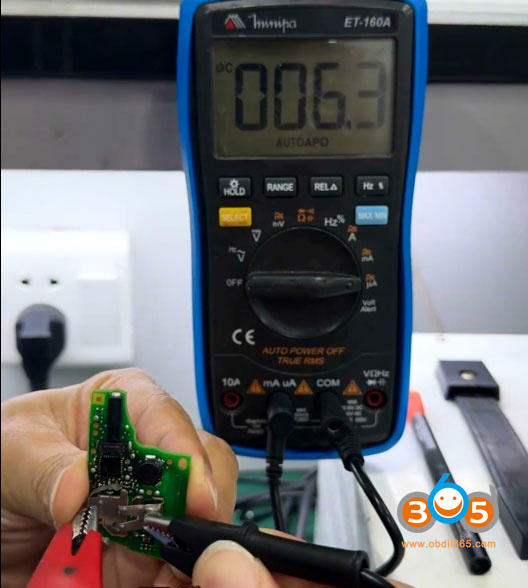
One of our customers encountered a short circuit issue while reading the data of this MQB49 5C smart key using Keydiy KD-X4. As a result, the remote control function stopped working, and only emergency starts.
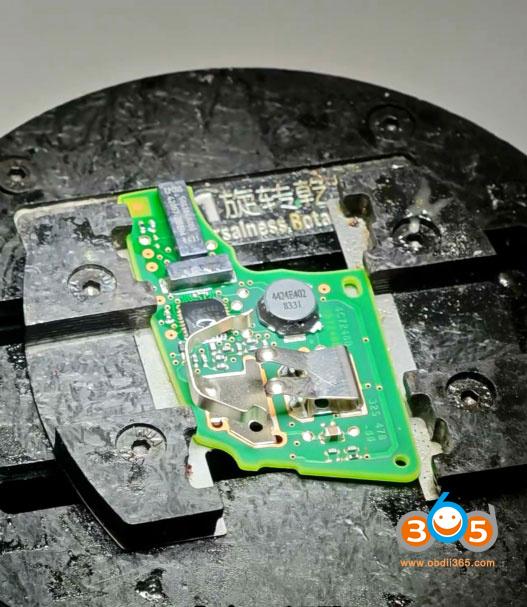
Possible causes of the short circuit:
-
Soldering wires caused bridging, leading to a short circuit under the chip.
-
The soldering iron temperature was too high, and repeated re-soldering caused a short circuit under the chip.
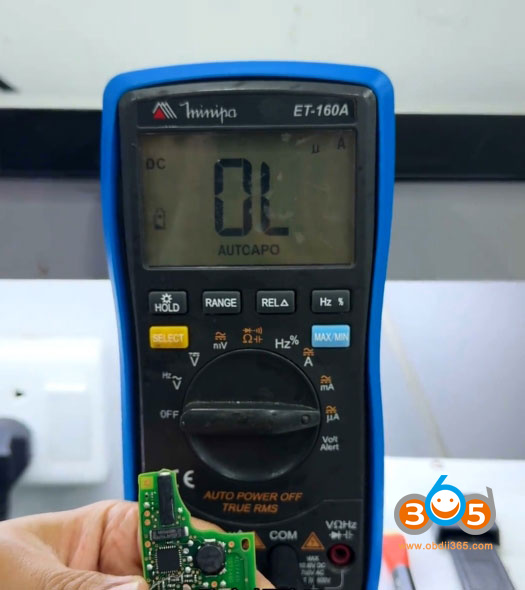
Solution:
Clean around the chip thoroughly, then apply reflow soldering (re-solder all pins/pads).
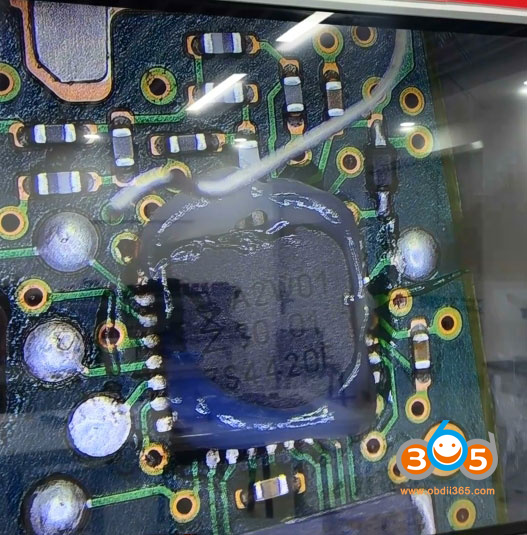
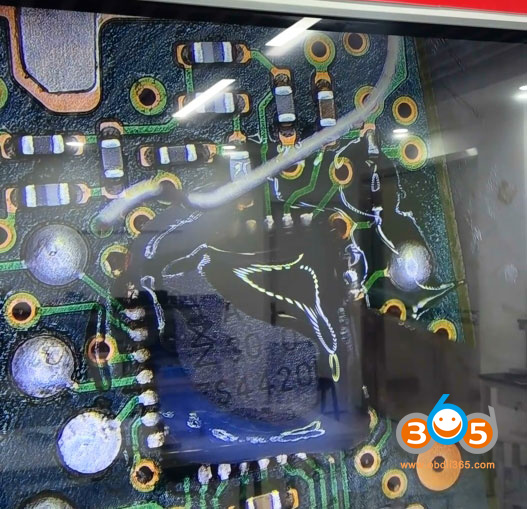

Tips to read this type of 5C smart key via soldering:
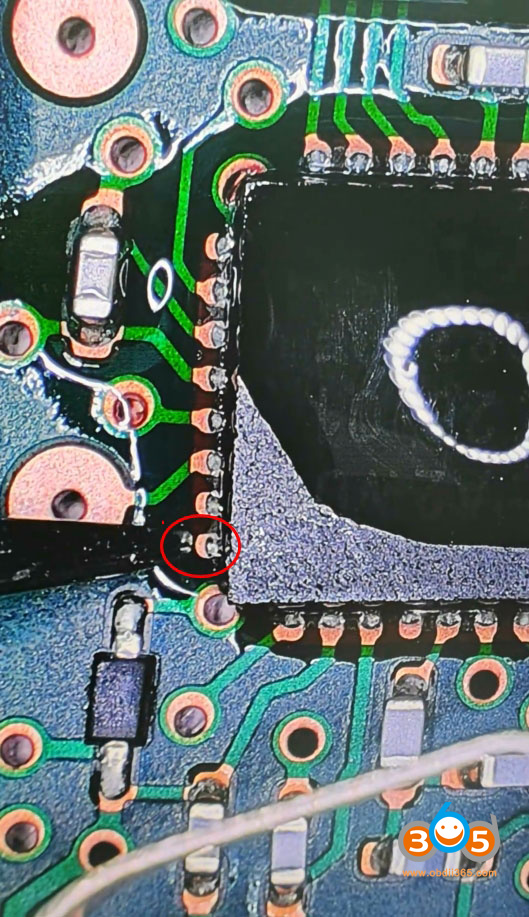
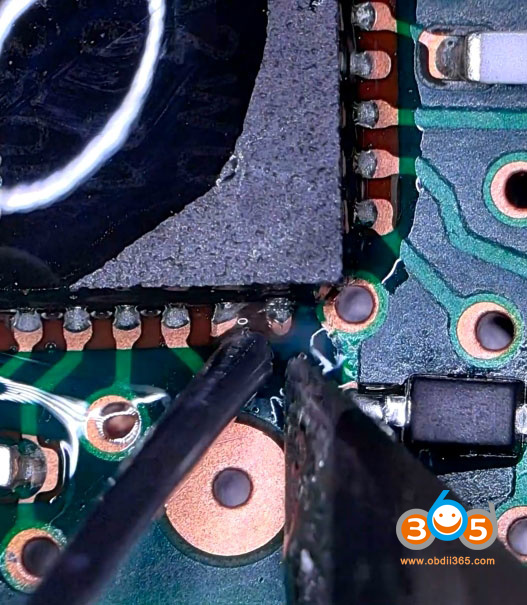
Remove the glue from this point.
Set your hot air gun to 180°C.
Keep it a little away from the pins and heat in a circular motion (move in circles).
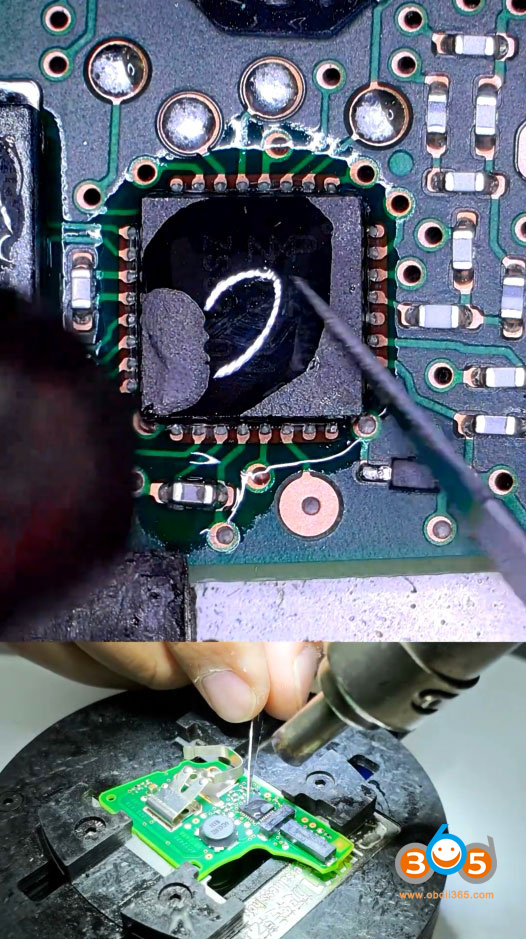
Once the temperature comes up, use a blade to remove the glue (de-glue / remove adhesive).
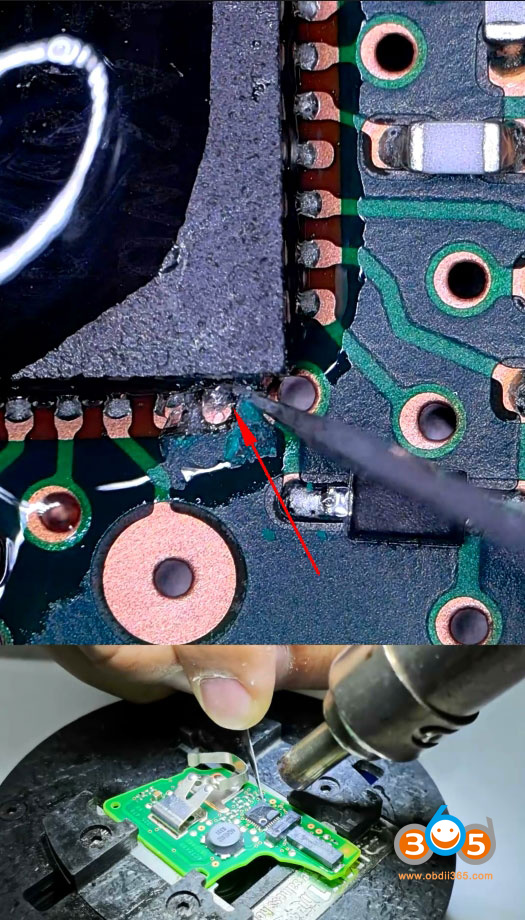
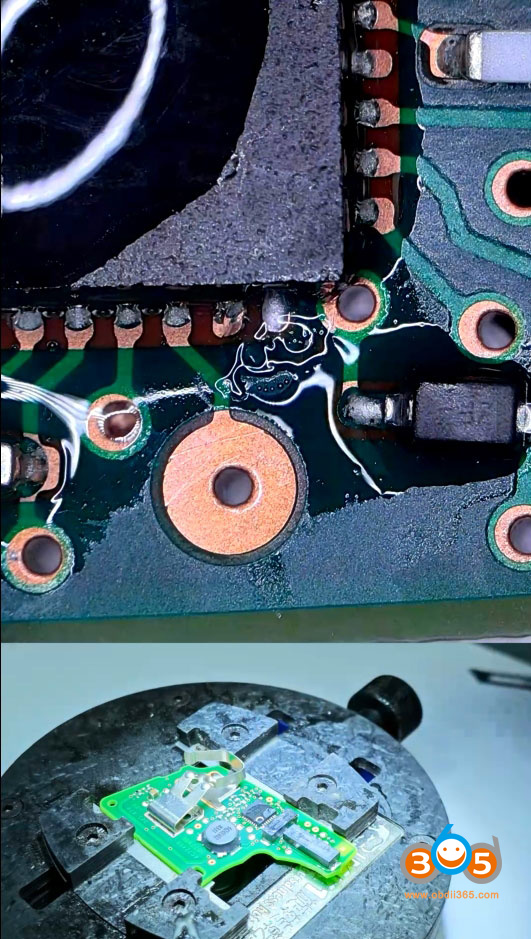
Then clean up the surrounding area.
If you want better contact, use a soldering iron to add a little solder to this pin.
The best way is to use the solder free adapters. The connection points on the adapter are fixed, which prevents VCC or wake errors.















