



CGDI MLB Tool VAG MQB48 key adding function is ready.
Here we will show how to read MQB48 original key data using CGDI MLB software.
Tools used:
DB25 cable
12V power supply
A laptop
Original key
New OEM key or CGDI remote
Procedure:
Disassemble the original MQB48 key shell.
Run CGDI MLB Tool software
Select MQB48 function.
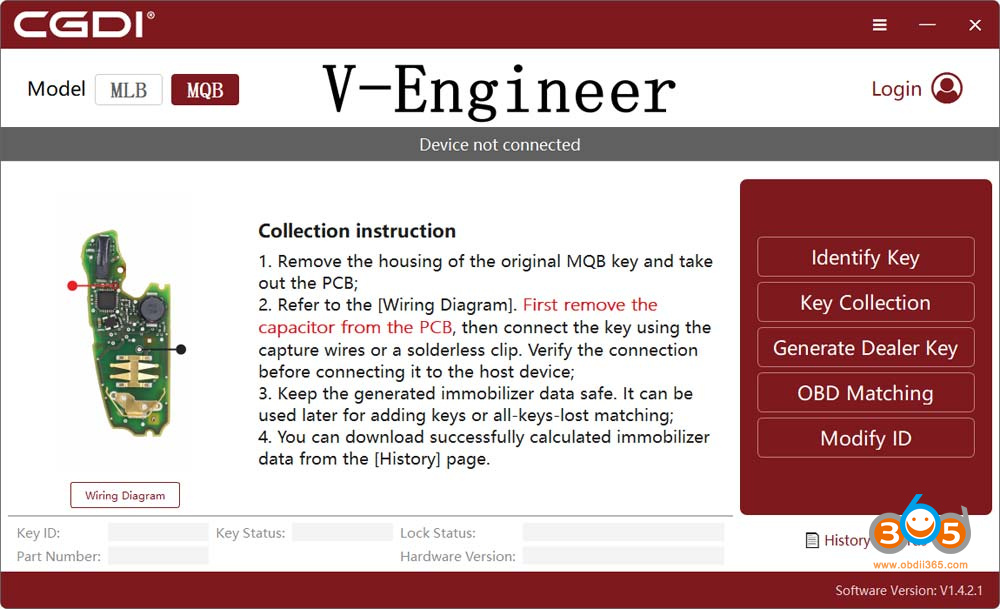
Check key wiring diagram.
Find the one that matches your original key circuit board.
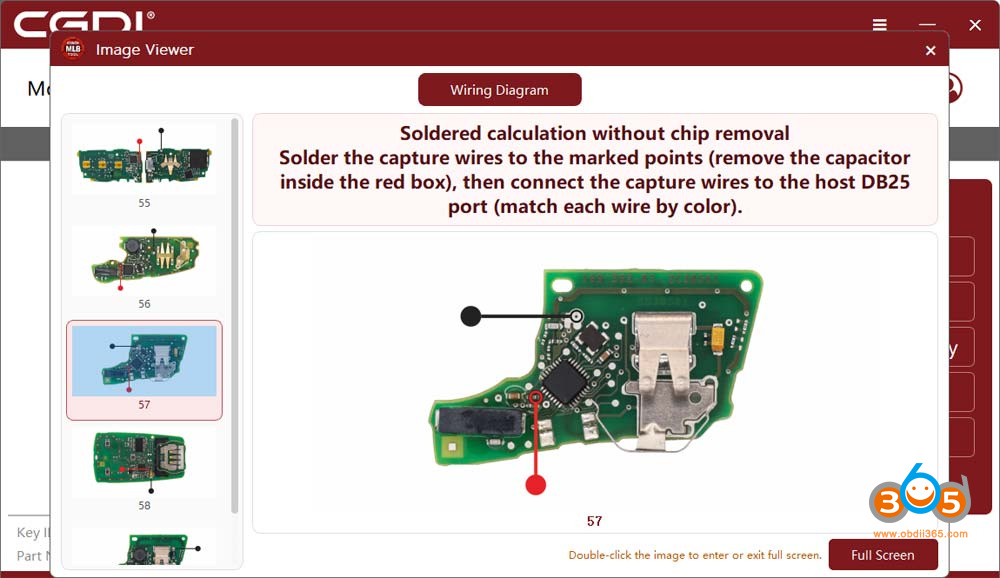
Remove one capacitor on the key PCB.
Then solder wires to the key board via DB25 cable.
In this case, only need to solder 2 wires, black and red.
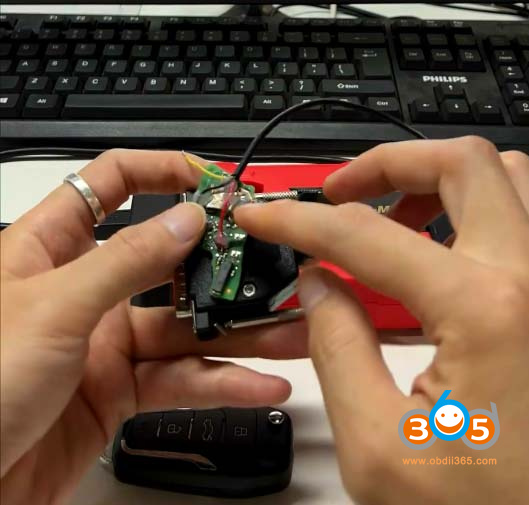
Then connect DB25 cable with CGDI MLB tool.
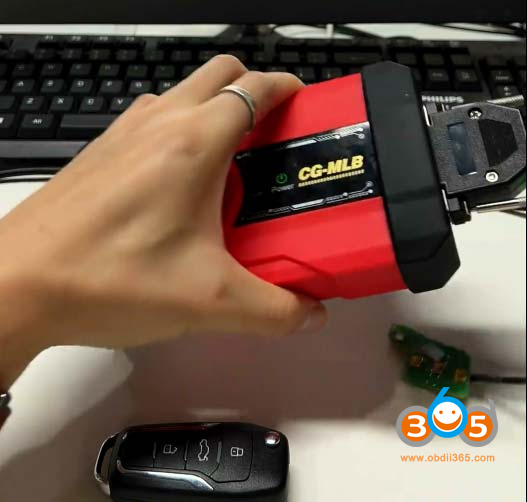
Place the key circuit board into the induction coil.
Pay attention to where you place the key.
Otherwise, the key may not be detected. Placement varies by key type, and the software will prompt you.
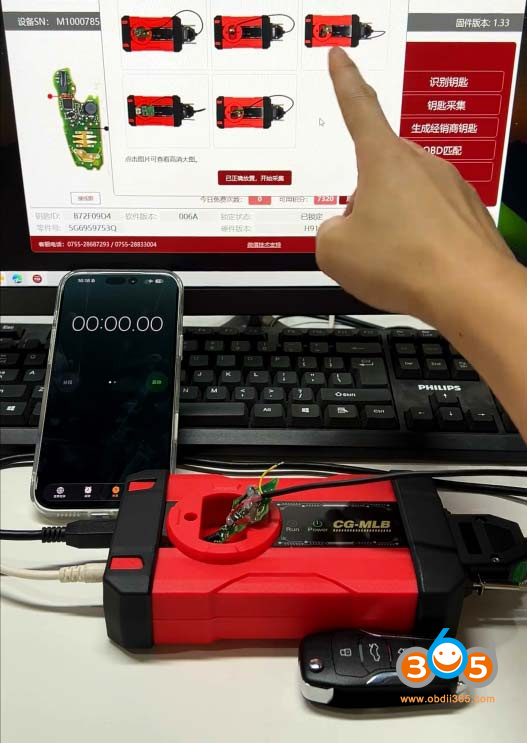
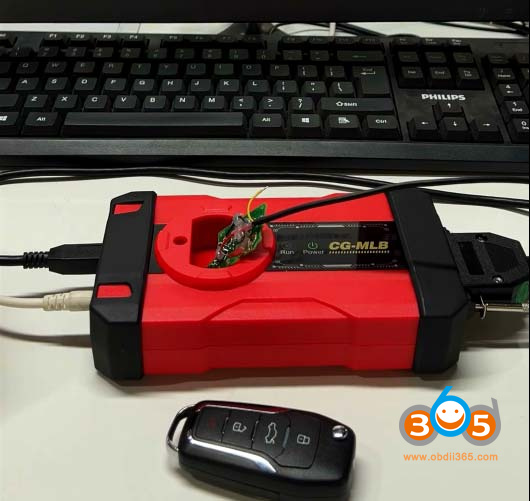
Then start identifying key info.
Read original key data successfully.
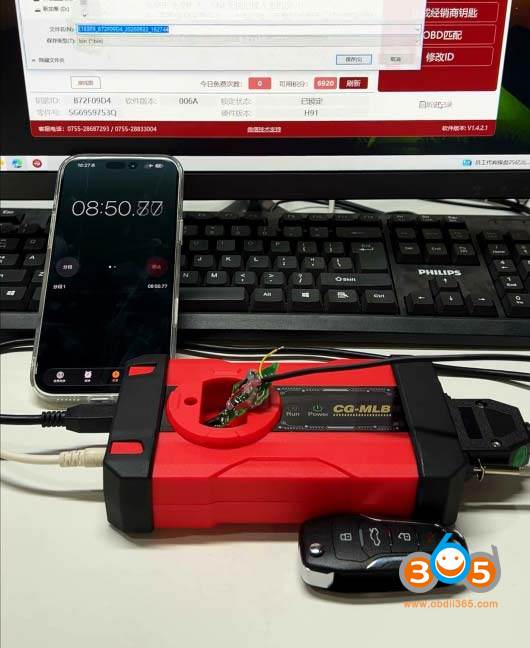
Then generate dealer key (generate CG remote)
The final step is to learn key in car.
Read also:















