


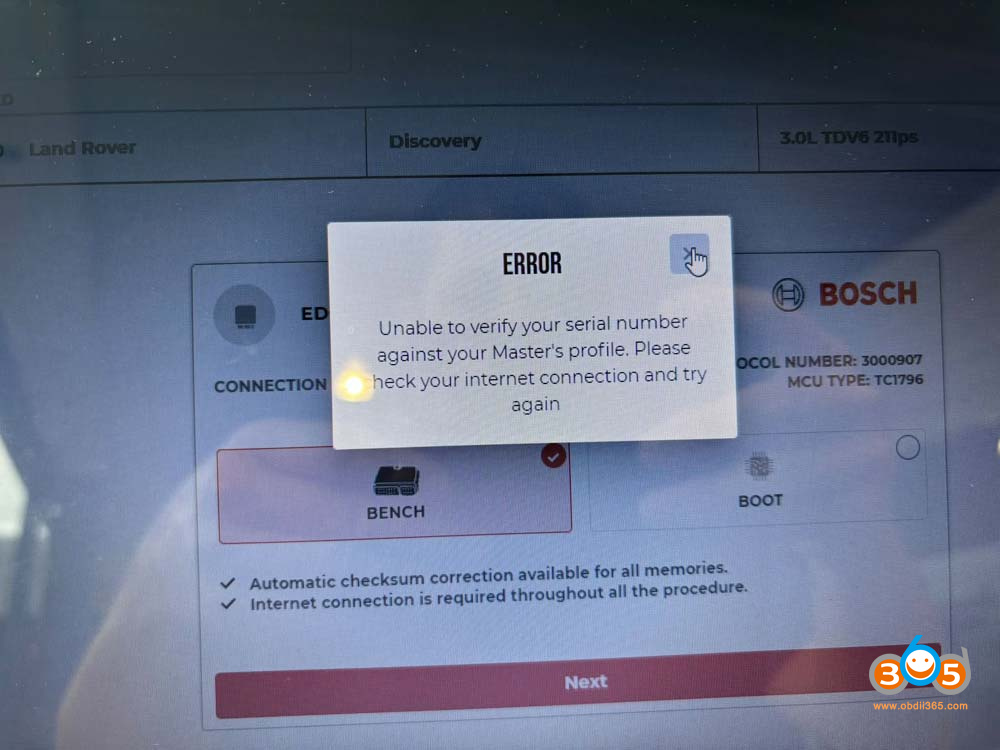
Magic Motorsport Flex programmer is getting this error: “Unable to verify your serial number against your Master’s profile.” How to fix it?
Here’s the solution.
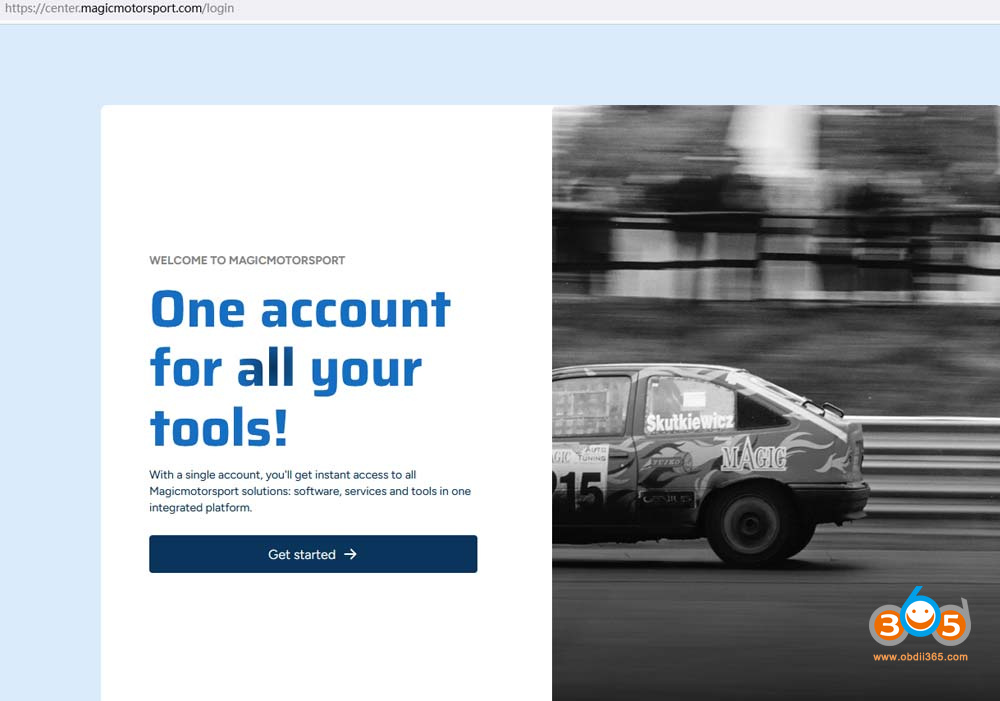
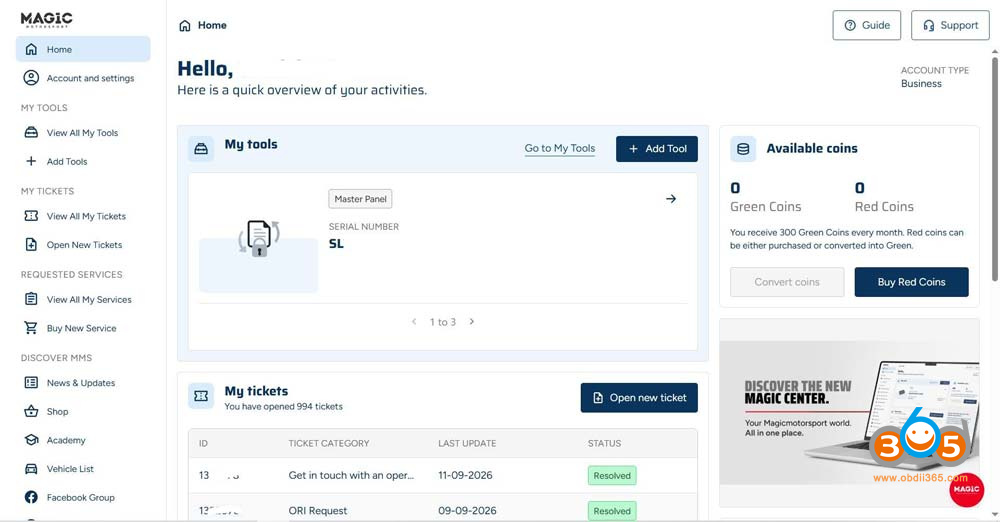
Log to your account on the new platform (login new MMS helpdesk). Then your license will work.
This happens to all linked slaves if the master has not yet registered on the new MMS center. Contact your master.
Slaves have to register on the new portal too.
If you are related to Master, both of you have to enter the profile.
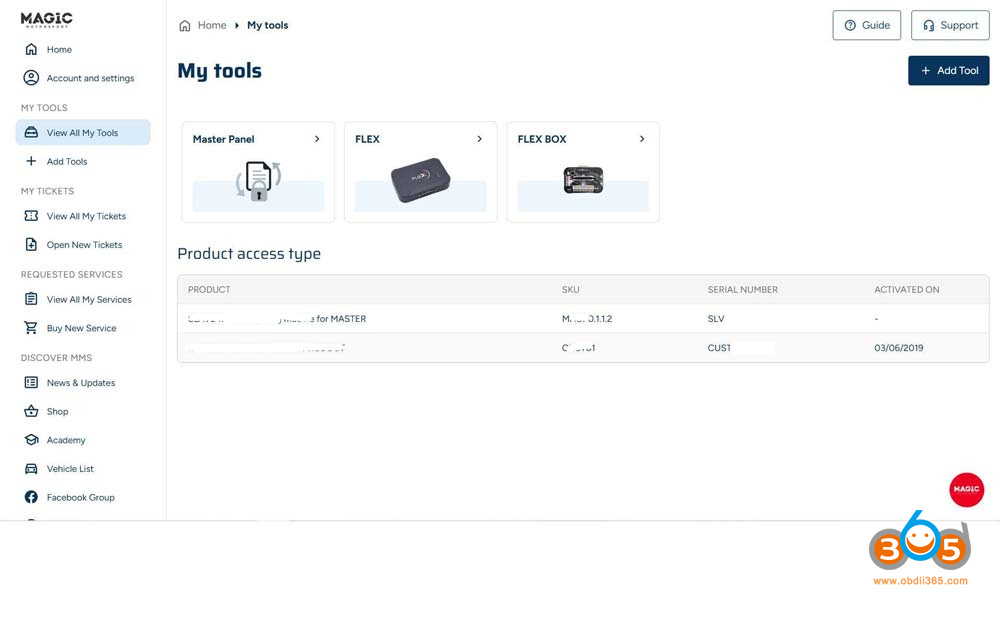
Log in to your profile and update the panel, it will be fixed.
If you don’t log into the new platform, you won’t be able to use your device, and you’ll keep getting this error. It lets you in for a split second before forcing you to log in again.
New platform/New user panel: https://center.magicmotorsport.com/login