

Keydiy KD-X4, OBDSTAR G3 and Lonsdor K518 Pro released Li auto -2025 smart key programming functions with their corresponding security gateway bypass harness cables.
Here we will show how to bypass Li auto gateway with different gateway connectors.
The Li Auto dedicated wiring harness is specially designed for pre-2025 versions of L6, L7, L8, L9 and MEGA models, which supports key programming (no PIN code required), all keys lost and adding keys.
What do these adapters have in common?
- Support no seat removal, no power cut-off, no wire cutting and plug-and-play design. Directly connect to OEM vehicle plugs and link to the vehicle CAN bus;
- Support Programming Keys with no pin code required, All Keys Lost and Add Keys.
Support Models
Support L6, L7, L8, L9 and MEGA models released before 2025.
1.How to Connect OBDSTAR Li auto C1032 adapter?
Remove the driver’s side trim panel.
Unclip the retaining clips. Remove the cover panel.
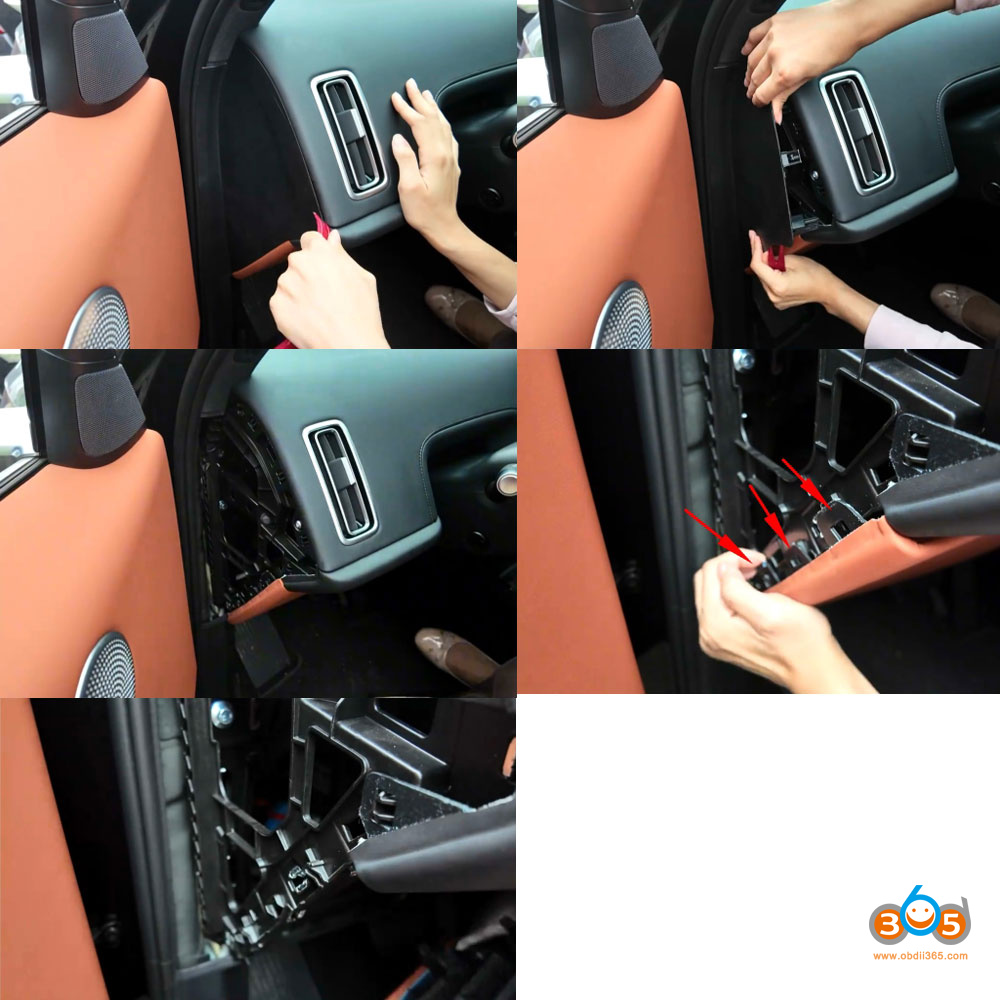
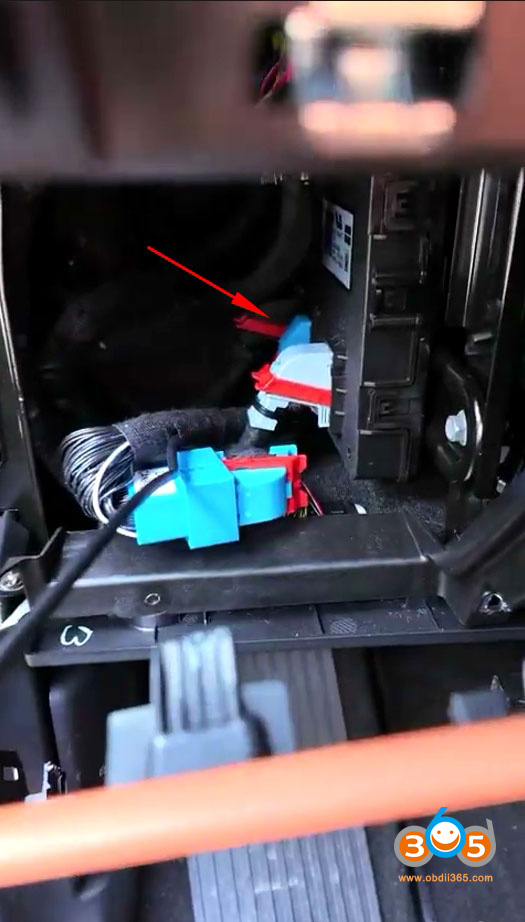
Locate the BCM module.
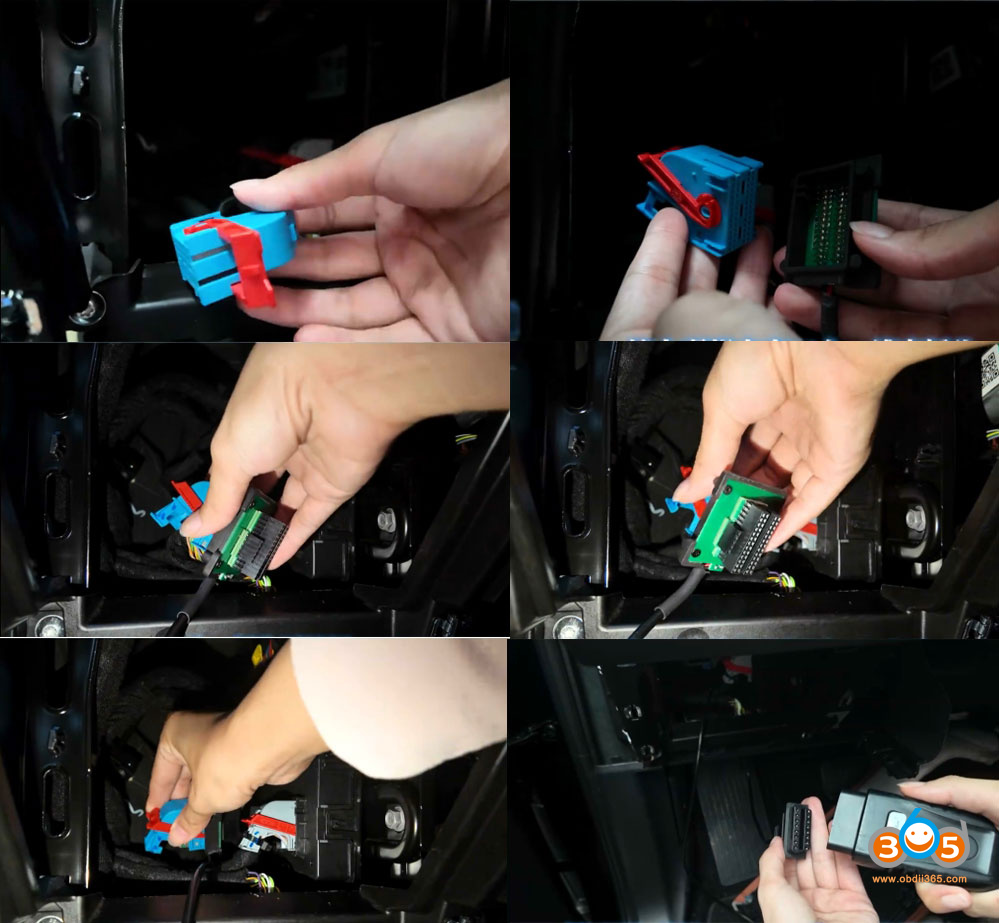
Unplug the blue connector.


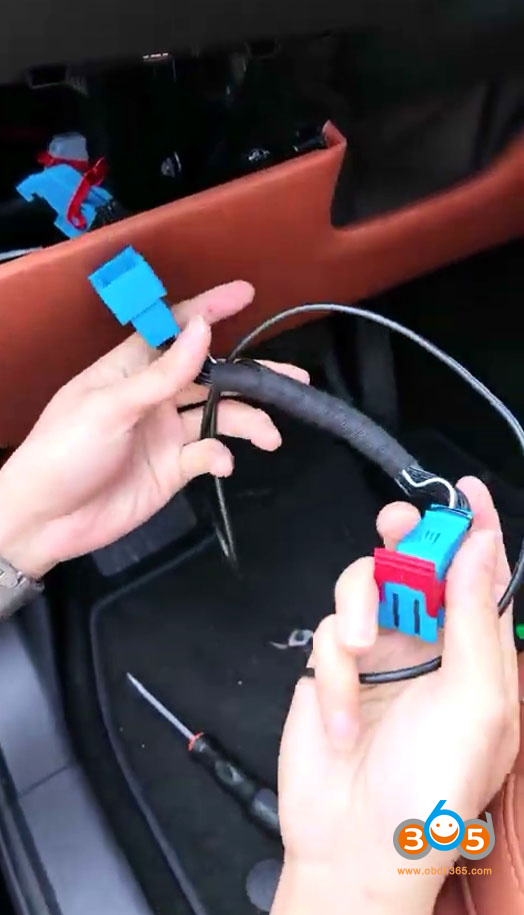
Insert one blue end of the C1032 cable into the vehicle’s original blue socket, and plug the other blue end into the original port on the BCM.


The C1032 harness also has two black OBD connectors — plug the male connector into the vehicle’s OBD diagnostic port, and connect the female connector to the device’s OBD cable.


Once connected, you can start programming the key.
2. How to Connect Londsor Li auto gateway adapter?
Remove the driver’s side trim panel.
Unclip the retaining clips. Remove the cover panel.
Locate the BCM module.
Unplug the blue connector.
Connect Lonsdor Li & NIO 2 in 1 connector with the original blue plug.
Insert the other end of the Lonsdor connector to the BCM blue connector.
Connect the Li cable OBD connector with K518 OBD cable.
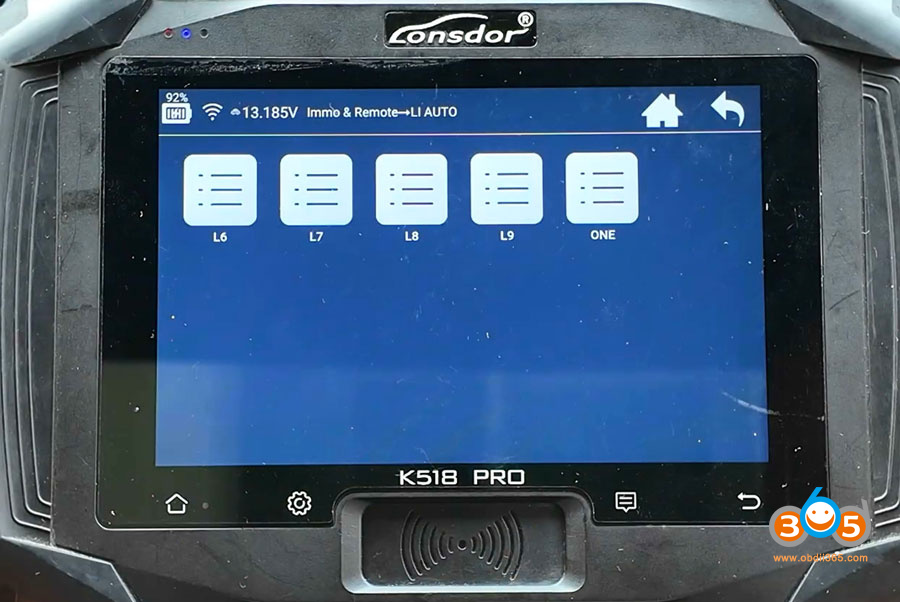
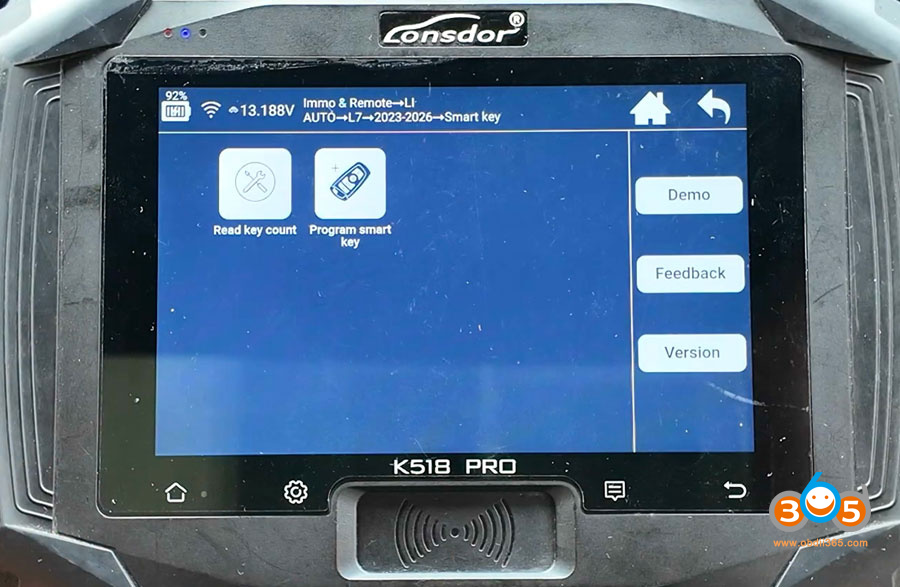
After connecting the Lonsdor gateway harness, follow K518 device prompts to program key for Li auto.
3. How to Connect Keydiy Li auto gateway adapter?
Similar way goes to Keydiy Li auto adapter.
Remove the driver’s side trim panel.
Unclip the retaining clips. Remove the cover panel.
Locate the BCM module.
Unplug the blue connector.
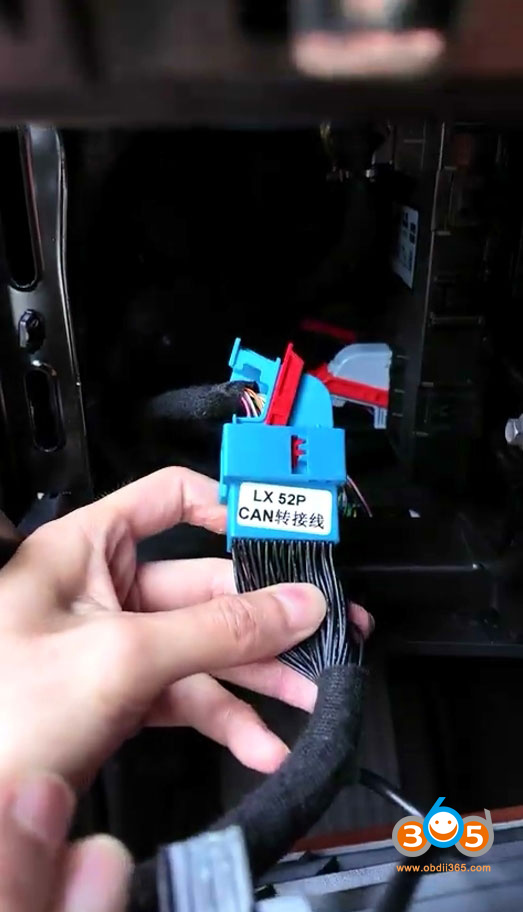
Connect LX52P CAN connector to the blue adapter.
Then plug the other end of the adapter cable into the original vehicle connector socket.