

Problem:
Tried to clone the data from the knife shape key to the LCD key using Keydiy KD-X4, but unfortunately, I failed.
After I read the data from customer Key (knife Shape) and saved it to my history records & then attempting to write back this data to the LCD key it seems to be dead.
However, when I wrote back the original LCD data to it again, it came back to life only with its original data.
or simply how to clone from knife shape to LCD ?
Note: both Keys are for G01 (BDC2).
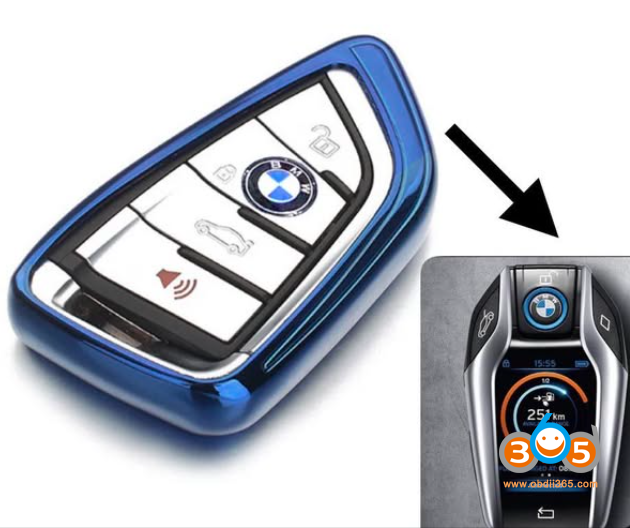
Here is the clue.
You can’t directly clone/copy knife key data to LCD key on BDC2.
They use different data structure / key format.
That’s why LCD goes dead when you write knife data.
Only original LCD data will work on that key.
You need to generate/write LCD key properly.
Keydiy and Xhorse now will not directly copy knife key to LCD key.
If you use KD device, need to modify original knife key data by KD engineer, then you can write the modified data to LCD key. The feature will be released on App in the feature.
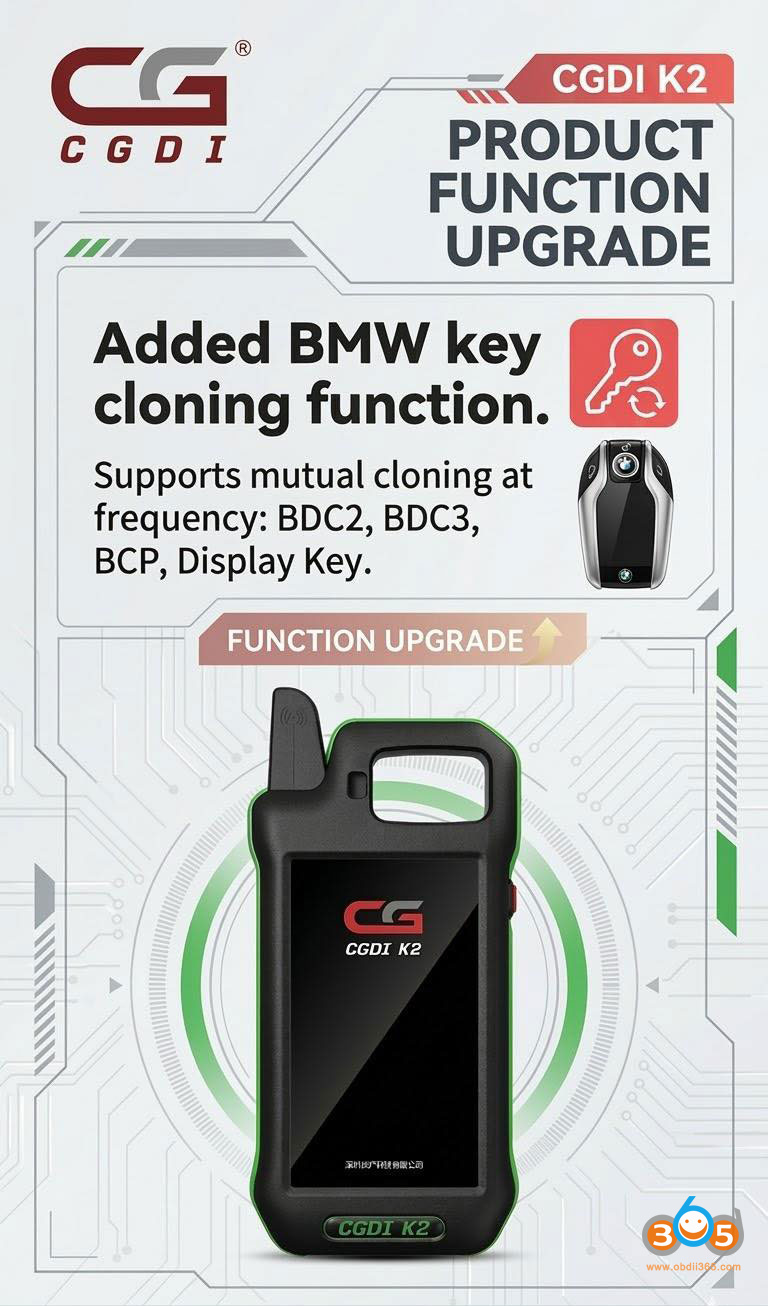
Currently, the only two devices that transfer from normal to screen key are Yanhua Mini ACDP and CGDI K2.
With Yanhua ACDP, you can write into BDC02/BDC03/BCP/LCD display keys.
The new key is compatible with both brand new original keys and used original keys.
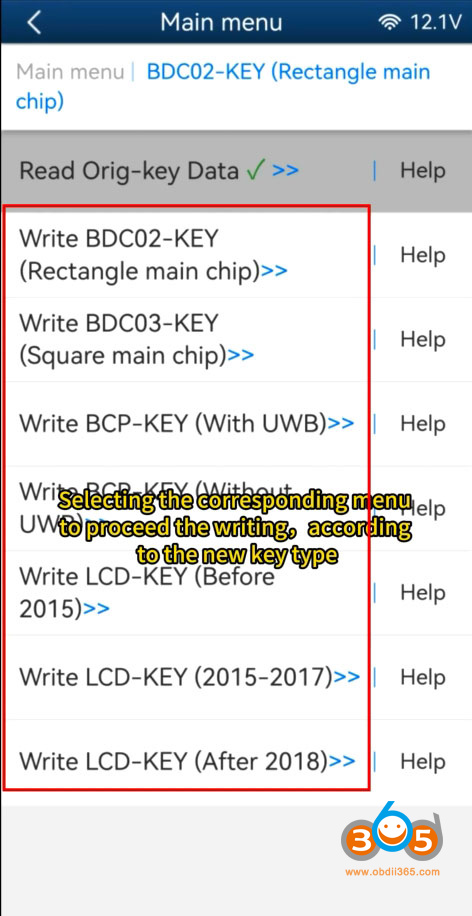
CGDI K2 also receives a new update:
Added BMW key mutual cloning function. (Can clone each other at the same frequency: BDC2, BDC3, BCP, LCD Display Key).