


How change VAG MQB49 5C 5D Key ID to match original system in Keydiy KD-X4? This is a frequently asked questions of Keydiy MQB49 function.
Here is the clue.
First of all, need to disassemble and read original key data, then generate a service code.
Keydiy will display two key IDs. Place original key into the KD-X4 induction coil, it will display key ID and check which ID between these two is the original key ID.
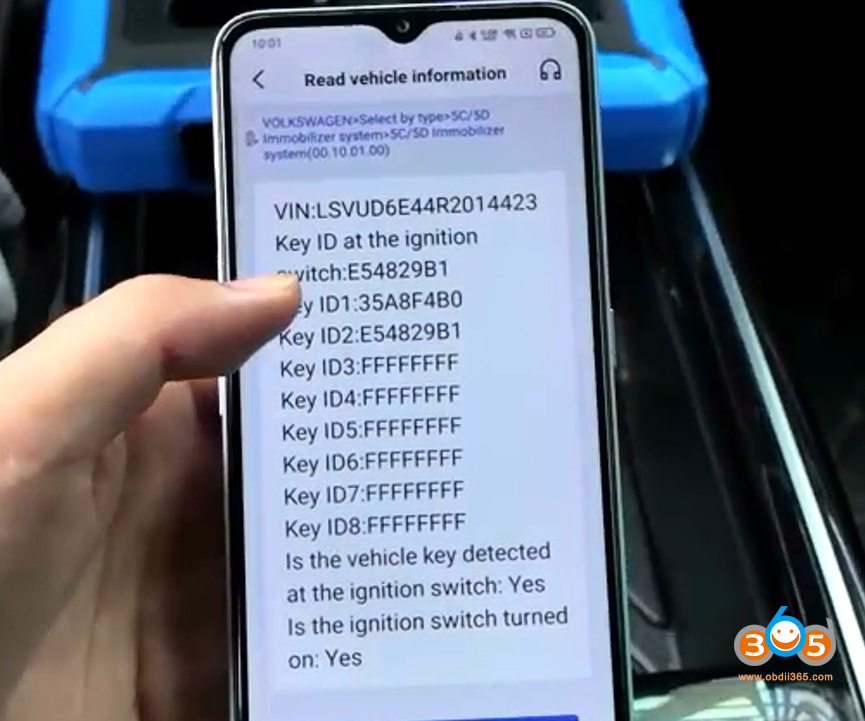
We can write the ID of the original factory key onto the key to be matched.
After programming the dealer key, we will write this ID to it.
NOTE: Here shows how to modify the ID of KD MQB49 5C/5D keys.
Select the Service code- choose FGB remote and generate dealer key.
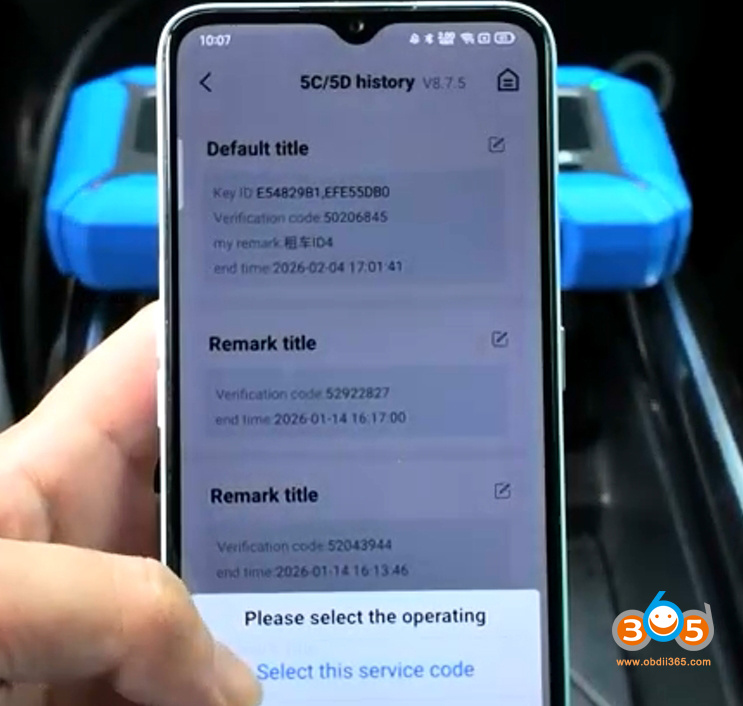
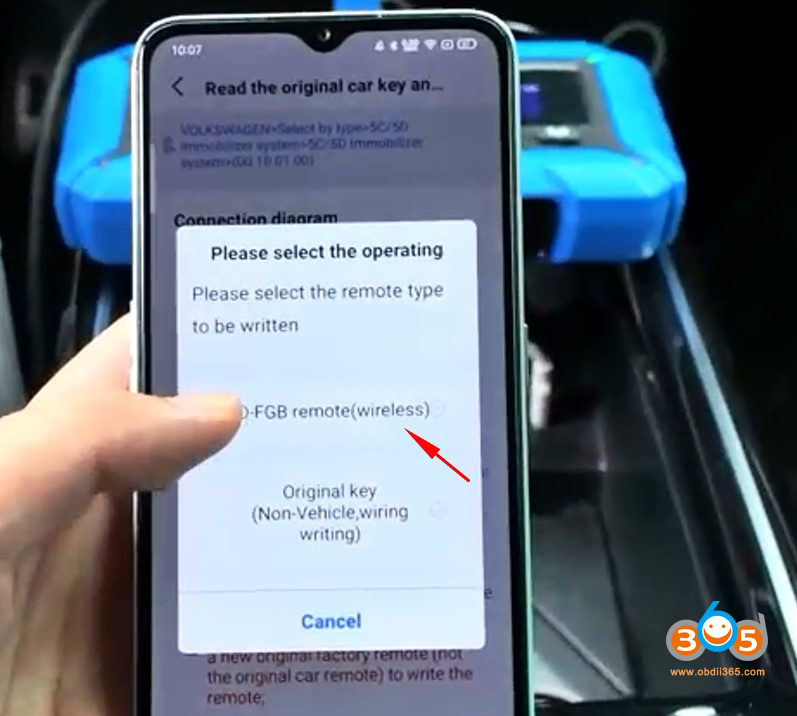
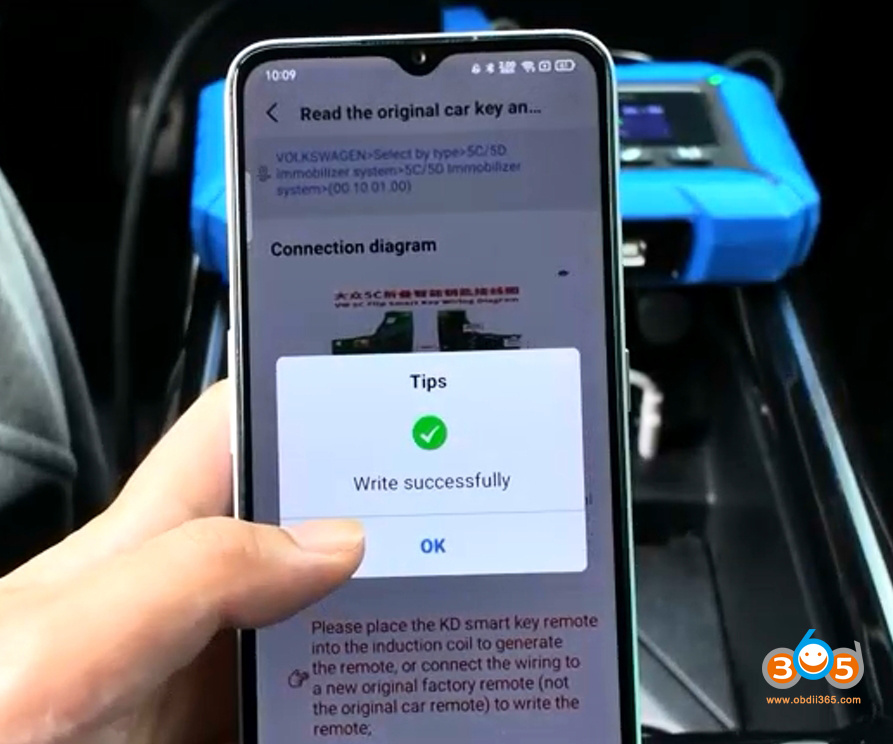
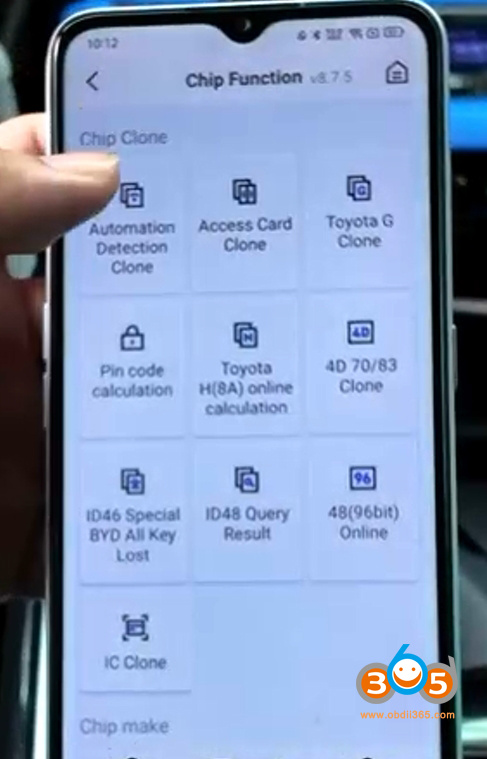
Select Chip function- Automation detection clone.
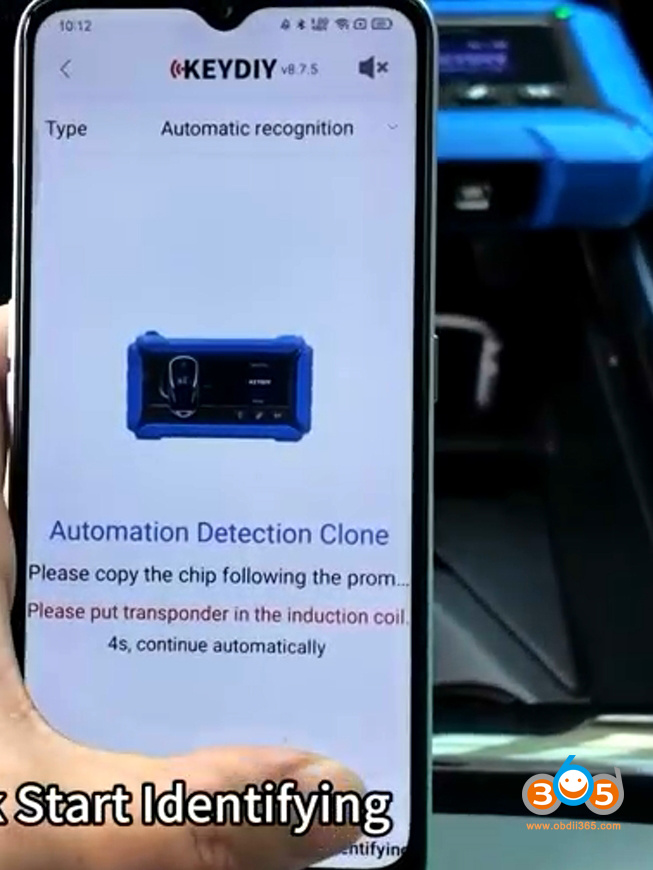
Place the Keydiy FGB remote to the KD-X4 induction coil.
Hit Start identifying.
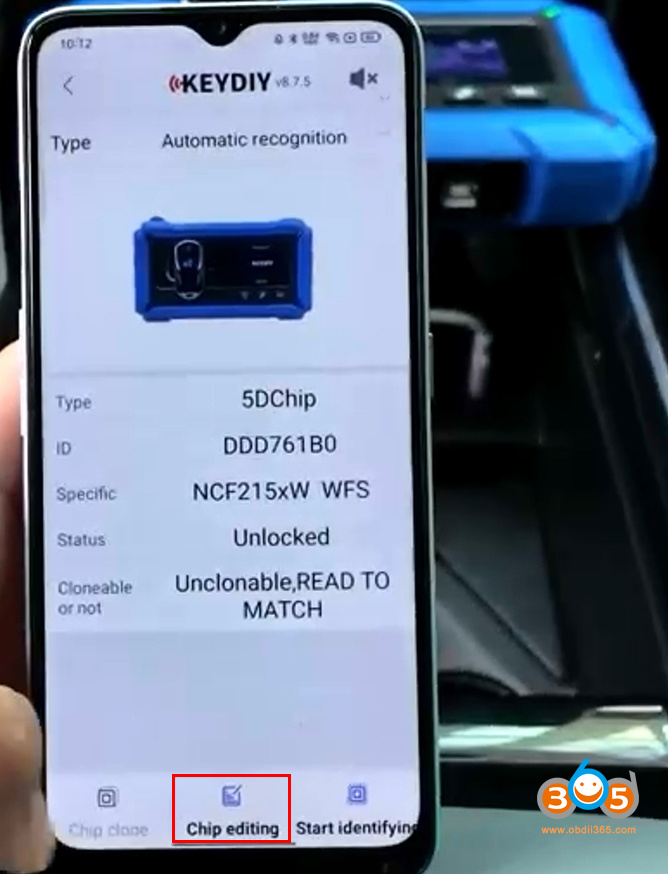
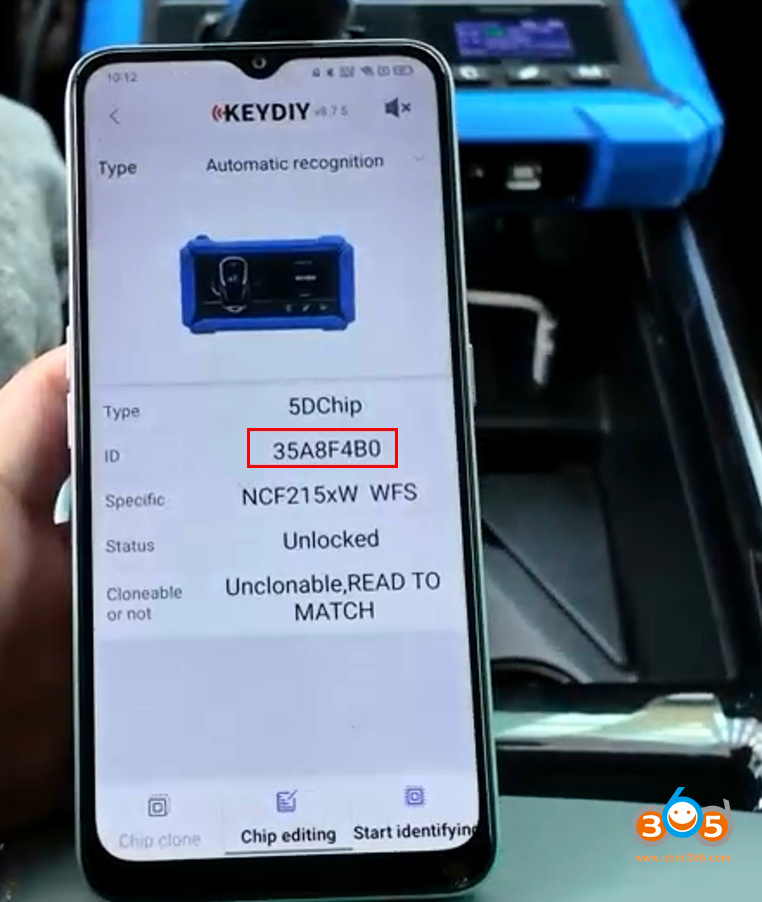
It will read chip type and ID. Hit Chip editing.
Modify the ID to original key ID.
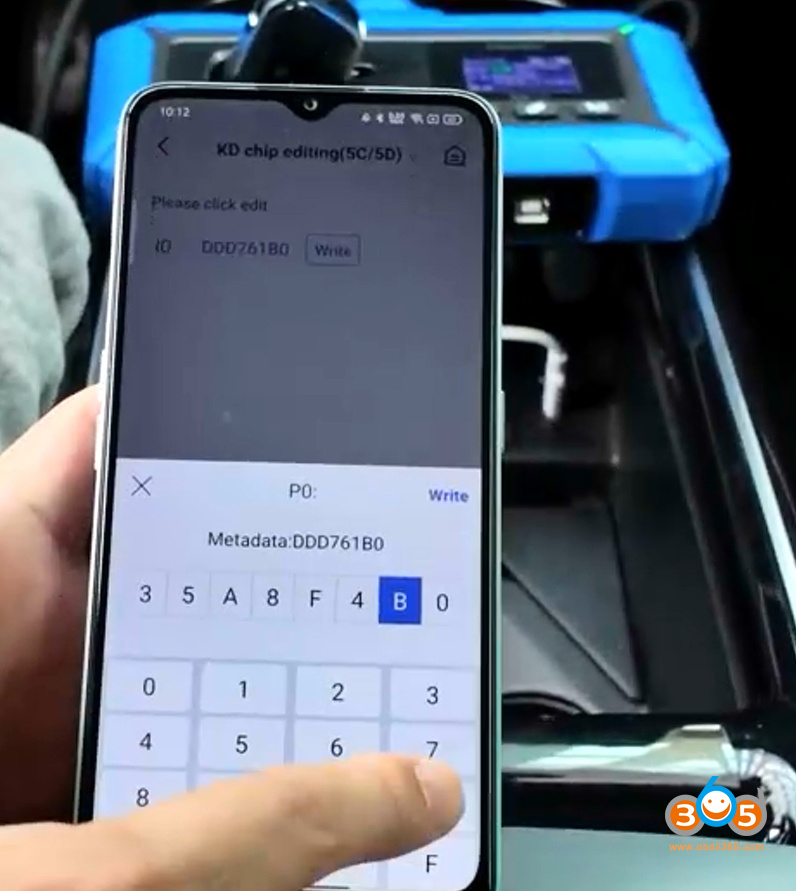
Write ID successfully.
Identify remote information again.
Now you can see key ID has been changed.
Why change key ID if we are copying the original key data?
It will work without changing the ID, but it is recommended to use an ID of the existing factory position ( when customer don’t have both keys ) to avoid issues when it is performed programing with odis.
To use on position (ID) where sync exists on all modules. When a car module is reprogrammed via ODIS Online, the key will work; otherwise, it will stop working. And other points.
After changing key ID to match original system, then you start learning keys in car.
Updated:
Keydiy KD-X4 now will modify the ID of original 5C/5D key.
Keydiy KD-X4 Now Will Modify Original VAG MQB49 5C 5D Key ID!!!
Read also:
How to Add VAG MQB49 5C 5D Key with Keydiy KD-X4 Step by Step?















