

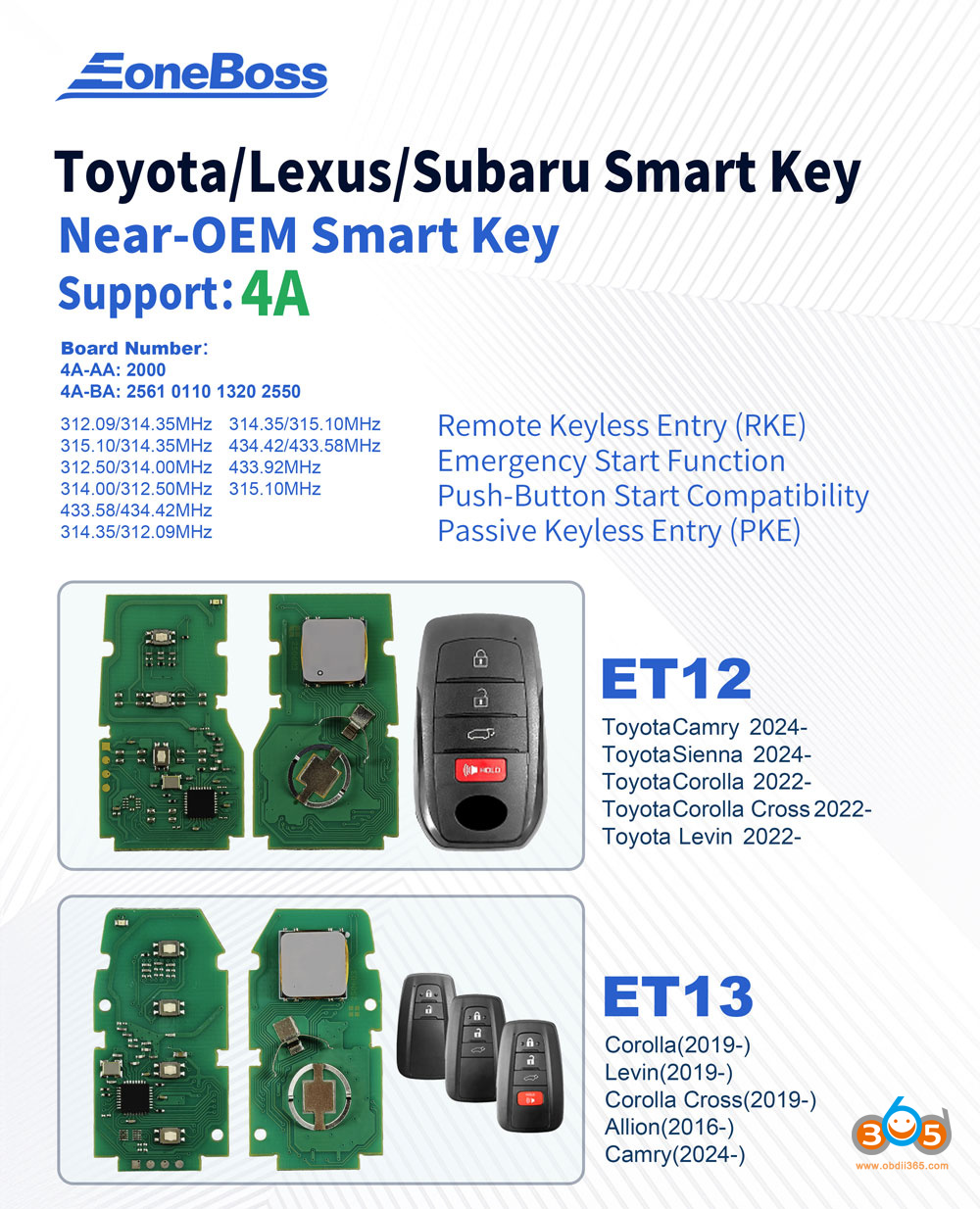
EoneBoss released a set of ET series Toyota/Lexus 8A/4D/4A smart keys. The EoneBoss ET remote can be generated via a mobile phone App. No special key tool hardware required.
EoneBoss ET Remote features:
Remote Keyless Entry (RKE)
Emergency Start Function
Push-Button Start Compatibility
Passive Keyless Entry (PKE)
Generate remote, change frequency and modify button configuration with EoneBoss App via Bluetooth directly.
Obdii365.com will show how to generate EoneBoss Toyota ET series remote.
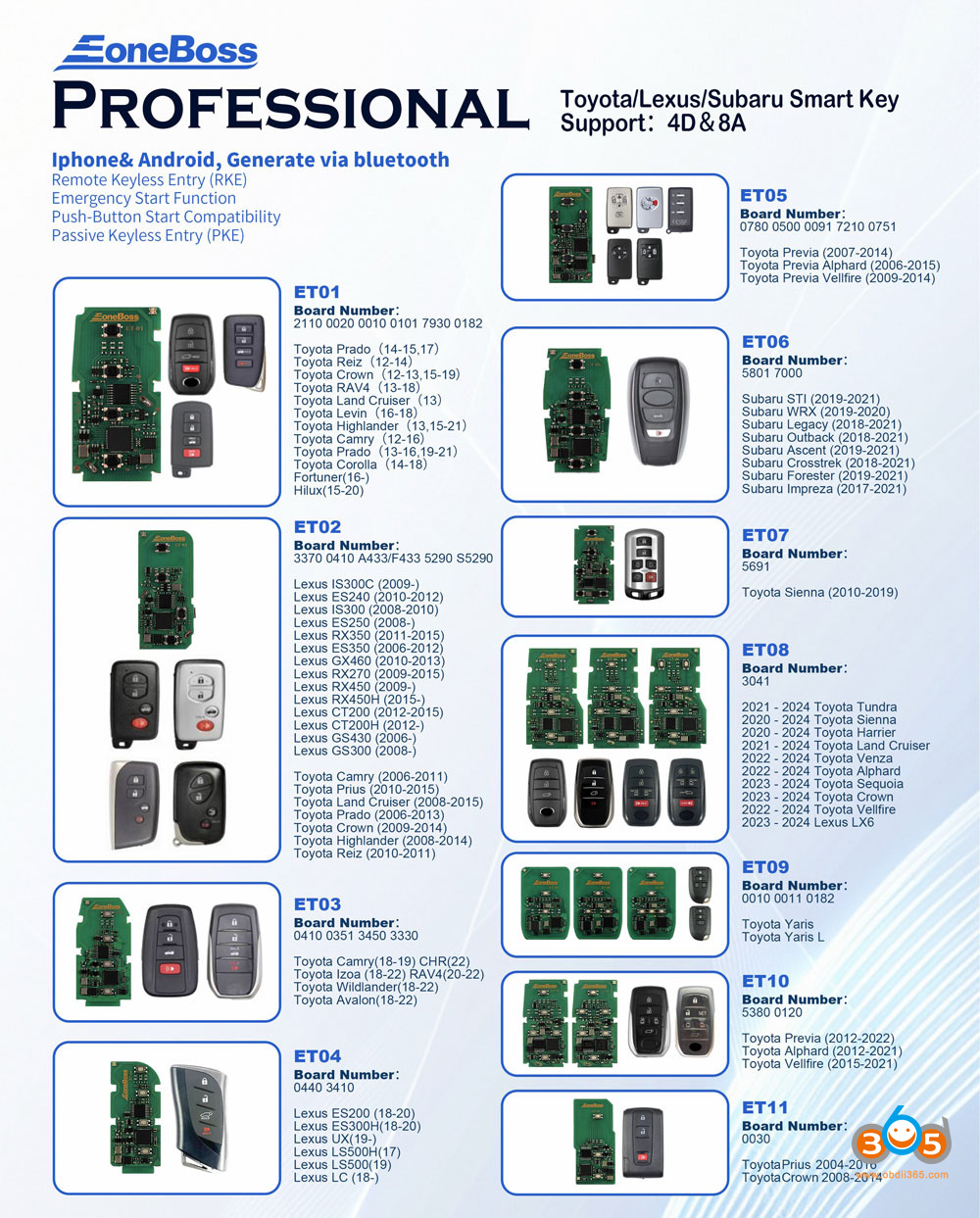
Where to download EoneBoss App?
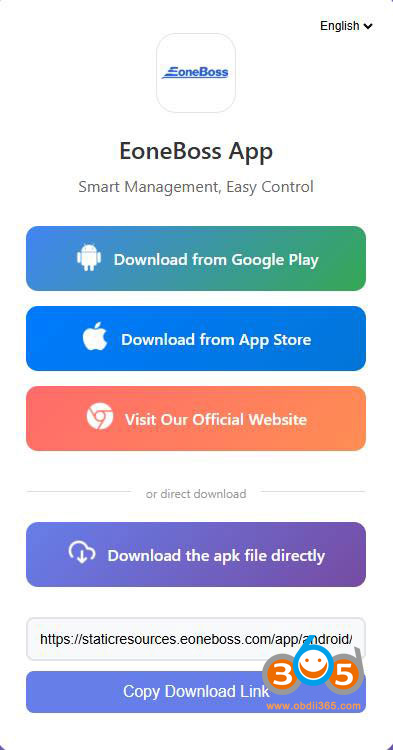
Scan the QR code here to download EoneBoss App.
Download from Google Play, Apple Store, or directly download APK to your desktop.

Install the APK.
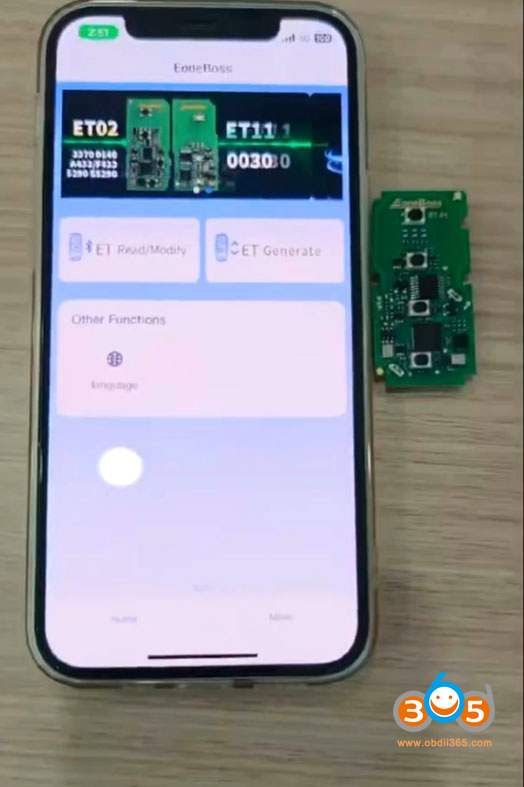
Select ET Generate function.
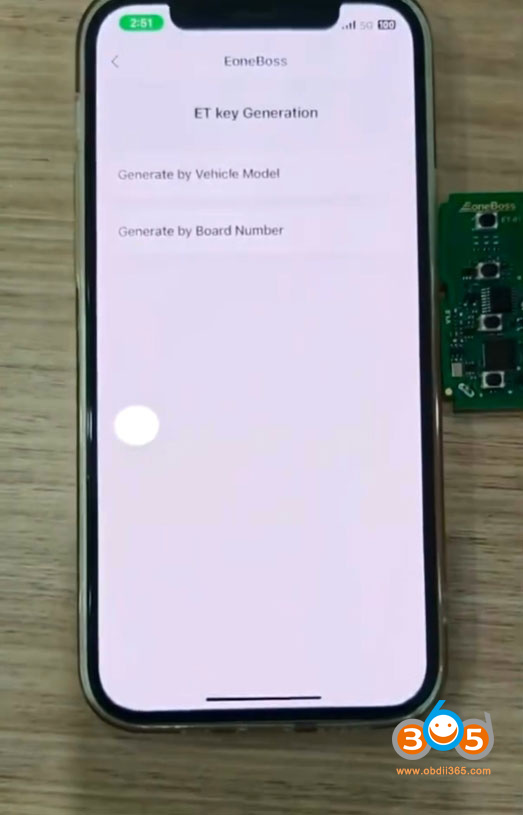
Choose Generate by vehicle model or by board number.
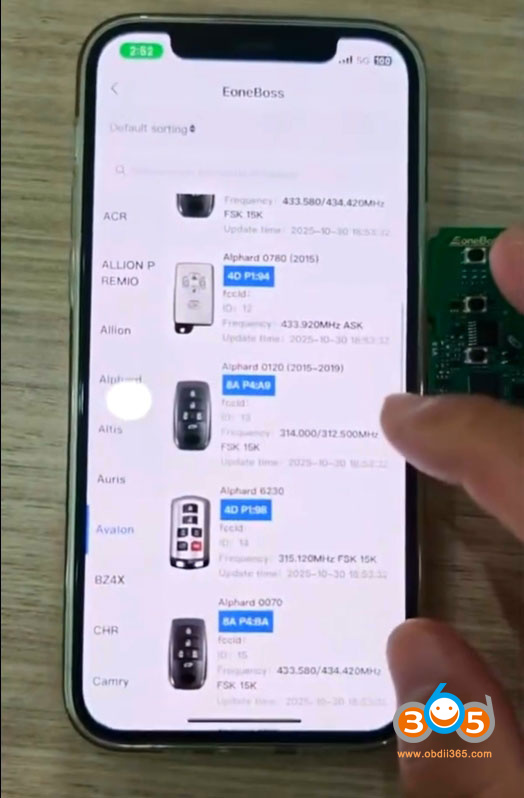
Select the corresponding remote option and Generate remote.
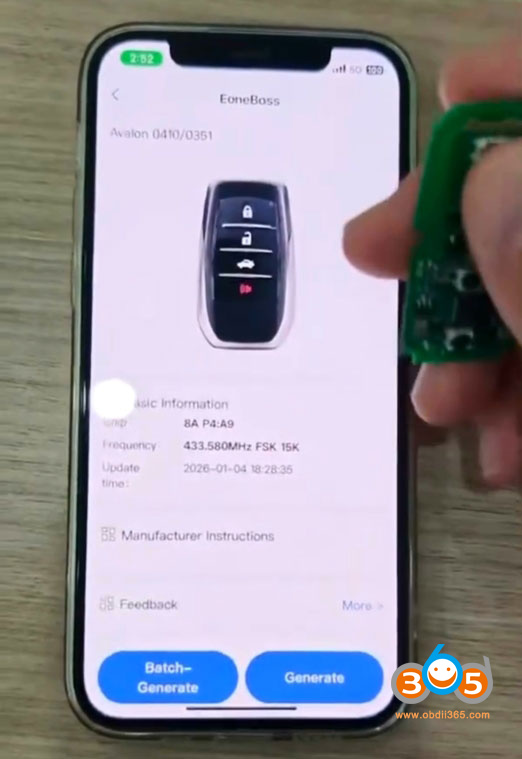
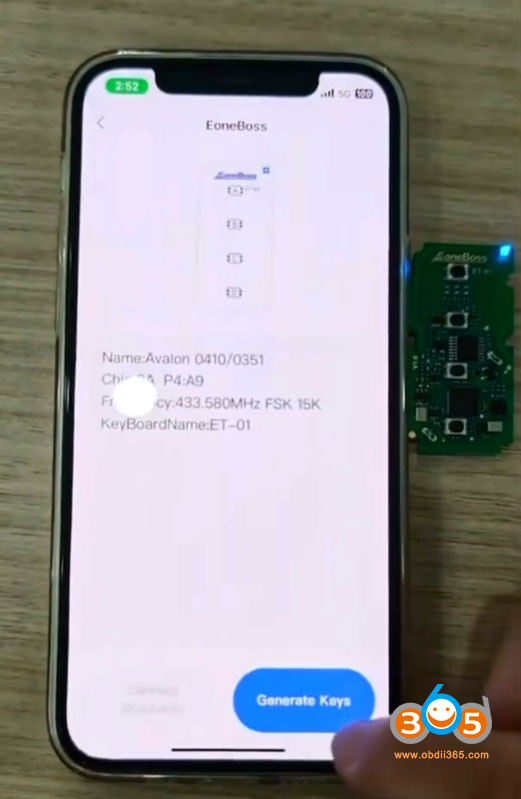
After generating EoneBoss ET remote, we can modify buttons and change frequency.
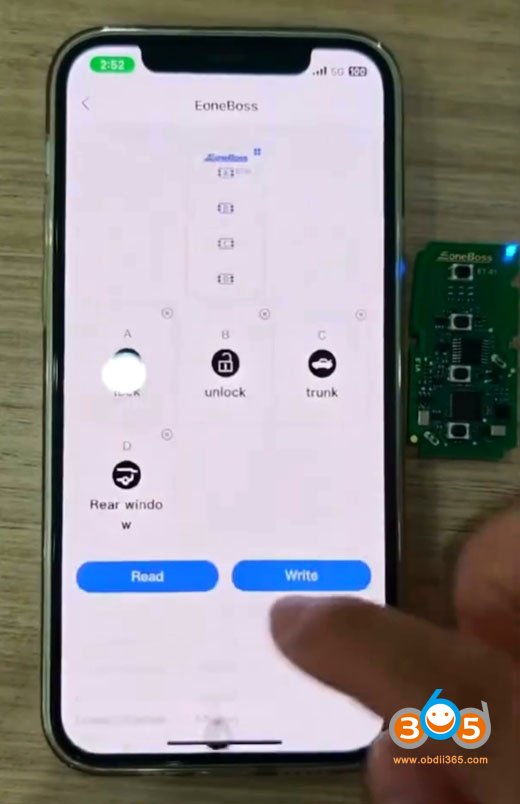
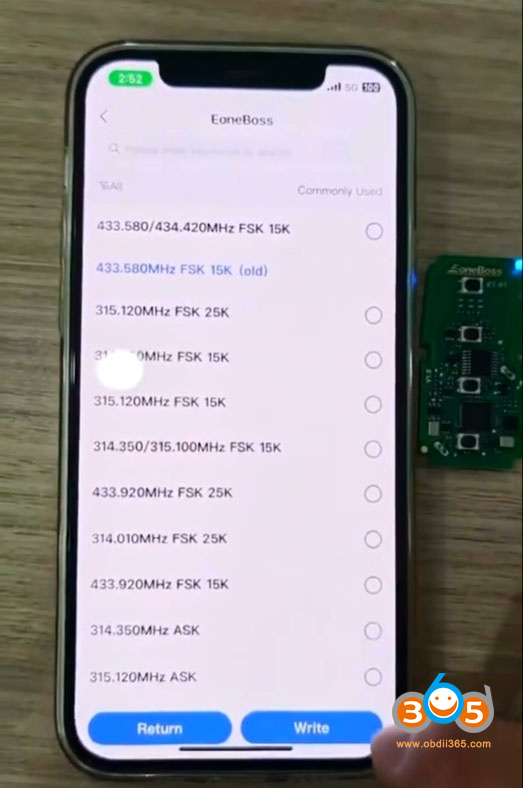
EoneBoss ET smart remote keys must be generated using the EONEBOSS APP.
However, once generated, they can be programmed using other devices (such as XHORSE, KEYDIY, Lonsdor, etc.).















