


Tutorial: How to add a VAG MLB Key with CGDI MLB programming tool.
Tool used:
- CGDI MLB Tool
- DB25 programming cable (in the package) or CGDI MLB solder free adapter (coming soon)
- Original MLB key
- New CGDI or original MLB key
Procedure:
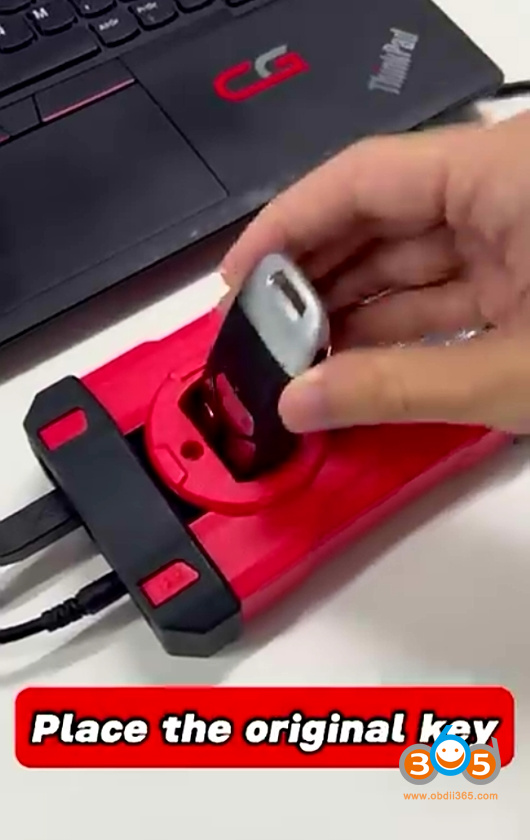
Place the original key into CGDI MLB Tool’s induction coil.
Run CGDI V-Engineer software.
Identify key.

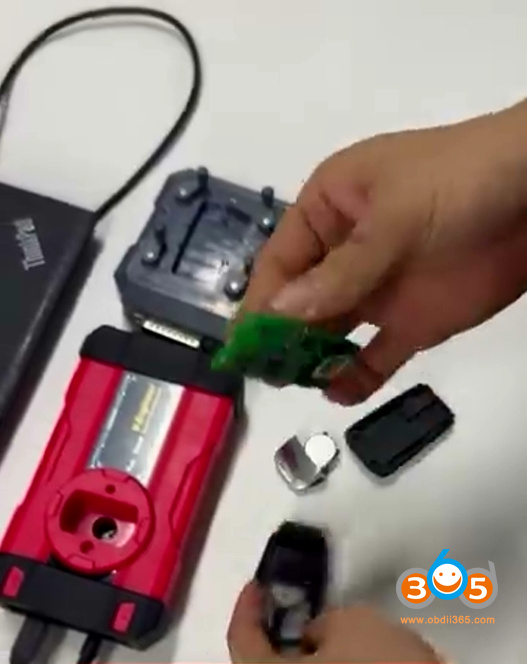
Remove the original key shell.
Need to remove 2 capacitors on the key circuit board.
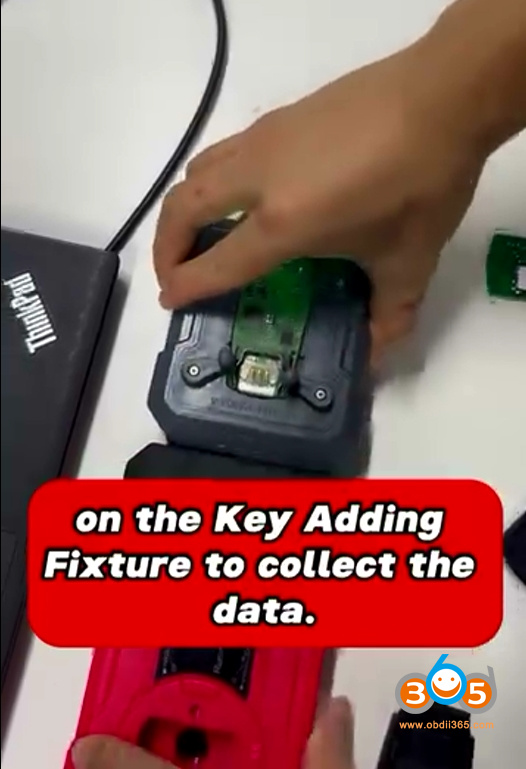
Place the original MLB key PCB into the CGDI MLB key solder free adapter.
Then connect MLB adapter with MLB Tool.
If you don’t have the MLB solder-free adapter. Solder DB25 cable wires to the key PCB according to the wiring diagram in CGDI MLB software (check diagram in software or in the previous post).
Select Key Collection function to collect key data.
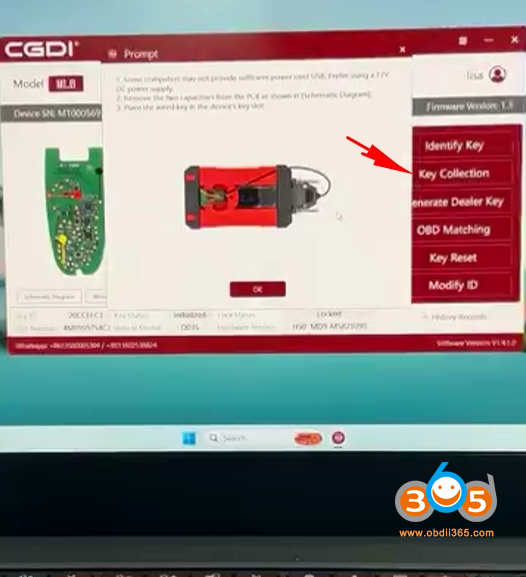
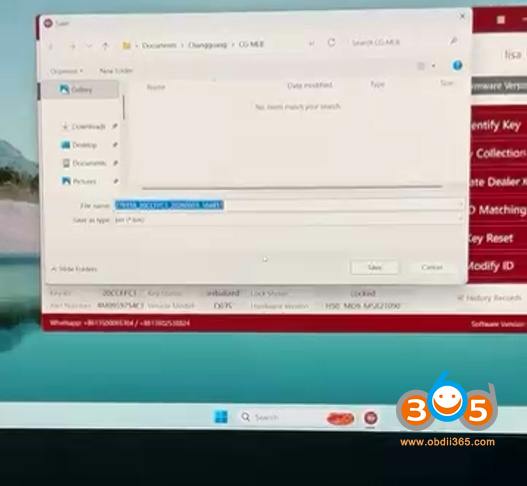
Read and save original key data.
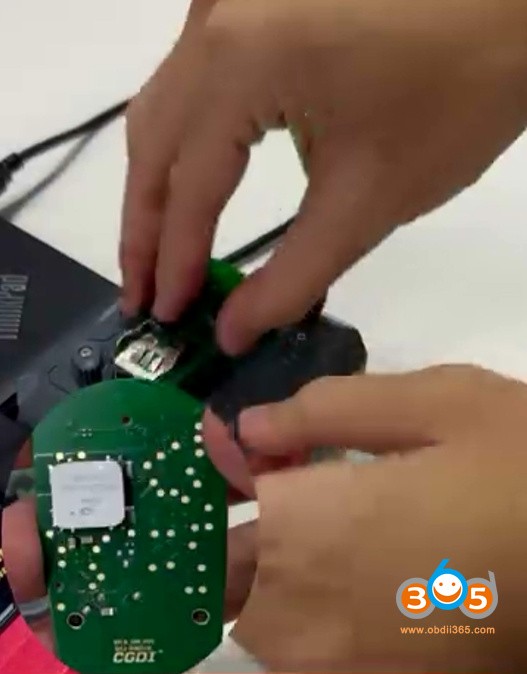
Disconnect original key PCB.
Place a new MLB key (CGDI MLB or original key) into the MLB adapter or solder wires to the new MLB key.
Hit Generate dealer key.
Generate dealer key successfully.
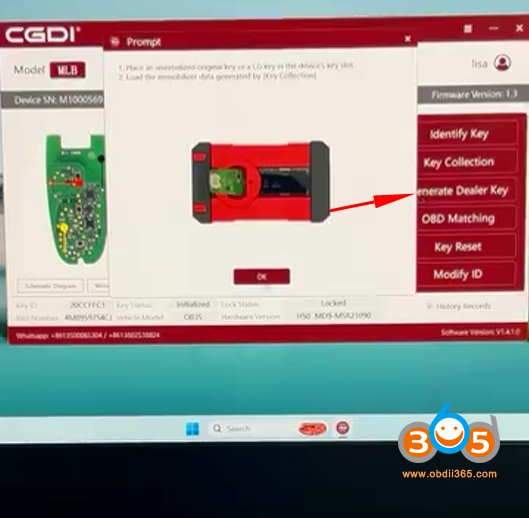
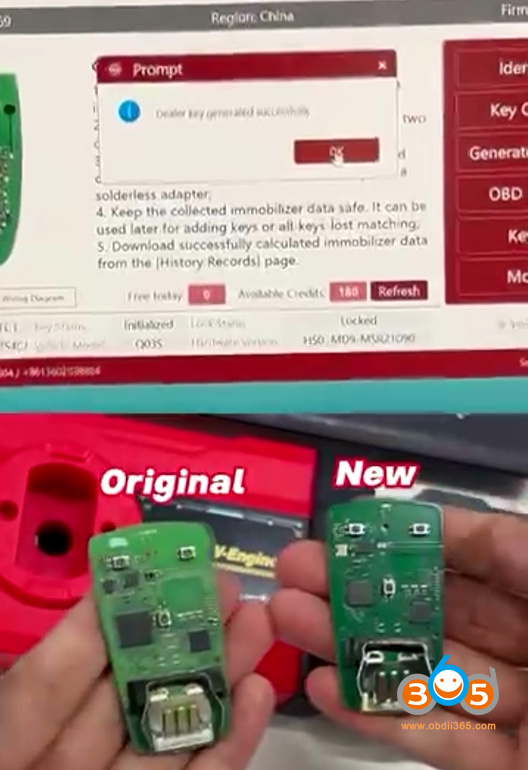
Then perform OBD learning in car.
All job can be done with CGDI MLB Tool.















