


The new Launch X-prog5 (Prog5/G5) programmer supports reading VAG original MQB49 5C/5D key data to add a spare key. Here is an example of 2023 VW T-roc MQB49 5C.
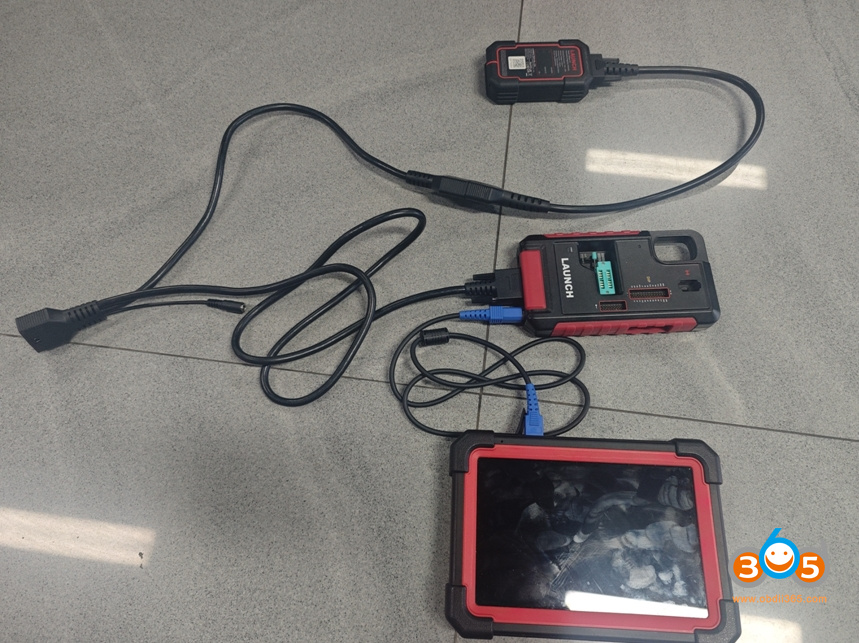
Connect G5 with Launch X431 tablets (IMMO Plus/PAD V/ PAD VII etc) via USB. The G5 connection is much easier than x-prog3.
Then connect power supply to G5.
VAG MQB49 key programming function requires extra IMMO software package activation.
In X431 device, go to Immobilizer function- System Mode-Immobilizer key programming – Key Learning- MQB immobilizer system.
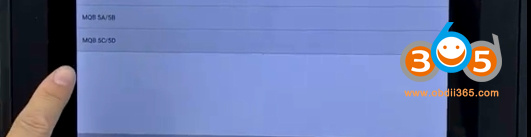
Select MQB type- MQB49 5C/5D.
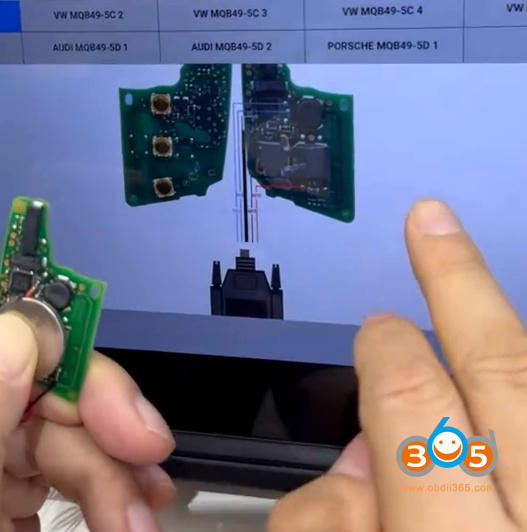
Check key wiring diagram.
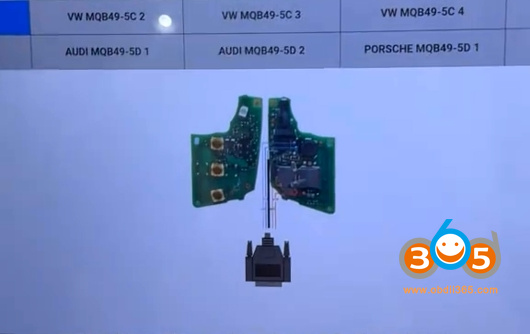
Disassemble original 5C key.
Check the diagram that matches your original key circuit board.
Solder MCU V1 cable wires to the key board.
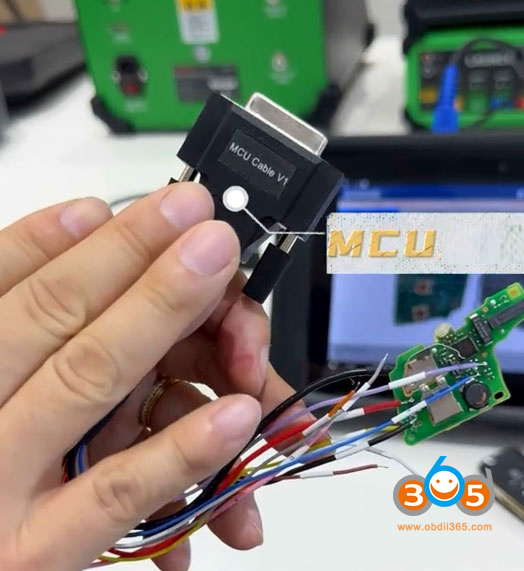
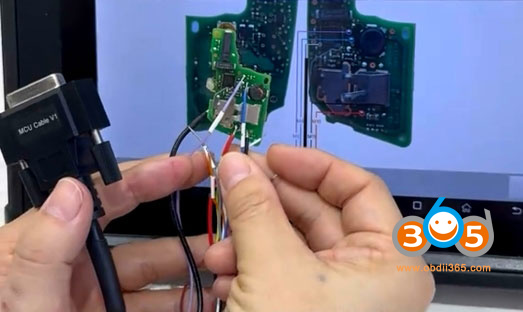
Then connect the MCU V1 cable with G5 programmer.
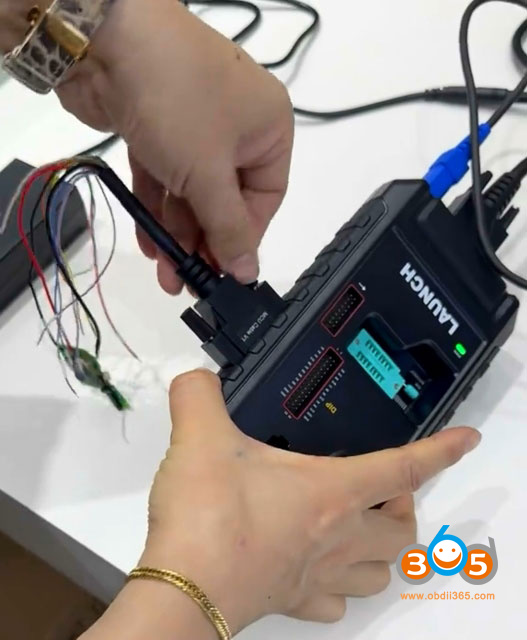
Read and save original key data.
Launch G5 will extract CS code.
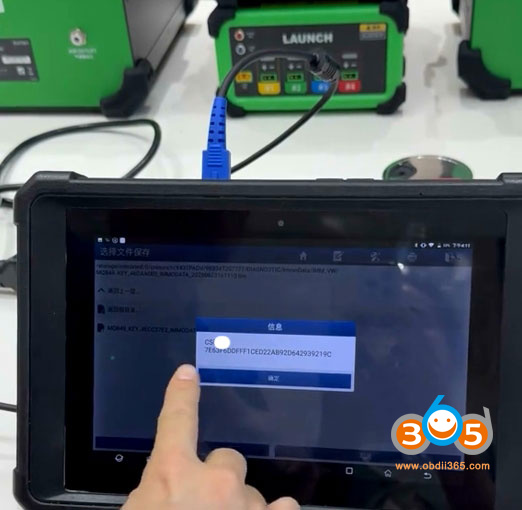
Disconnect original key.
Disassemble a new original key, solder the wires to the new key.
Then generate dealer key and learn key afterwards.
Generate Dealer and Key Learning options are alongside the Read Key Data menu — just follow the device’s instructions and you’re good to go.















