


Tutorial: How to download, install and update CK-Prog universal ECU programmer software.
Connect the power cable and check if the small screen turns on.
If the screen lights up, it means there’s no issue with the power cable.
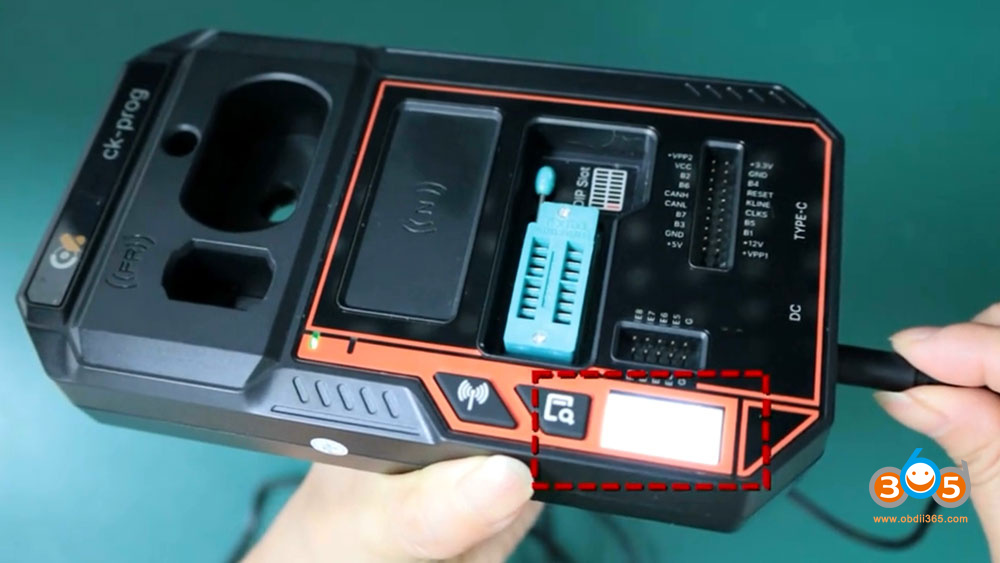
Next, check if there’s any problem with the Type-C USB connection.
The screen will also light up when you plug in the Typc-C USB cable.
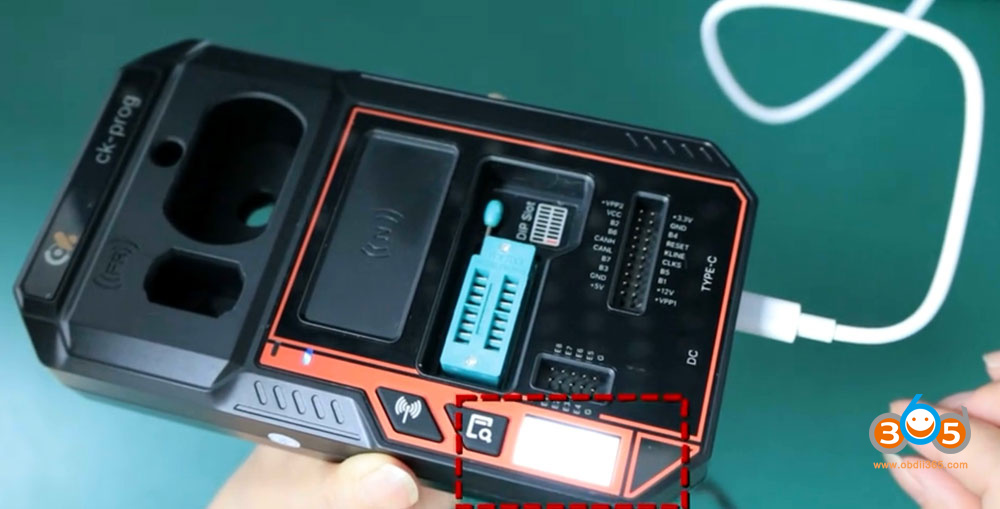
Connect CK-Prog programmer with the computer as follows:

CK-Prog software download link:
Download CK-Prog software (Language: English/Chinese)
Download and install CK-Prog setup.exe software.

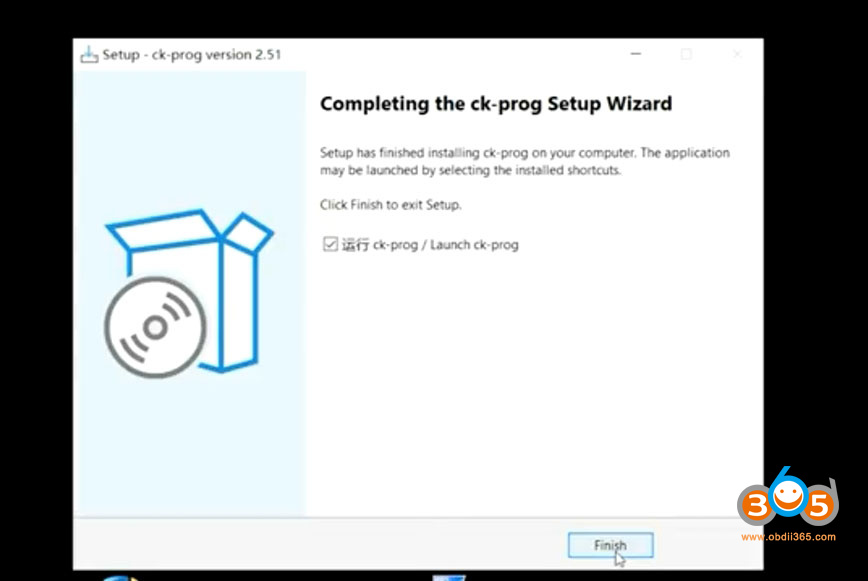
Run CK-Prog software.
Check device serial number on the top right corner.
Check new software update. The CK Prog comes with 1 year free software update.

Now the CK Prog device is ready to use.
Check the CK-Prog ECU/MCU/Dash/Airbag/IMMO Coverage here:
https://xnt.ac.cn/ckproghelps/index.html















