


Problem:
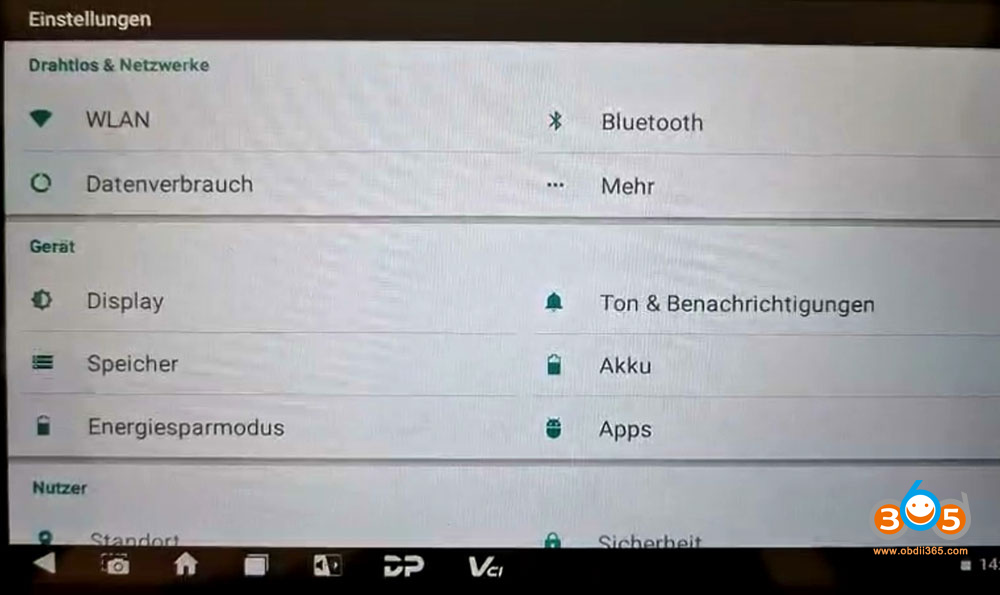
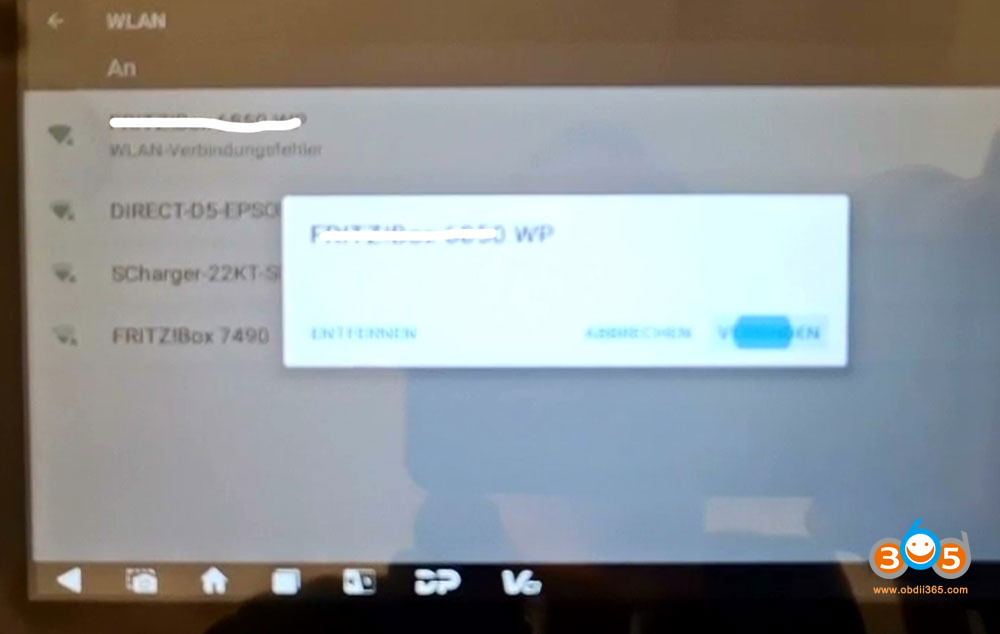
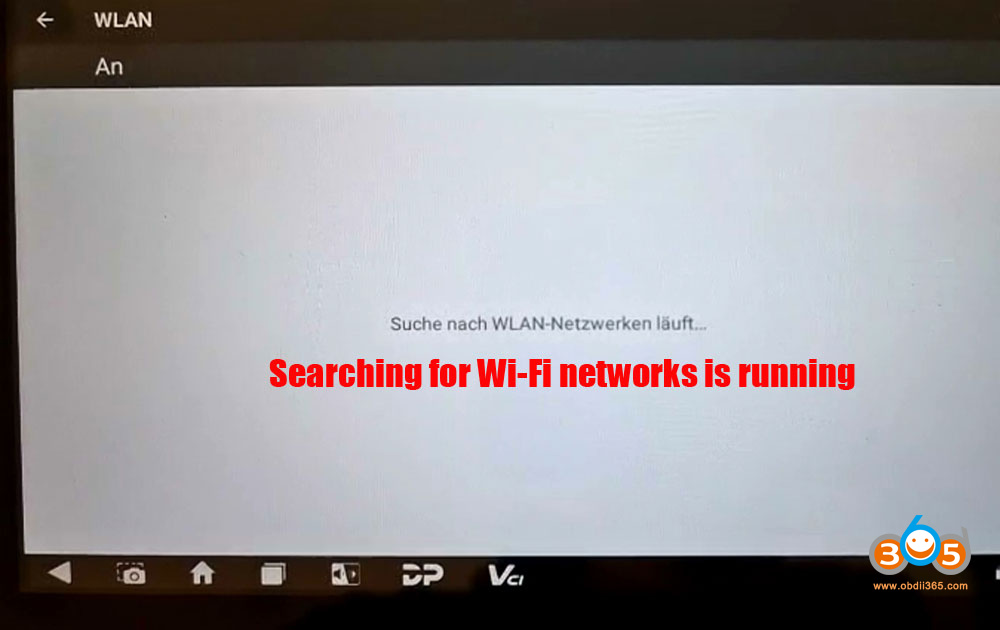
OBDSTAR DC706 programmer is unable to connect to WiFi. Tried different networks.
Attempted restarting the device.
Tried using a mobile hotspot.
None of these methods worked.
Solution:
Please check the WiFi settings. Try changing the encryption to WPA/WPA2 PSK. Set the frequency band to 2.4GHZ, as the device does not support the 5GHZ band.
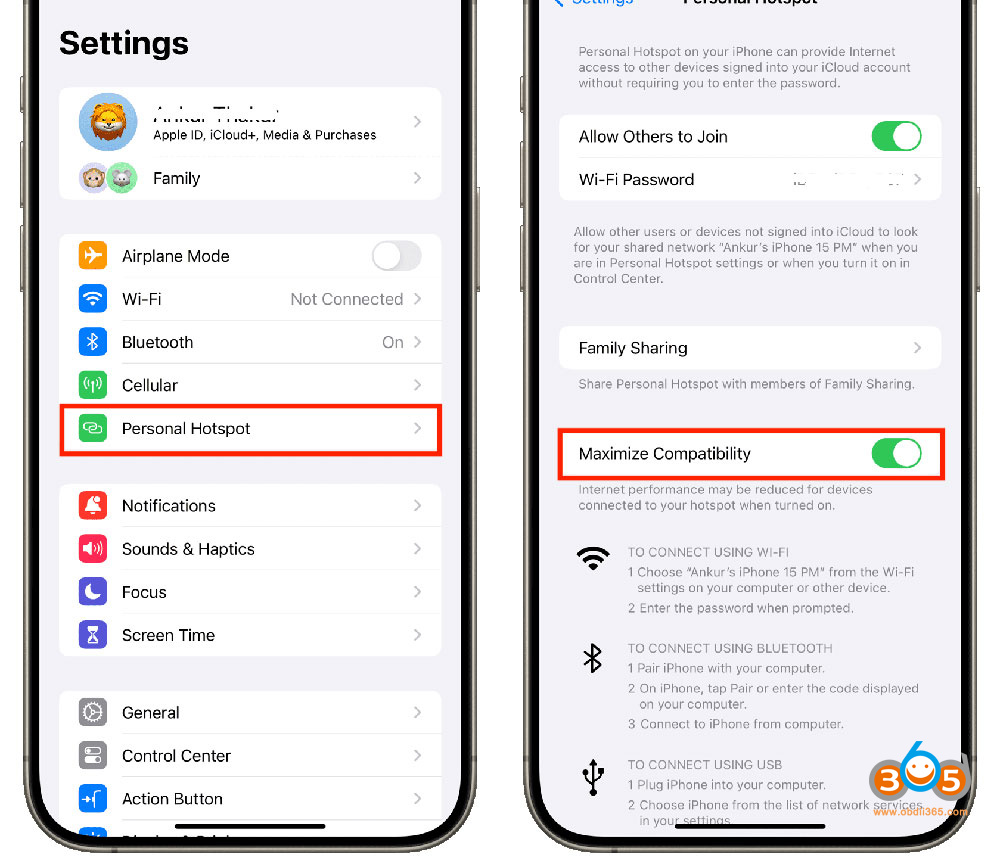
For a mobile hotspot: If using an iPhone, check if there is a “Maximize Compatibility” option in the hotspot settings. If available, turn it on.
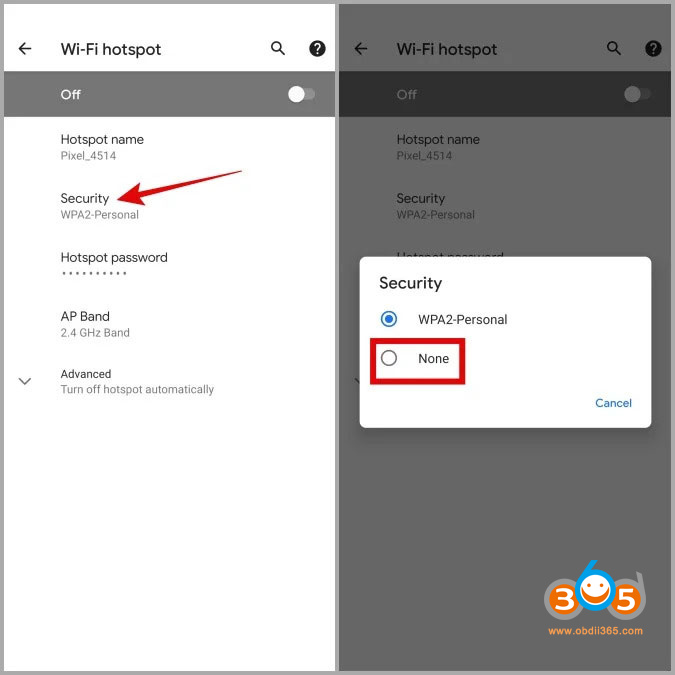
For Android phones: Check if there is a “Security” option. If available, open it and set it to “None”.
If the problem still exists, contact OBDSTAR engineer by providing your DC706 device serial number.















