

Question:
There is a “Calculate synchronization data” option in the Xhorse VVDI KEY TOOL PLUS. For an all keys lost Volkswagen for example, does this option allow synchronizing the MQB data and allow me not to go through a third party to synchronize the data?
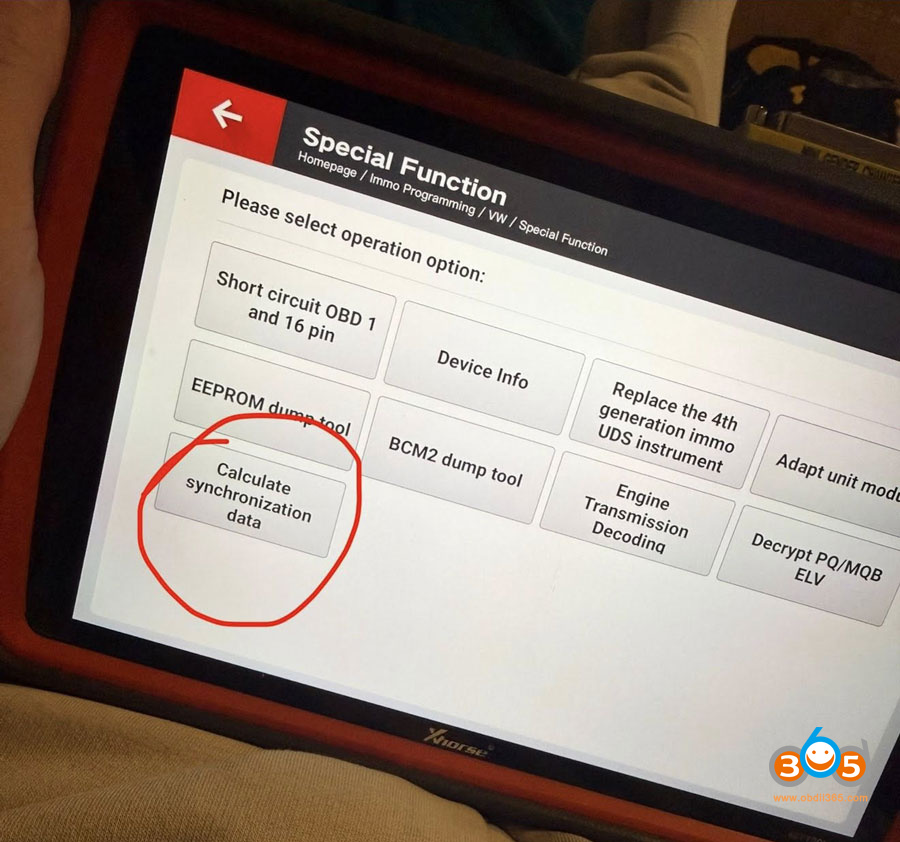
Here is the clue.
It’s for generating sync data. Nothing to do with 3rd parties. Autel is the same.
Xhorse key tool plus, Autel IM508/IM608, Launch X431 IMMO plus, OBDSTAR G3 etc all have built-in sync data calculators for MQB and BCM2.
For them to work, you need to decode dump files from each module to see the CS. Enter each CS into the sync calculator and it will provide a sync data file. This file is then used during key learning. It’s the same file a 3rd party would send you.
You need to read multiple modules to gather all the CS codes. If it’s an automatic gearbox with push button start, you need to read TCM, ELV, ECM and cluster. Unless it’s a keyed ignition with a manual gearbox. Then you only need ECM and cluster CS.
If you get it from ECM too then you can generate sync data as long as it’s a manual key and manual gearbox.
Gets harder if smart key and auto box but doable in an emergency.
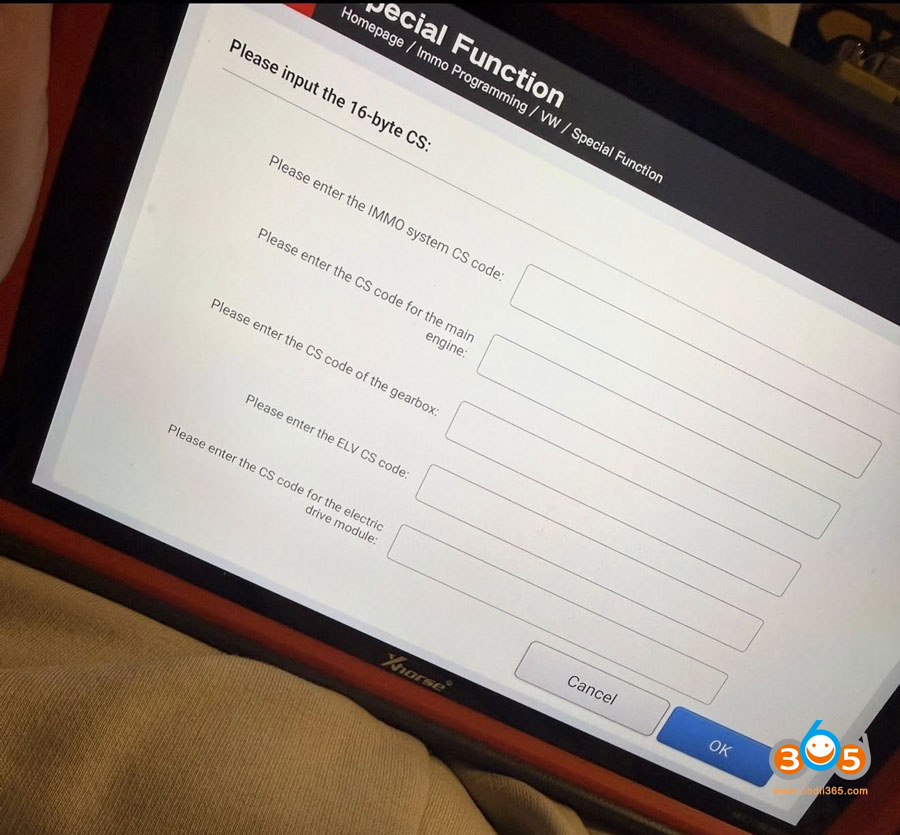
Once you pulled the data on all the modules you go to the calculate sync data option. Upload all the data you pulled then that gets sync data.
3rd party requires custom codes from different modules. In this case it’s different, you enter the CS of each module and it gives you the sync file.
The data you send to a 3rd party includes custom codes generated from inside diagnostics.
How do you get cs code for immo system cluster?
Two method:
1). you can get immo data and cs by use adapter without soldering put it on instrument cluster after disassembly and read mcu number to choose which adapter you need.
2). The other method is read immo data an cs by soldering inside instrument cluster as diagram as mcu number.
Read also:
How to Calculate VAG MQB AKL Sync Data with Autel IM508 IM608?















