

The Problem:
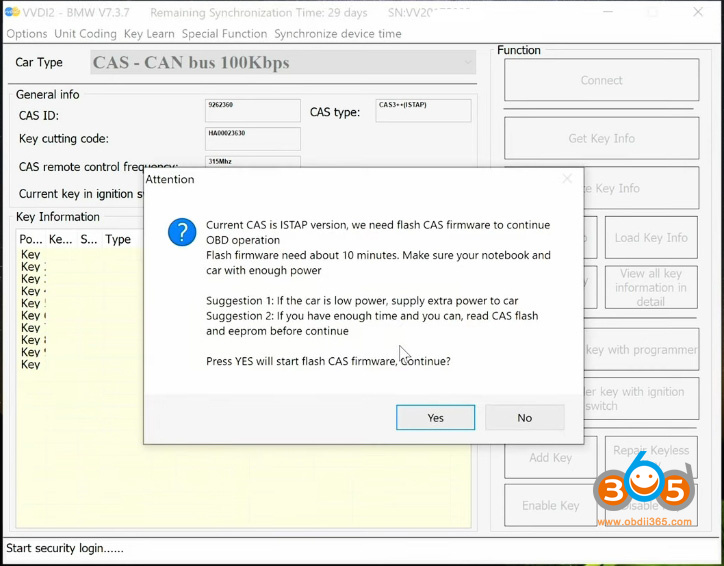
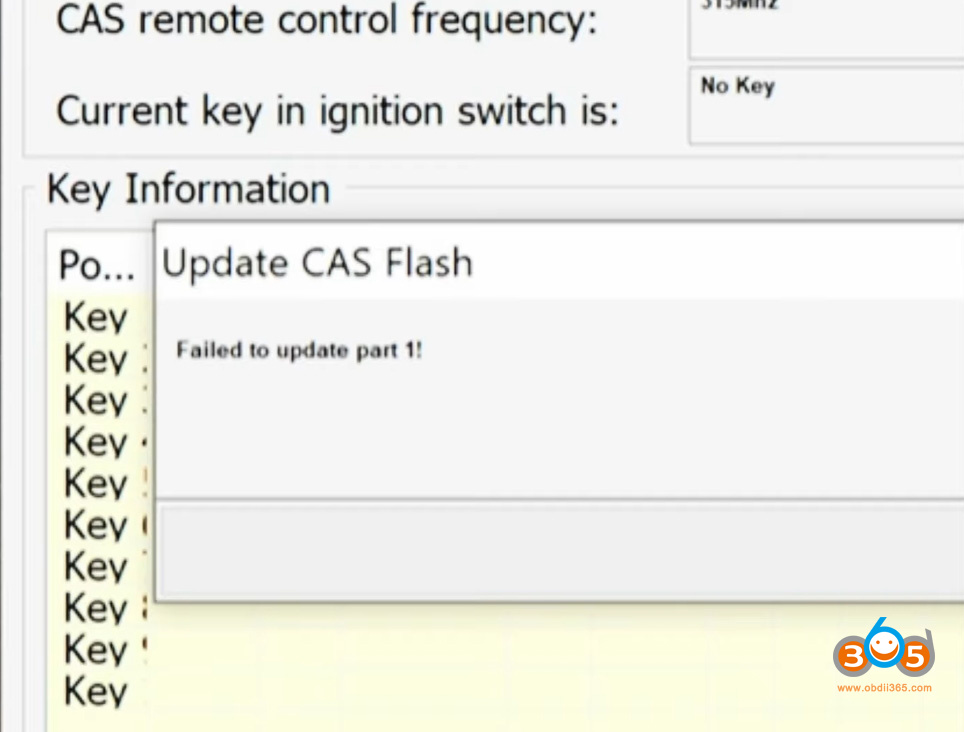
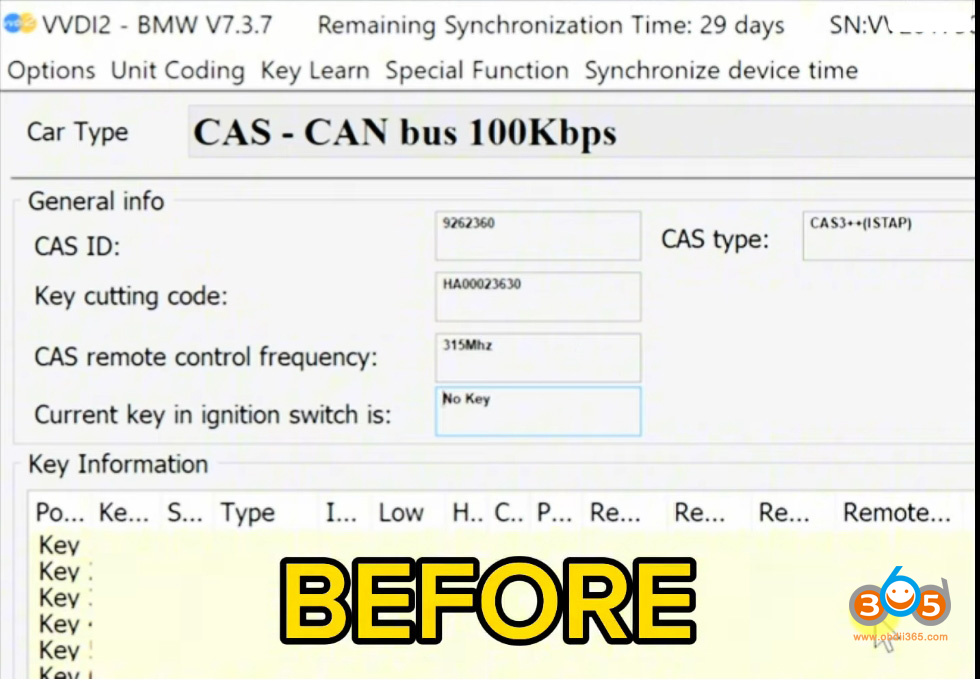
The process began routinely—connecting a Xhorse VVDI2 interface to a CAS3 unit via a Gogiag CAS3+ test platform to pull key information. However, when the tool attempted to downgrade the encrypted CAS3++ ISTAP module to read the keys, the procedure failed and corrupted the module’s data. This type of corruption is a known risk when working through the OBD port, even with professional-grade equipment.
Everything looks great before, but after it fails, it’s corrupted.
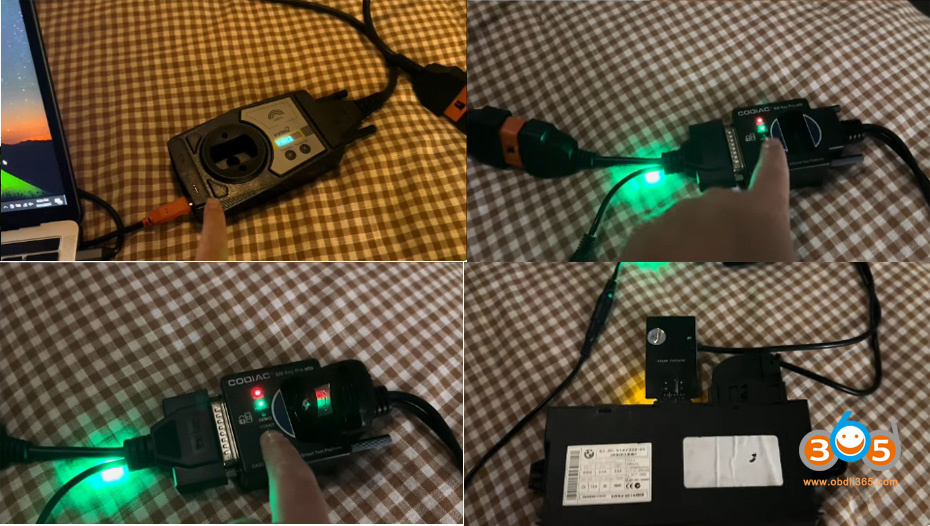
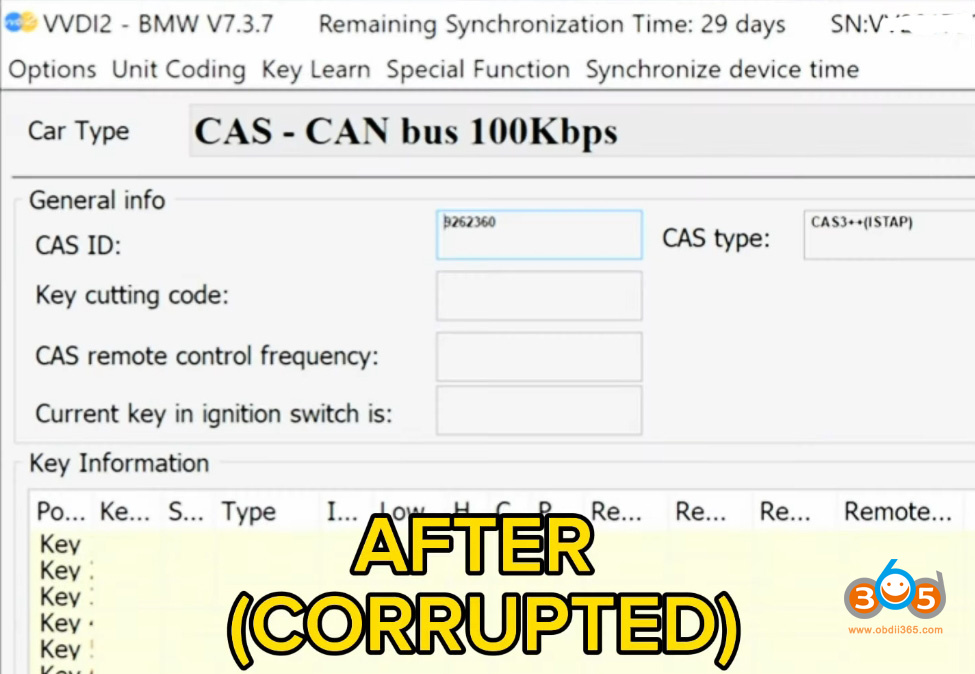
Solution: Bench-Level EEPROM and Flash Repair
With the module corrupted, the repair moved from the OBD port to the workbench. The solution required physically reading, repairing, and rewriting the module’s internal memory. Here’s how it was done:
1. Desoldering and Reading the Memory
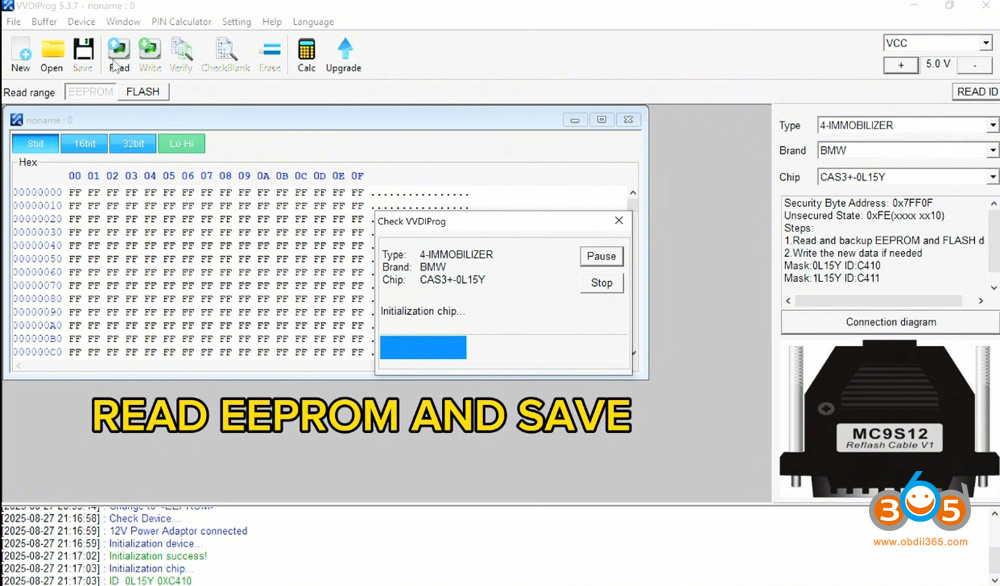
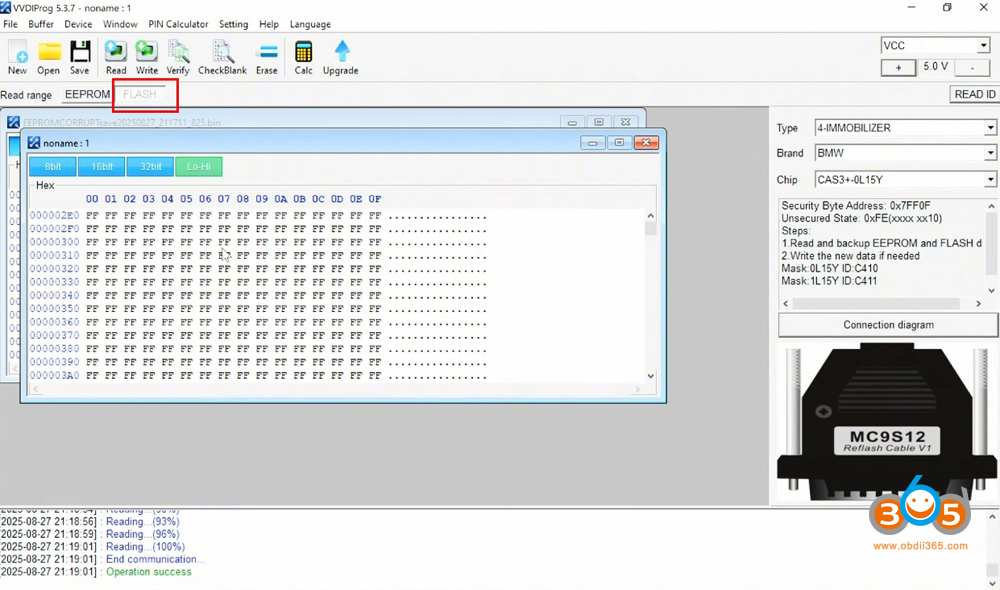
The CAS+ module was removed from the vehicle (it has mask 1L15Y). Using a Xhorse VVDI Prog programmer and an MC9S12 adapter cable, we carefully soldered onto the board to extract two critical files:
- The corrupted EEPROM file
- The corrupted Flash file
These files were saved directly to a microSD card.
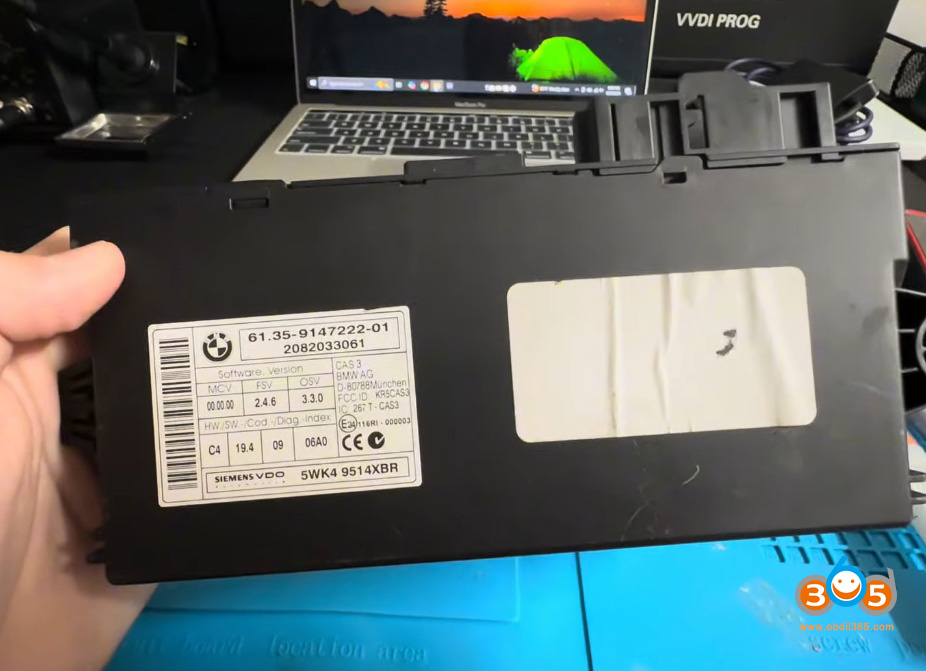
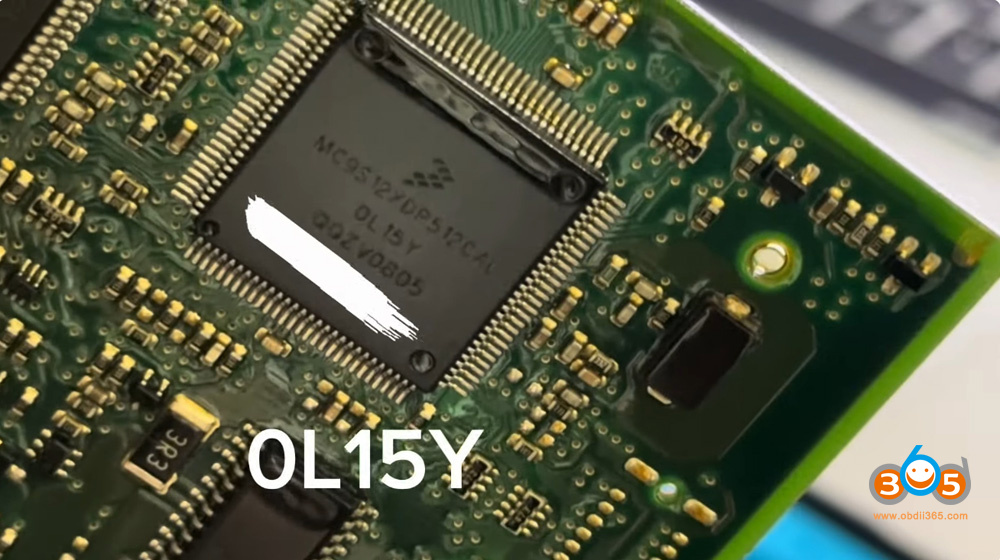
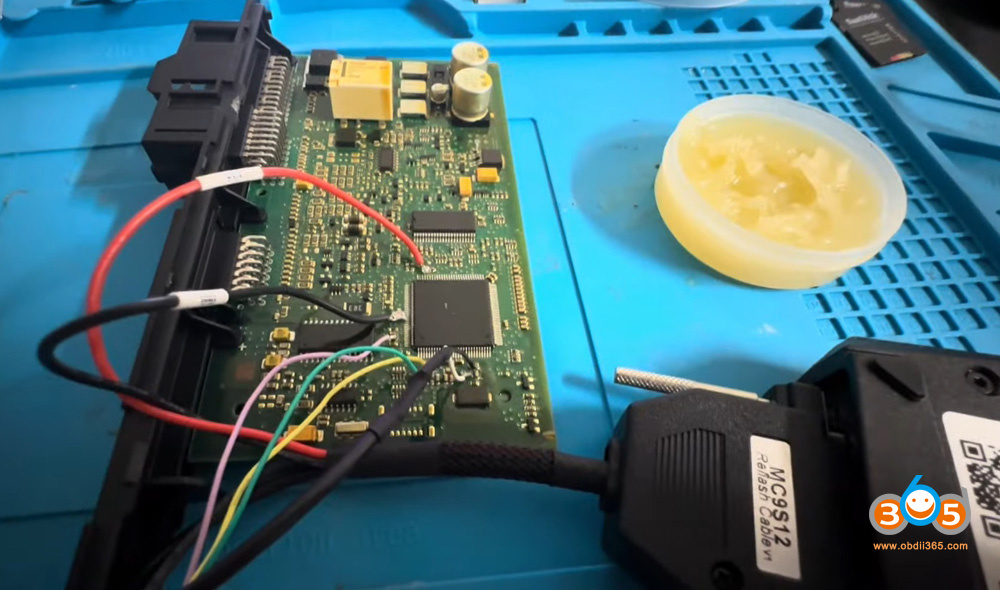
2. Repair File with Autel KM100
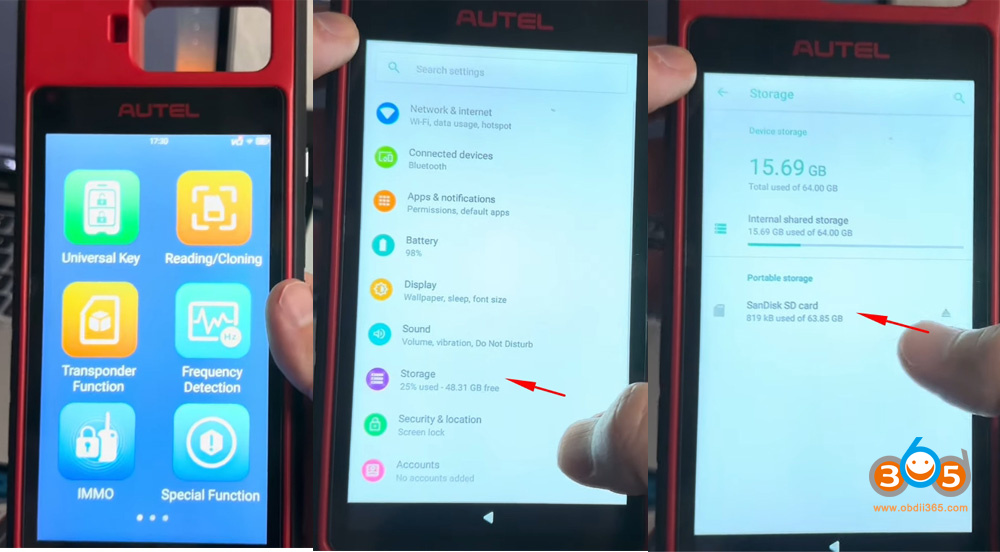
While tools like the Autel IM608 can perform similar operations, this repair used the Autel KM100. The corrupted files were transferred to the KM100’s internal storage via the SD card.
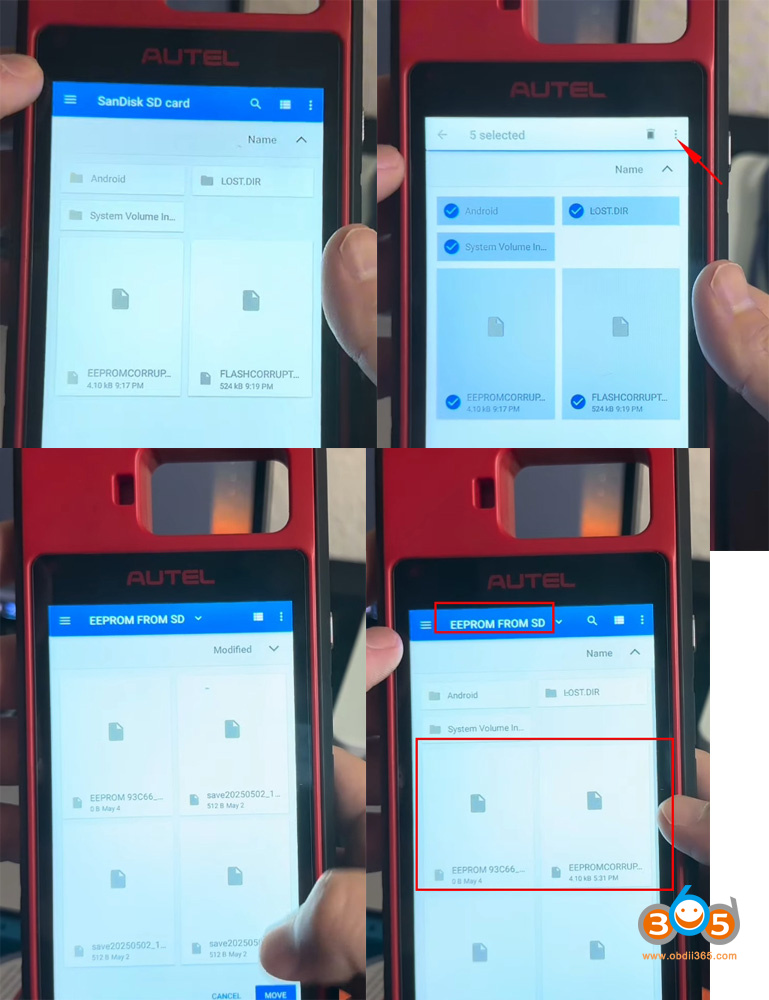
Go to Storage- More- SD Card. Transfer corrupted files from SD card to KM100’s internal storage.
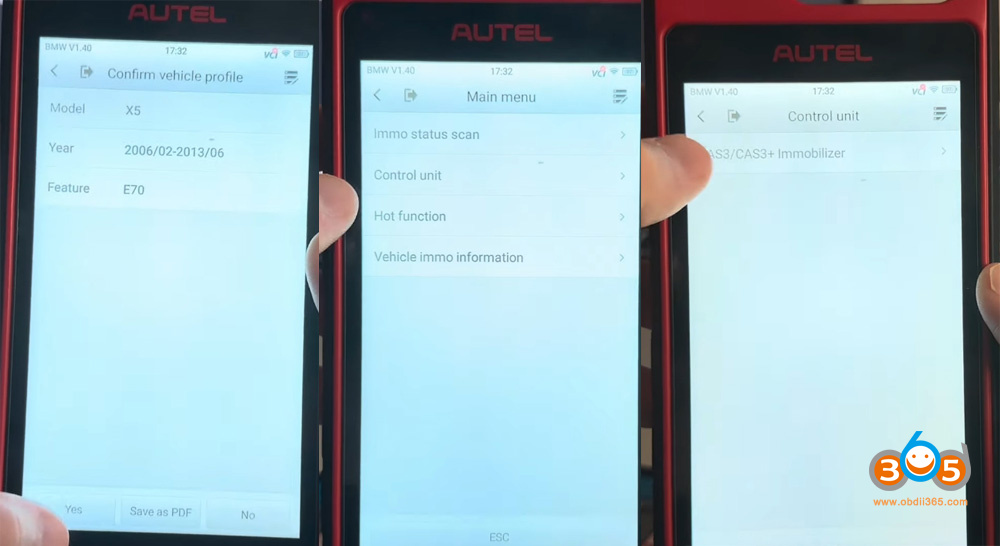
Go to IMMO-BMW-Manual selection- select model and year- Select CAS3/CAS3+ Immobiliser-Control Unit – Special Function- ECU Repair- 0L15Y/0M23S.
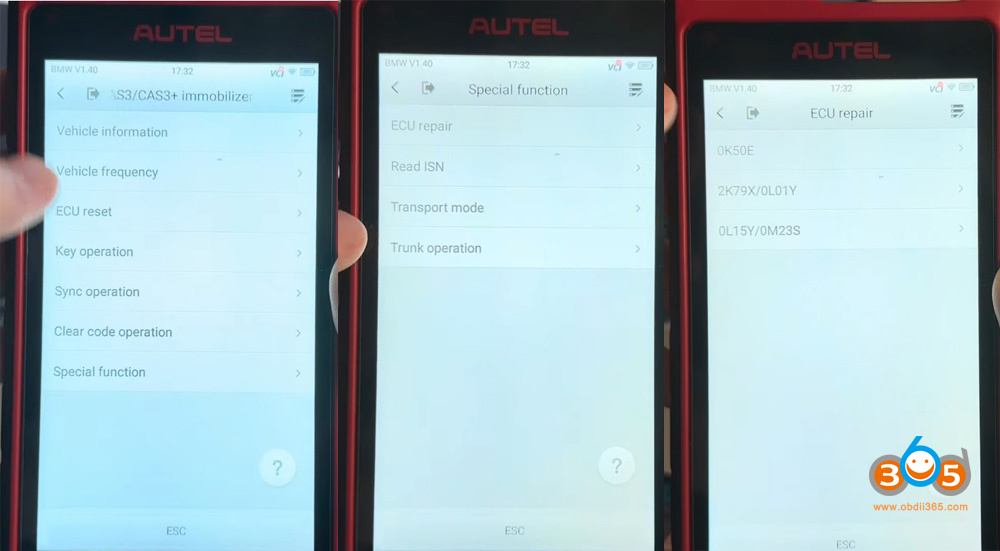
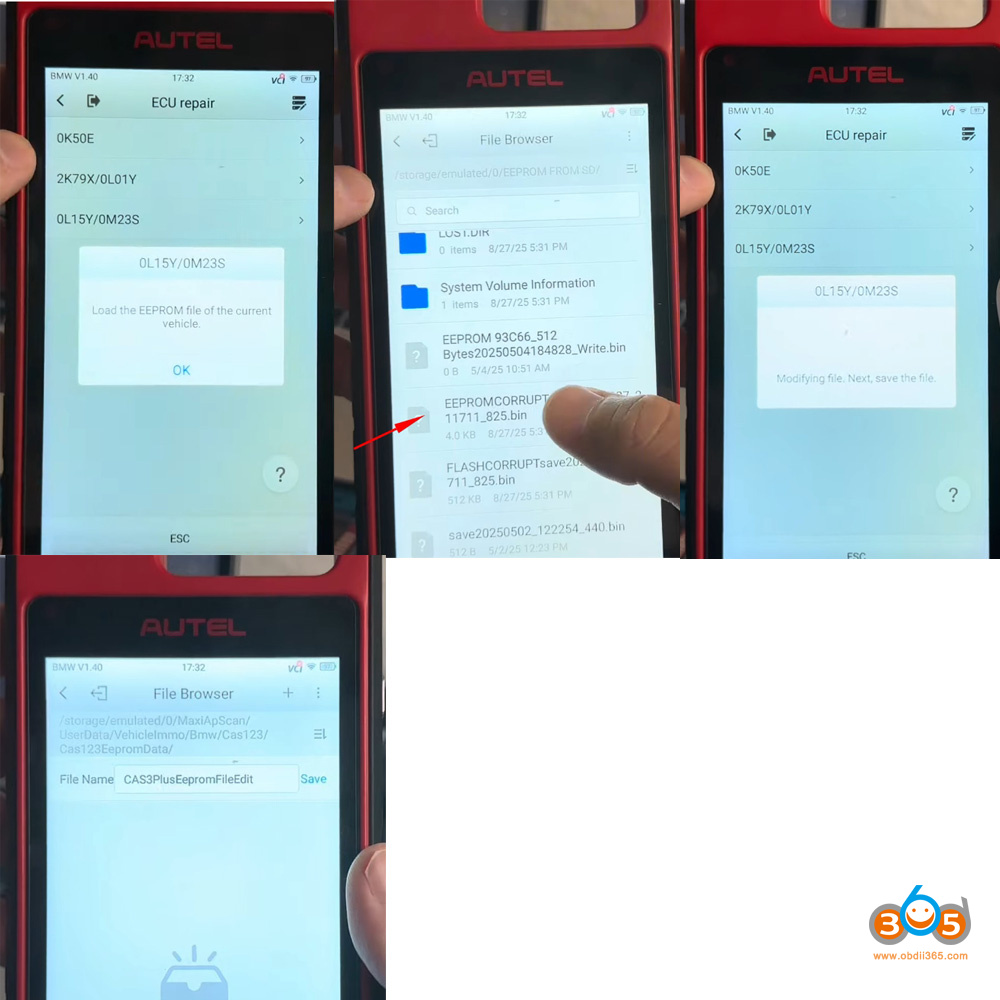
Load the EEPROM file of the current vehicle.
Upload the EEPROM current data from eeprom SD folder.
Modifying data.
Save edited eeprom data.
Upload the corrupted Flash file.
Modifying file and save edited flash data.
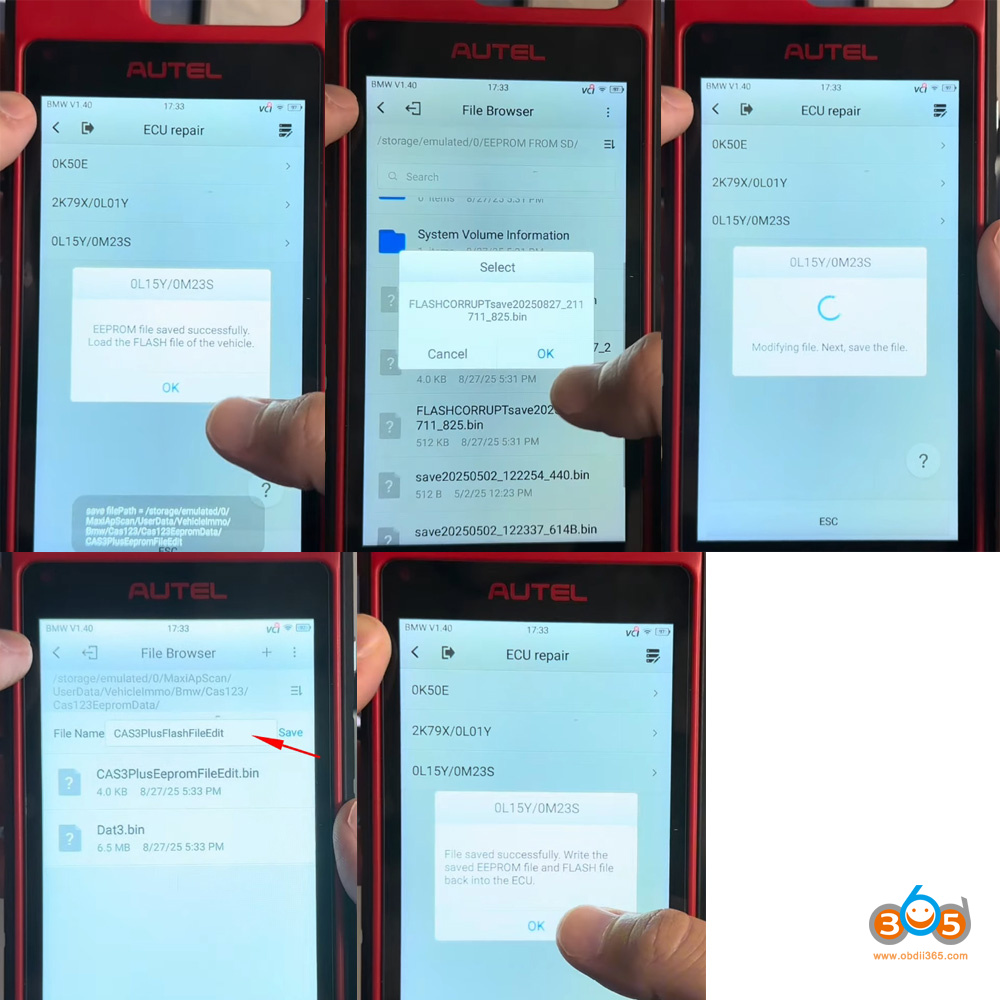
The Autel KM100 prompted for the corrupted EEPROM and Flash files, then automatically generated repaired, valid versions. These were saved to the device’s memory.
3. Key Programming Using the Repaired Files
Then we will show how to program BMW CAS3+ all keys lost using KM100 and vvdi prog.
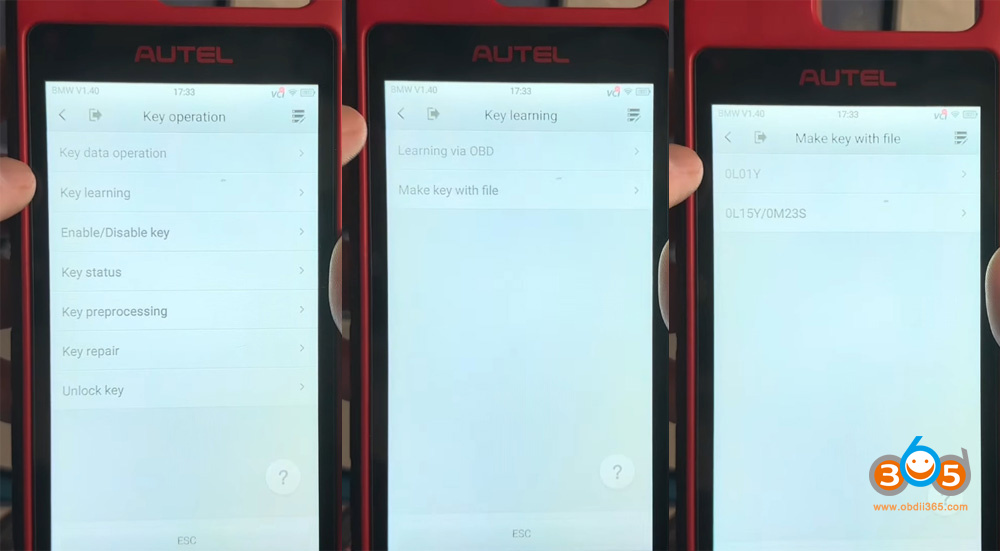
Go back and select Key Operation- Make key with file- 0L15Y/0M23S.
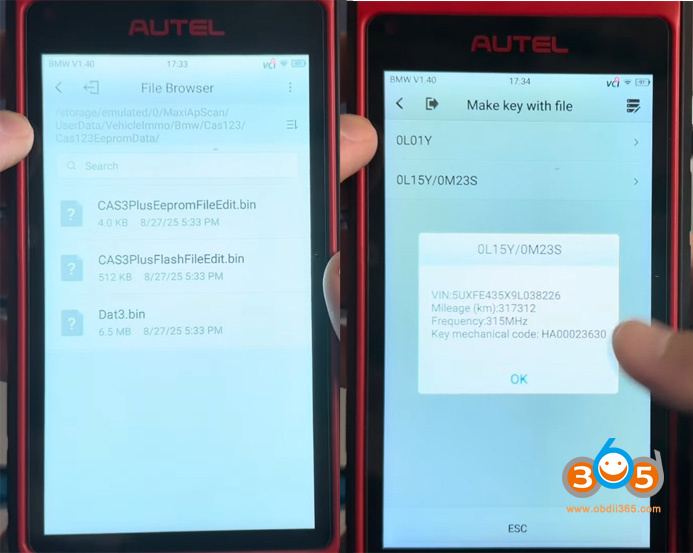
Upload edited CAS3+ eeprom data. KM100 will retrieve VIN, Mileage and frequency information.
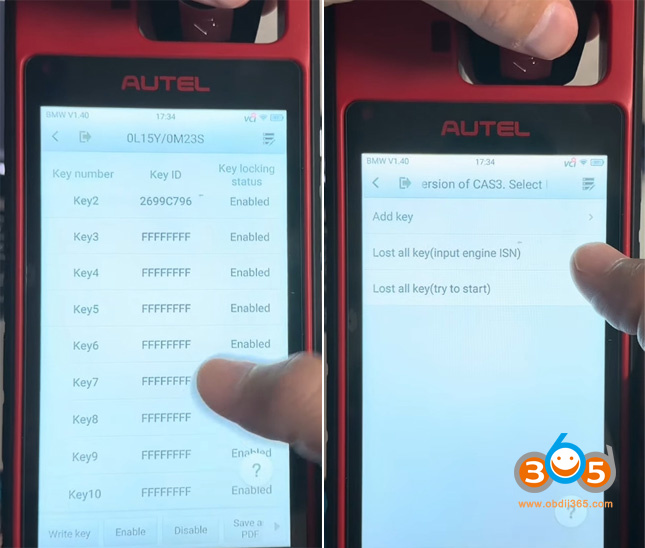
Select an unused key position, hit Write key and select Lost all key (input engine ISN).
We need to get the ISN from engine DME first.
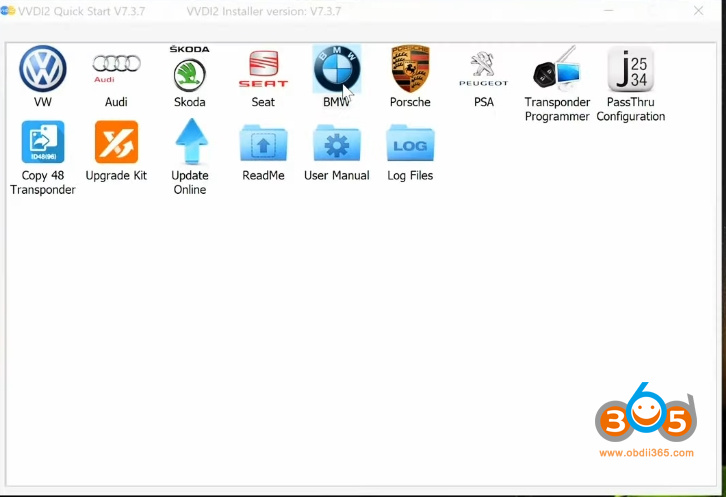
In VVDI2, select BMW function. Read MSV80 ISN code with vvdi2 and MSV80 bench cable.
Then you will get 32-digit ISN code.
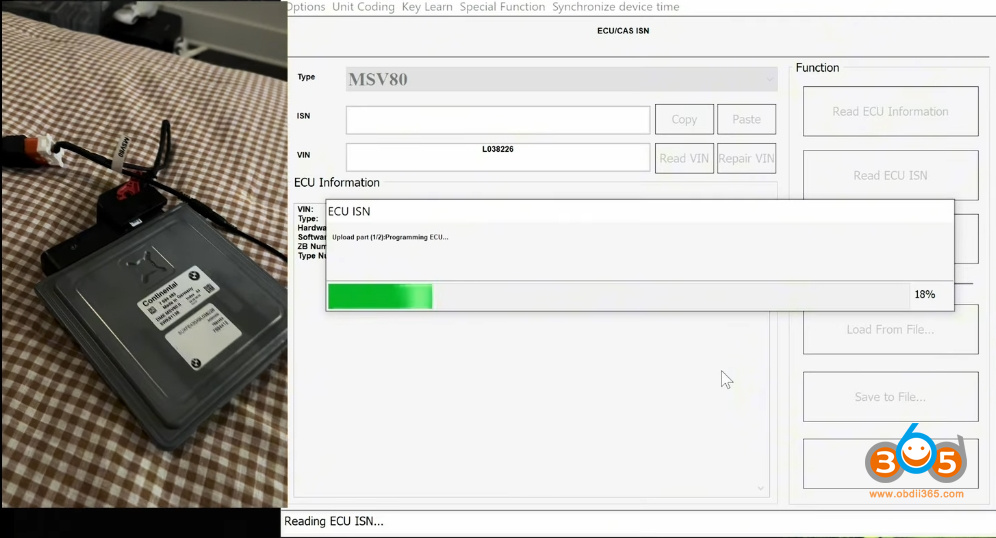
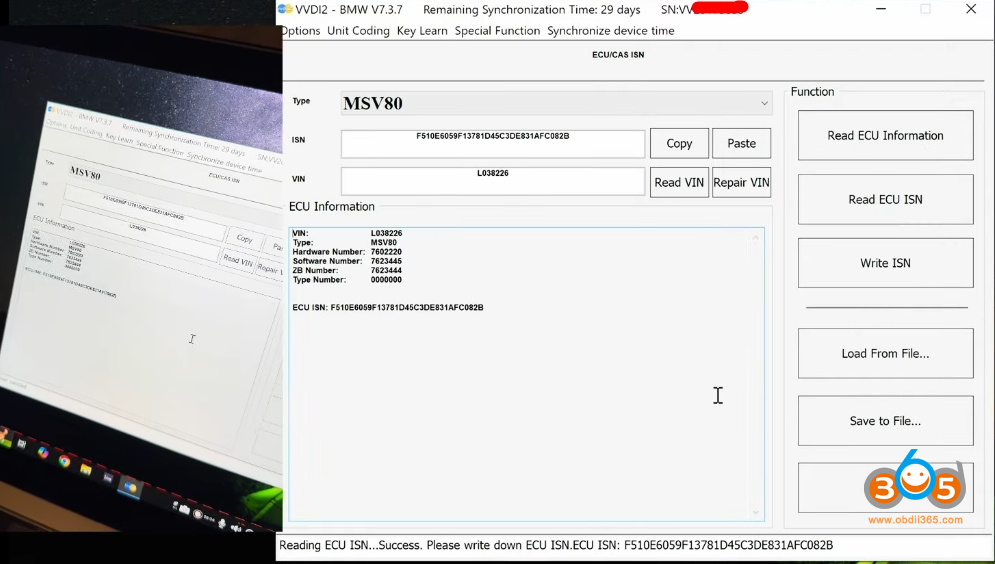
Input the ISN code in KM100.
Select key type: Semi-smart key.
Place the new key in KM100 key slot.
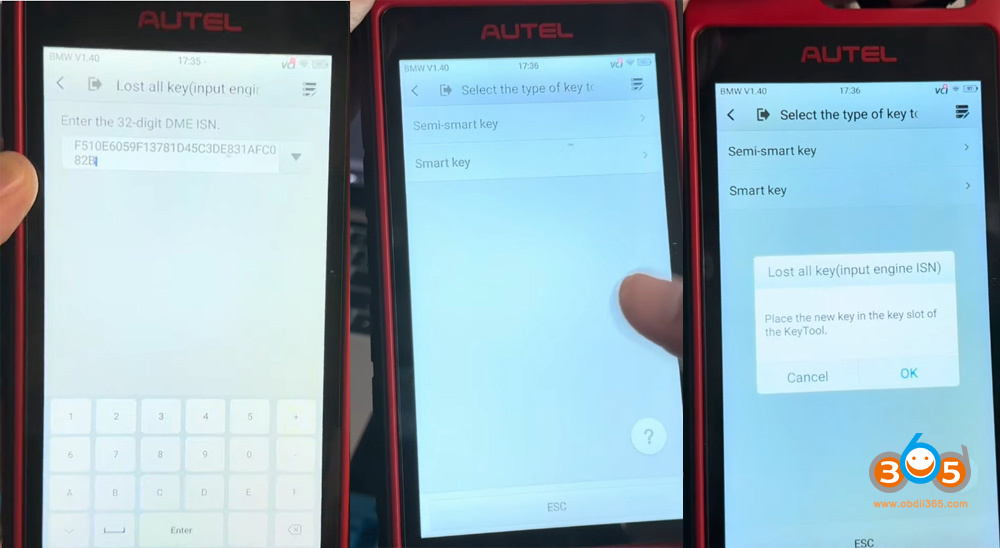
Writing key.
Save new eeprom file.
Generate dealer key successfully.
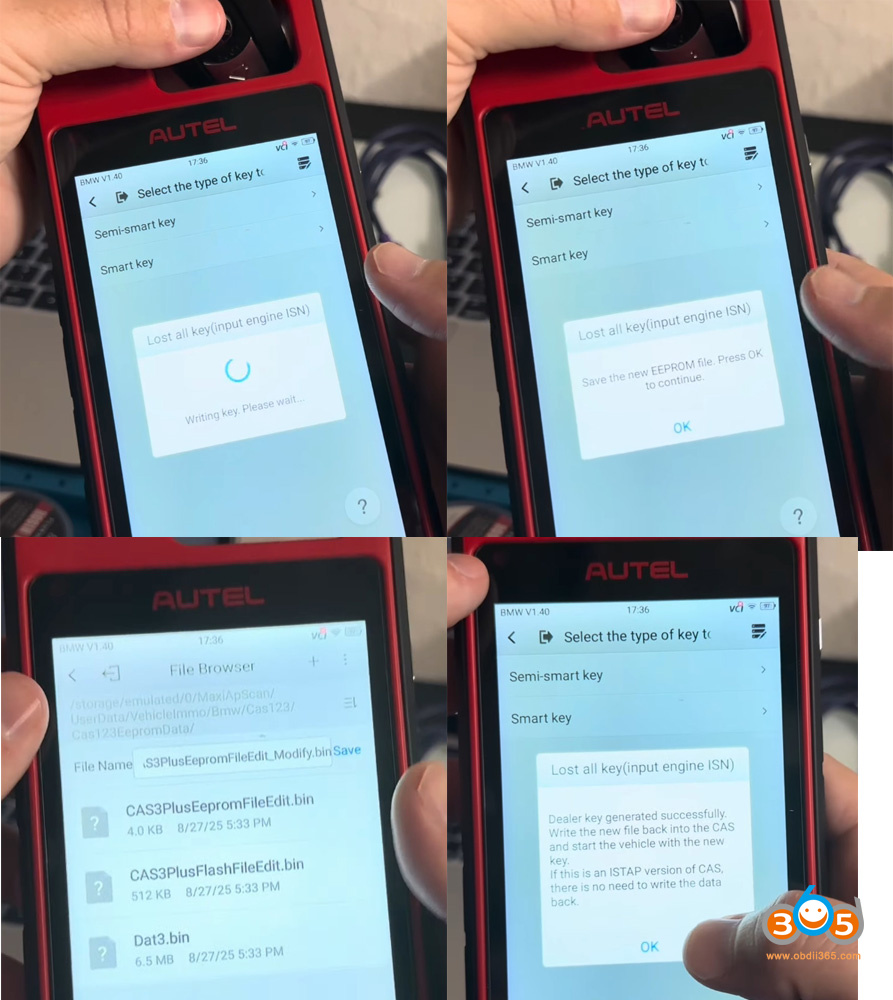
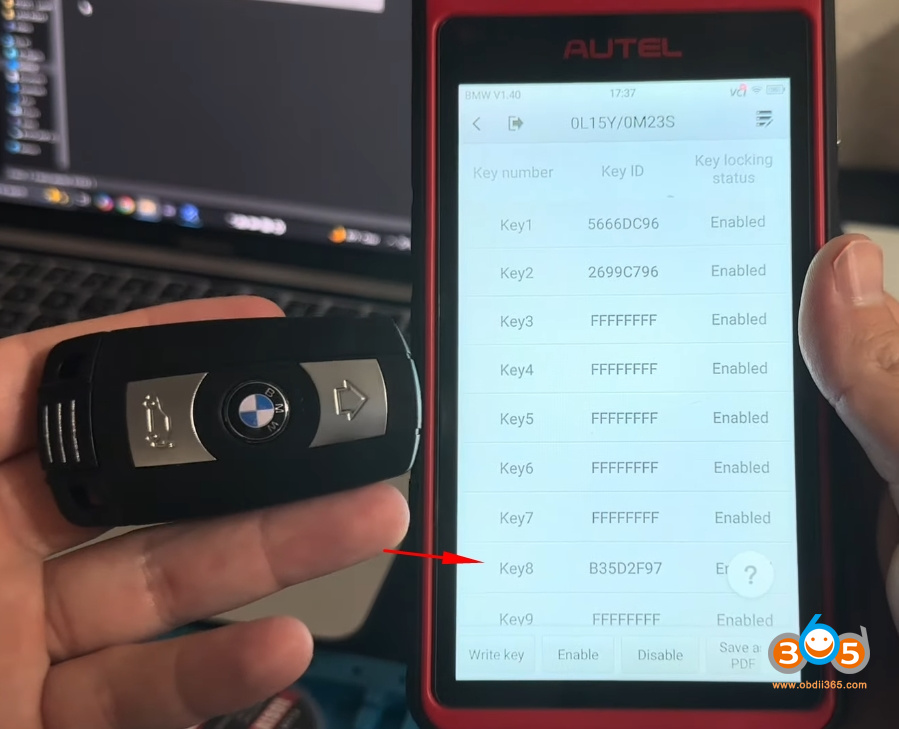
4. Restoring the Module
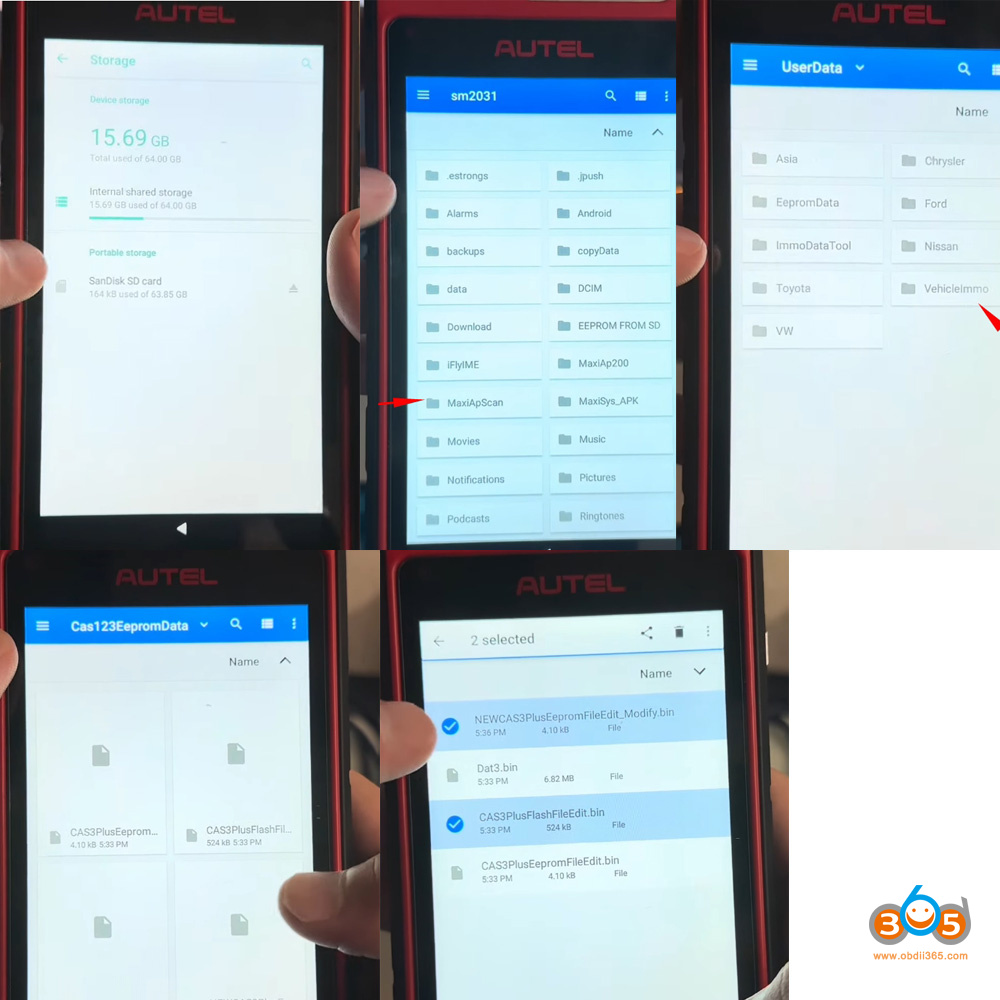
Go to Storage- SD Card again- check KM100 internal storage- MaxiApScan folder- UserData- Vehicle Immo- BMW-CAS folder.
Select new eeprom file (with the key) and modified flash data and remove to the external SD Card.
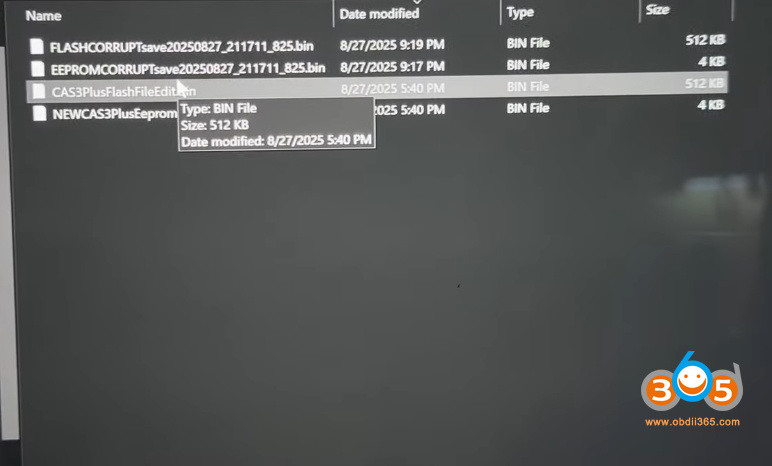
Remove the SD card, insert SD card to PC and paste the new eeprom and modified flash data to PC.
Write edited flash data and new eeprom data (with the key) to CAS3+ module using vvdi prog.
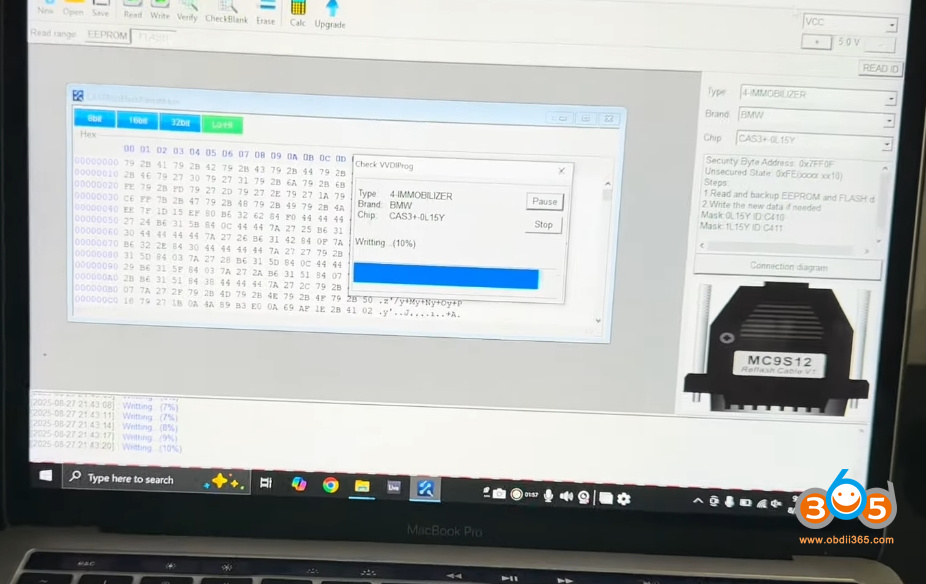
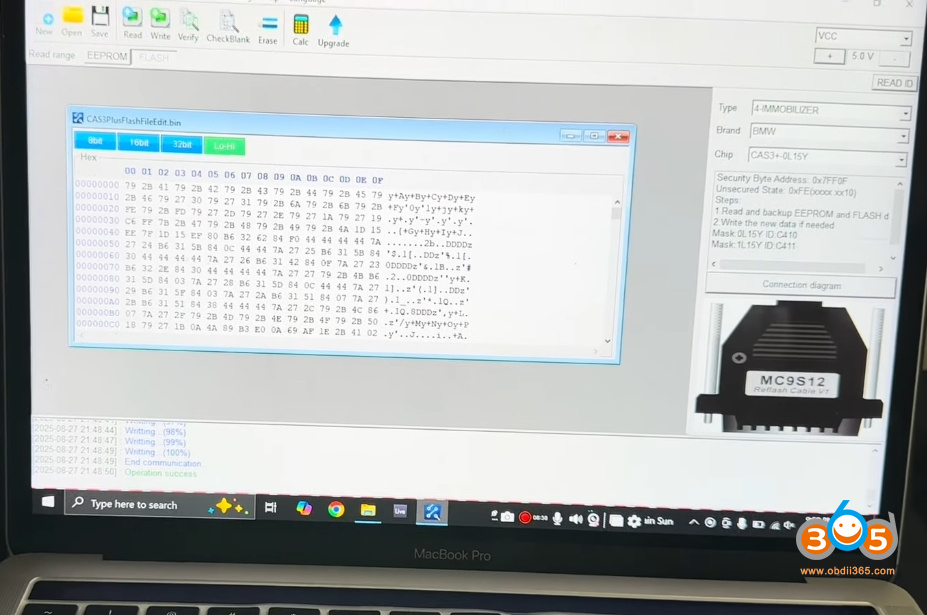
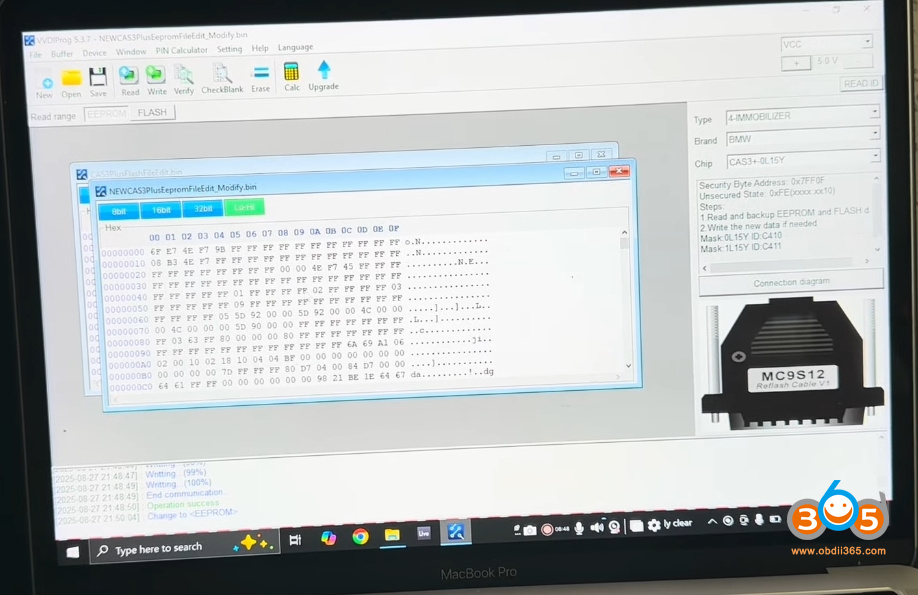
After verification, the module was desoldered and reassembled.
Then install CAS3+ module back to vehicle.
Once reinstalled and connected to the GoDiag platform, the system recognised the newly programmed key in slot #8. The vehicle was ready to start, confirming a full recovery from what initially appeared to be a bricked module.
Read also:
Repair BMW CAS3+ ISTAP with Autel IM508/IM608 After Failed Update via OBD















