
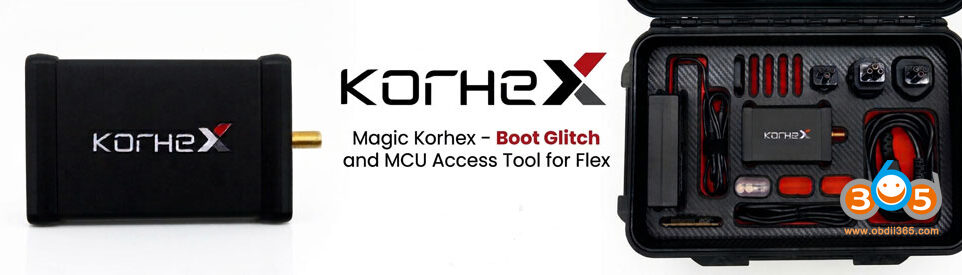



Keydiy’s VW01 cable is designed for reading IMMO data on VAG 4th-gen NEC+24C64/24C32 CAN clusters. The Godiag GT110 IMMO4 test platform can serve as a direct replacement if the VW01 cable is not available.
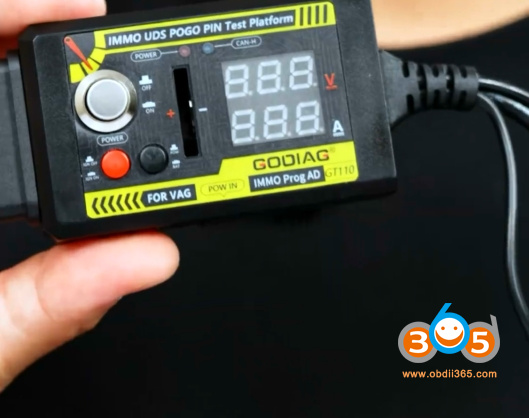
With GT110 you can see the voltage and current status, but with VW01 does not.
How to use Godiag GT110 with Keydiy KD-X4 to Read VAG IMMO4 data?
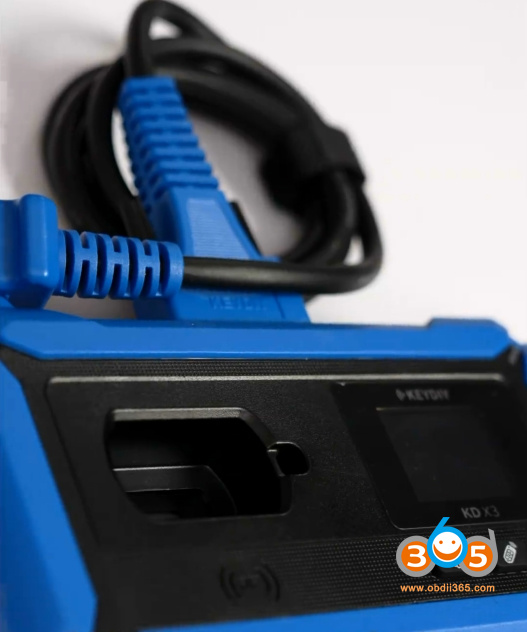
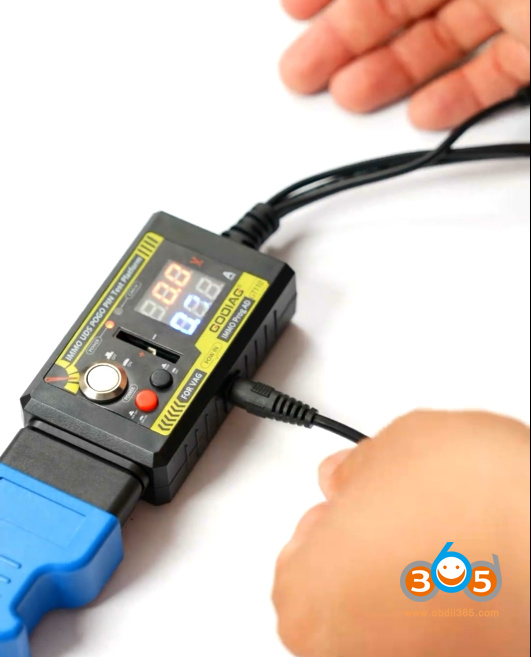
Connect GT110 with KD-X4 programmer via KD main cable.
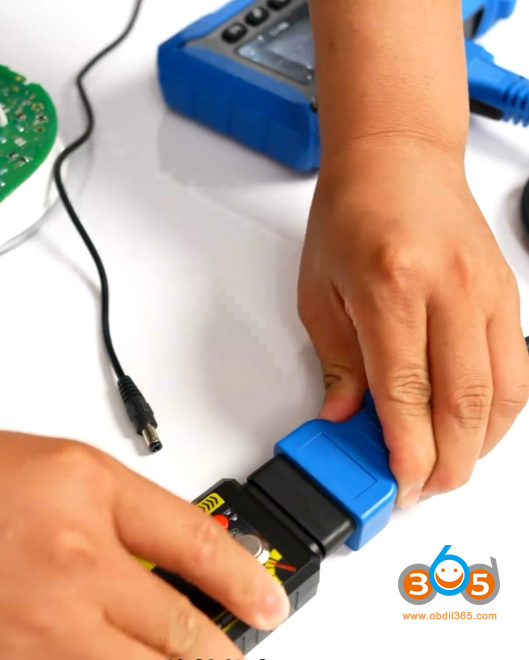
Provide 12V power supply to GT110 test platform.
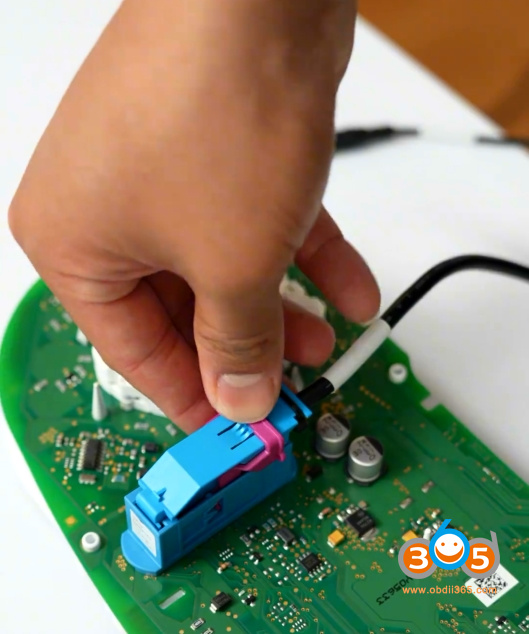
Remove and disassemble VAG IMMO4 cluster.
Install the adapter of GT110 on the cluster.
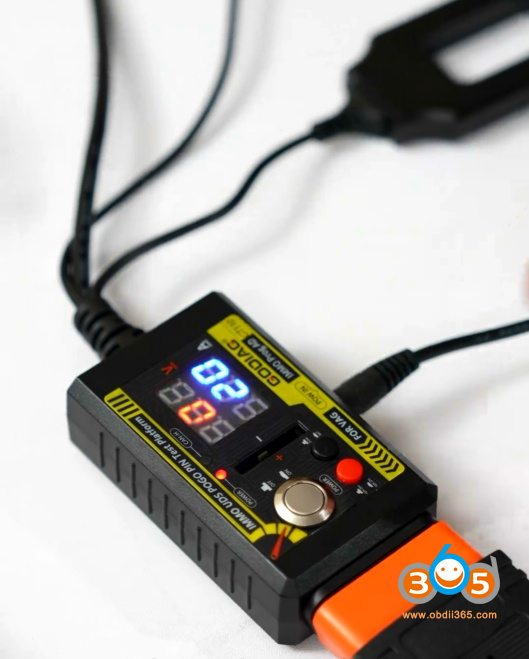
Turn on the ignition switch on the GT110.
Run KD-X4 App.
Go to IMMO Programming- VW/Skoda- IMMO4 CAN Cluster
Automatically detect cluster type as NEC+24C64.
Select Read Immo data.
Choose Login method 2.
Turn GT110 ignition to OFF status. Very important!!!
Connect Pogo PIN on the cluster.


Then turn GT110 ignition on.
Wait for the instrument cluster to make a single “da” beep.
Click Read IMMO Data again.
Choose Login method 2.
Save data.
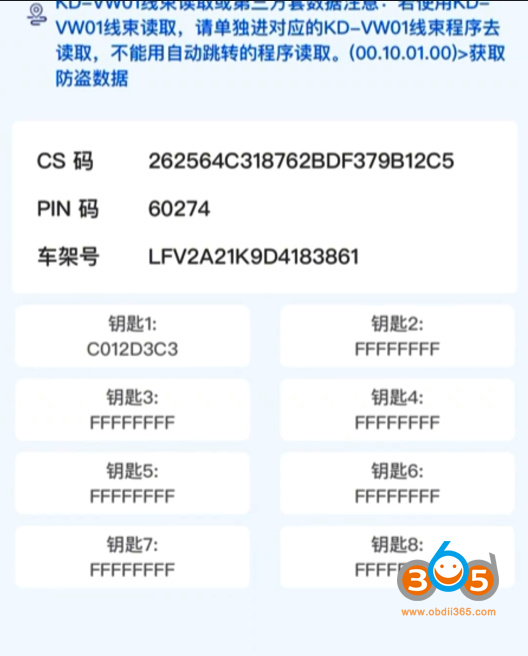
KD-X4 will read device CS and PIN.
Then continue to generate dealer key and learn key.
Related reading:
Autel IM508 VW IMMO4 NEC23C42 Service Mode AKL with Godiag GT110















