Tutorial: How to copy BMW G series BDC3 key or U Chassis BCP key with Xhorse VVDI Key Tool Plus step by step.
Requirement:
- Xhorse VVDI key tool plus
- BMW G function license activation
- Original key
- Original key or VVDI dedicated BMW G key to be programmed.
Instruction:
Step 1: Read Vehicle Information
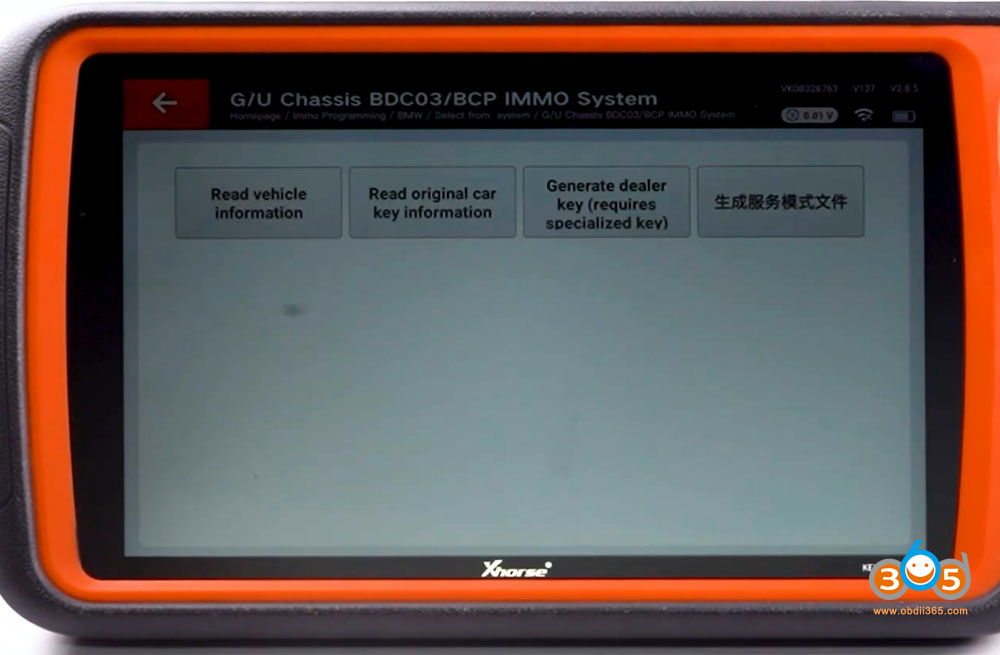
Go to IMMO Programming- BMW- G/U Chassis BDC03/BCP IMMO System- Read vehicle information.
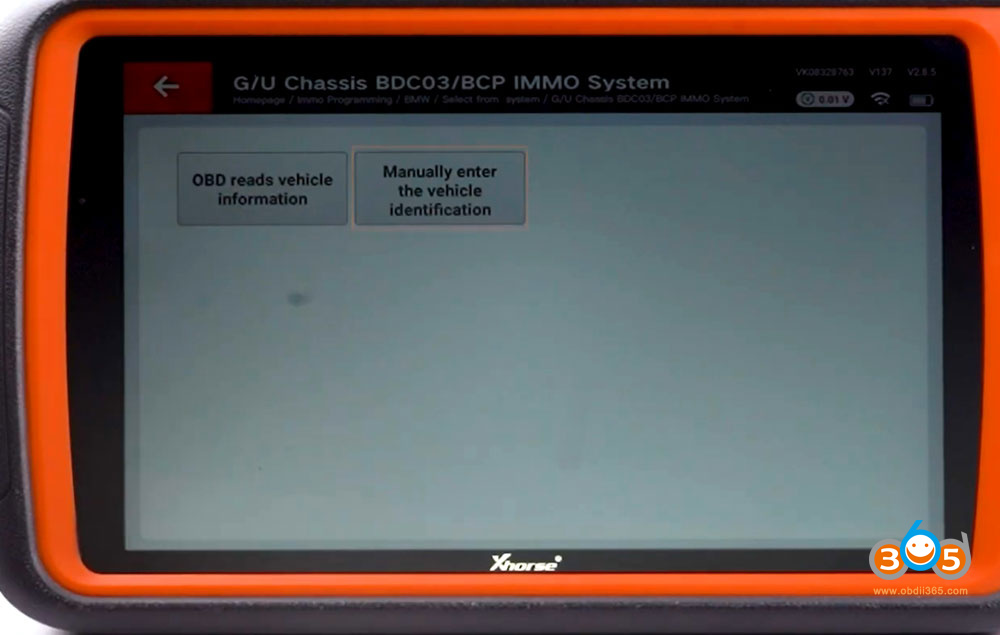
Read vehicle information via OBD or manual VIN entry.
Read vehicle info successfully.

Step 2: Read original car key
Choose Read original car key information.
Check the connection diagram.

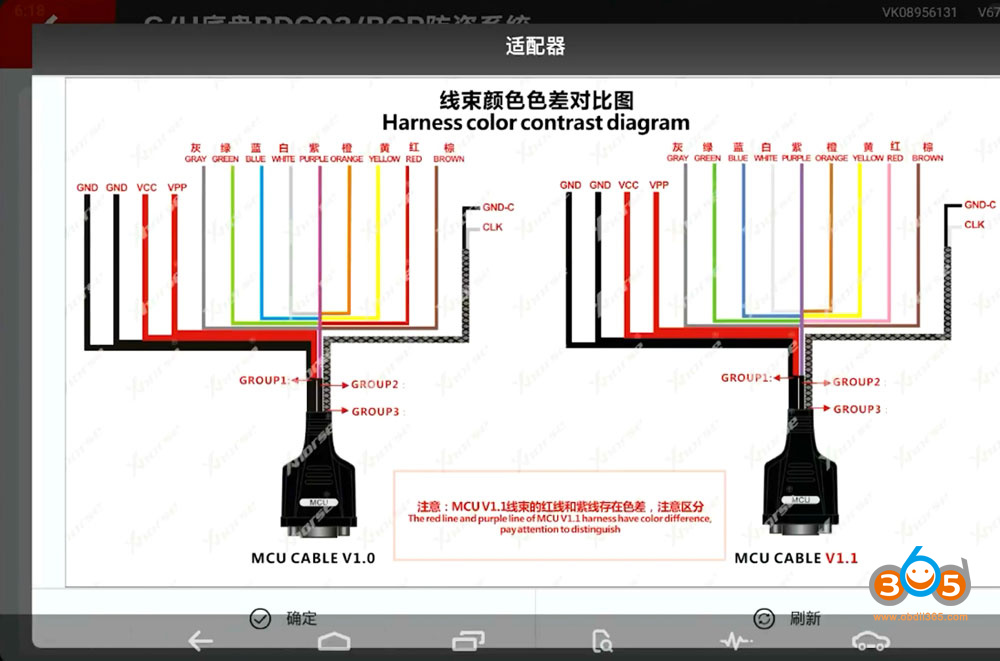
There are color difference between the new MCU cable and old MCU cable.
Solder 4 wires on the MCU cable to the corresponding points on the original key.
Pay attention to the wire colors, especially MSDA and MSCL, do not connect them incorrectly.
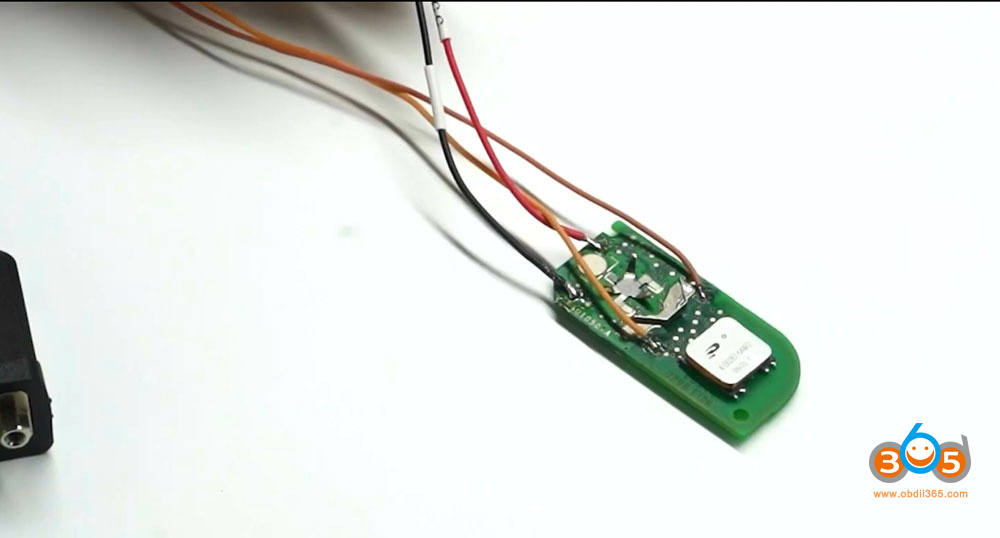
Connect MCU cable with key tool plus
After the connection, click Read.

Read and save original key data.
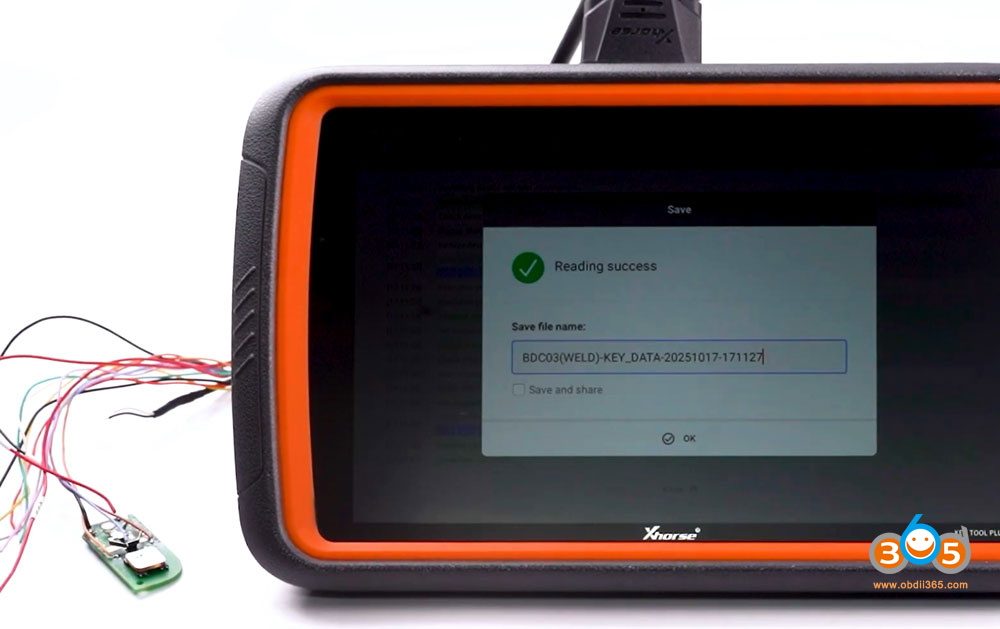
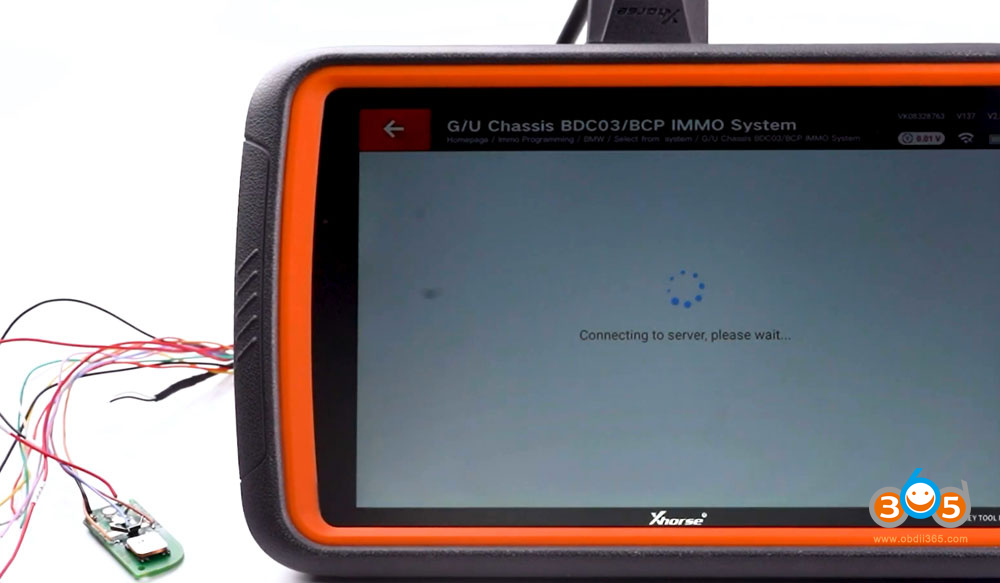
Upload the original key data to generate the service file.
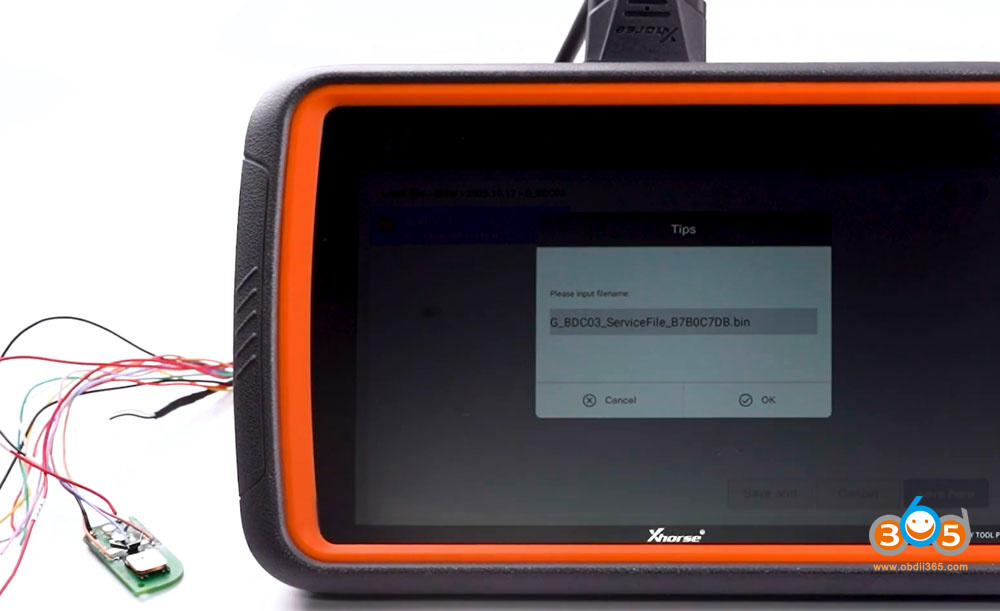
Click OK to save service file.
Step 3: Generate dealer key
Remove the cable soldered on the original key.
Select Generate dealer key function.
Click Yes if generate original key.
Click No if you Xhorse dedicated BMW G key.
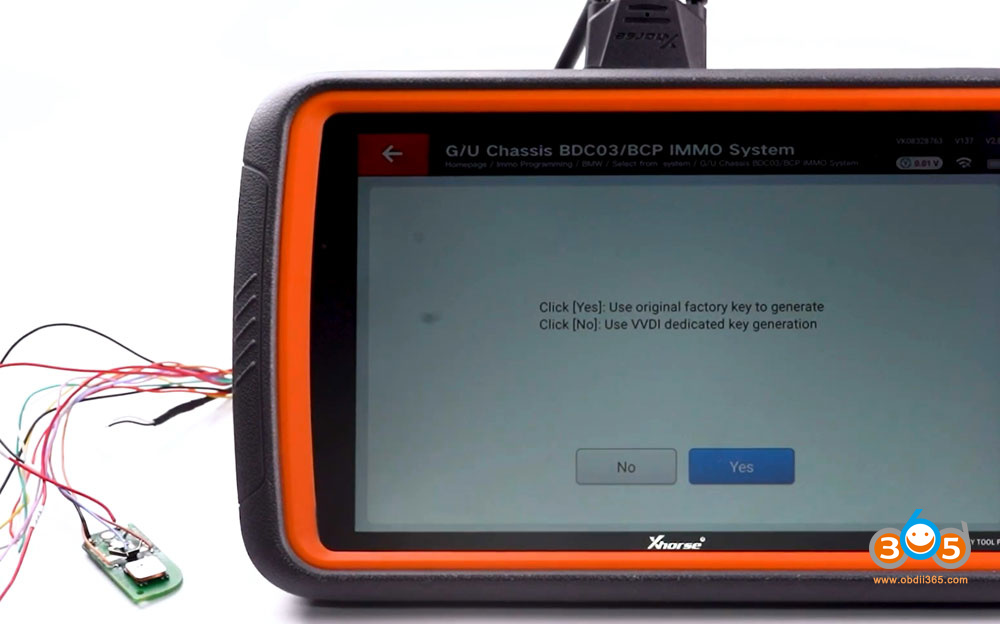
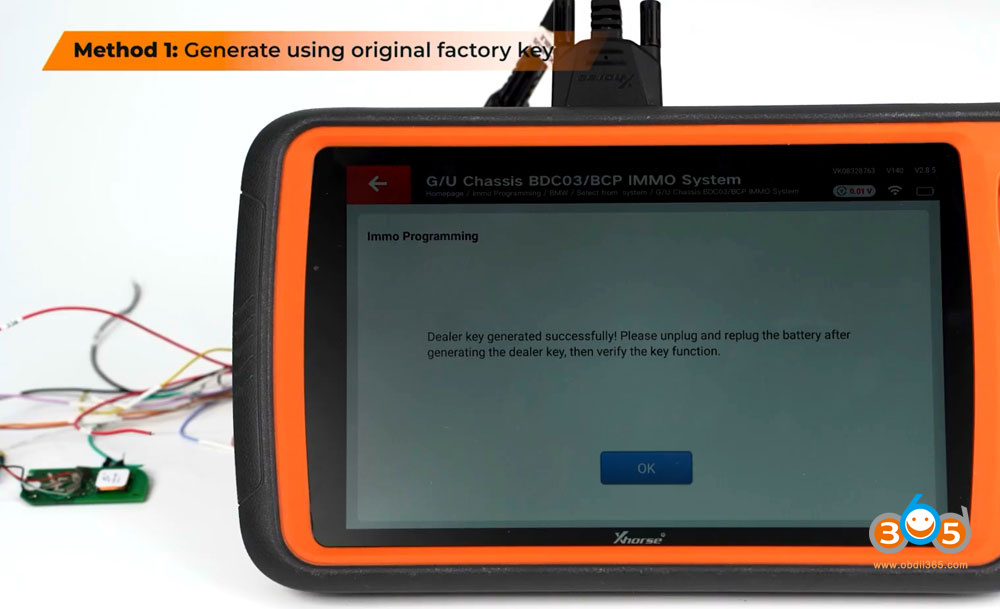
Method 1: Generate original key.
Solder MCU cable to the orignal factory key used for generating
Select service file and write key.
Generate dealer key successfully.


Method 2: Generate VVDI dedicated key
Go to Remote Program menu.
Select BMW model- G series ID49 433MHz
Generate VVDI BMW remote.
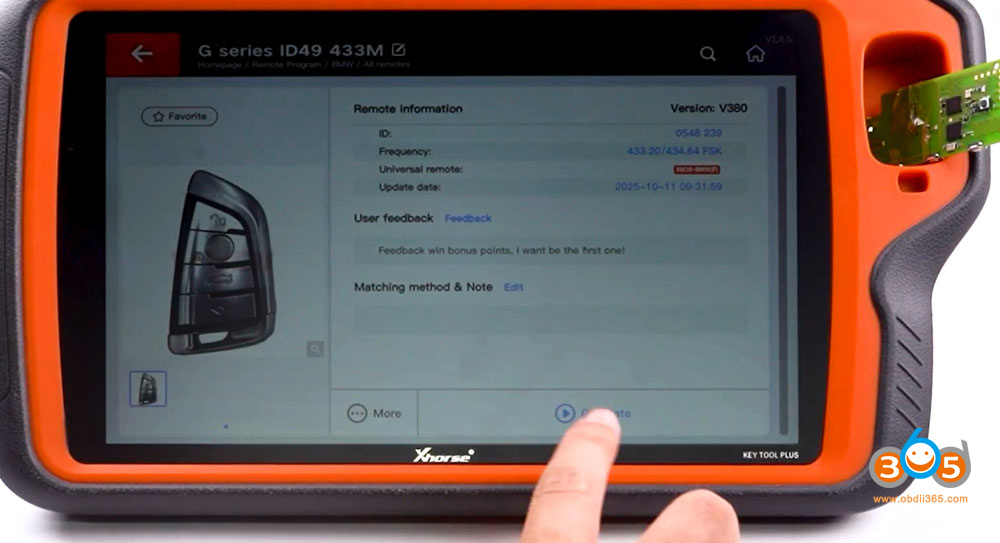
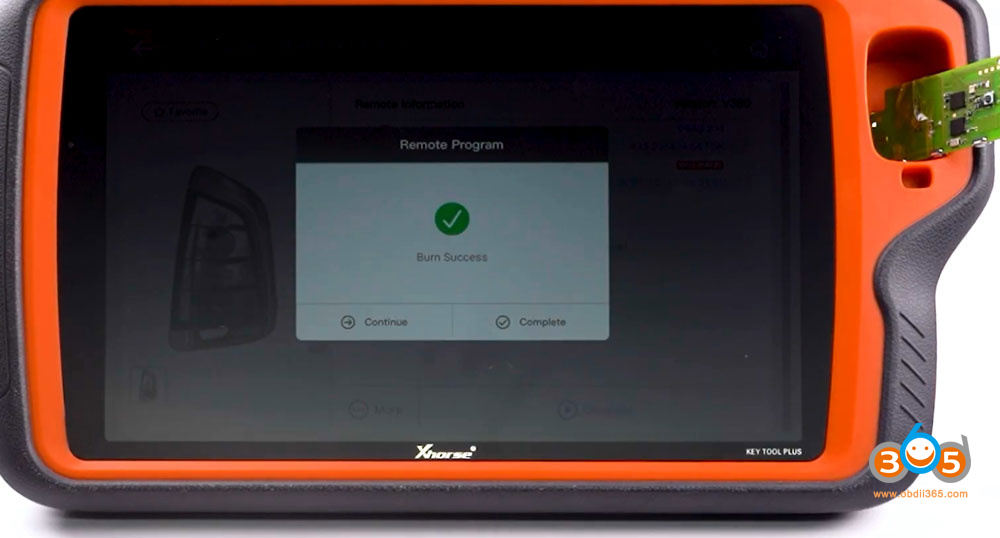
After the remote generation is successful, return to Generate dealer key interface.
Select No (generate using VVDI dedicated key.)
Load service file saved.
Place the generated VVDI BMW XM38 G key into the device coil.
Generate dealer key successfully.

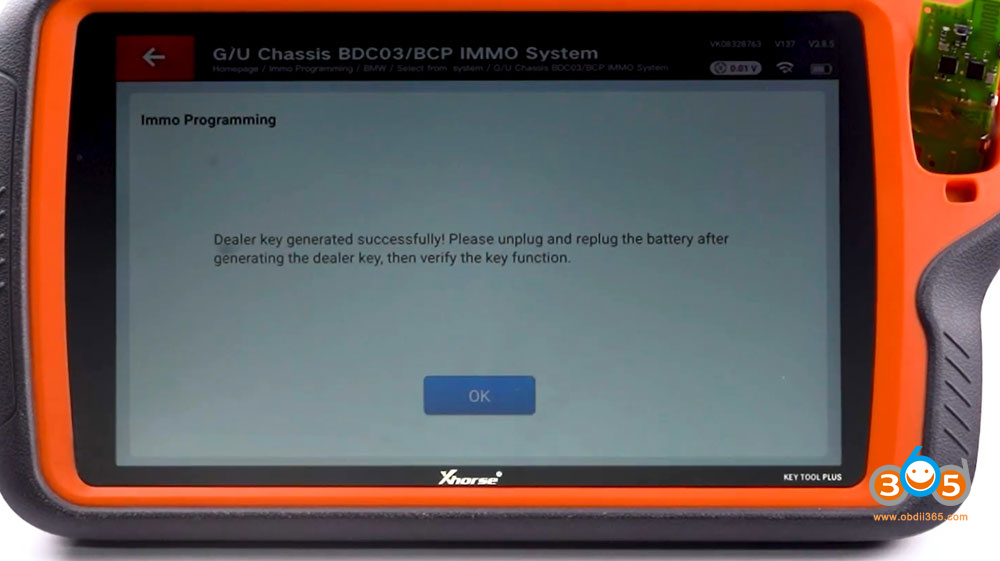
After generating key, unplug and replug the battery, then verify the key functions.















