


Problem raises:
A Xhorse Multi Prog programmer user noticed that his device having difficulty connecting to certain modules. The issue was puzzling because these were modules that should have been readable on bench – connecting directly to the processor pins – without needing to open the module and solder wires directly.
Sometimes the device would read perfectly; other times, it wouldn’t work at all. The Xhorse Multi PROG is a comprehensive, well-built tool capable of reading various memory types directly from microcontrollers – EEPROM, flash, parallel memories from many manufacturers. It seemed illogical that such a capable device would consistently fail on simple ECU connections.
The Investigation
Determined to find the root cause, the technician began investigating. He took modules that were difficult to read and connected an oscilloscope to the data pins (P8, S8, S6, S14). Through systematic checking, he made a critical discovery.
The XHorse Multi PROG cable has two ground wires. One ground was working perfectly, but the other was faulty. It rarely made proper contact and lacked continuity. This explained the intermittent behavior:
- When the good ground was used accidentally: The device worked 100%, with flawless connections and readings
- When the faulty ground was used: The device couldn’t establish a connection, even with a bench power supply. Readings were inconsistent, and errors were constant.
Identifying the Root Cause
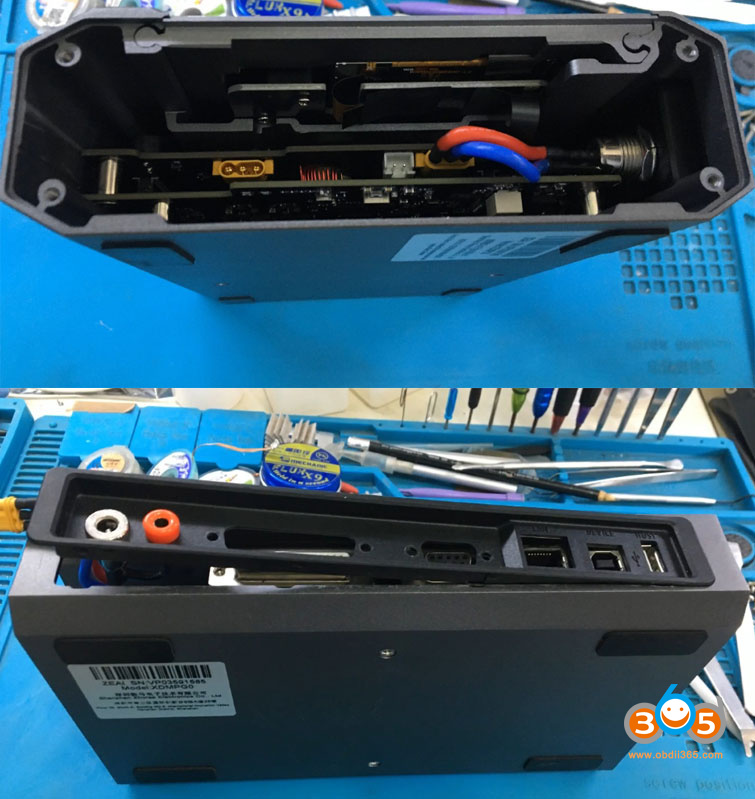
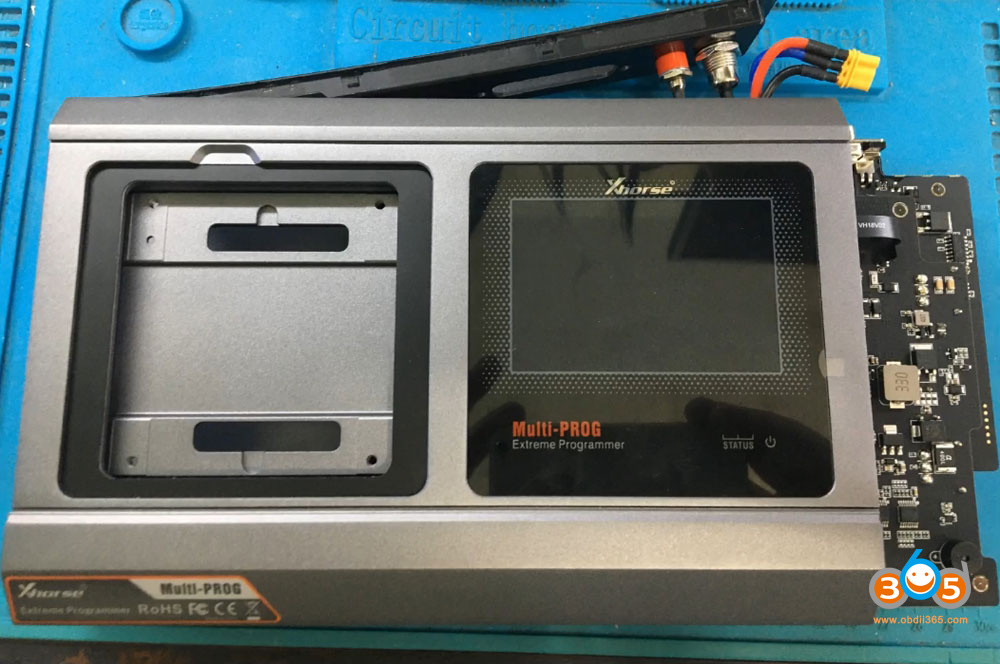
The technician initially suspected the connector. He opened it and checked continuity, but everything tested perfect. The problem wasn’t in the cable – it was inside the Multi PROG itself.
By examining the connector pinout, he identified:
- Pin 4: First ground – working perfectly
- Pin 5: Second ground – defective
When using Pin 5, the device experienced reading problems, connection failures, and wouldn’t connect properly. Since the cable was verified as good, the only remaining possibility was an internal issue with the Multi PROG unit.
The Discovery:
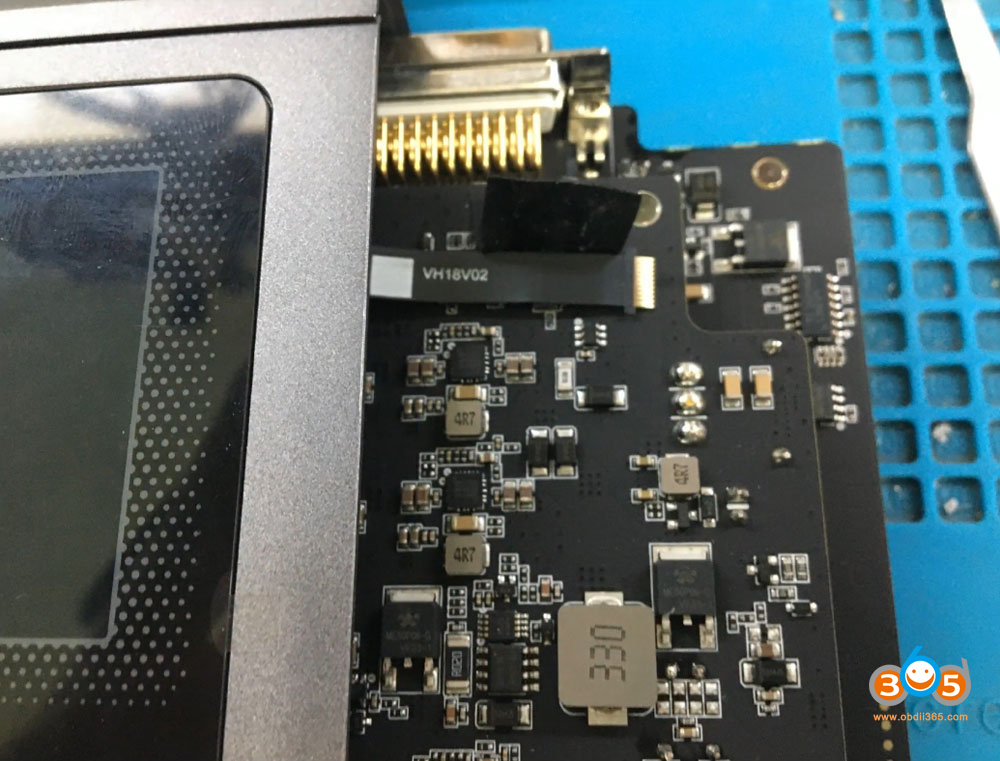
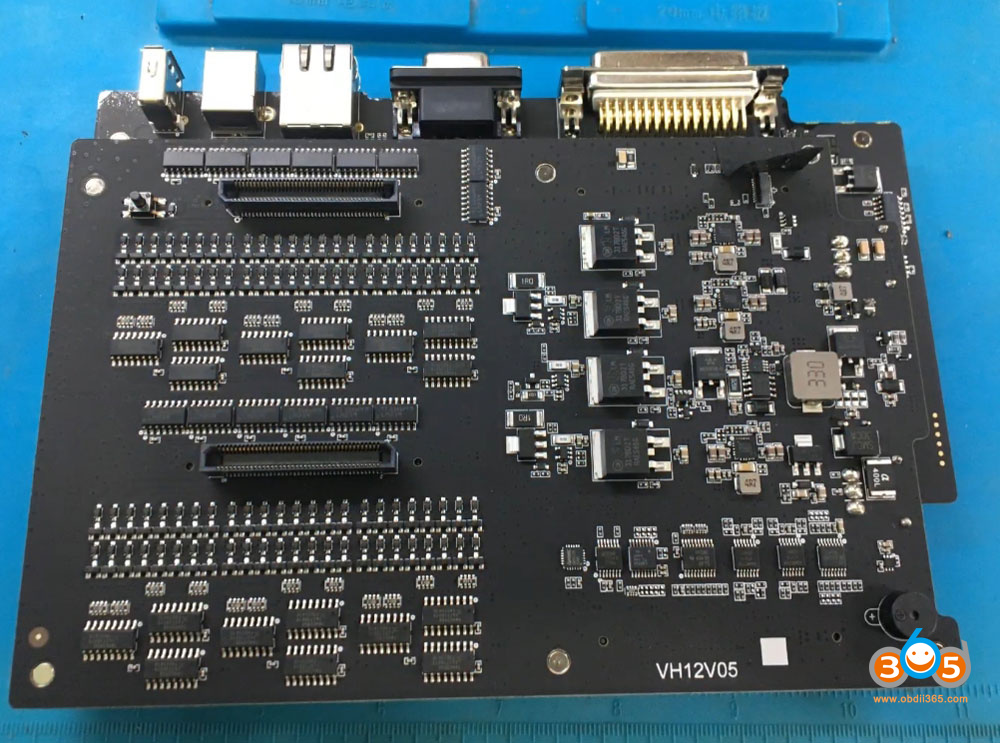
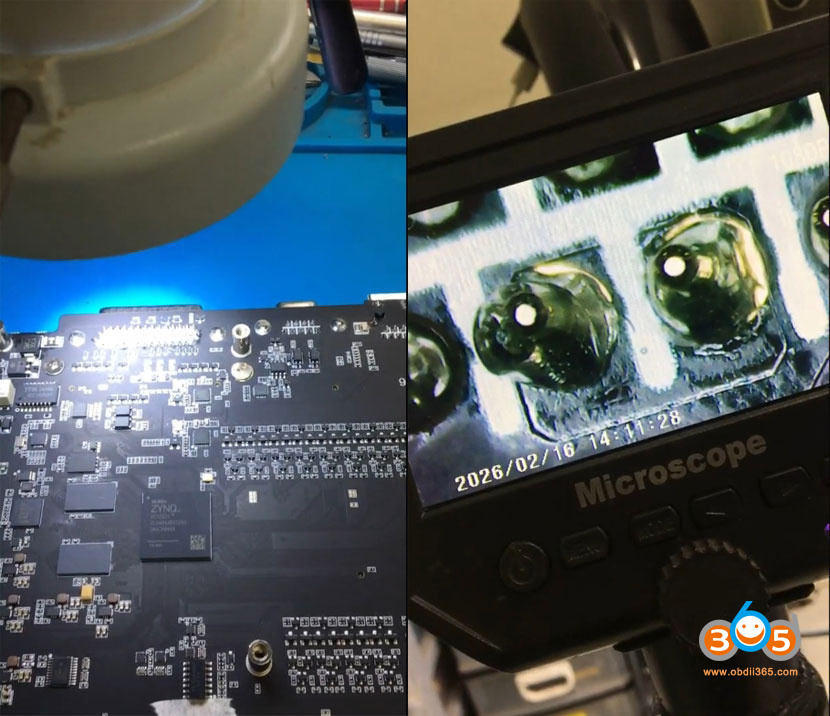
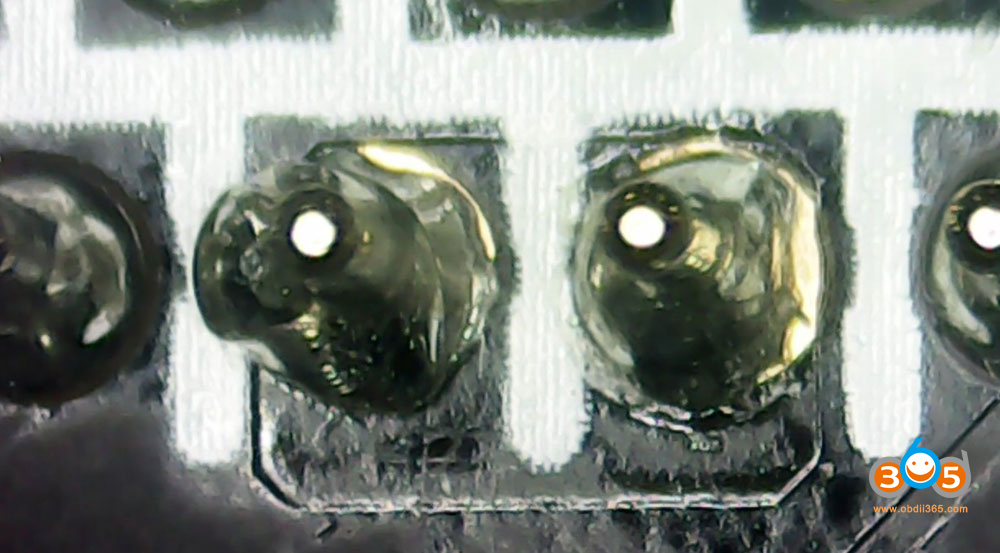
Upon disassembling the Multi PROG and examining the circuit board under a microscope, the technician found the problem. Pins 4 and 5 should have been unified – they should have continuity between them. However, they didn’t.
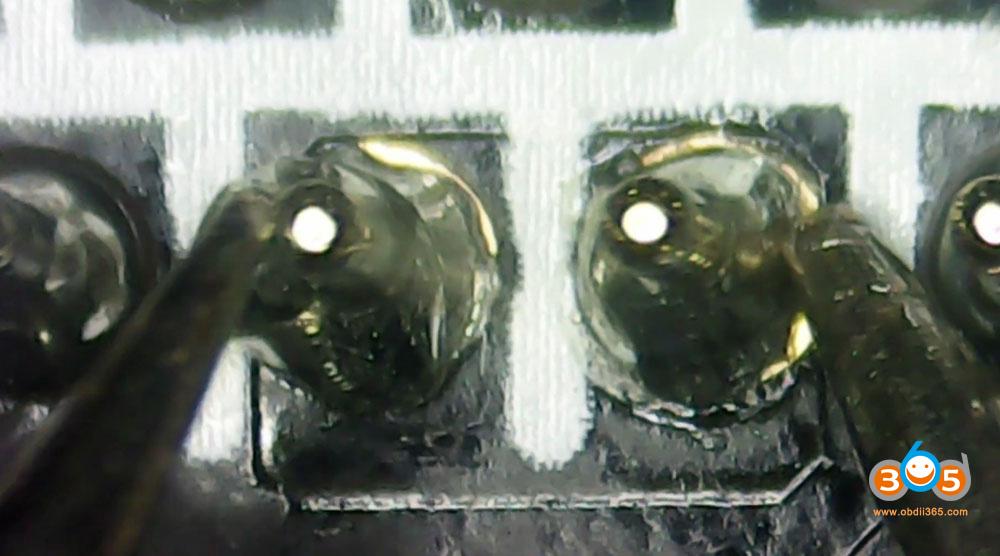
The microscope revealed that although the traces on the board were connected, there was a break in the solder joint underneath. It was a classic cold solder joint. When testing continuity:
- Probing Pin 4 alone: Good continuity
- Probing Pin 5 alone: Good continuity
- Between Pin 4 and Pin 5: No continuity, despite the traces being visibly connected
This cold solder joint was the culprit behind all the connection issues.
The Repair
The solution was straightforward. The technician resoldered the two pins, ensuring proper contact. After resoldering:
- Continuity between Pin 4 and Pin 5 was restored.
- Both grounds were now functioning correctly.
- The board was reassembled carefully to avoid any damage or marks.
Testing the Repair
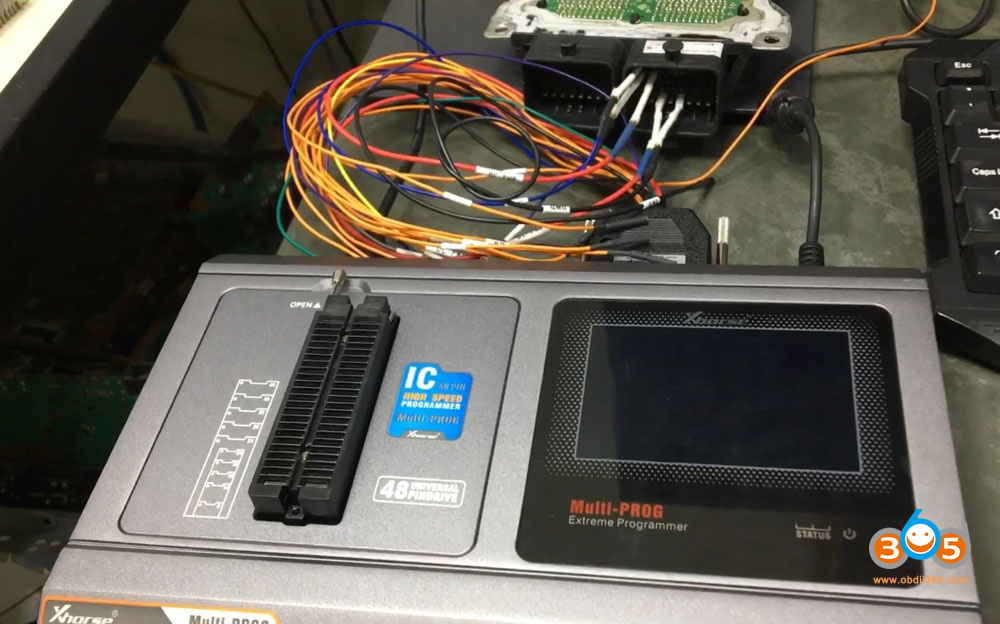
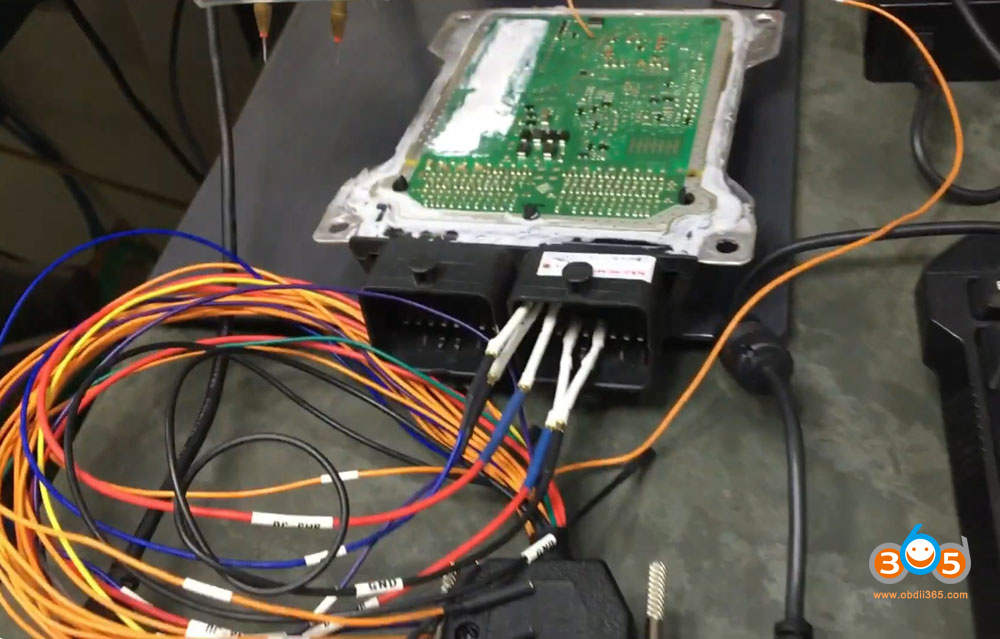
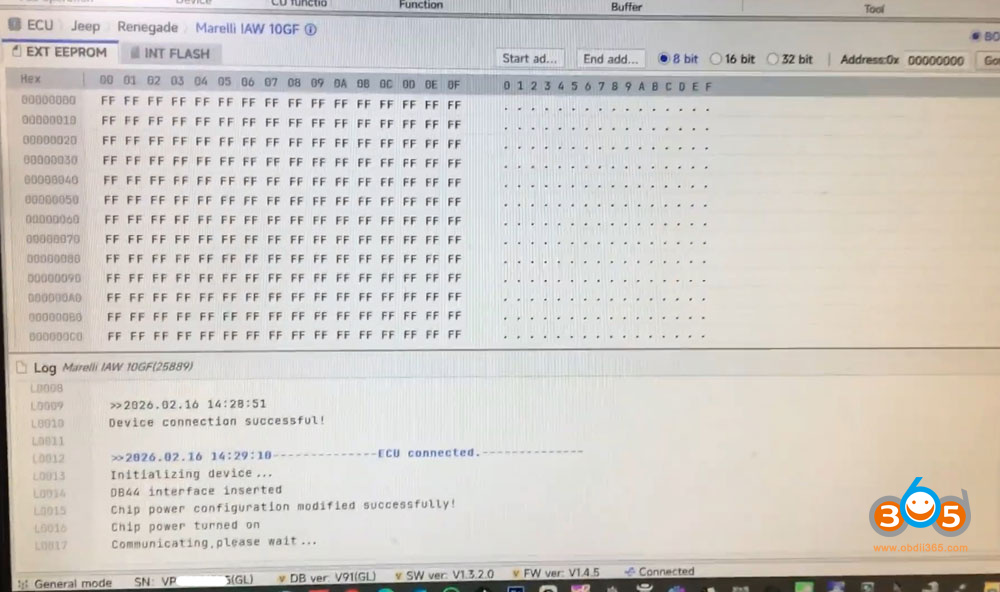
With the Multi PROG reassembled, it was time for the moment of truth. The technician connected to a Renault 10GF module, deliberately using the previously problematic ground wire to ensure no “lucky” connections.
The process:
The device connected to the PC and software opened successfully
Upon initiating connection, the 12V relay engaged
The device powered the module (showing 14.9V)
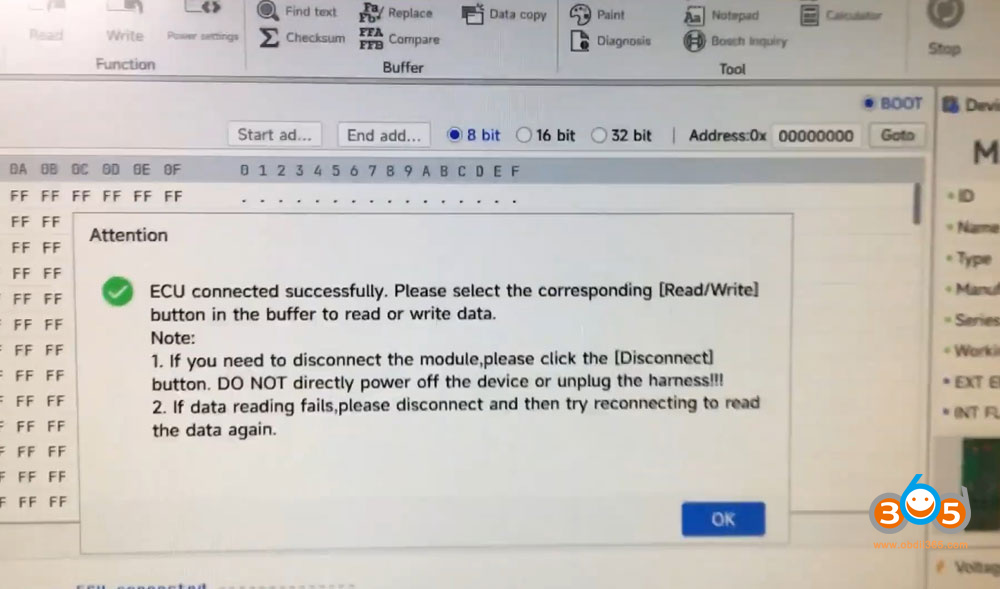
“Connected successfully” appeared on screen
The repair was a complete success.
Conclusion
In this case, a cold solder joint on the ground pins caused intermittent connection problems that could easily be mistaken for software issues or overall poor quality.
The XHorse Multi PROG proved to be exactly what it claims to be: a comprehensive, well-built tool with excellent capabilities. Once the simple soldering issue was resolved, the device worked 100% as intended, with all reading and writing modes functioning perfectly.
For repair technicians experiencing similar intermittent issues with their Multi PROG, checking the continuity between ground pins 4 and 5 is worth investigating. The fix is simple but requires careful disassembly and microscope-level inspection. With this repair, the technician can now use any ground wire confidently, without worrying about connection failures or wasted time.















