

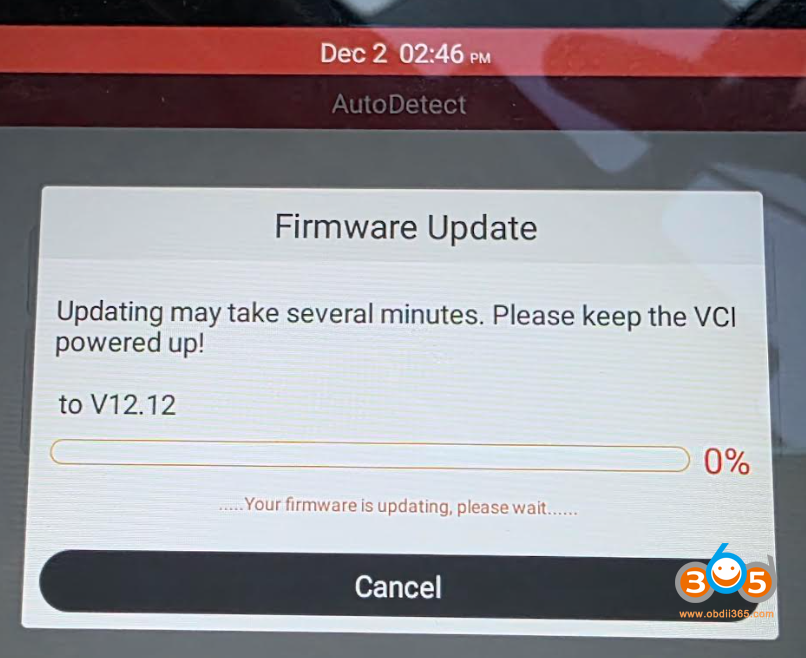
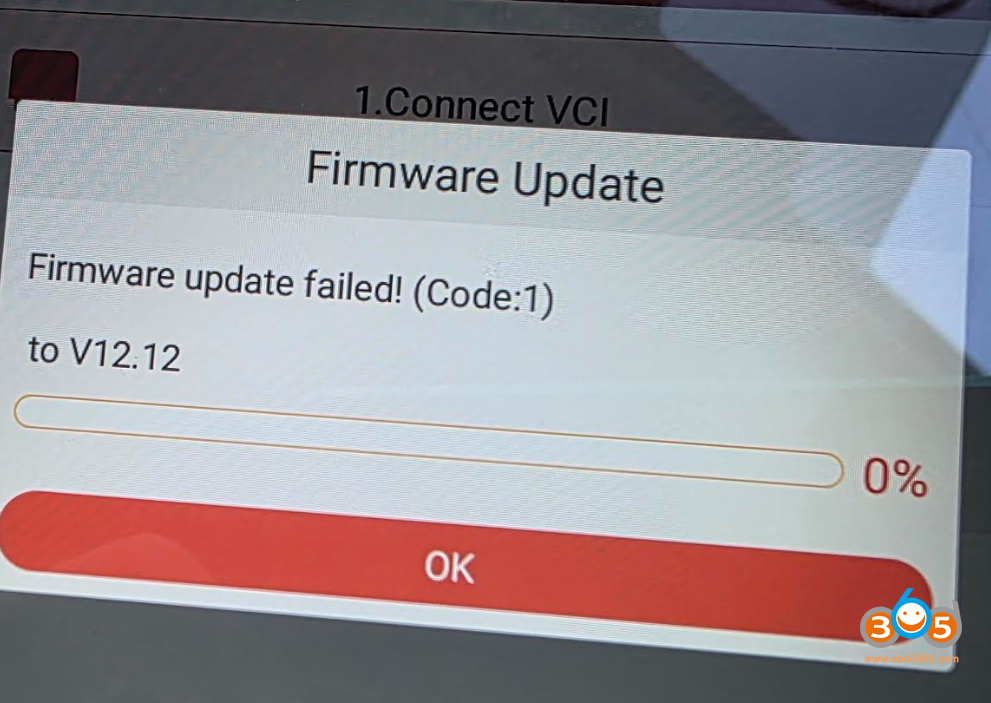
Here comes the solution to Launch CRP909 /CRP919/ CRP919 BT series firmware V12.12 update failed problem.
Solution:
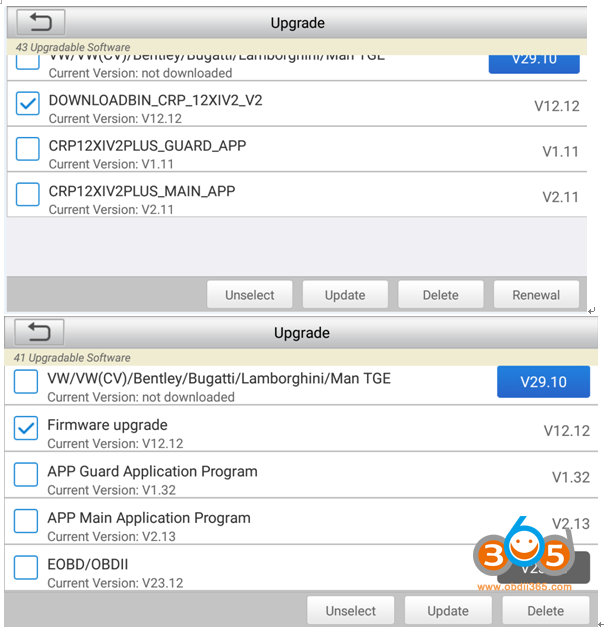
If the Firmware FIX fails, please first download the firmware from the Upgrade and then try fixing the firmware again.
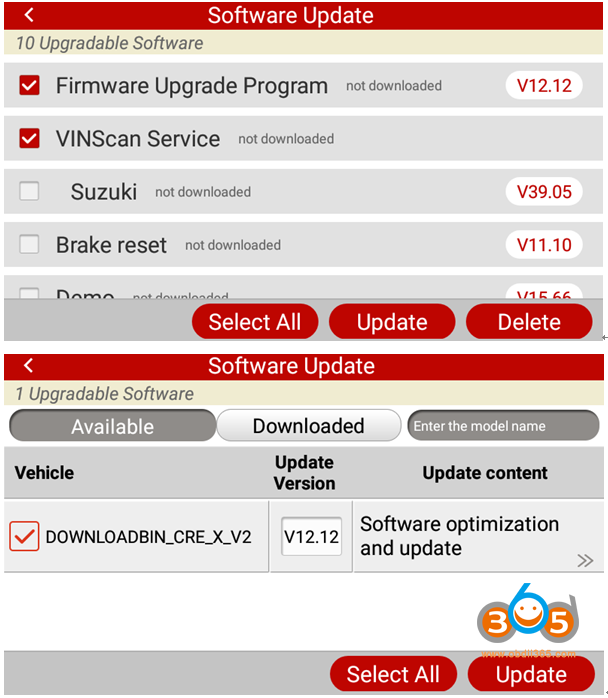
1. Connect to the network and go to the Update.
2. Select the firmware (V12.12) file that needs to be re-downloaded, and click Update to download it again.
DOWNLOADBIN_CRP_12XIV2_V2 (V12.12)
Firmware upgrade (V12.12)
Firmware upgrade Program (V12.12)
DOWNLOADBIN_CRE_X_V2 (V12.12)
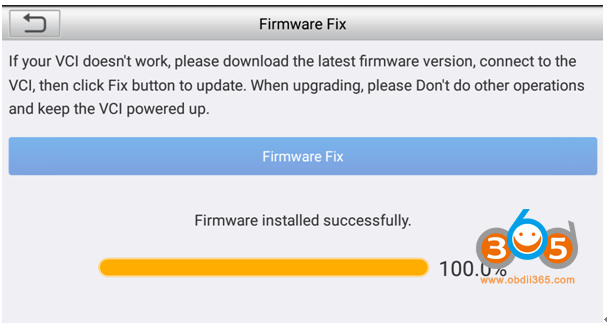
3. On the main interface, click DATA, then go to Firmware Fix, and execute Firmware Fix.