Good news: the latest Xhorse key tool plus database now supports unlocking of VAG Audi SFD security gateway manually.
Applicable devices:
Xhorse VVDI Key Tool Plus, VVDI Key Tool MIDI
Update the database to latest version
How to Manual Unlock VAG SFD Gateway with Xhorse?
XHORSE cannot automatically unlock the SFD gateway; it requires obtaining the calculation code from a third party.
Method:
- Obtain the vehicle SFD seed code (vehicle data) via OBD.
- Send the seed code to a third-party service for calculation manually (i.e vag logins).
- Copy the calculation result into the input field on the tablet. The SFD unlock will then be completed, with a validity period of 90 minutes after unlocking.
Go to Unlock SFD function.
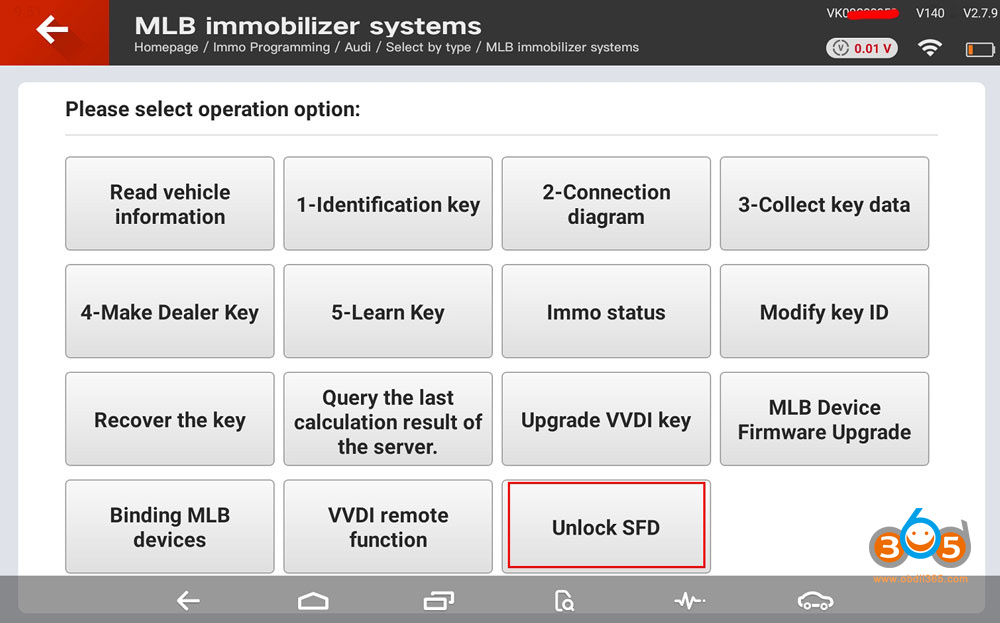
Upon opening it, a QR code will appear.
Scan the QR code with your phone to obtain vehicle data on the webpage.
Send the see data to a third party for calculation.
Upload the calculation results.
The tablet will then display a “Unlock Success” notification.
After unlocking SFD gateway, you have 90 minutes to perform related functions.
Then generate dealer key and learn key with vvdi key tool plus.
NOTE:
vag-logins is only for SFD1. It cannot unlock SFD2 yet.
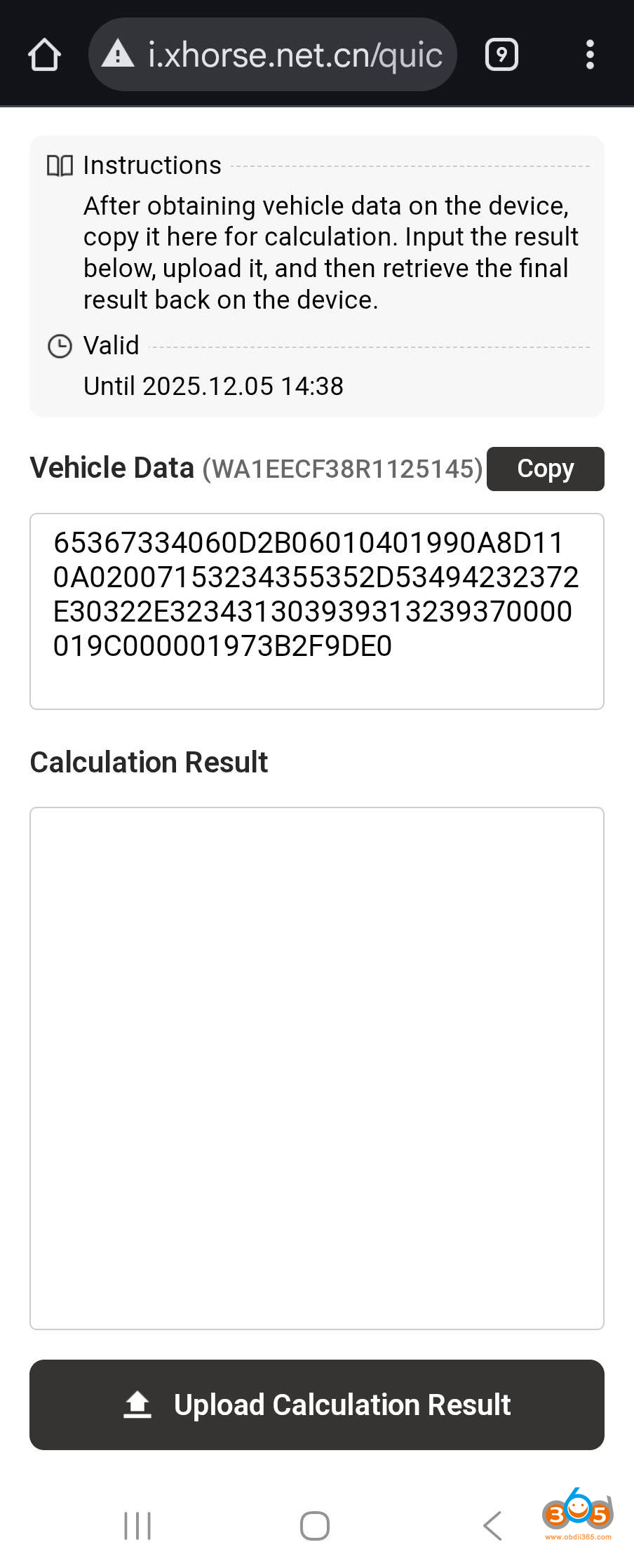
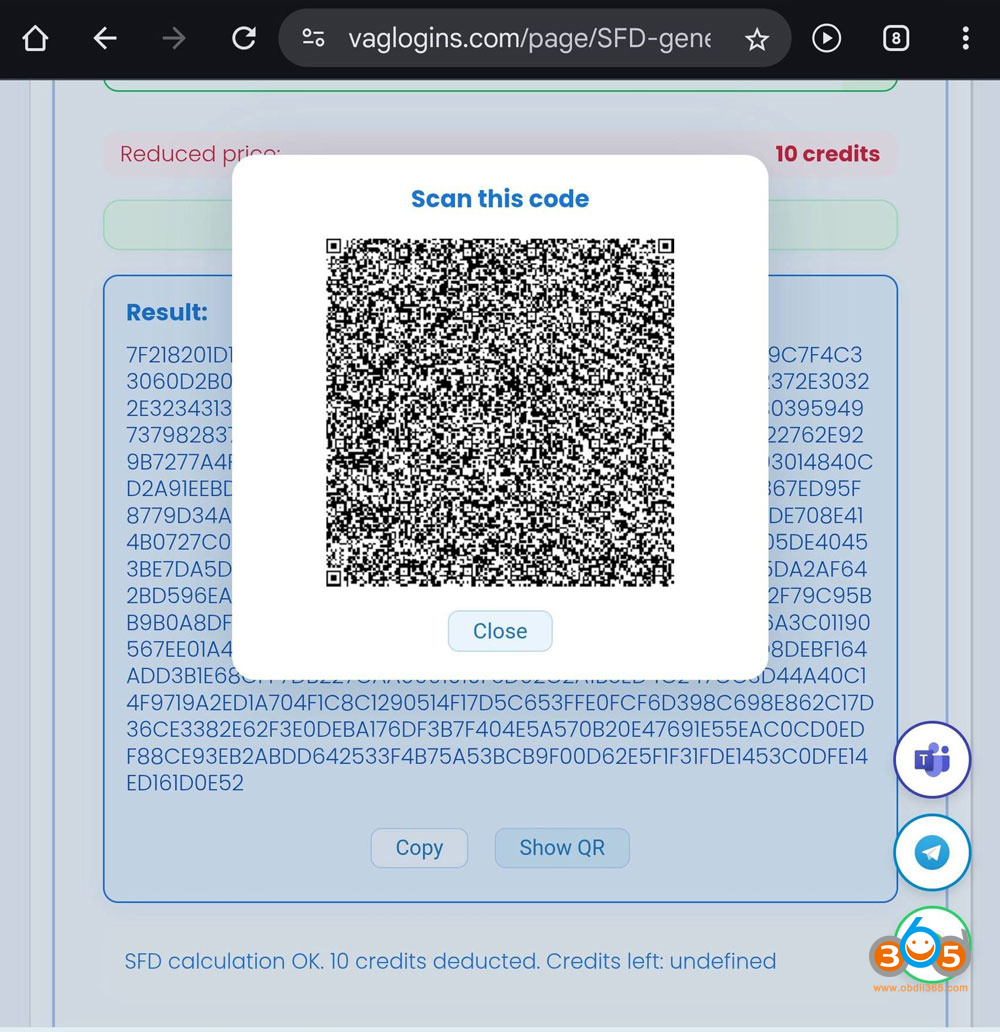
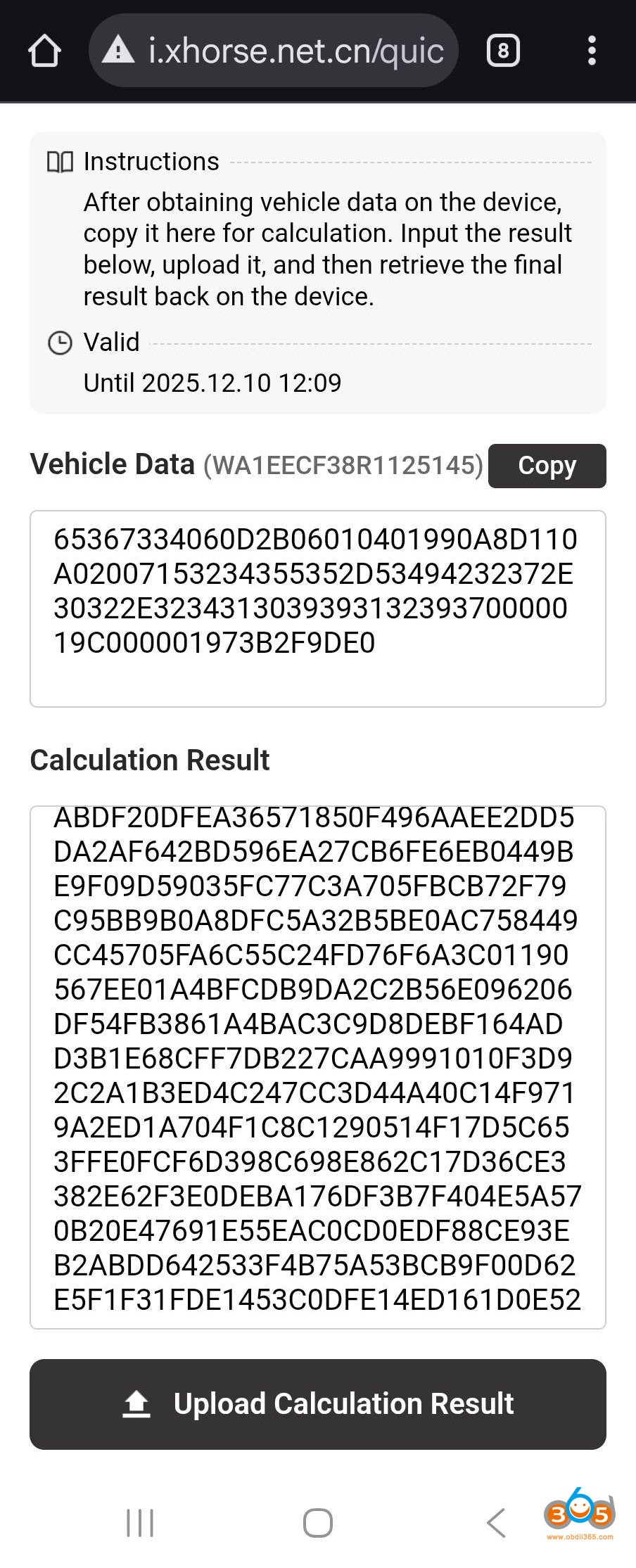
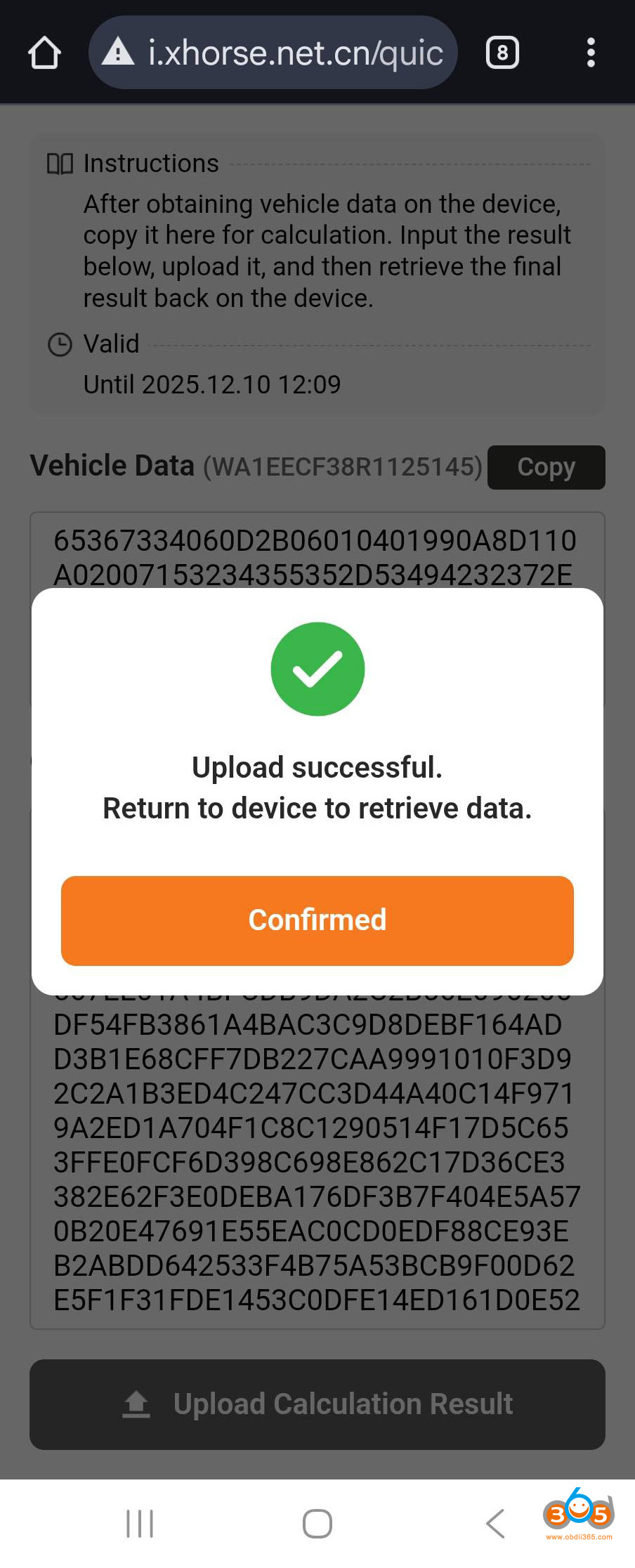
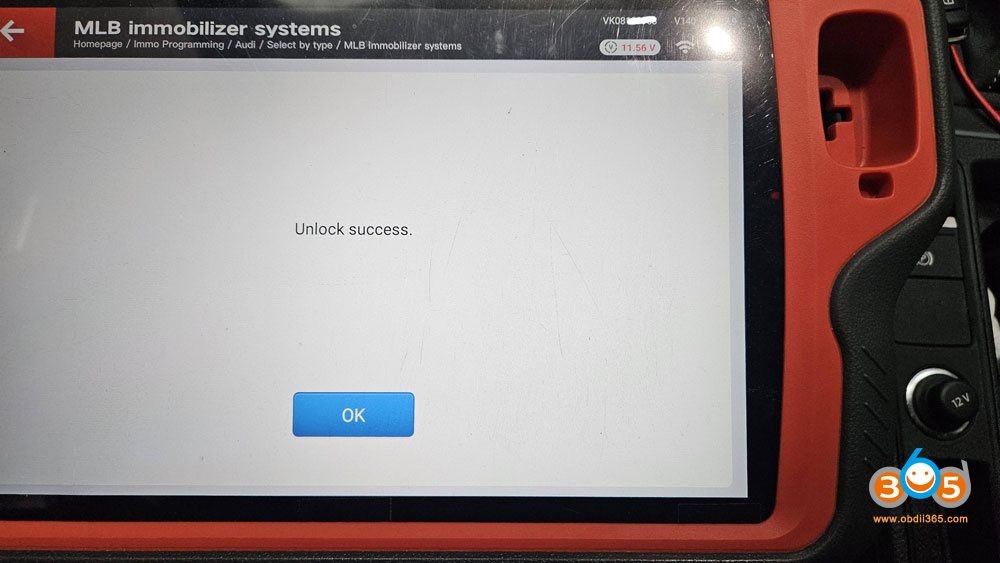
Here is another example of how to get SFD calculation code via 3rd party vag logins:















