TOPDON diagnostic scanners previously only supported manual unlocking of VAG SFD SGW security gateway, requiring users to obtain calculation passwords from third parties (check instructions here). Now, TOPDON has introduced an automatic unlocking service, allowing users to directly purchase the gateway unlocking service within the device and unlock it automatically.
What is VAG SFD SGW Access?
SFD(Schutz Fahrzeug Diagnose) is Volkswagen Group’s security protection mechanism designed to safeguard vehicle diagnostic access. It limits advanced diagnostic operations such as programming, coding, configuration, bidirectional control, and DTC clearing unless authenticated unlocking is performed.
Why is Unlocking the VAG SFD SGW Necessary?
With SFD SGW unlock capabilities integrated into our tools, users will be able to:
·Access protected control units.
·Perform advanced functions such as programming, coding, maintenance services, active test, as well as fault code clearing.
·Maintain full diagnostic coverage on new models equipped with SFD.
Which TOPDON Products are Able to Unlock VAG SFD SGW?
TOPDON’s ArtiDiag500/600 series, ArtiDiag700/800 BT 2/900 Lite diagnostic tools currently offer VAG SFD unlock capabilities. By the end of December, support will be rolled out to UltraDiag, Phoenix Series and the ONE series. For more TOPDON scanners, please stay tuned for updates.
How to unlock VAG SFD SGW with Topdon diagnostic Tool automatically?
Region: North America, Europe, and Asia. (Not include Russia and China)
When diagnosing a VAG vehicle equipped with SFD SGW, the system will display your current unlock permission status.
Tap “Buy Now” to purchase SFD SGW access and complete the order.
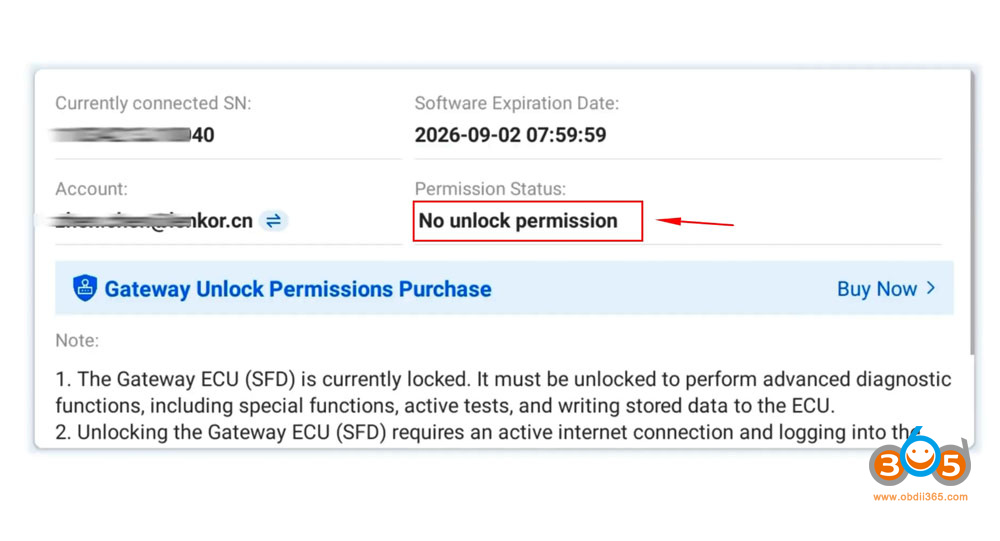
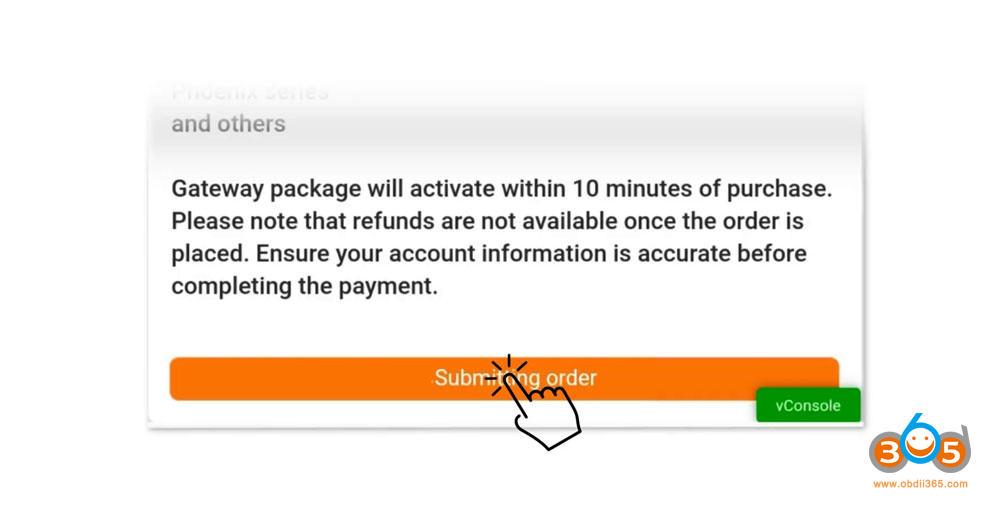
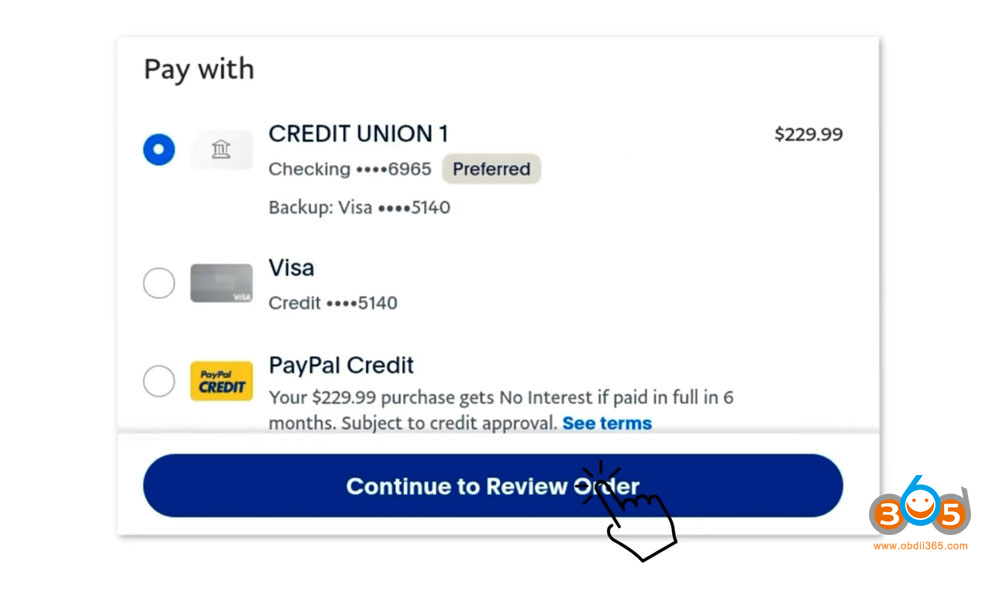
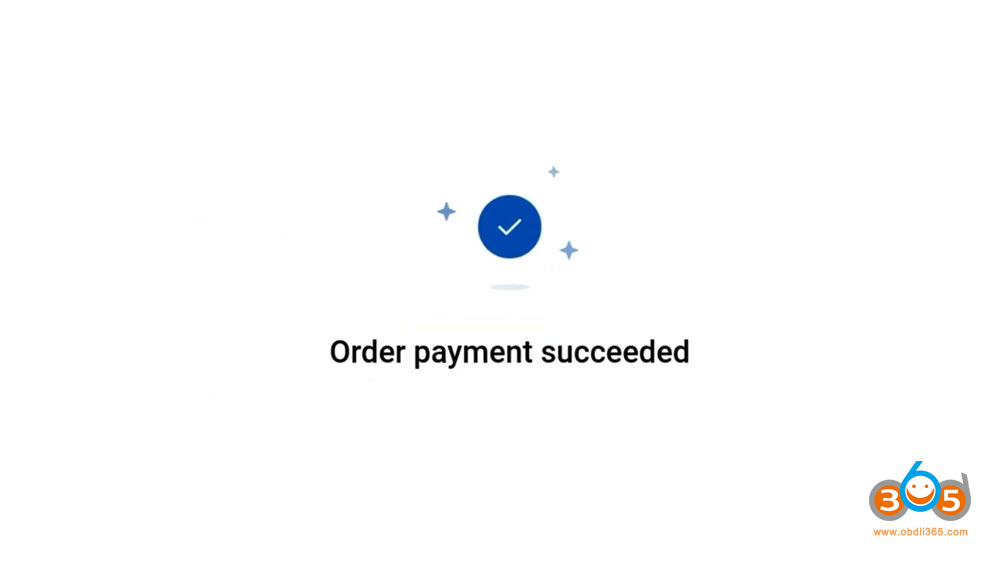
Return to the Gateway Information page to check your unlock permission status and validity.
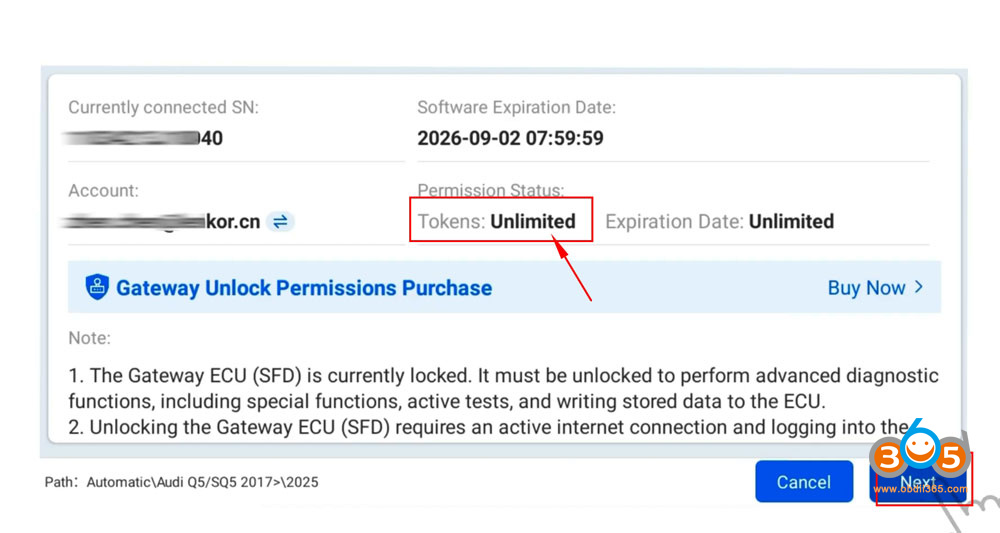
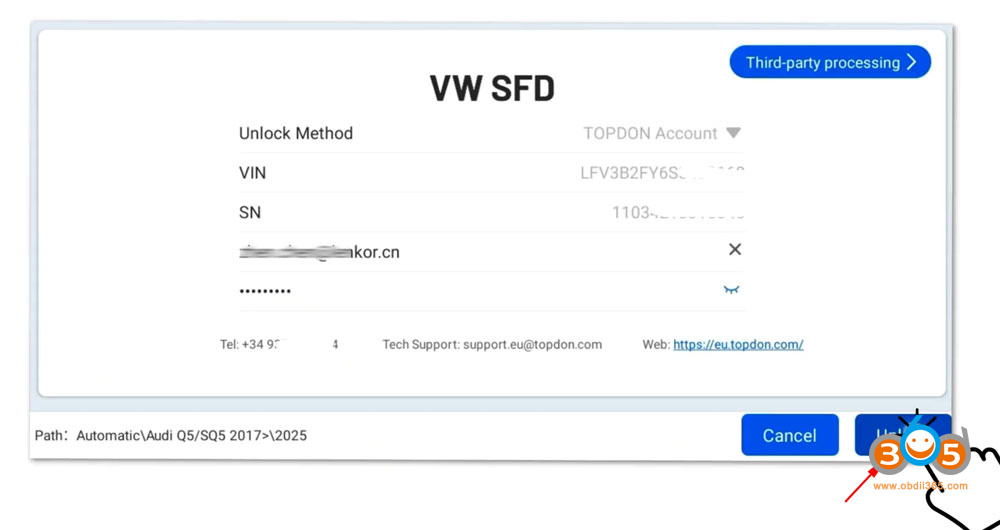
Tap “Next” to log in your Topdon account.
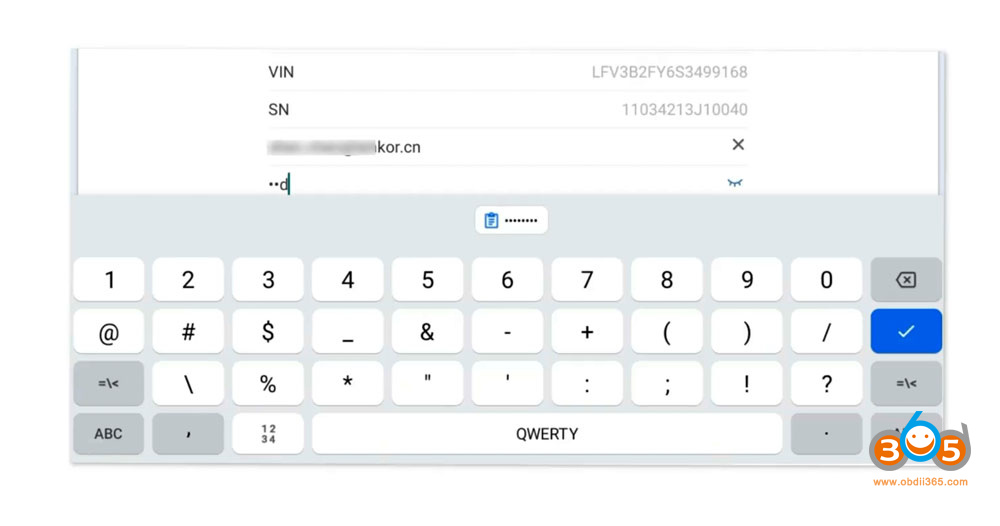
Hit “Unlock”.
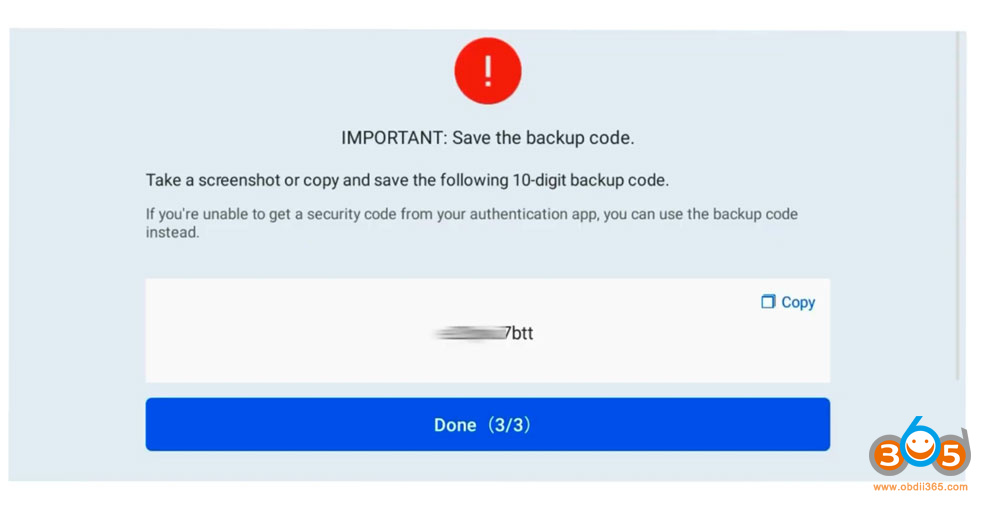
Complete the two-factor authentication by following the on-screen instructions.
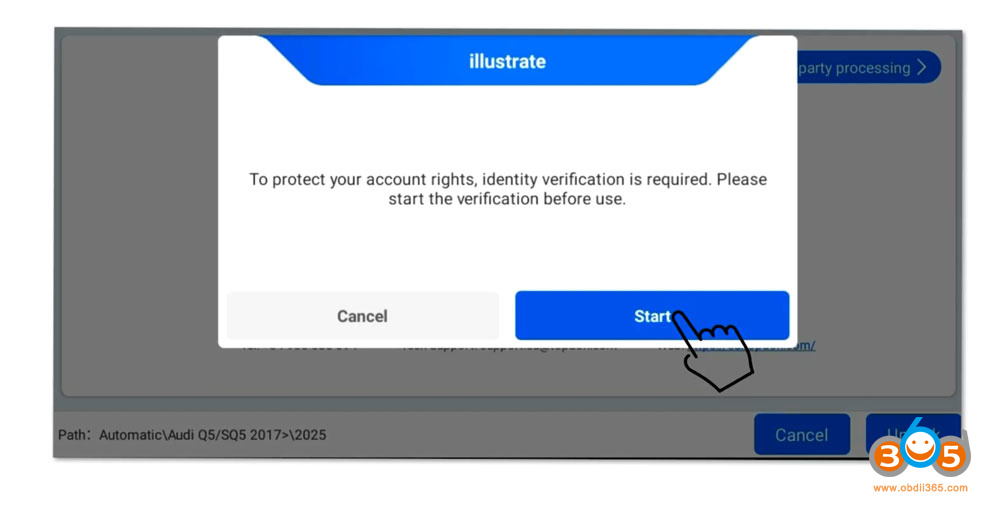
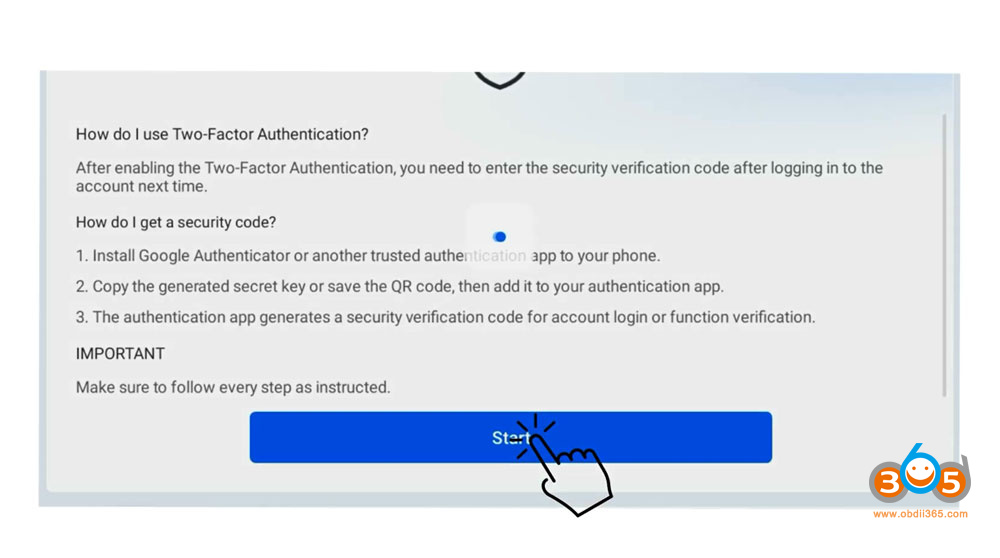
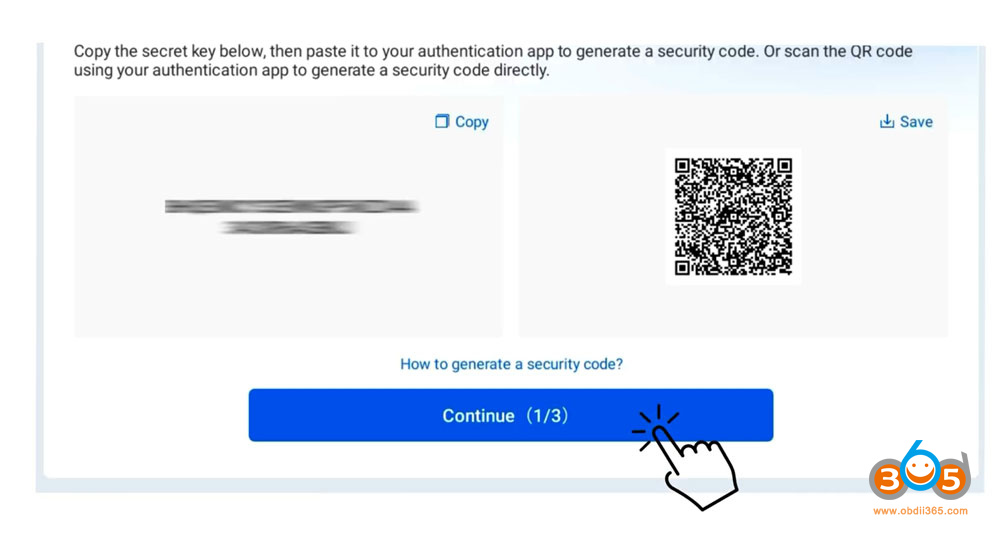
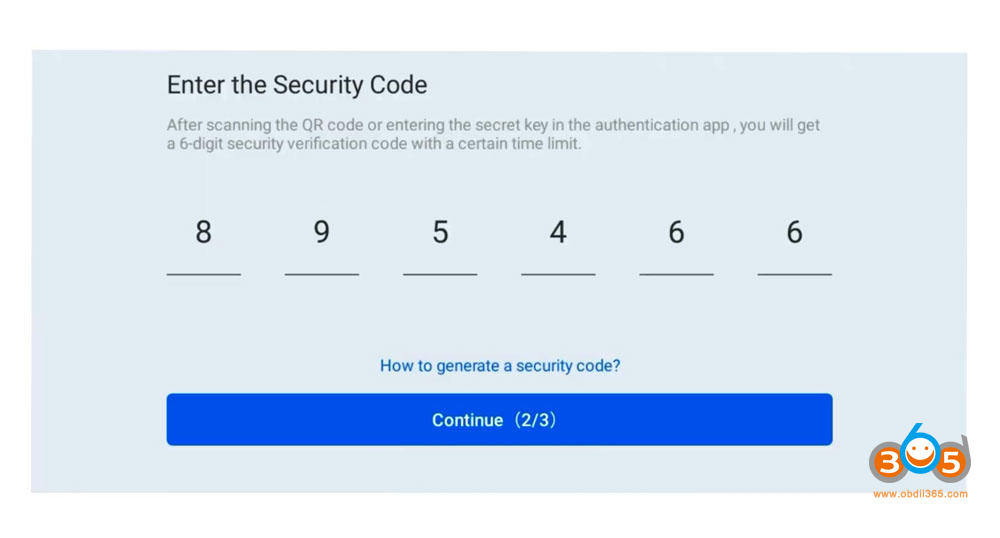
Make sure to save your backup code for future account recovery.
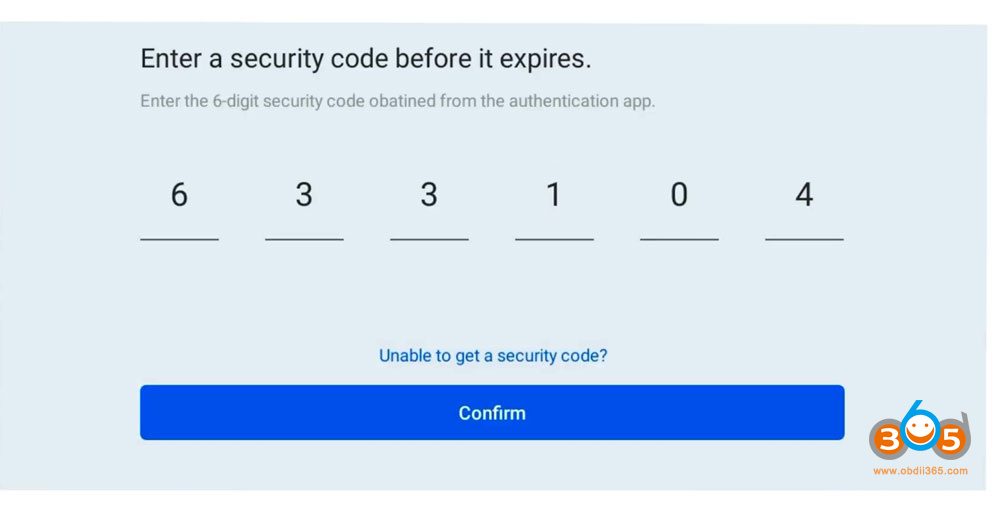
Log in again using the secure verification code provided.
Fill in your personal information, including your name, phone number and workshop address.
Upload images of your ID card from your phone album or take photos directly.

Once the upload is successful, SFD SGW will be unlocked and you can begin diagnosis.
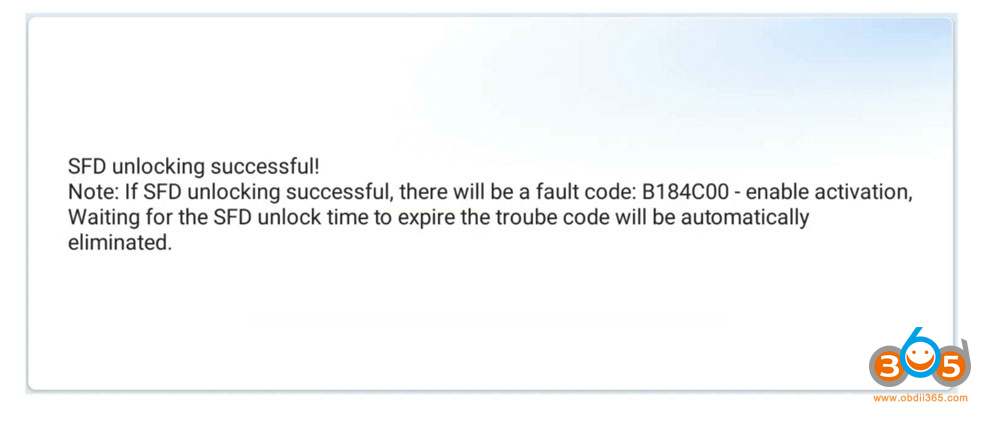
NOTE:
ID verification is required only once. No re-upload is needed after approval.
The validity period of the gateway unlocking service is one year, after which renewal is required.
Read also:
How to Unlock NISSAN AutoAuth SGW Gateway by TOPDON Diagnostic Tool?















